محددات عامة
المطابقات الدقيقة فقط
البحث في العنوان
البحث في المحتوى
محددات نوع المشاركة

Is Tome the Ultimate AI Tool for Crafting Engaging Presentations?

التسعير:

أفضل البدائل:

منصة:

على شبكة الإنترنت

التكامل:

روابط اجتماعية:

ملخص

Are you tired of spending hours on presentations that fail to captivate your audience?

Enter Tome, an AI-powered tool designed to transform your ideas into polished and professional presentations with ease.

Discover how Tome streamlines the process of creating compelling presentations in my comprehensive review.

مراجعة المحرر

النتيجة الإجمالية: 4.5

Tome is an AI-powered app that helps you create engaging and interactive stories from your content. Whether you want to turn your blog posts, scripts, podcasts, or videos into immersive presentations, Tome can help you do it in minutes. Tome lets you add any web content to your stories, such as tweets, videos, GIFs, 3D models, and live data. You can also customize the layout and design of your pages to suit your style and audience. Tome is more than just a slide deck tool, it’s a storytelling platform that enables you to share your ideas and stories with the world.

الايجابيات

  • واجهة سهلة الاستخدام وبديهية
  • Powerful AI features that generate stories from your content
  • Flexible and fluid layouts that adapt to your content
  • Collaborative and interactive features that let you get feedback and comments

سلبيات

  • Limited customization options for fonts and colors
  • Requires internet connection to work

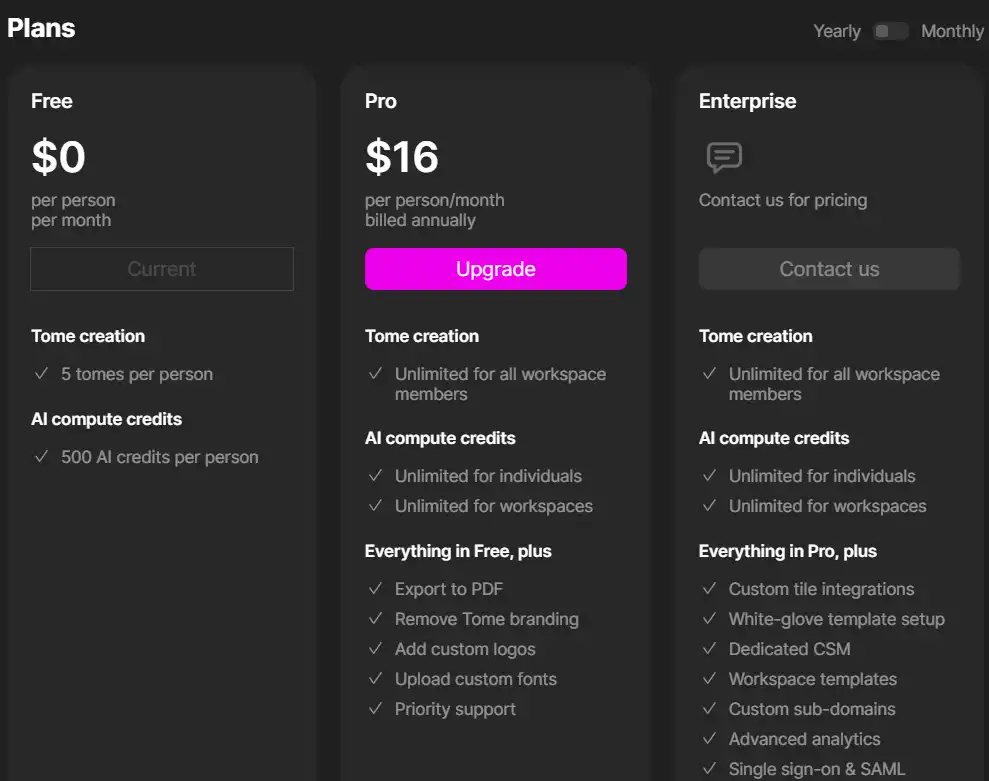
Tome Pricing

التسعير (الخطة الشهرية التي تتم فوترتها سنويًا) يخطط أفضل ل
حر حر Best for individuals starting to capture and share ideas
16 دولار أمريكي طليعة Best for users needing unlimited access to AI features and export options

Tome App monthly pricing plans.

monthly pricing plan for Tome 12

Tome App annual pricing plans.
yearly pricing plan for Tome 13

ميزة حر طليعة
Tomes per Person 5 غير محدود
Responsive Layouts نعم نعم
Interactive Content نعم نعم
Smart Themes نعم نعم
Video Narration نعم نعم
AI Credits 500 غير محدود
AI Presentations لا نعم
AI Text Edits لا نعم
توليد صورة منظمة العفو الدولية لا نعم
Early Access to AI Features لا نعم
Export to PDF لا نعم

What is Tome

• What is Tome?

Tome is an AI-driven platform that enables users to quickly articulate ideas into various formats such as presentations, one-pagers, and microsites. By simply entering a prompt, Tome provides a starting point for your content, offering outlines and options to refine every step of the way.

• Key Features of Tome

With its AI capabilities, Tome helps refine the tone, wording, and visuals of your content. It also allows for the creation of interactive embeds and ensures that your presentations are optimized for any screen. Users can enjoy a library of templates for different needs, including design, product, sales, and more.

• Tips for Using Tome

فيما يلي بعض النصائح لتحقيق أقصى استفادة منها Tome:

  • 🎨 Embrace the Visuals: Take advantage of Tome’s visually engaging style to make your presentations stand out.
  • 📊 Use Templates Wisely: Select from the library of templates to jumpstart your presentation creation process.
  • 🔧 Customize for Your Needs: Utilize Tome’s features to tailor your presentations to your specific requirements.
  • 📝 Input Clear Prompts: Provide clear prompts to guide the AI in generating relevant and coherent content.
  • 🔄 التكرار والتحسين: Use the AI’s suggestions to refine and polish your presentation until it aligns with your vision.
  • 📲 Optimize for Mobile: Ensure your presentation looks great on mobile devices, as Tome is designed to be mobile-friendly.
  • 🤝 Collaborate with Your Team: Tome supports collaboration, making it easier to work together on presentations.
  • 🧪 Experiment with AI Features: Don’t hesitate to explore the AI writing and image generation tools to enhance your content.

Whether you’re a marketer, educator, or business professional, Tome can help you create presentations that resonate with your audience and communicate your ideas effectively.

Product Hunt Review for Tome

What other users are saying about Tome

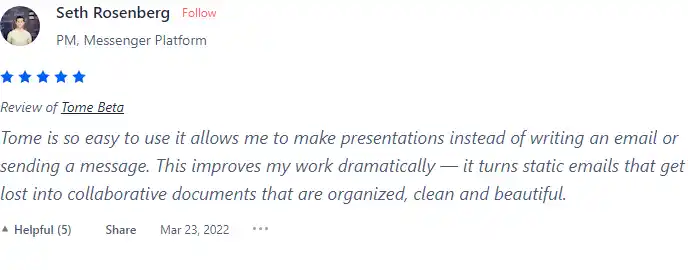
  • 🌟 Tome has a 4.7/5 rating based on 89 reviews overall.
  • Most positive aspects highlighted by reviewers:
    • 💬 دعم العملاء ممتاز with 24/7 availability
    • 😇 احترافية ولطف الفريق
    • 💰 Affordable pricing and features
    • 🚀 Easy migration from other platforms
    • ⏰ Reliability and 99.95% uptime guarantee
  • 🐾 Tome’s ease of use is appreciated by some users.
  • ☁️ Negative reviews mention issues with functionalities and unmet expectations.

I have crosschecked my experience with the experience of other Tome users on هانت المنتج.

How to use Tome

Getting started with Tome is straightforward and user-friendly. Here’s a step-by-step guide on how to use its features:

Create a Presentation or Page

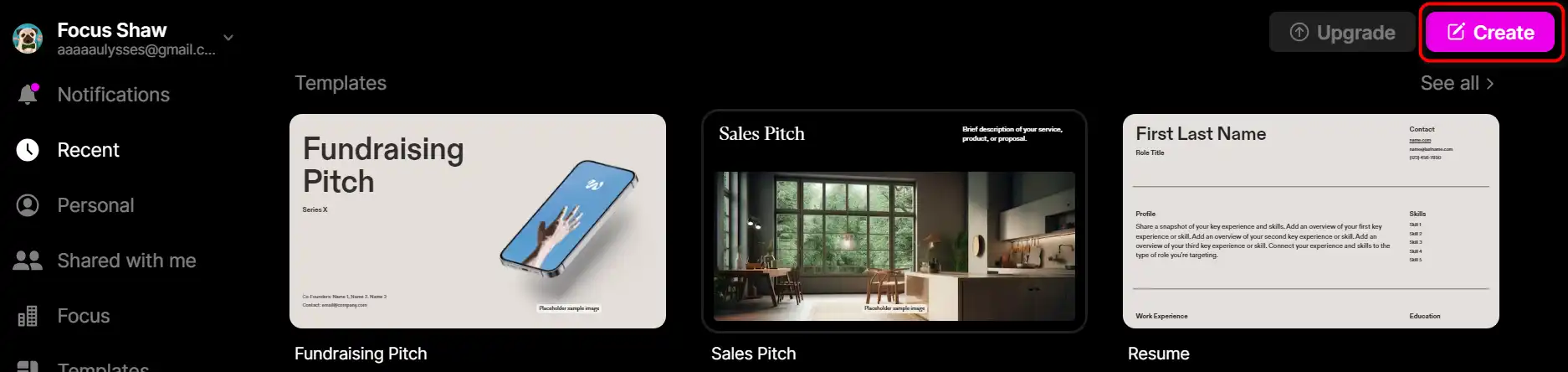
  1. Click on ‘Create’ in the top right-hand corner of your workspace.
    how to use Tome 2
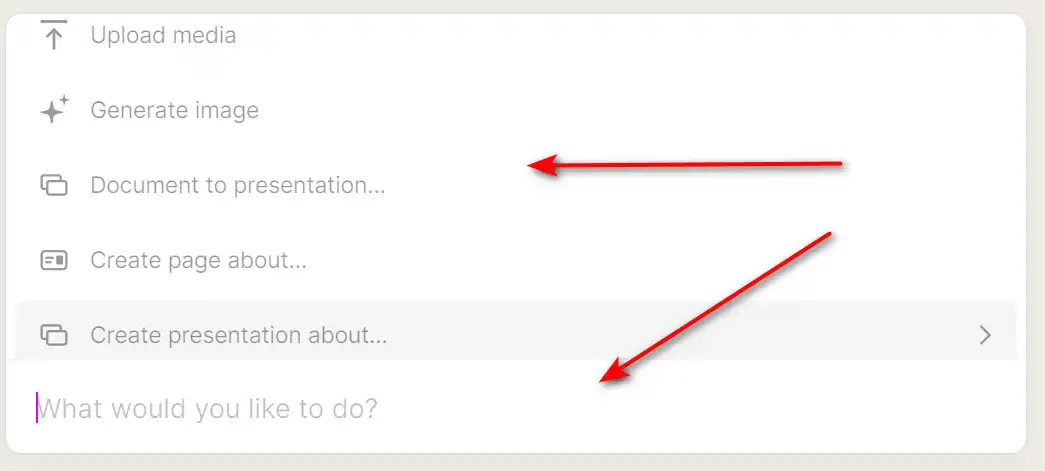
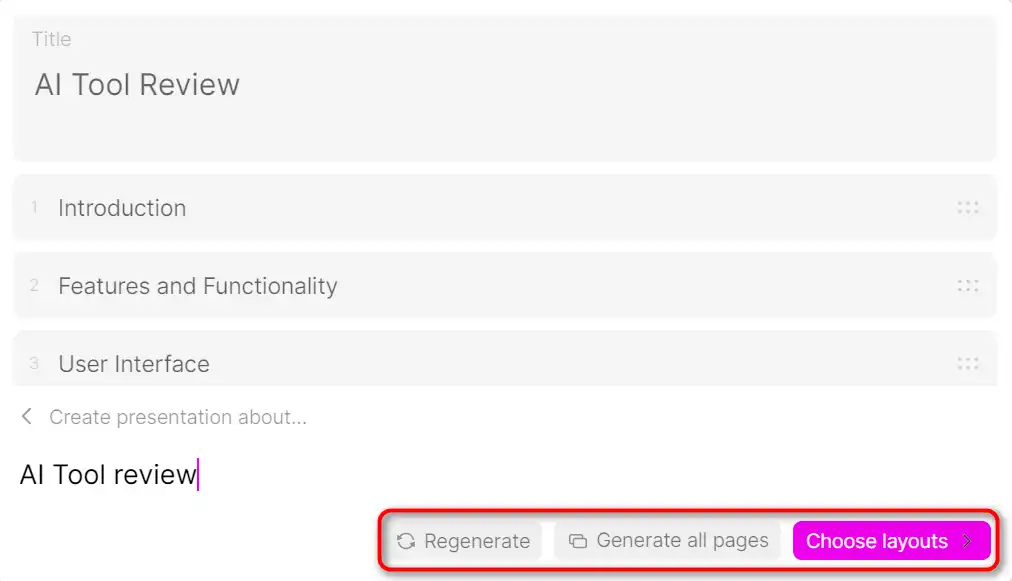
  2. Add a text prompt, select your preferred format, and use the enter or return key to submit your prompt to Tome’s AI.
    how to use Tome 3
  3. The AI will generate a narrative from your text and produce matching visuals.
    how to use Tome 4
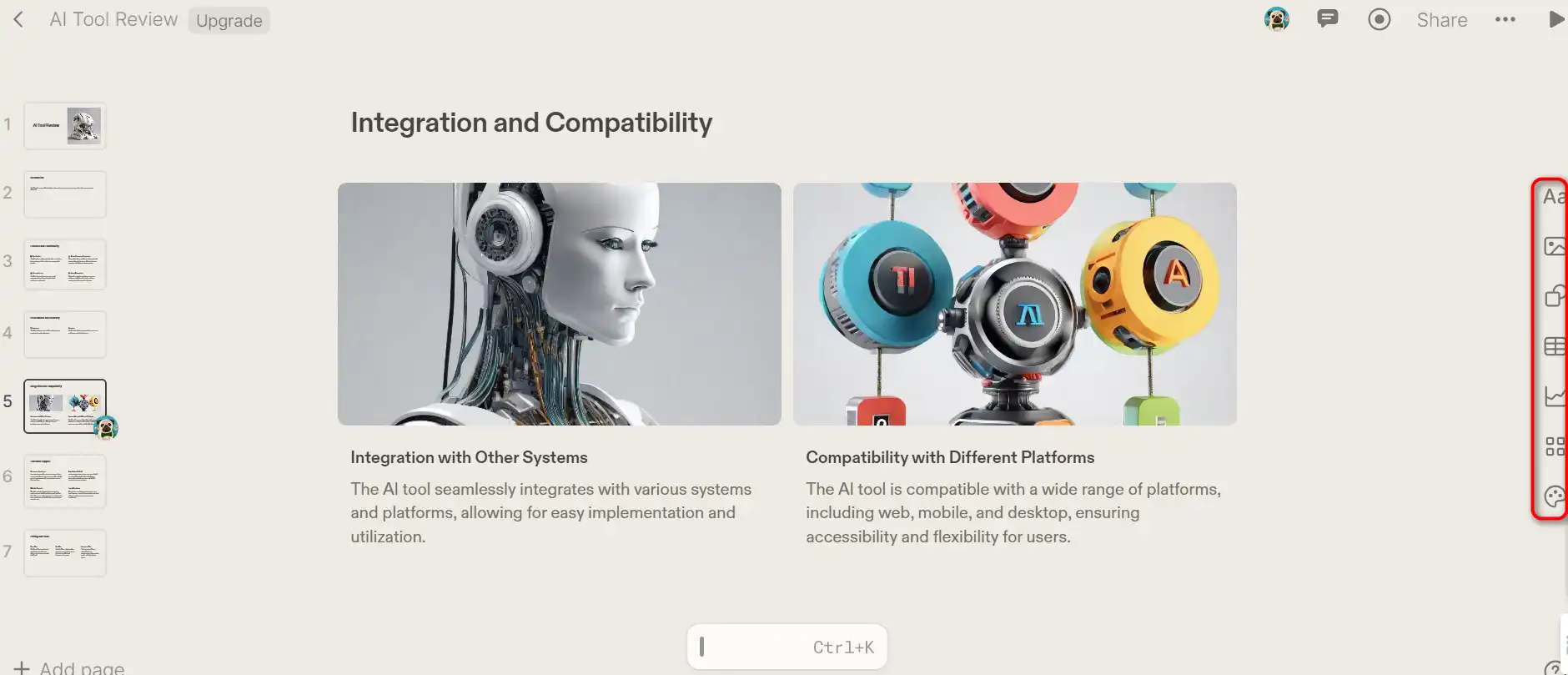
  4. You can manually edit the generated content to suit your needs.
    how to use Tome 5

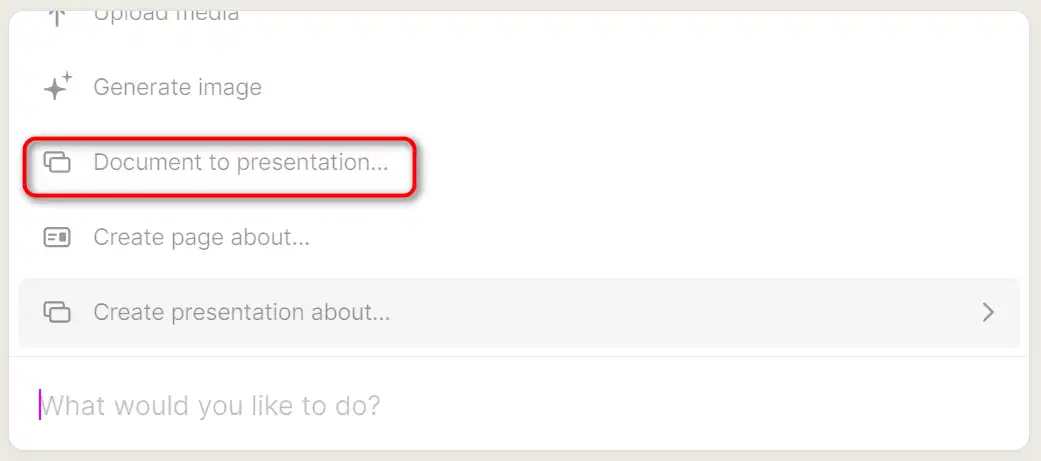
Document to Presentation

With this feature, you can generate a presentation derived from a document.
how to use Tome 6

AI Edit/Rewrite

Use AI to refine the tone and wording of your content.
how to use Tome 7

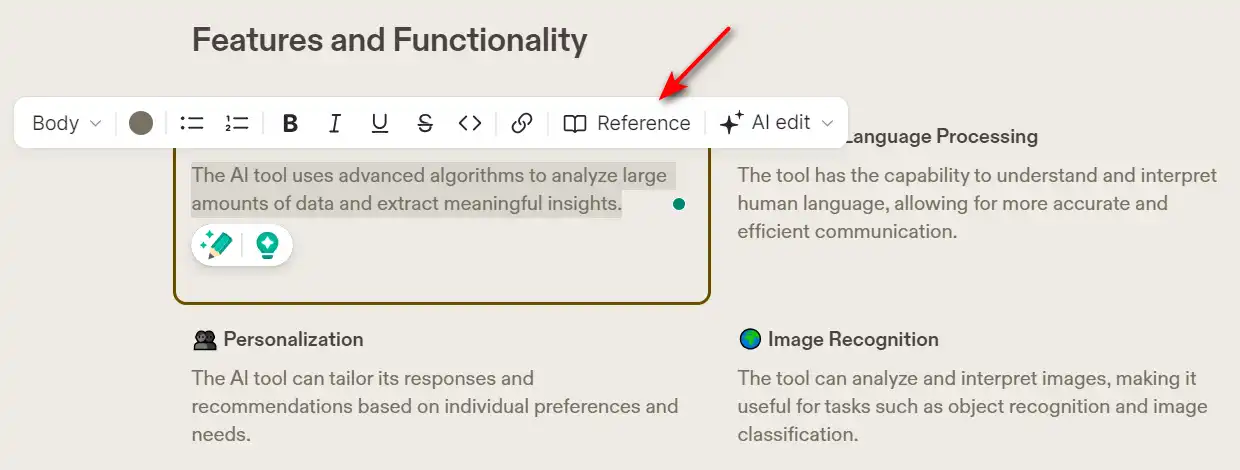
AI References

Conduct web searches for references using AI.
how to use Tome 8

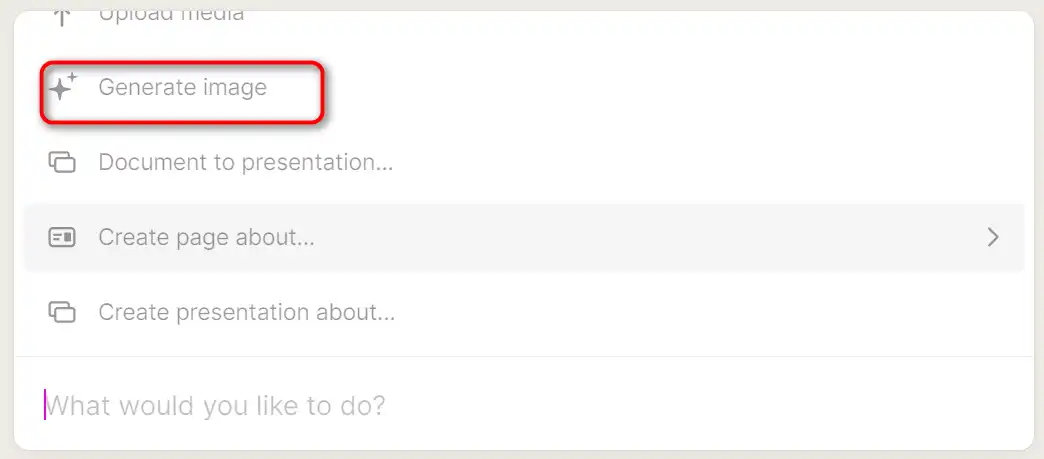
لدي صور

Create an image by providing a text prompt to the AI.
how to use Tome 9

Sharing and Exporting Your Tome

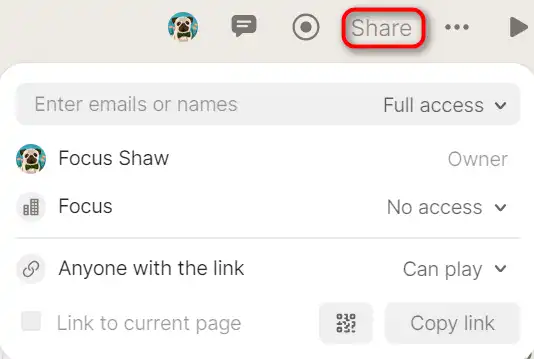
To share your Tome with teammates, use the ‘Share’ button in the top right.

how to use Tome 10

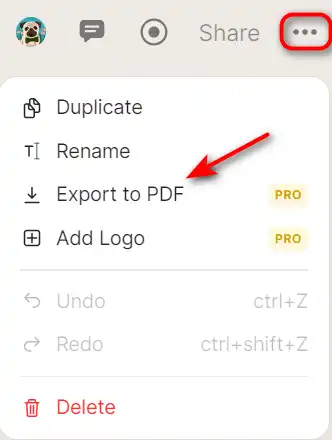
To export your Tome, click the ‘…’ button in the top right and select the ‘Export to PDF’ خيار.

how to use Tome 11

Tome Top alternatives

Gamma Review

تطبيق Gamma هو برنامج ذكاء اصطناعي مبتكر يساعدك على إنشاء العروض التقديمية والمستندات وصفحات الويب من المحتوى المكتوب الخاص بك. سواء كنت بحاجة إلى طرح فكرة أو مشاركة تقرير أو عرض محفظتك، يمكن أن يساعدك تطبيق Gamma في إنشاء محتوى احترافي وجذاب في دقائق.

Tome FAQ

Is Tome AI free to use? +

Tome AI provides a free trial allowing you to test the tool. With the free plan, you get 500 credits, enough to create content and explore all the available features. However, after the trial, you have to pay around $16 per month to use this tool unlimitedly.

What are the benefits of using Tome AI? +

Tome AI is a valuable tool for saving time and increasing productivity by automating the creation of slides. It ensures the output is functional and beautiful, producing slides that can engage any audience. It’s perfect for crafting presentations for work, school, or freelance projects. Unique features include the ability to integrate real websites and applications within presentations, and the generation of AI-created images.

How does Tome AI work? +

Tome AI works by using generative AI to build a narrative from your text and generates matching images to enhance your points. You can give the AI textual instructions, and it will automate the process of creating presentations. It also allows you to select functions from toolbars and menus, drag and drop sections, and manually type descriptions. You can also use AI writing tools such as “Rewrite”, “Reduce” and “Extend” for further customization.

What are the limitations of Tome AI? +

Tome AI has a limitation in terms of its language capabilities. Also, while the presentation-creating style of Tome AI is engaging, stylish, and visually attractive, it may not suit the likes of business people who prefer more formal slides. Additionally, some users have reported issues with customer support and inflexible layouts.

Can I customize my presentations with Tome AI? +

Yes, Tome AI offers features for customizing your presentations according to your needs. You can insert tables, animations, and choose colors, change font sizes and typefaces, use bullets or numbers in list view, and more. You can also generate and incorporate images in a matter of seconds.

How is the user experience with Tome AI? +

Tome AI is praised for its user-friendly interface. It’s designed to be simple and less cluttered than traditional presentation tools like Microsoft PowerPoint. It places more focus on the slides, making it easy for new users to jump right in. However, some users have reported issues with inflexible layouts and difficulties in managing or changing font sizes for specific styles.

What are the use cases of Tome AI? +

Tome AI can be used for various purposes such as crafting presentations for work, school, or freelance projects. It can create presentations on various niches, be it fundraising or sales pitches, team standups, or even design reviews. It’s also useful for product strategy, design reviews, user research, and team updates.

How can I get help with Tome AI? +

While specific information about customer support for Tome AI is not readily available, it’s generally recommended to check the tool’s official website or help portal for support options. However, some users have reported issues with customer support response times.

Tome Conclusion

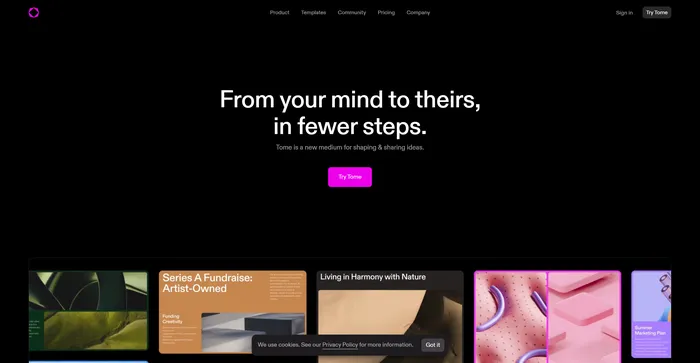
Choose Tome for a seamless experience in creating professional, visually appealing presentations. Its AI-powered features simplify the process, allowing you to focus on your content rather than design. Whether for business, education, or personal use, Tome is a powerful tool that enhances your storytelling capabilities.

أدوات الذكاء الاصطناعي المميزة

Tome Related AI Tools

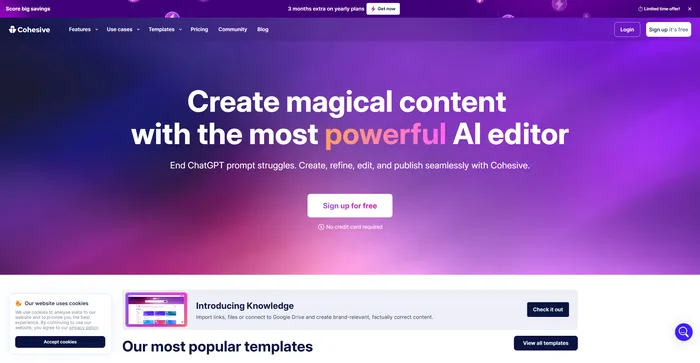
Cohesive Review

أنشئ محتوى سحريًا باستخدام أقوى محرر يعمل بالذكاء الاصطناعي

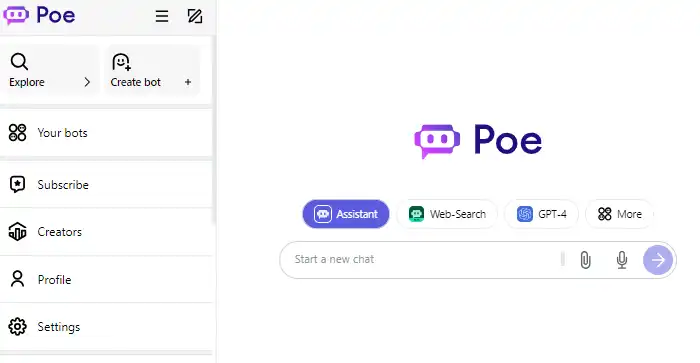
Poe Review

دردشة سريعة ومفيدة بالذكاء الاصطناعي

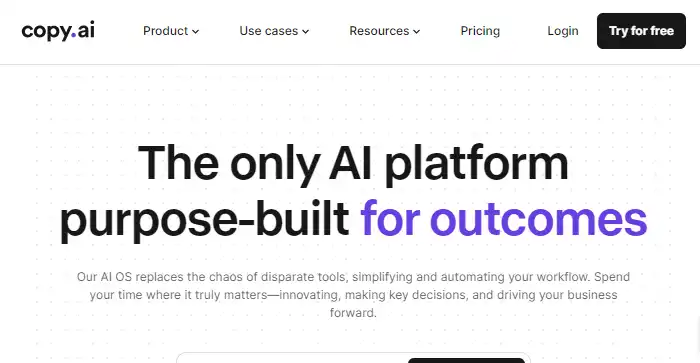
Copy.ai Review

منصة الذكاء الاصطناعي الوحيدة المصممة خصيصًا لتحقيق النتائج

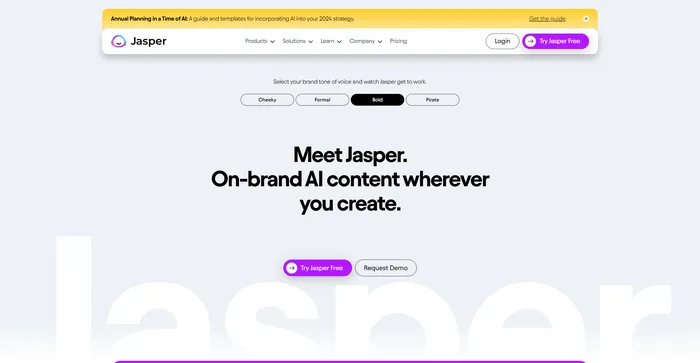
Jasper Review

مساعد طيار AI لفرق التسويق في المؤسسات

Midjourney Review

منتصف الرحلة