
Sélecteurs génériques
Correspondances exactes uniquement
Rechercher dans le titre
Rechercher dans le contenu
Sélecteurs de types de messages

Is Coda the Ultimate Collaborative Workspace? A Comprehensive Review

Tarif :

Meilleures alternatives :

Plate-forme:

Application mobile basée sur le Web

Intégrations :

API, Zapier, Make, WordPress, ChatGPT

Liens sociaux:

Aperçu

Are you struggling to manage documents and projects efficiently within your team?

Discover how Coda aims to revolutionize the way teams collaborate, making it easier to create, share, and manage all your work in one place.

With its innovative features and integrations, Coda promises to be the all-in-one solution for your collaborative needs. But does it deliver? Let’s dive into the details.

Revue de l'éditeur

Note globale : 4,5

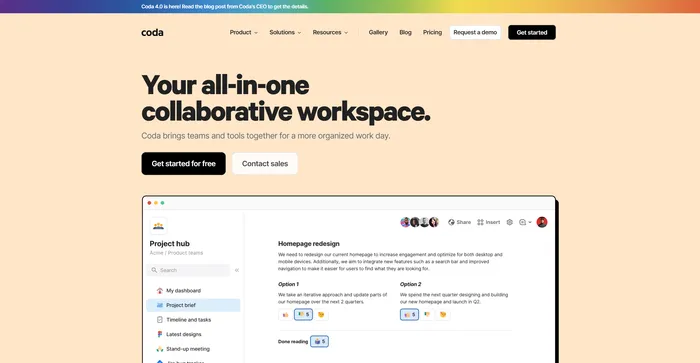
Coda se démarque comme un espace de travail collaboratif très polyvalent qui intègre les fonctionnalités de création de documents et de feuilles de calcul avec de puissantes capacités d'automatisation et d'IA. Il est loué pour être plus puissant que Google Docs et plus flexible qu'Airtable ou Notion, ce qui en fait un concurrent sérieux pour les équipes cherchant à rationaliser leur flux de travail et à améliorer leur productivité.

AVANTAGES

  • Combine des documents, des feuilles de calcul et des applications
  • Prend en charge un large éventail d’intégrations et d’automatisations
  • Fonctionnalités d'IA pour aider à la création de contenu et à la gestion des données
  • Adaptable à diverses fonctions d’équipe et secteurs

LES INCONVÉNIENTS

  • Peut avoir une courbe d'apprentissage pour les nouveaux utilisateurs
  • Les performances peuvent varier en fonction de la complexité des documents
  • Certaines fonctionnalités avancées peuvent nécessiter un forfait payant

Coda Pricing

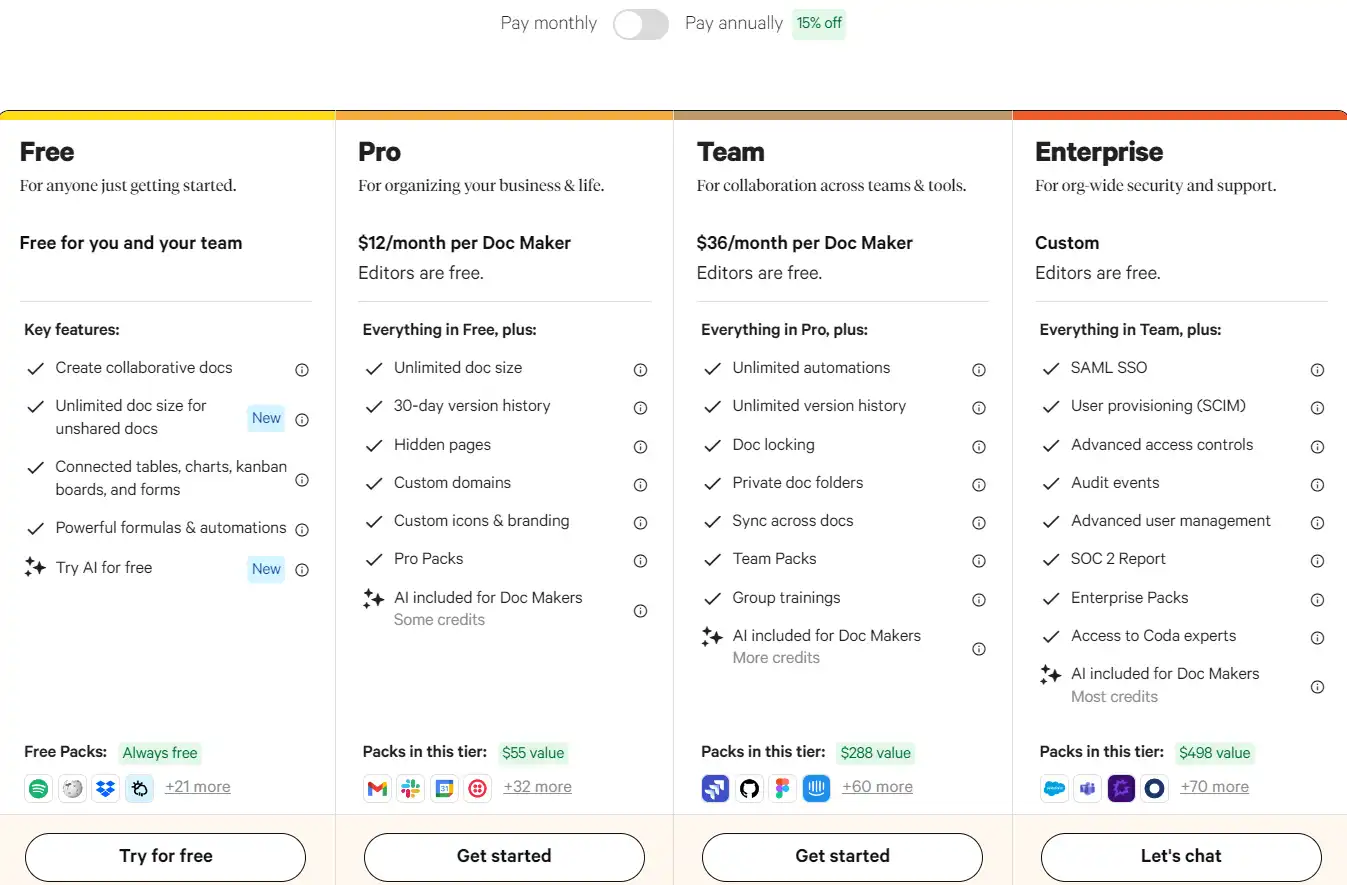
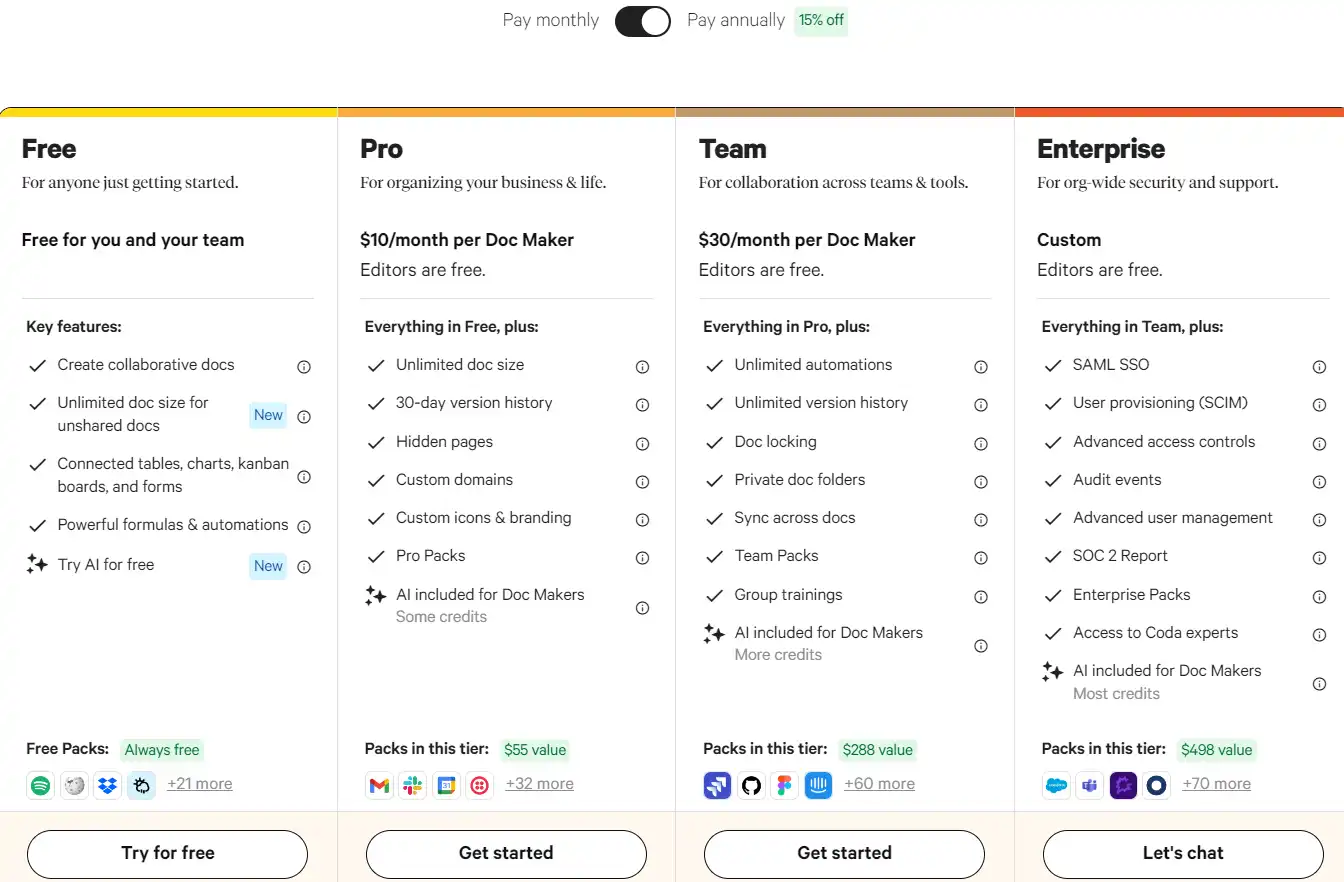
Tarifs (forfait mensuel) Plan Meilleur pour
Gratuit Gratuit Best for anyone just getting started
10 $ Pro Best for organizing your business & life
30 $ Équipe Best for collaboration across teams & tools
Coutume Entreprise Best for org-wide security and support

Coda monthly pricing plans.
monthly pricing plan for Coda 1

Coda annual pricing plans.
yearly pricing plan for Coda 2

Nom du régime Gratuit Pro Équipe Entreprise
Doc Makers 1 1 1 Coutume
Editors Gratuit Gratuit Gratuit Gratuit
Viewers Gratuit Gratuit Gratuit Gratuit
Crédits IA essayer 2k/mo 6k/mo 12k/mo
Attachments 1GB/doc 5GB/doc Illimité Illimité
Packs Manual refresh Daily refresh Hourly refresh Hourly refresh
Forms Illimité Image de marque personnalisée Image de marque personnalisée Image de marque personnalisée
Cross-doc Limité Cross-doc tables Cross-doc tables & actions Cross-doc tables & actions
Version History 7 jours 30 days Illimité Illimité
Collaboration + Sharing Oui Oui Oui Oui
Workspace Features Publishing stats, Unlimited folders Publishing stats, Unlimited folders Publishing stats, Unlimited folders, Private folders Publishing stats, Unlimited folders, Private folders, Internal doc analytics
Assistance prioritaire Non Non Non Oui
Security Non Non Non SAML-based Single Sign-on (SSO), User provisioning & deprovisioning, Packs approvals & auditing, Advanced sharing rules, Audit events, SOC 2 Type II report

What is Coda

• What is Coda?

Coda is a dynamic, all-in-one collaborative workspace designed to bring together documents, spreadsheets, and databases into a single platform. It’s tailored for teams and individuals seeking a versatile tool to streamline their workflow, enhance productivity, and foster collaboration.

• Key Features of Coda

Some of the standout features of Coda include:

  • Unified Workspace: Combine text, spreadsheets, and databases in one document for seamless project management.
  • Modèles personnalisables: Access a wide range of templates to kickstart your projects, from product roadmaps to meeting notes.
  • Integrations and Automations: Connect with popular apps and automate repetitive tasks to save time and reduce errors.

• Tips for Using Coda

Maximize your experience with Coda by following these tips:

  • 🌟 Explorer les modèles: Dive into Coda’s template gallery to find pre-made solutions that fit your project needs.
  • 🎯 Customize Your Docs: Take advantage of Coda’s flexibility to tailor documents exactly how you need them.
  • 📺 Use Integrations Wisely: Connect Coda with other tools you use to streamline your workflow and bring all your information into one place.
  • ⏱️ Automatisez les tâches répétitives: Set up automations for tasks you find yourself doing over and over, like sending reminders or updating statuses.
  • 🗣️ Collaborate in Real-Time: Share your docs with team members and work together in real-time, making collaboration effortless.

With its comprehensive features and user-friendly interface, Coda stands out as a powerful tool for enhancing team collaboration and productivity.

Product Hunt Review for Coda

What other users are saying about Coda

I have crosschecked my experience with the experience of other Coda users on Chasse aux produits.

Voici ce que j'ai trouvé :

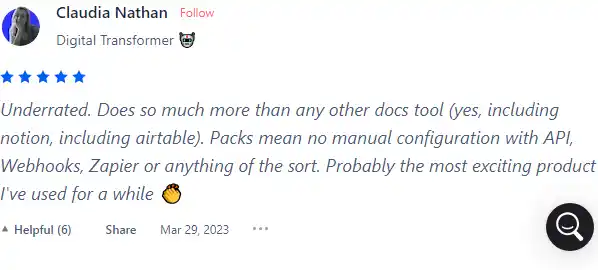
  • 🌟 Coda has an impressive 4.8/5 rating on Product Hunt based on 419 reviews (All time).
  • Most positive reviewers highlight Coda for its:
    • 🤖 Underrated capabilities, surpassing other document tools like Notion and Airtable
    • 🚀 Effective for various use cases, including PRD kick-offs, competitive information tables, and customer interviews
    • 🌐 Game-changing features for app development without coding
    • 💡 Intuitive interface and accessibility for non-programmers
    • 👏 Positive impact on workflow management, blending text, spreadsheets, and databases
  • 🚧 Coda has some limitations in:
    • 💡 Learning curve for new users, especially those not tech-savvy
    • 🐢 Performance with large documents, experiencing lag as size and complexity increase
    • 📱 Mobile app functionality, lacking some features compared to the desktop version
    • 🚫 Some users express dissatisfaction with Coda’s pricing changes and restrictions on page creation, leading to migration to alternative tools like Obsidian.

How to use Coda

Exploring Coda’s capabilities reveals a robust platform that simplifies complex tasks. Here’s a guide to harnessing its features:

Getting Started with Coda

Begin by creating a new doc or using a template from Coda’s gallery to jumpstart your project.
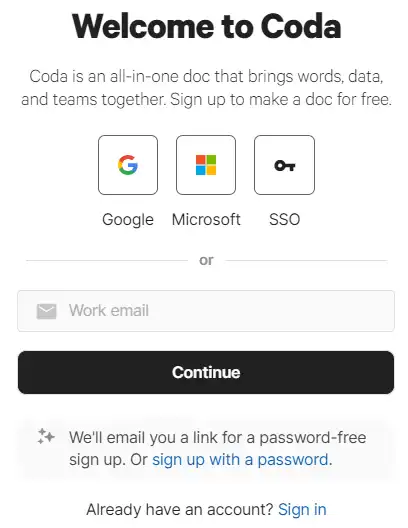
  1. Sign up or log in to your Coda account.
    how to use Coda 3
  2. Choose to start with a blank document or select a template relevant to your needs.
    how to use Coda 4
  3. Familiarize yourself with the interface, including the doc layout, toolbars, and settings.
    how to use Coda 5

Using Coda AI Assistant

The AI Assistant can generate text, tables, and edit content within your Coda doc.

  1. Activate the AI Assistant with “space” or by typing “/” followed by AI.
    how to use Coda 6
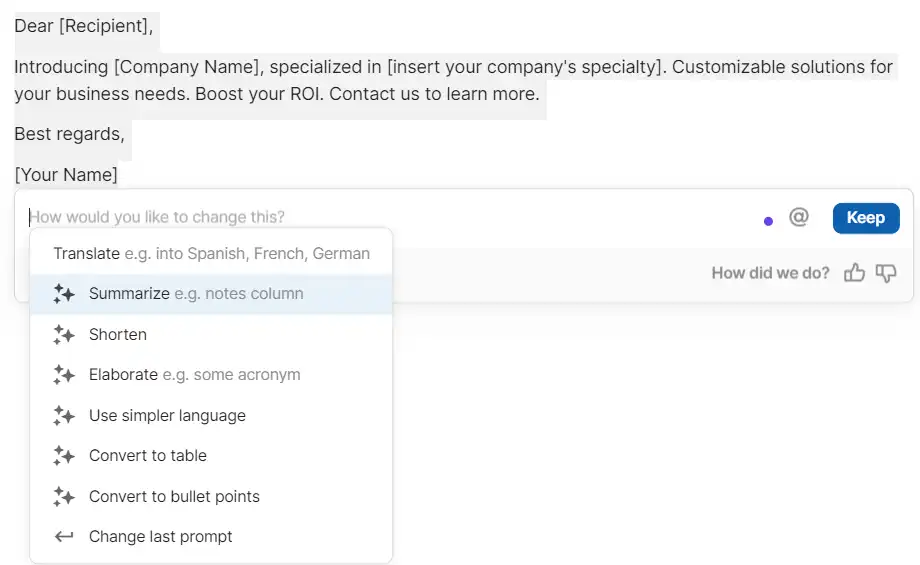
  2. Input your prompt clearly to generate content such as blog posts, emails, or reports.
    how to use Coda 7
  3. Refine the output by editing or re-prompting as needed.
    how to use Coda 8

Creating Tables with AI

Effortlessly generate and populate tables using Coda’s AI capabilities.

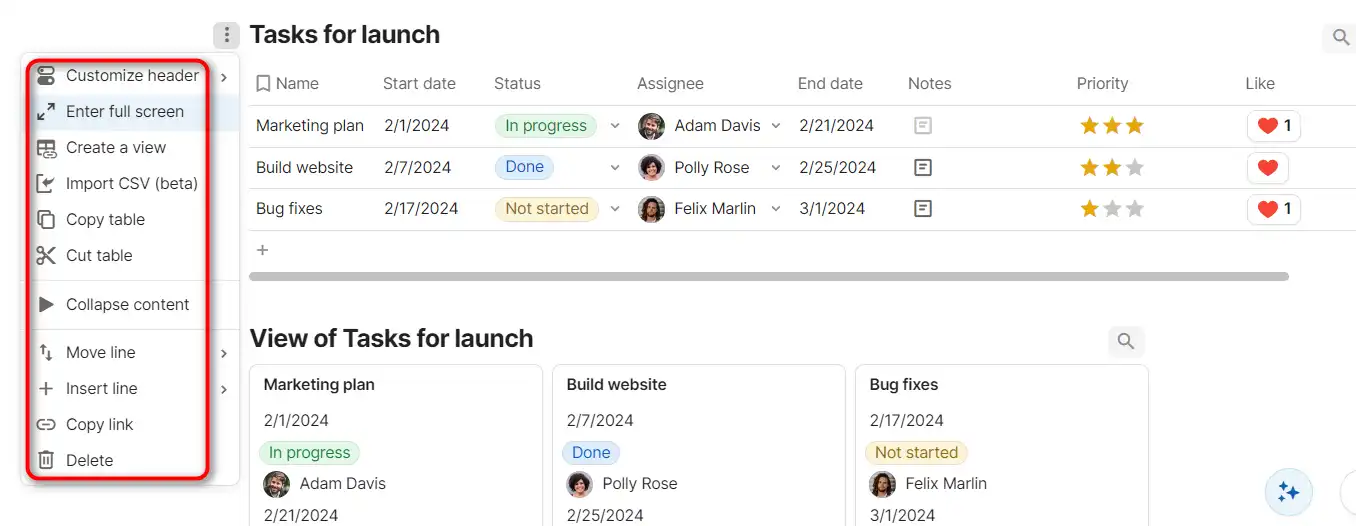
  1. Insert a new table or select an existing one.
    how to use Coda 9
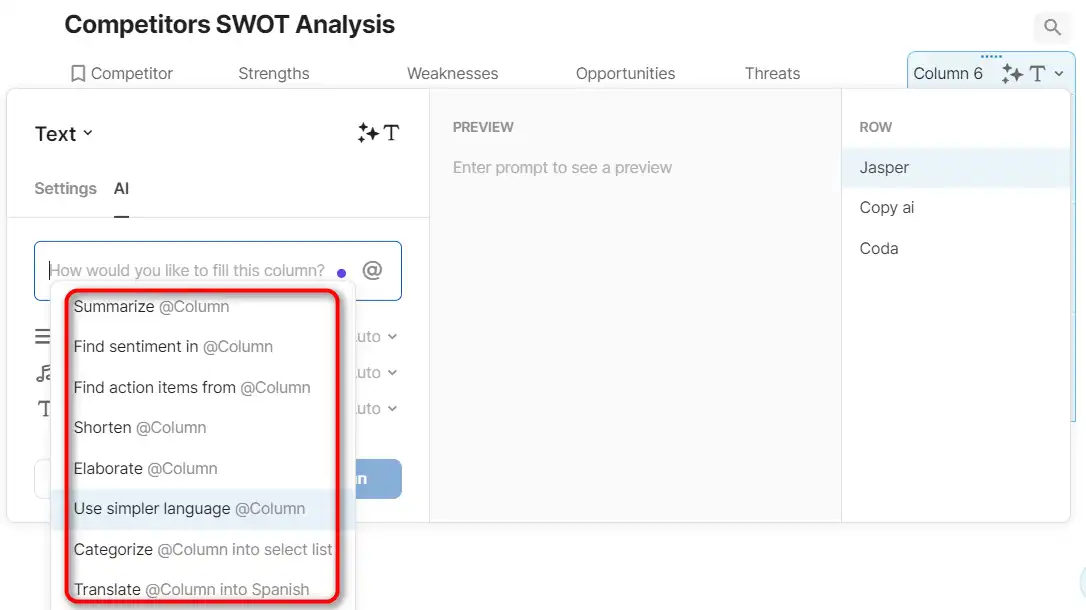
  2. Use the AI column feature to fill in data by providing contextually relevant prompts.
    how to use Coda 10
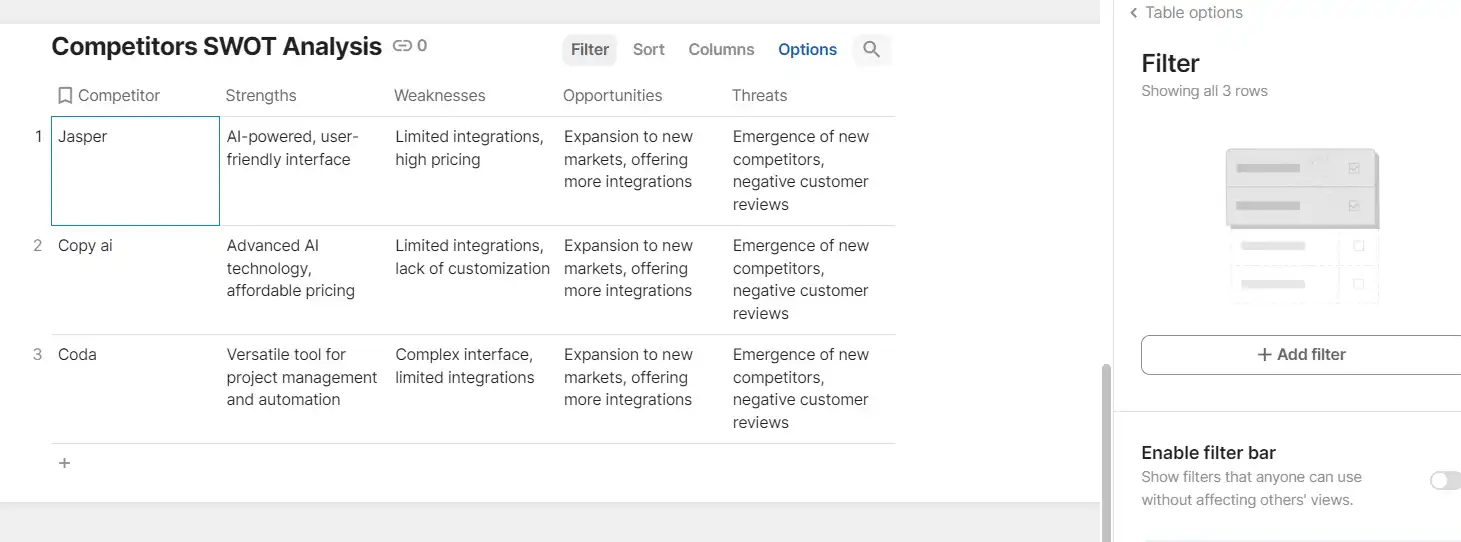
  3. Adjust and format the table to suit your document’s structure.
    how to use Coda 11

Automating Workflows

Turn repetitive tasks into automated processes with Coda’s AI task assistance.
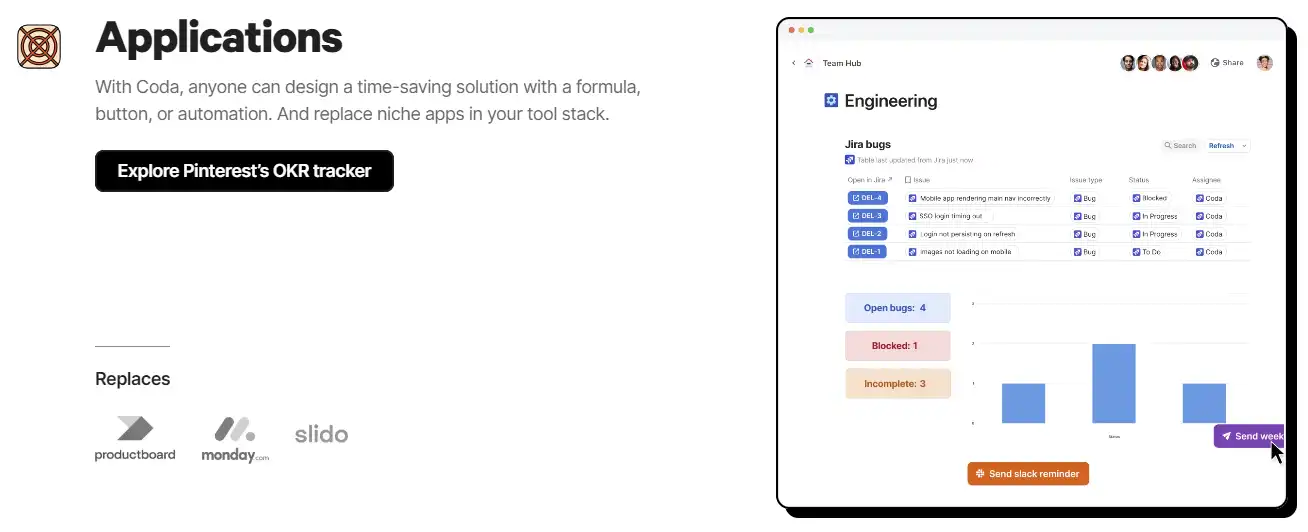
  1. Identify tasks that are repetitive and suitable for automation.
  2. Use Coda’s building blocks, such as buttons and formulas, to set up automation.
    how to use Coda 12
  3. Integrate AI prompts to further streamline the automation.

Collaborating with Teams

Use Coda to centralize team collaboration and document sharing.
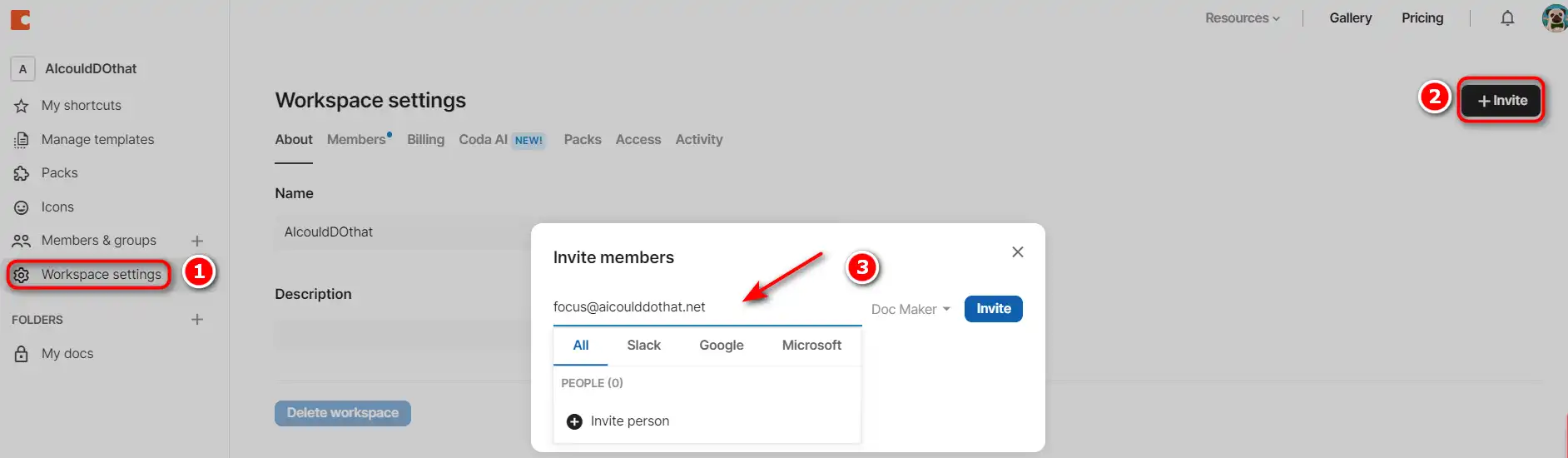
  1. Create a shared workspace and invite team members.
    how to use Coda 13
  2. Assign tasks, set permissions, and track progress within the doc.
  3. Utilize Coda’s commenting and notification features to maintain communication.
    how to use Coda 14

Integrating with Other Apps

Connect Coda with over 600+ integrations to centralize your workflow.
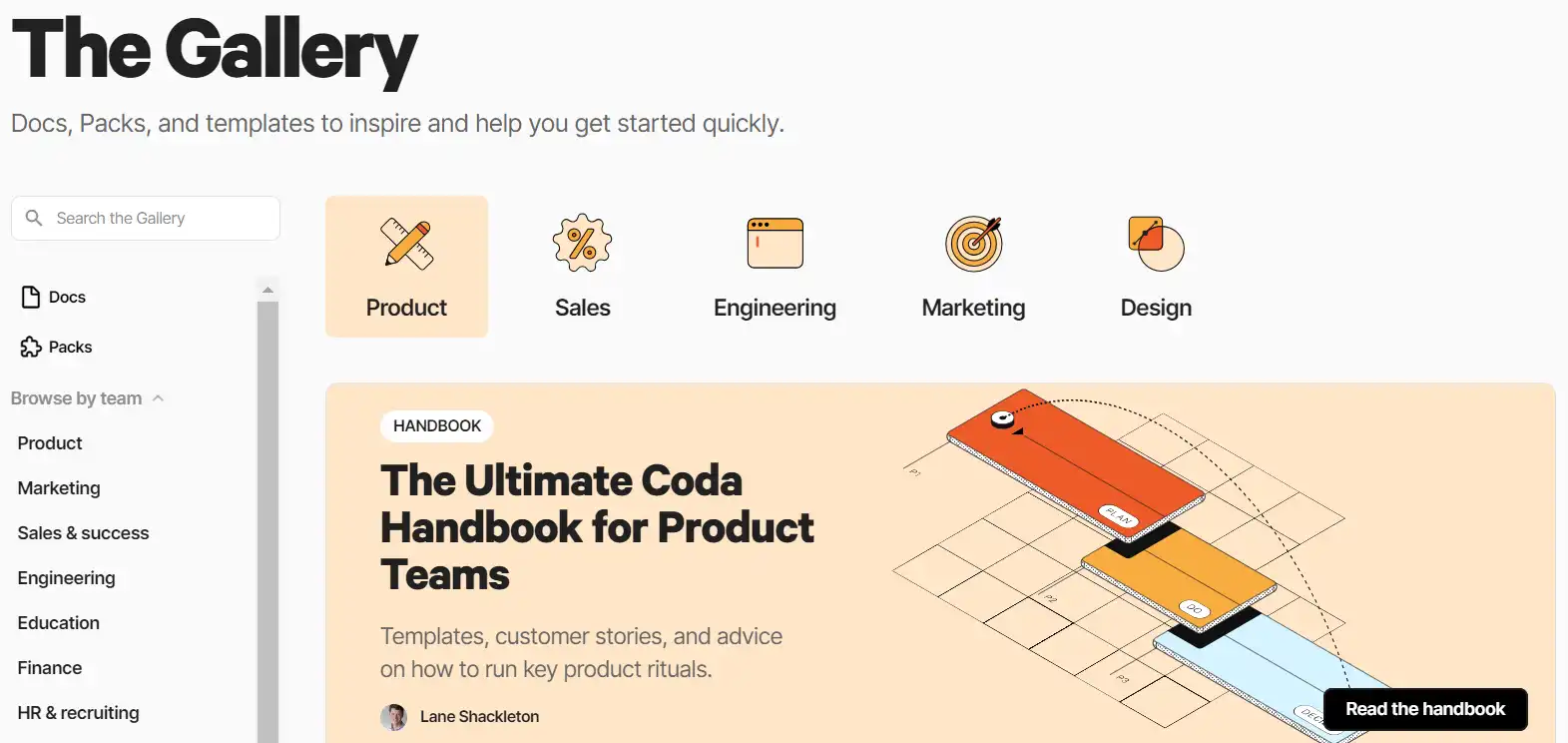
  1. Explore Coda’s Pack gallery to find integrations for your favorite apps.
    how to use Coda 15
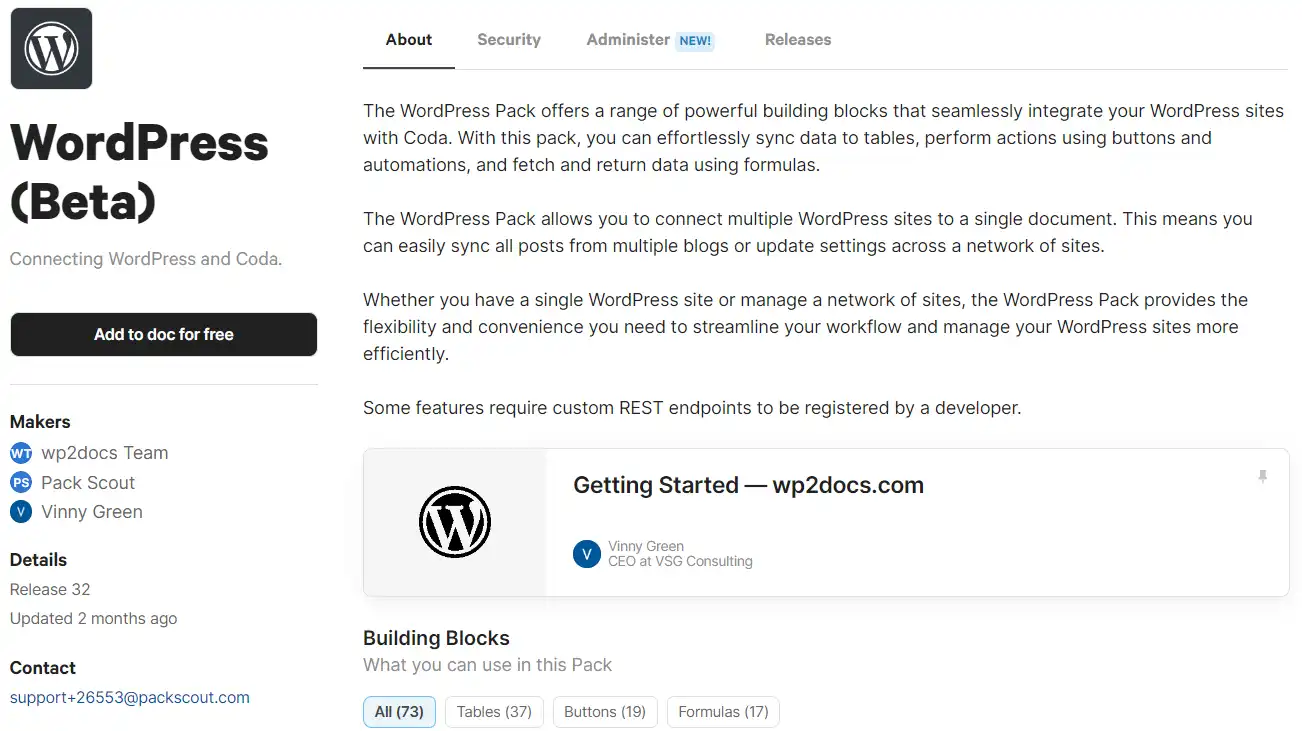
  2. Add Packs to your doc and configure settings to sync data.
    how to use Coda 16
  3. Use AI to manage and analyze data from these integrations.

Securing Your Data

Understand Coda’s commitment to data privacy and security.
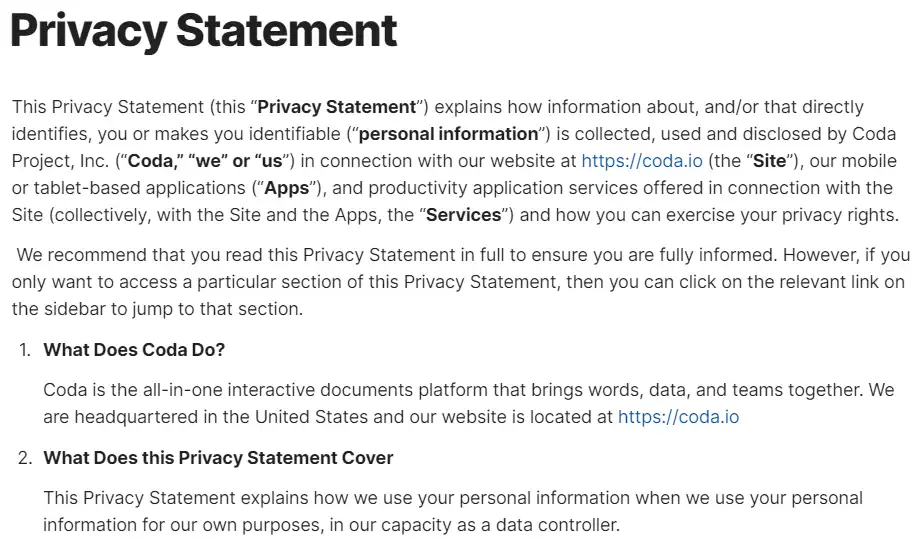
  1. Review Coda’s privacy policy to understand how your data is handled.
    how to use Coda 17
  2. Ensure that sensitive information is shared with the appropriate permissions.
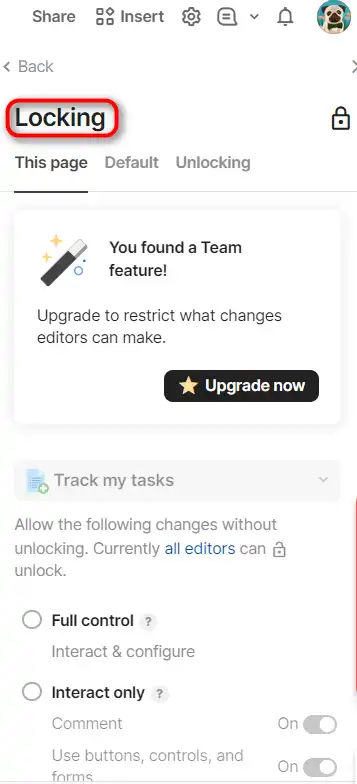
  3. Use Coda’s security features, like locking sections, to protect your content.
    how to use Coda 18

Getting Support

Access Coda’s help center and community for additional support.
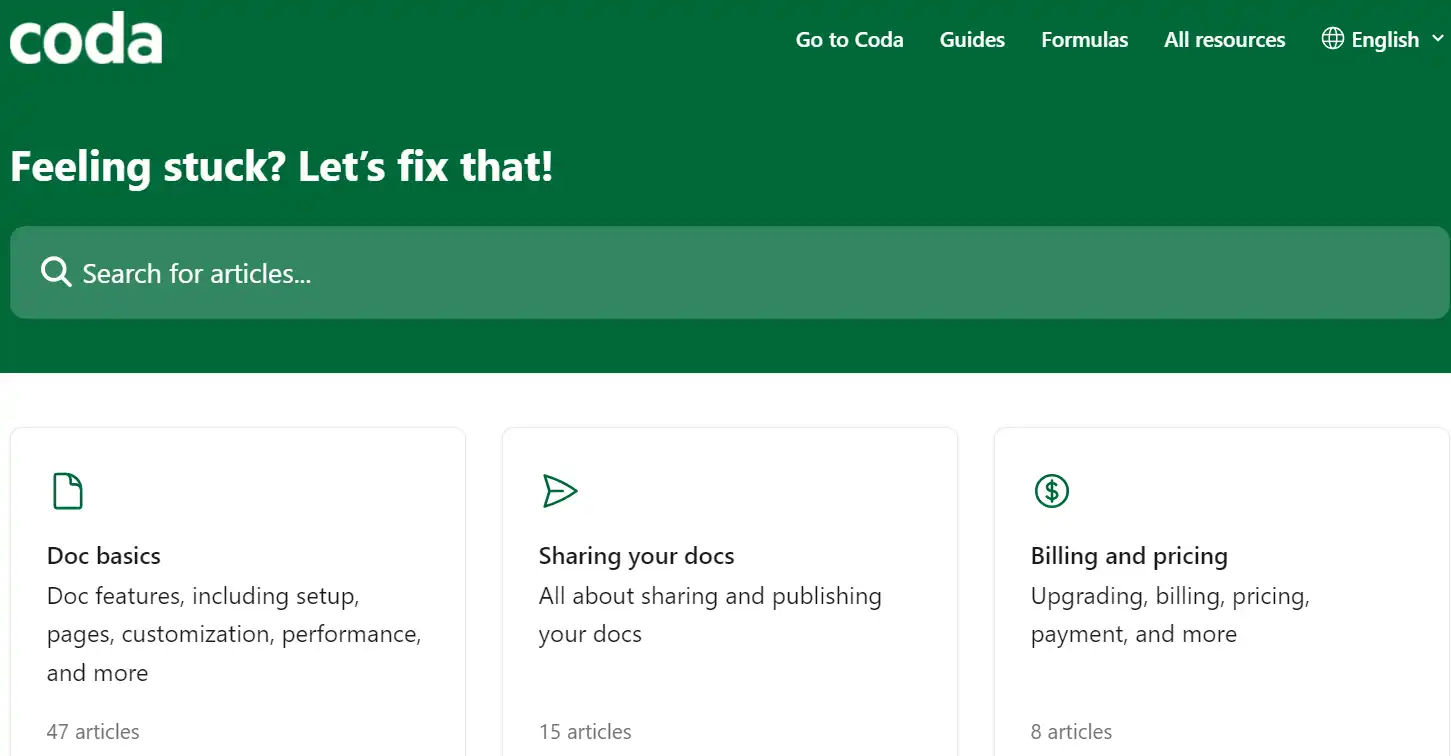
  1. Use the help center to find articles and tutorials.
    how to use Coda 19
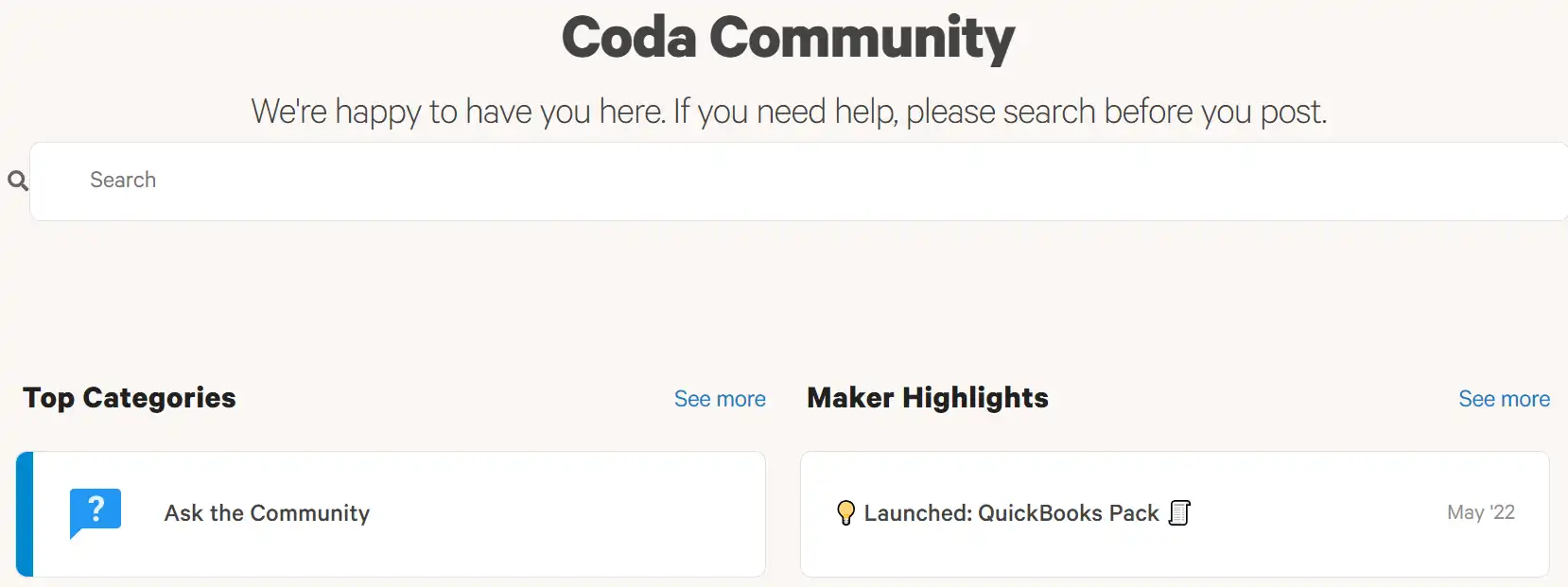
  2. Join the Coda community to discuss best practices and get advice.
    how to use Coda 20
  3. Contact support for personalized assistance with complex issues.
    how to use Coda 21

Coda Top alternatives

HyperWrite Review

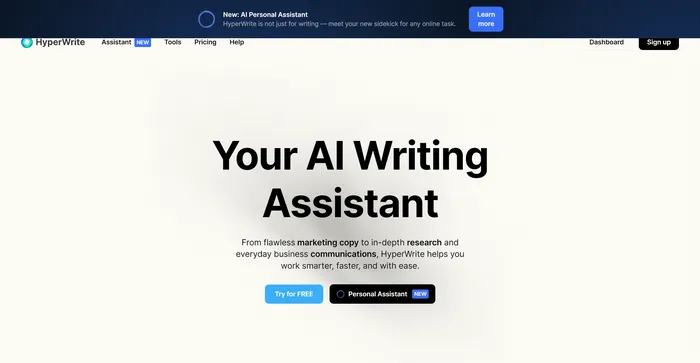
HyperWrite est un assistant d'écriture IA polyvalent qui exploite des modèles d'IA avancés, notamment GPT-4 et ChatGPT, pour aider les utilisateurs dans diverses tâches d'écriture. Il est conçu pour améliorer la productivité et la créativité des créateurs de contenu, des spécialistes du marketing et des professionnels qui ont besoin d'aide pour la rédaction. Avec des fonctionnalités telles que AutoWrite, TypeAhead et Email Response, HyperWrite vise à rationaliser le processus d'écriture et à améliorer la communication.

$19.99/mo

Taskade Review

Taskade est un outil puissant et flexible pour gérer des tâches, des projets et des flux de travail avec l'intelligence artificielle. Il vous permet de créer et de collaborer sur différents types de projets, tels que des listes, des cartes mentales, des plans et des tableaux Kanban. Vous pouvez également utiliser Taskade pour générer des tâches, des idées et du contenu avec son assistant IA, qui s'adapte à vos préférences et à votre style.

$4/mo

Coda FAQ

What is Coda? +

Coda is a collaborative workspace that combines documents, spreadsheets, and applications into a single platform, aiming to centralize team collaboration and workflow management.

How does Coda AI enhance the workspace? +

Coda AI assists in brainstorming, content creation, summarizing, and generating tables, helping teams to share their work more efficiently and reduce busywork.

Is Coda suitable for all types of teams? +

Yes, Coda is designed to cater to various teams, including product, sales, engineering, design, marketing, and HR, providing tools and features that can be customized to fit different workflows.

Can Coda replace other tools like Google Docs or Airtable? +

Coda is often compared to Google Docs and Airtable, with users noting its powerful document capabilities and flexible data management, suggesting it can serve as an alternative to these tools.

What kind of applications can be created with Coda? +

Users can create a variety of applications within Coda, including write-ups, hubs, trackers, and custom tools tailored to their specific workflow needs.

How easy is it to get started with Coda? +

Getting started with Coda is straightforward, with the platform designed to be user-friendly and accessible for teams to quickly integrate into their workday.

Does Coda offer templates for common workflows? +

Coda provides various templates and frameworks to help teams quickly set up common workflows, such as product team hubs, decision docs, and meeting forums.

Is Coda AI capable of starting projects from scratch? +

Yes, Coda AI can start projects from scratch, allowing teams to initiate new documents, spreadsheets, or applications without the need for pre-existing content.

Coda Conclusion

Embrace Coda to transform your team’s productivity and collaboration. With its AI-enhanced features, you can automate tasks, generate content, and connect with a multitude of apps, all within a secure environment. Start your journey with Coda today and revolutionize the way you work.

Outils d'IA en vedette

Coda Related AI Tools

Cohesive Review

Créez du contenu magique avec l'éditeur d'IA le plus puissant

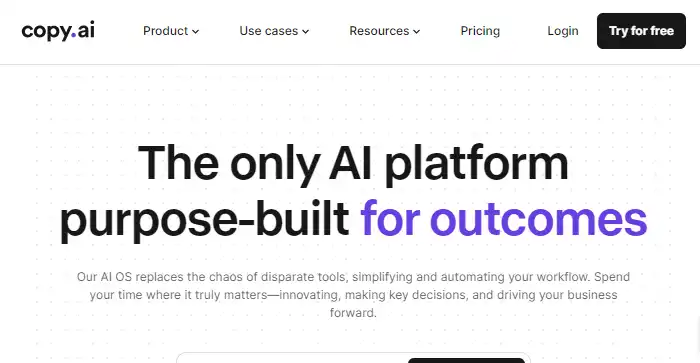
Copy.ai Review

La seule plateforme d'IA spécialement conçue pour les résultats

Jasper Review

Copilote IA pour les équipes marketing d'entreprise

You.com Review

Votre assistant IA personnalisé

NovelAI Review

Le conteur IA