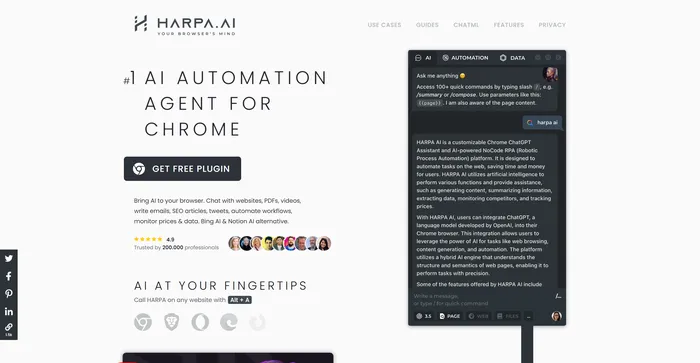

على شبكة الإنترنت، ملحق المتصفح
Zapier, Make, ChatGPT
Do you ever wish you had a personal AI assistant that could help you with your web tasks, such as writing emails, articles, tweets, summarizing web pages, PDFs, videos, extracting data, monitoring prices, competitors, SEO, and more?
If you answered yes, then you might want to check out HARPA AI, a Chrome extension that leverages advanced AI technologies to automate various web tasks, saving you time and effort.
القيثارة منظمة العفو الدولية works with OpenAI’s GPT-3.5, GPT-4, and Claude2, enabling it to perform a wide range of web-based activities with remarkable proficiency.
But how does it work? What are its features? And is it worth trying? In this HARPA AI review, I will answer these questions and more.
يعد HARPA AI امتدادًا رائعًا لمتصفح Chrome لأي شخص يريد الاستفادة من قوة الذكاء الاصطناعي على الويب. يمكنه التعامل مع مجموعة واسعة من مهام الويب، بدءًا من الكتابة والتلخيص وحتى البحث والمراقبة. إنه سهل الاستخدام ويحتوي على الكثير من المطالبات والأوامر التي تم تكوينها مسبقًا للاختيار من بينها.
| Pricing (annual plan) | يخطط | أفضل ل |
|---|---|---|
| $120 (one-time payment) | X | Best for users who want to use it for an extended time |
| $12/mo | S1 | Best for professionals seeking advanced features |
| 20 دولارًا شهريًا | S2 | Best for those requiring data iteration and scheduling capabilities |
| $45/mo | S3 | Best for organizations needing agent orchestration and integration |


| اسم الخطة | X | S1 | S2 | S3 |
|---|---|---|---|---|
| Unlimited Power Messages | نعم | نعم | نعم | نعم |
| Custom AI Commands | نعم | نعم | نعم | نعم |
| Edit Predefined Commands | نعم | نعم | نعم | نعم |
| Chat History & يصدّر | نعم | نعم | نعم | نعم |
| Reuse Chats Across Tabs | نعم | نعم | نعم | نعم |
| Commands Cloud Storage | نعم | نعم | نعم | نعم |
| Schedule & Run Commands | لا | لا | نعم | نعم |
| Agent Orchestration API | لا | لا | لا | نعم |
| Google Sheet Integration | لا | لا | لا | نعم |
| Megatokens | لا | لا | 2 | 4 |
القيثارة منظمة العفو الدولية is a versatile tool that caters to a broad spectrum of users. Whether you are a marketer, blogger, student, researcher, entrepreneur, or just a curious web surfer, القيثارة منظمة العفو الدولية can help you with your web tasks. It’s especially useful for those who want to leverage the power of AI to create, analyze, and automate web content efficiently.
القيثارة منظمة العفو الدولية يأتي مليئًا بميزات رفيعة المستوى. وهنا عدد قليل:
فيما يلي نصائحي الشخصية لتحقيق أقصى استفادة منها القيثارة منظمة العفو الدولية:
Remember, HARPA AI is a powerful tool, and with these tips, you can harness its full potential. Happy web surfing! 🌐

Here’s what people think about HARPA AI based on 13 reviews:
To use HARPA AI, you need to install the extension from the official web store page. After installing, you can access HARPA AI by pressing Alt + A or clicking on the extension icon in the Chrome toolbar. You can also pin HARPA AI in the toolbar for easy access.

Once you open HARPA AI, you will see a chat interface where you can type commands or questions to interact with the AI. You can also switch to other tabs, such as Automate, and Settings, to access more features and options.
Here are some of the main features of HARPA AI and how to use them:

You can use HARPA AI to write various types of content, such as emails, articles, tweets, social posts, stories, CVs, cover letters, poems, and more. To use this feature, you can type /compose in the chat, followed by the type of content you want to write and some keywords or prompts. For example, you can type /compose email to write an email, or /repurpose to write an SEO-optimized article.
You can choose the type of text you want to convert to.
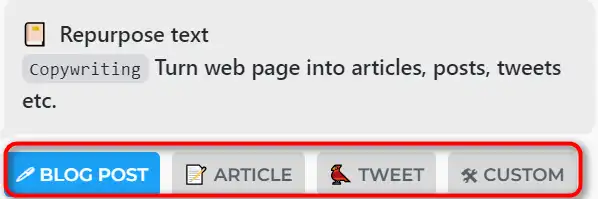
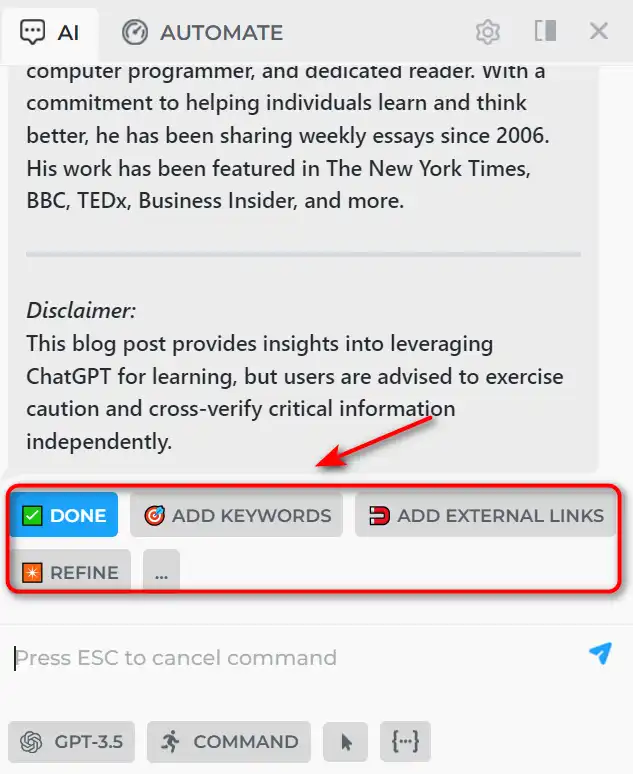
Then you can make the text SEO optimized by ‘Add keywords’, ‘Add external links’, or ‘Refine’ it further.
Add ‘LSI kw from SERP’ or paste your own keywords.
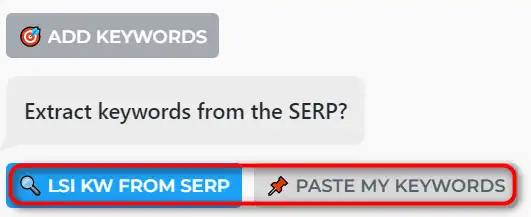
Enter your keywords, and HARPA AI will extract LSI keywords from Google SERP.
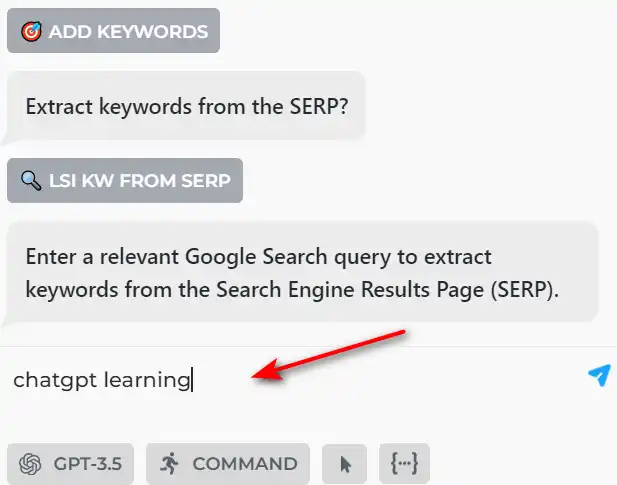
HARPA AI will regenerate the content with your keywords.
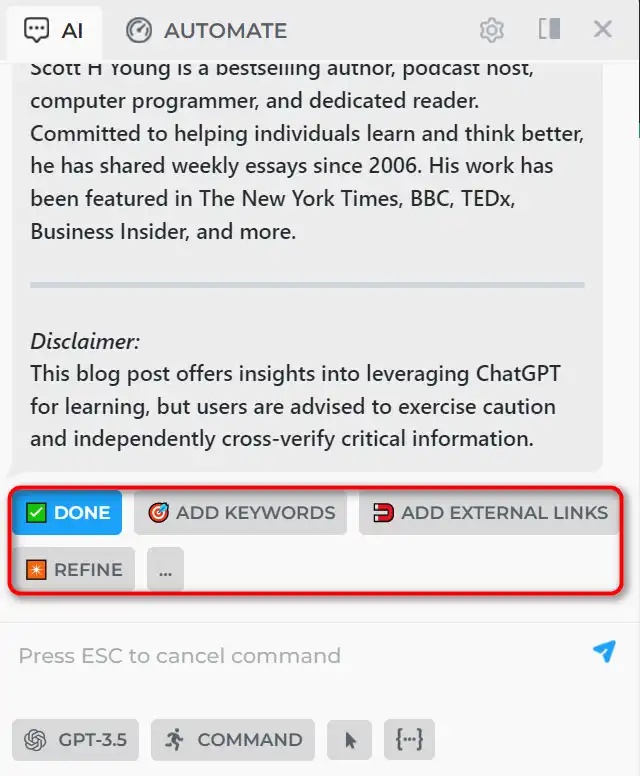
You can also use the /rewrite commands to improve your writing. HARPA AI can also mimic your writing style by analyzing your previous texts.
You can use HARPA AI to summarize any web page, PDF, or YouTube video in a few sentences. To use this feature, you can type /summarize in the chat. For example, you can type /summarize to get a summary of the welcome page of HARPA AI.
Go to any YouTube video, and click the ‘Summarize with HARPA AI’ زر.
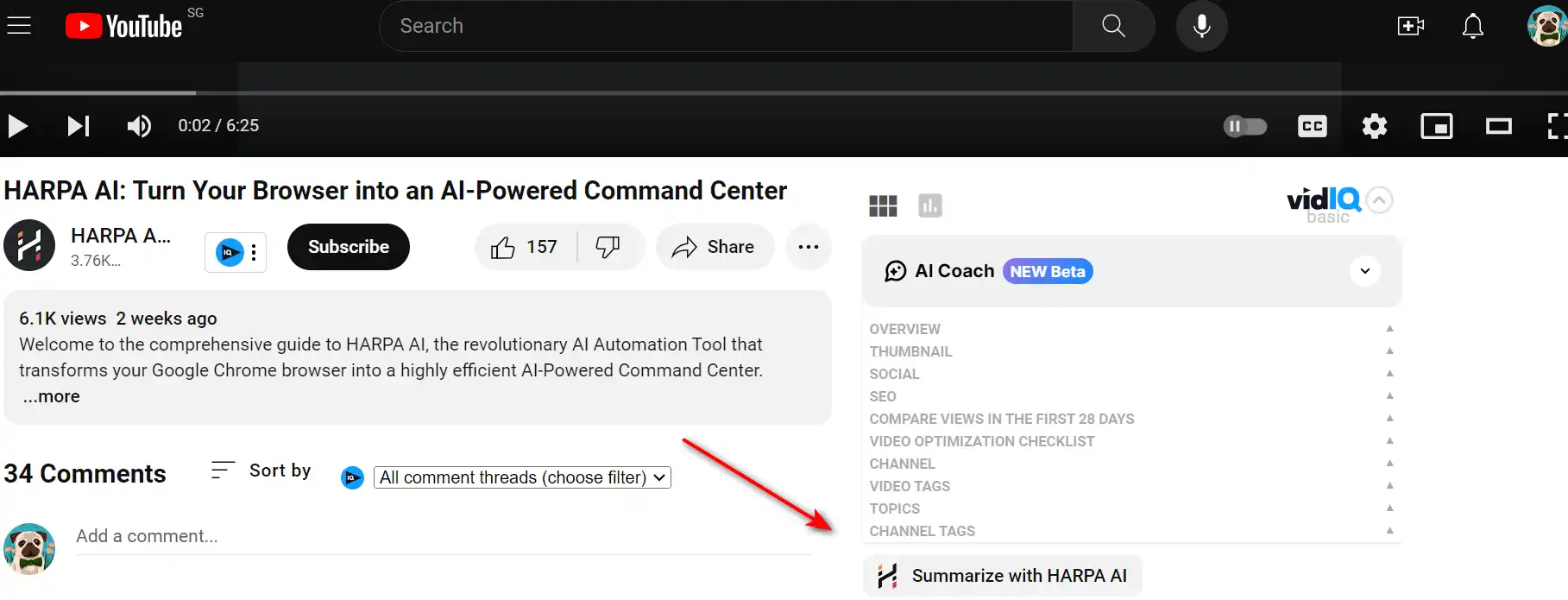
Choose the summary format you want.

Then HARPA AI will generate the summary with the timestamp for you.

You can adjust the length and detail of the summary by using the ‘shorten’ button. You can also use the /talk command to ask questions about the summarized content and get answers from the AI.
You can use HARPA AI to search the web with the help of AI. To use this feature, you can type /search in the chat.
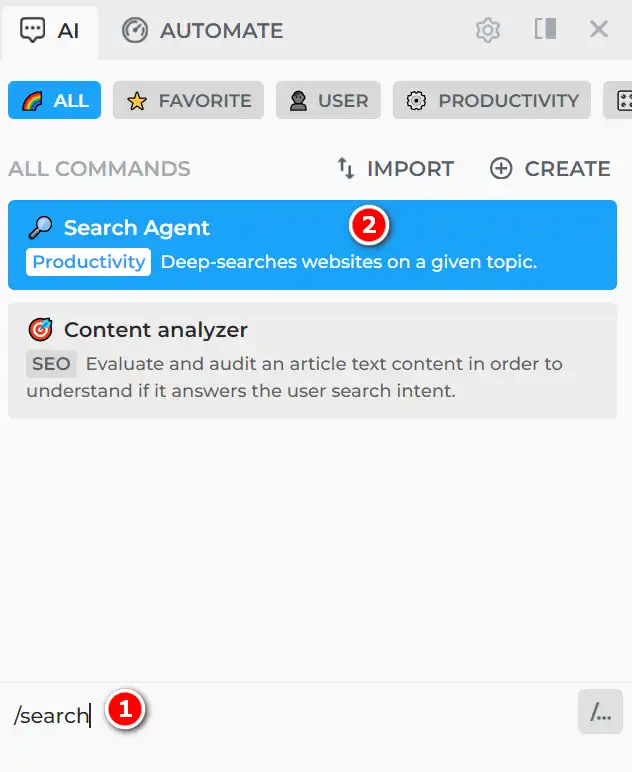
Select the type of search you want to do. ‘Quick’, ‘Deep research’, or ‘Within website’.
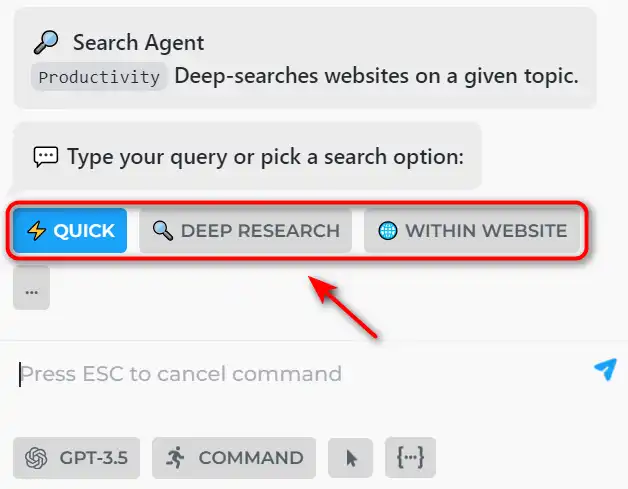
Followed by the query you want to search. For example, you can type ‘HARPA AI’ to get information about HARPA AI.

HARPA AI will show you the web search results from Google, along with AI-generated responses that provide additional insights, facts, or suggestions. You can also click ‘FOLLOW UP’ to ask follow up questions.

You can use HARPA AI to monitor any web page, product, or competitor for changes and get notified whenever they update. To use this feature, you can type /monitor in the chat to configure a monitor.
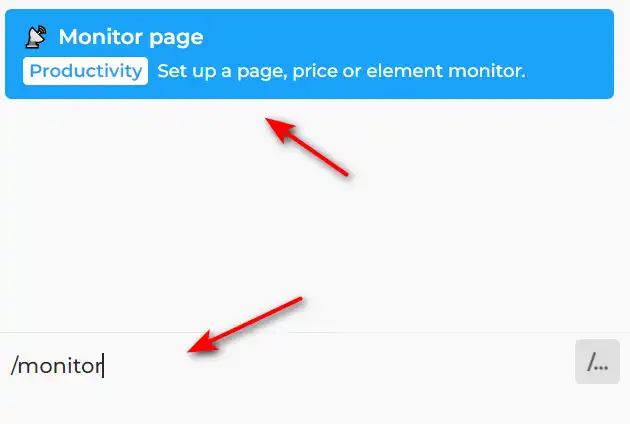
You can choose the data you want to monitor, the frequency of checking, and the notification method.
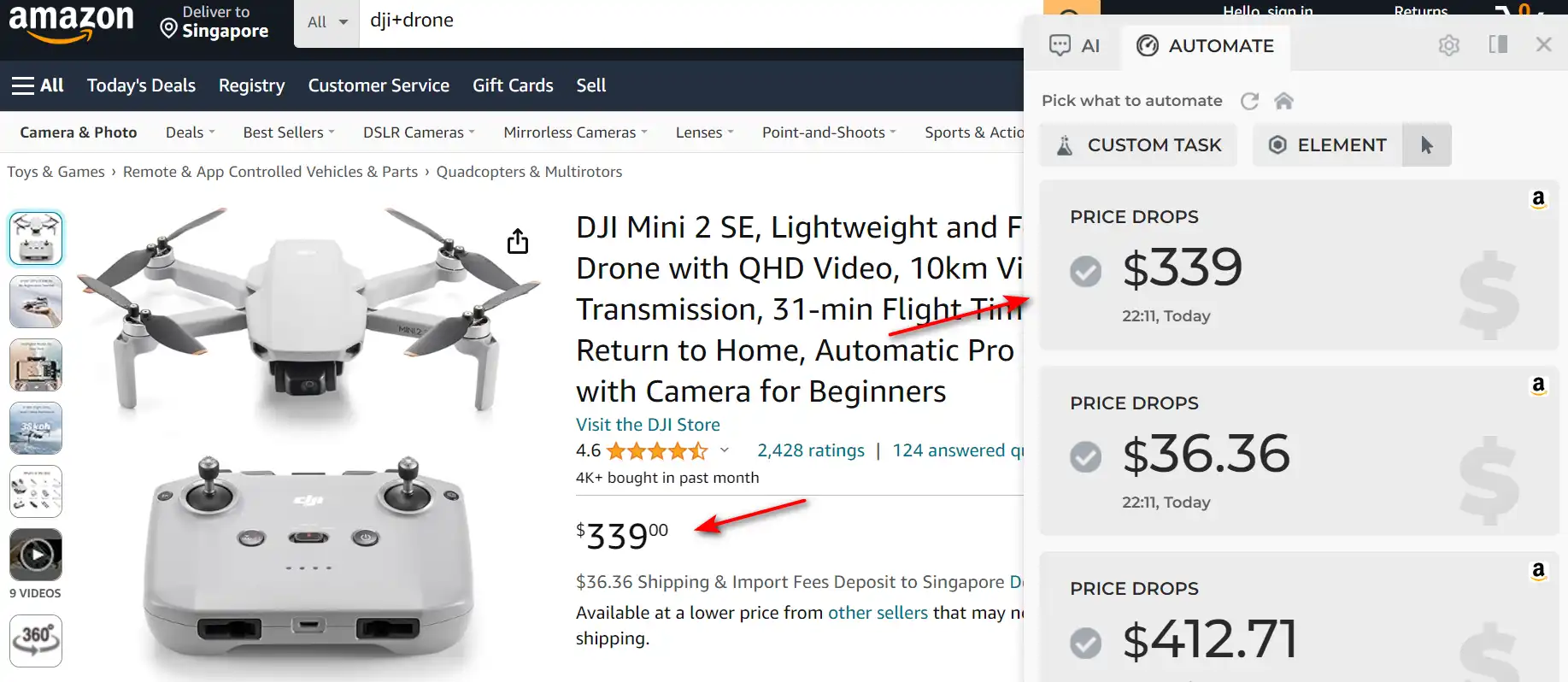
HARPA AI will start monitoring the web page for you and alert you when there is a change.

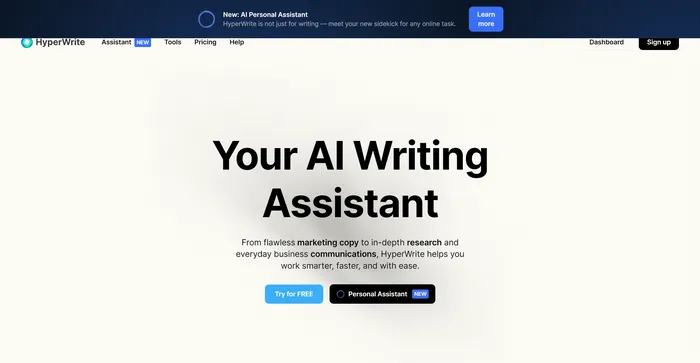
HyperWrite هو مساعد كتابة متعدد الاستخدامات يعتمد على الذكاء الاصطناعي التي تستفيد من نماذج الذكاء الاصطناعي المتقدمة، بما في ذلك GPT-4 وChatGPT، لمساعدة المستخدمين في مجموعة متنوعة من مهام الكتابة. إنه مصمم لتحسين الإنتاجية والإبداع لمنشئي المحتوى والمسوقين والمهنيين الذين يحتاجون إلى المساعدة في الكتابة. بفضل ميزات مثل AutoWrite وTypeAhead والاستجابة للبريد الإلكتروني، يهدف HyperWrite إلى تبسيط عملية الكتابة وتعزيز التواصل.
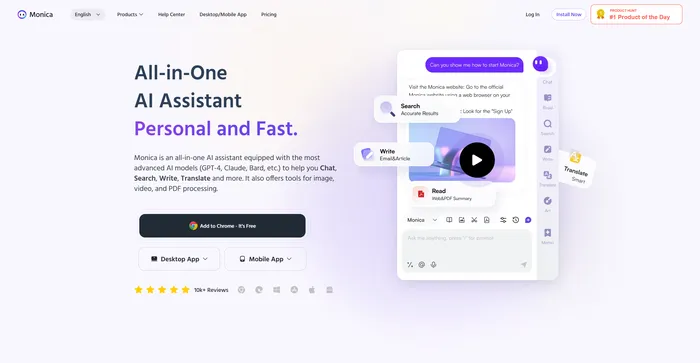
Monica هو مساعد مدعوم بالذكاء الاصطناعي مصمم لتحسين تجربة التصفح لديك. وهو يعمل بسلاسة عبر مواقع الويب والأجهزة، ويوفر إمكانات الدردشة والإجراءات السريعة وأدوات التكوين. تتميز مونيكا بتقنياتها المتقدمة، بما في ذلك GPT-4. إنه حل شامل يساعد في مهام مثل صياغة البريد الإلكتروني وإنشاء المحتوى. مونيكا هي أكثر من مجرد أداة للذكاء الاصطناعي؛ إنها ثورة في الطريقة التي نتصفح بها الويب. بفضل ميزاتها المتقدمة وتصميمها الذي يركز على المستخدم، تعد مونيكا بإعادة تعريف المشهد الرقمي.
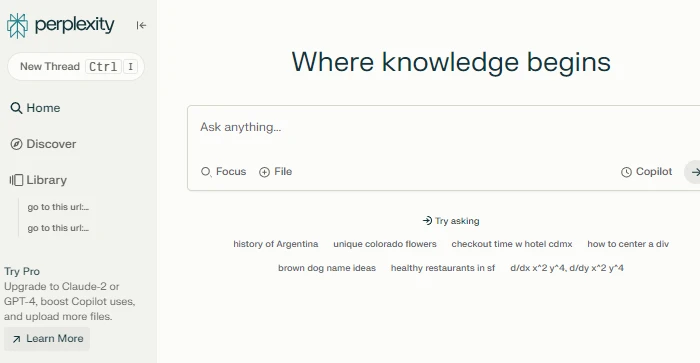
Perplexity AI هو محرك بحث للمحادثة يستخدم نماذج لغوية كبيرة لتقديم إجابات دقيقة على الأسئلة المعقدة. إنه مشابه لتكامل ChatGPT الخاص بـ OpenAI وتكامل ChatGPT 4، ولكن مع بعض الميزات والمزايا الفريدة. يتيح Perplexity AI للمستخدمين طرح الأسئلة باللغة الطبيعية والحصول على إجابات مباشرة من مصادر موثوقة، دون الحاجة إلى تصفح صفحات ويب متعددة. يعرض Perplexity AI أيضًا مصادر الإجابات ويسمح للمستخدمين بمشاركة استفساراتهم أو إعادة كتابتها أو تحسينها. تعد Perplexity AI أداة رائعة لأي شخص يريد الوصول إلى المعلومات بسرعة وسهولة.
العلامات: مساعد الذكاء الاصطناعي | محرك بحث الذكاء الاصطناعي | ملحق ChatGPT | المسوقين | الباحثون
HARPA AI is a revolutionary Chrome extension that brings the power of AI to your browser.
It can help you save time, boost productivity, enhance creativity, and achieve your goals on the web.
With HARPA AI, you can chat, summarize, write, SEO, and automate with AI on any website. Try it today and see the difference for yourself.
FOCUS15
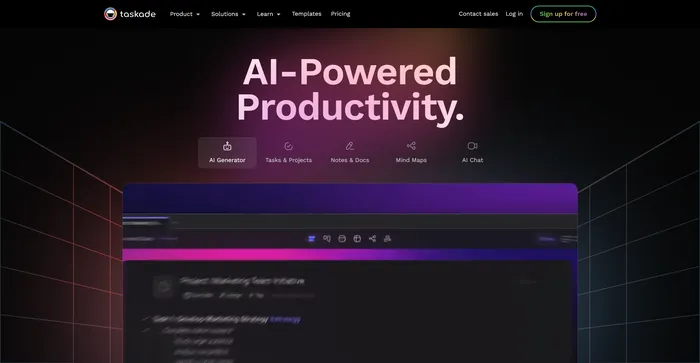
إنتاجية مدعومة بالذكاء الاصطناعي. العقل الثاني للفرق
العلامات: أتمتة الذكاء الاصطناعي | أصحاب الأعمال
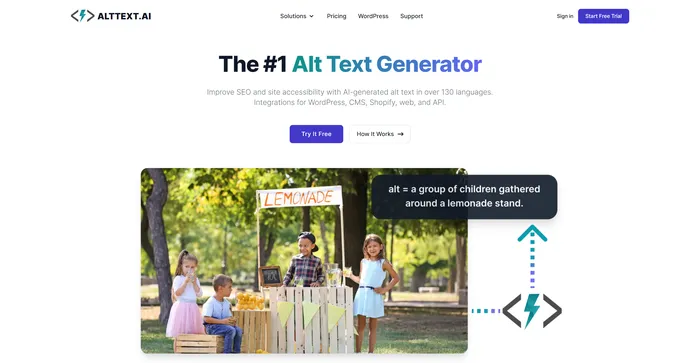
مولد النص البديل رقم 1
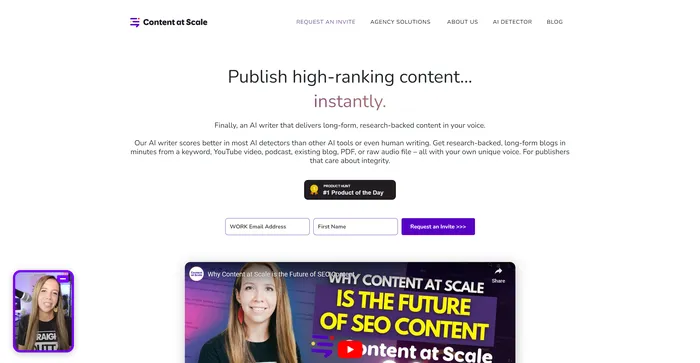
كاتب الذكاء الاصطناعى: المدونات البشرية ، الجودة التي لا مثيل لها ، محسّنات محرّكات البحث الأمثل
العلامات: كاتب الذكاء الاصطناعي | المسوقين
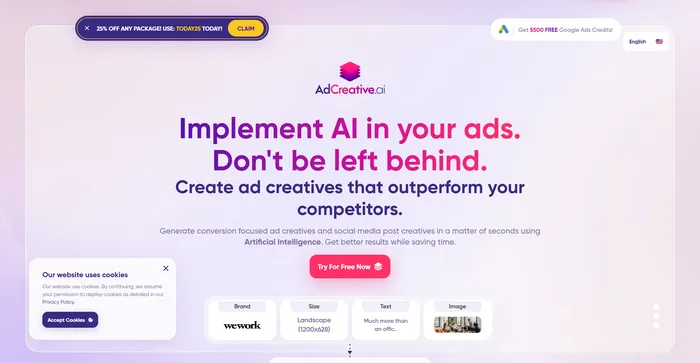
قم بإنشاء تصميمات الإعلانات التي تساعدك على بيع المزيد. سريع.
العلامات: إعلانات الذكاء الاصطناعي | أصحاب الأعمال | المسوقين
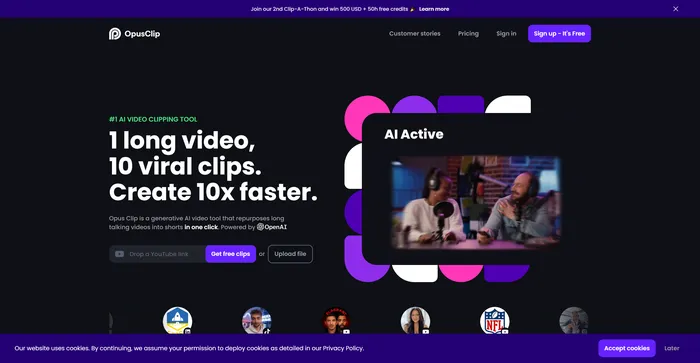
إعادة استخدام الفيديو المدعوم بالذكاء الاصطناعي
العلامات: محرر الفيديو بالذكاء الاصطناعي | المسوقين
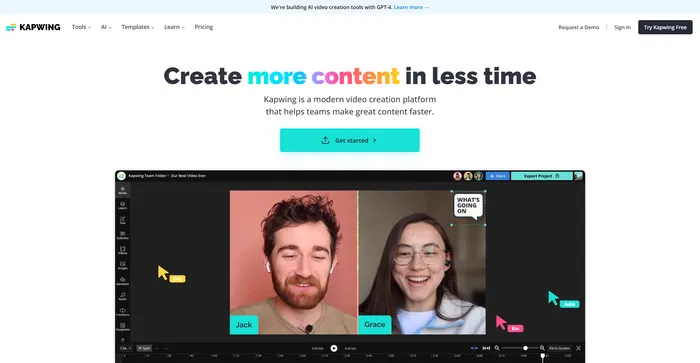
إنشاء المزيد من المحتوى في وقت أقل