Generic selectors
Exact matches only
Search in title
Search in content
Post Type Selectors

Is Vocal Remover the Ultimate Free Tool for Creating Karaoke Tracks?

Top alternatives:

Platform:

Web Based

Intergrations:

Best use cases:

#

Social links:

Overview

Struggling to find the perfect karaoke track for your next party or personal practice?

Vocal Remover promises to revolutionize the way we create karaoke tracks by leveraging advanced AI algorithms to separate vocals from music.

But how effective is it really? Dive into our comprehensive review to discover if Vocal Remover lives up to its claims.

Editor's review

Overall Score: 4.4

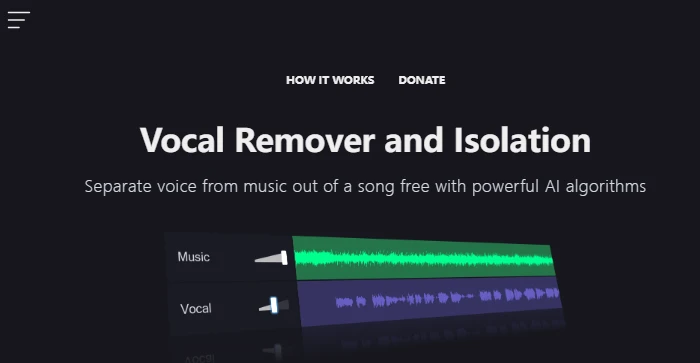
Vocal Remover is a user-friendly online tool that leverages AI algorithms to separate vocals from music tracks. It’s designed for users who want to create karaoke versions of songs or isolate vocals for remixing and other creative purposes. The service is free, which is a significant advantage for hobbyists and professionals alike who need to process music tracks without investing in expensive software.

PROS

  • Free to use with no hidden costs
  • Simple and intuitive interface for users
  • Quick processing time, usually around 10 seconds
  • Provides both karaoke and acapella versions of tracks

CONS

  • May not always provide perfect vocal isolation
  • Limited functionality beyond vocal removal
  • Dependent on the quality of the uploaded track

Vocal Remover Pricing

Free to use

What is Vocal Remover

• What is VocalRemover.org?

VocalRemover.org is a free online application designed to isolate vocals and music from any song. By utilizing powerful AI algorithms, it enables users to effortlessly create karaoke versions of their favorite tracks without the vocals, as well as acapella versions with just the vocals. The process is quick, usually taking about 10 seconds, and remarkably, it’s offered at no cost despite the high complexity and potential cost of the service.

• VocalRemover.org Top Features

VocalRemover.org stands out with its:

  • AI-Powered Separation: Splits any song into karaoke and acapella versions using advanced AI algorithms.
  • Fast Processing: Completes the vocal and music separation process in approximately 10 seconds.
  • Free Access: Offers its high-quality service completely free of charge.

• Tips for using VocalRemover.org

Here are some tips to get the most out of VocalRemover.org:

  • 🎤 Choose High-Quality Tracks: For best results, use high-quality audio files. The better the original track’s quality, the better the separation outcome.
  • 🎧 Use Headphones for Review: After creating your tracks, listen to them with a good pair of headphones to accurately assess the quality of the vocal and instrumental separation.
  • 🔄 Experiment with Different Songs: Some tracks may yield better results than others. Don’t hesitate to try separating vocals and music from various songs to see which works best.
  • 💾 Save Your Tracks: Once you’re satisfied with the separation, make sure to download and save both the karaoke and acapella versions for your collection.

With its user-friendly interface and powerful AI capabilities, VocalRemover.org is a valuable tool for music enthusiasts, karaoke lovers, and anyone interested in vocal isolation technology.

Product Hunt Review for Vocal Remover

What other users are saying about Vocal Remover

I have crosschecked the reviews of Vocal Remover and Isolation on Product Hunt.

  • 🌟 Vocal Remover and Isolation has an overall rating of 4.7/5 based on 12 reviews.
  • The community appreciates Vocal Remover and Isolation for:
    • 💬 Effective voice isolation from music in songs
    • 😇 Positive feedback from users highlighting its usefulness
    • 💰 Being free to use
  • ☁️ Some users mention improvement suggestions for Vocal Remover and Isolation.

How to use Vocal Remover

To help you make the most of VocalRemover.org, here is a comprehensive guide on how to use its features:

Initial Setup

Before you start, ensure you have the audio file you want to process ready. The website supports various audio formats for your convenience.

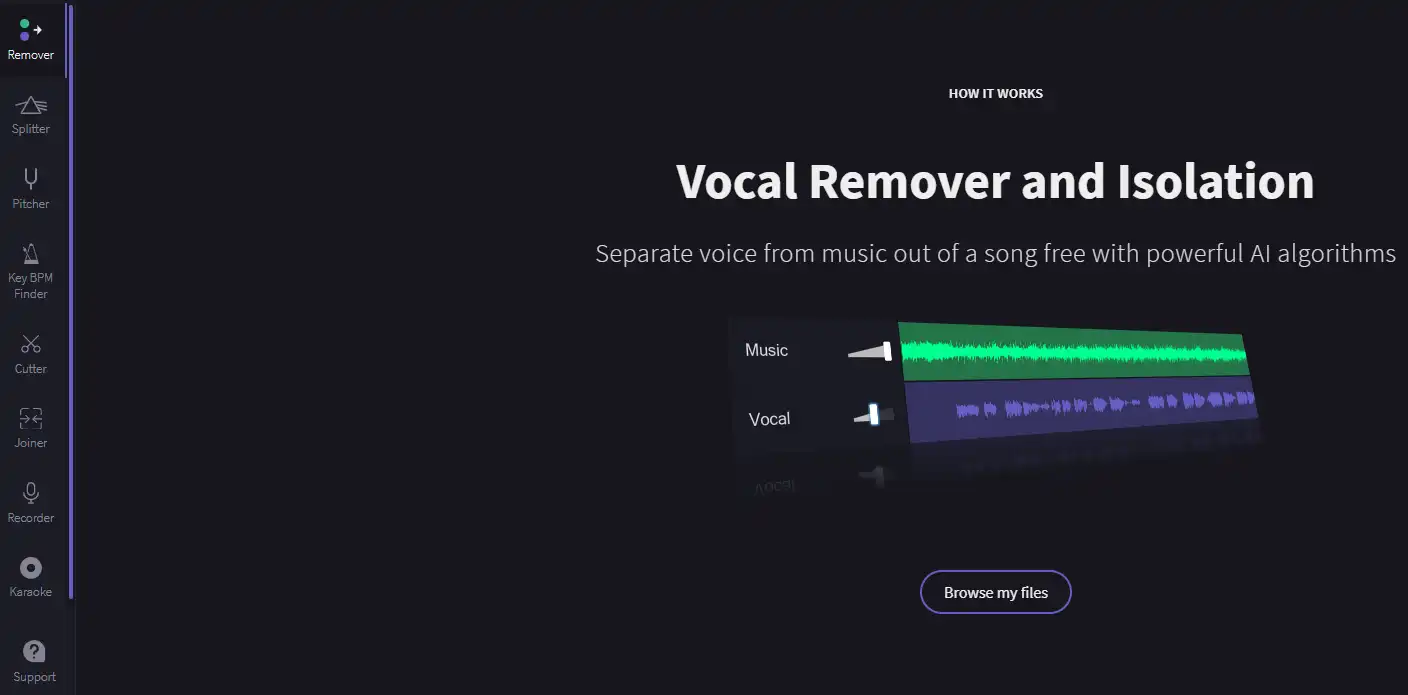
  1. No installation or registration is required, making the tool accessible immediately.
    how to use Vocal Remover 1

Removing Vocals from a Song

This feature is perfect for creating karaoke tracks or preparing songs for remixing.

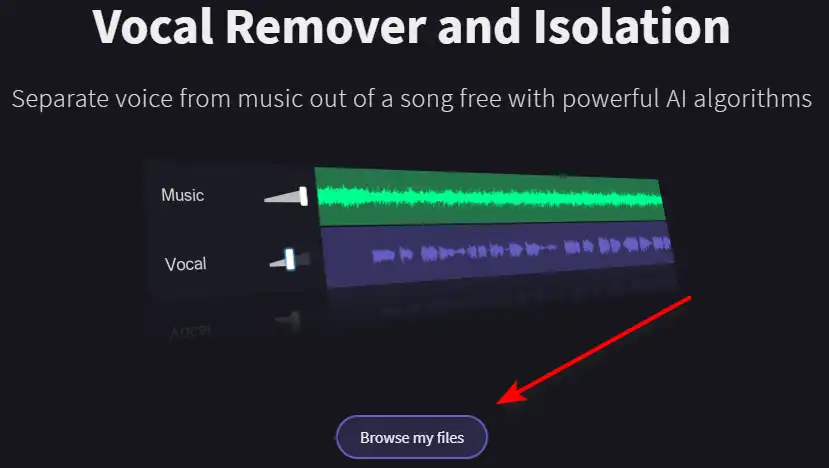
  1. Click on the ‘Browse my files’ button to upload your song.
    how to use Vocal Remover 2
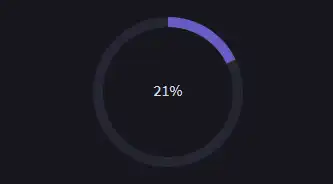
  2. Wait for the AI to process the song, which typically takes around 10 seconds.
    how to use Vocal Remover 3
  3. Once processed, you will receive two separate audio tracks: one with the instrumental only and one with the isolated vocals.
    how to use Vocal Remover 4

Downloading Your Tracks

After processing, you can easily download the tracks.

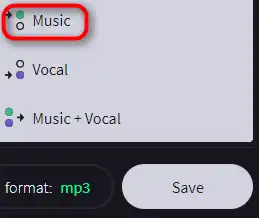
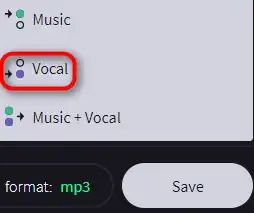
  1. Click on the ‘Music’ button to save the instrumental track.
    how to use Vocal Remover 5
  2. Click on the ‘Vocal’ button to save the isolated vocals track.
    how to use Vocal Remover 6

Additional Tips

For the best results, use high-quality audio files as the source material. The clearer the original track, the better the separation quality will be.

Vocal Remover Top alternatives

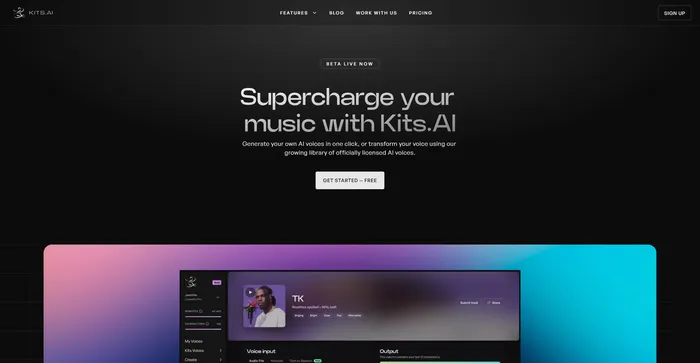
Kits AI Review

Kits AI is an AI software that lets you create and transform your voice into different characters and styles. You can use it to make your own voiceovers, podcasts, audiobooks, or music with a variety of voices and effects. Kits AI claims to be the first AI voice generator that can mimic any voice in the world, from celebrities to fictional characters.

However, Kits AI is not without its flaws. The software is still in beta and has some limitations and bugs. For example, voice quality is also not very consistent, and sometimes the voices sound robotic or unnatural. Moreover, some users have reported ethical and legal concerns about using the voices of real people without their consent.

$9.99/mo

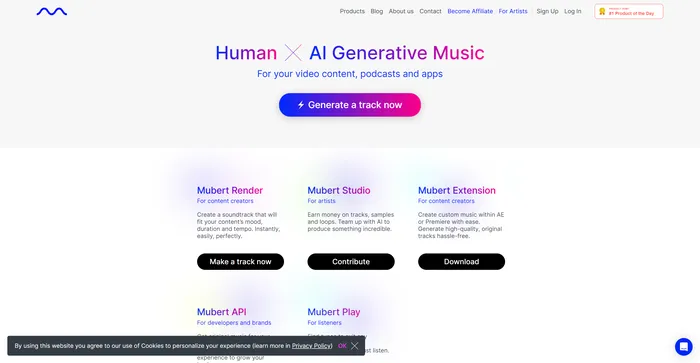
Mubert Review

Mubert is an AI music generator that allows you to create original music for various purposes, such as videos, podcasts, games, and meditation. You can choose from different genres, moods, and themes, and customize the tempo, duration, and complexity of your tracks. You can also download your tracks or stream them online.

$11.69/mo

Vocal Remover FAQ

What is Vocal Remover? +

Vocal Remover is a free online tool that uses artificial intelligence to separate the vocals from the instrumental parts of a song. It provides two outputs: a karaoke version without vocals and an acapella version with isolated vocals.

How does Vocal Remover work? +

Vocal Remover uses powerful AI algorithms to process a song and separate the vocals from the instrumental parts. Once a user uploads a song, the AI processes it and produces two tracks: a karaoke version without vocals and an acapella version with isolated vocals.

How long does it take to process a song with Vocal Remover? +

The processing time for Vocal Remover typically takes about 10 seconds.

Is Vocal Remover free to use? +

Yes, despite the complexity of the service, Vocal Remover is offered absolutely free of charge.

What formats does Vocal Remover support? +

The specific formats supported by Vocal Remover are not mentioned in the available information. However, most similar tools support common audio formats like MP3, WAV, and AAC.

Can I use the tracks created by Vocal Remover for commercial purposes? +

The available information does not specify whether the tracks created by Vocal Remover can be used for commercial purposes. It’s recommended to check the terms of service or contact the service provider for clarification.

Is Vocal Remover safe to use? +

While specific information about the safety of Vocal Remover is not available, it’s important to note that any reputable software should prioritize user safety and data protection. Always ensure to review the privacy policy and terms of service of any new software you use.

How can I get help if I encounter issues with Vocal Remover? +

The available information does not provide specific contact details for Vocal Remover. However, most online tools have a ‘Contact Us’ or ‘Support’ section on their website where you can reach out for help.

Vocal Remover Conclusion

Transform your music with Vocal Remover and unlock new creative possibilities. Whether for karaoke, remixing, or production, this tool is a must-have for music enthusiasts and professionals alike. Try it now and experience the power of AI in audio editing.

Featured AI Tools

Vocal Remover Related AI Tools

Kits AI Review

The ultimate AI voice generation toolkit to supercharge your music

Mubert Review

AI Generative Music For your video content, podcasts and apps