
Generic selectors
Exact matches only
Search in title
Search in content
Post Type Selectors

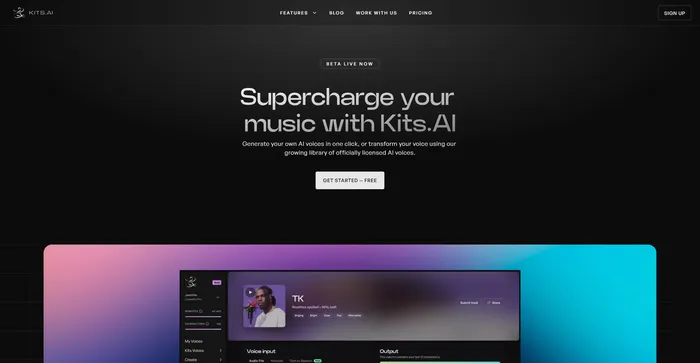
Kits AI Review: Is This the Ultimate AI Voice Generator for Modern Creators?

Pricing:

Platform:

Web Based

Intergrations:

API

Social links:

Overview

Creating unique and engaging audio content is a challenge for many creators.

Enter Kits AI, an AI-powered tool that aims to revolutionize the way we generate and manipulate voices.

But does it live up to the hype? Let’s dive into an in-depth review of Kits AI and find out.

Editor's review

Overall Score: 4.2

Kits AI is an AI software that lets you create and transform your voice into different characters and styles. You can use it to make your own voiceovers, podcasts, audiobooks, or music with a variety of voices and effects. Kits AI claims to be the first AI voice generator that can mimic any voice in the world, from celebrities to fictional characters.

However, Kits AI is not without its flaws. The software is still in beta and has some limitations and bugs. For example, voice quality is also not very consistent, and sometimes the voices sound robotic or unnatural. Moreover, some users have reported ethical and legal concerns about using the voices of real people without their consent.

PROS

  • Easy to use and fun to experiment with
  • Offers a wide range of voices and effects
  • Supports text-to-speech and audio-to-audio conversion
  • Has a community of users who share their creations and feedback

CONS

  • Limited features and voices for free users
  • Variable voice quality and accuracy
  • Potential ethical and legal issues with voice cloning
  • Still in beta and may have bugs or glitches

Kits AI Pricing

Pricing (monthly plan) Plan Best For
9.99 USD Converter Best for individuals needing high-fidelity voice conversion with moderate usage
24.99 USD Creator Best for creators requiring unlimited conversion and more TTS characters
59.99 USD Composer Best for professionals seeking extensive voice options and highest conversion limits

Kits AI monthly pricing plans. monthly pricing plan for Kits AI 1

Feature Starter Converter Creator Composer
Training 0 2 5 12
Voices No High-fidelity High-fidelity High-fidelity
Convert minutes 15 / mo 60 / mo Unlimited Unlimited
TTS characters 300 / mo 10,000 / mo 30,000 / mo 100,000 / mo
Output quality Low (.mp3) High (.wav) High (.wav) High (.wav)
AI Library access No Yes Yes Yes
Advanced vocal tools No Yes Yes Yes

What is Kits AI

• Who is Kits AI for?

Kits AI is a versatile tool designed for musicians, producers, and creators at all levels of expertise. Whether you’re a podcaster looking to create unique voiceovers, a musician wanting to experiment with different vocal styles, or a content creator aiming to generate engaging audio content, Kits AI is the tool for you.

• Kits AI Top features

Kits AI comes packed with innovative features. Here are a few:

  • AI Voice Conversion: Convert any audio into another voice using one of the thousands of AI voices on Kits.AI.
  • AI Voice Cloning: Create your very own voice model to use and share. Simply upload audio or paste a YouTube link and hit train.
  • Text-To-Speech: Transform text into speech using the AI voices available on Kits.AI.
  • Officially Licensed Artist Voice Models: Kits.AI collaborates directly with artists to release their AI voice models, providing a unique touch to your audio content.
  • Custom AI Voice Model: Create your own custom AI voice model and share it with others.

• Tips for using Kits AI

Here are some tips for making the most out of Kits AI:

  • 🎙️ Experiment with different voices: Kits AI offers a vast library of AI voices. Don’t hesitate to experiment with different voices to find the one that suits your needs.
  • 📝 Use clear and concise text: When using the text-to-speech feature, ensure your text is clear and concise for the best results.
  • 🔊 Test different audio formats: Kits AI supports direct recording or uploading in mp3/wav formats. Try different formats to see which one works best for you.
  • 🔄 Use the voice conversion feature: Convert any audio into another voice using the AI voice conversion feature. This can be particularly useful for creating unique voiceovers or audio content.
  • 🎧 Listen to the output: Always listen to the AI-generated audio to ensure it meets your expectations. If not, adjust your inputs and try again.
  • 🌐 Use a compatible browser: For the best experience, use a compatible browser like Google Chrome when using Kits AI.
  • 💡 Explore and Experiment: Spend some time exploring all the features that Kits AI offers. Don’t be afraid to experiment with different settings and options to see what works best for you.

With these tips, you can make the most out of Kits AI and create unique and engaging audio content. Happy creating! 🎙️

How to use Kits AI

Using Kits AI is a straightforward process that opens up a world of creative possibilities. Here’s a step-by-step guide on how to utilize its features:

Create a Custom AI Voice Model

This feature allows you to create your own AI voice model, which can be used for music and content creation.

  1. Collect audio clips that accurately represent your voice. These clips will serve as the building blocks for your AI voice model.
    how to use Kits AI 2
  2. Upload your vocals to Kits AI. The platform’s user-friendly interface makes this process easy.
    how to use Kits AI 3
  3. Press the ‘Train’ button to generate your AI voice model.

AI Voice Conversion

This feature allows you to convert any audio into an AI artist’s voice, enabling you to create multiple vocalist sounds for a jamming session.

  1. Select the AI artist’s voice you want to use for the conversion.
    how to use Kits AI 4
  2. Choose the audio you want to convert.
    how to use Kits AI 6
  3. Initiate the conversion process. Kits AI will then convert your audio into the selected AI artist’s voice.
    how to use Kits AI 7

Vocal Separator

This feature separates the vocals for musical arrangements, providing a clear vocal sound that can be mixed with better instrumentals for song covers.

  1. Upload a file or paste a YouTube link into the Kits.AI Vocal Separator tool.
    how to use Kits AI 8
  2. The tool will then isolate the vocals from the song, creating a clear vocal sound for your dataset.
    how to use Kits AI 9

Official Artist Voice Library

This feature provides access to officially licensed artist voice models, enriching your toolkit with the essence of your musical idols.

  1. Browse the library of officially licensed artist voice models.
    how to use Kits AI 10
  2. Select the artist voice model you want to use.
  3. Apply the selected artist voice model to your music.

Kits AI Top alternatives

Vocal Remover Review

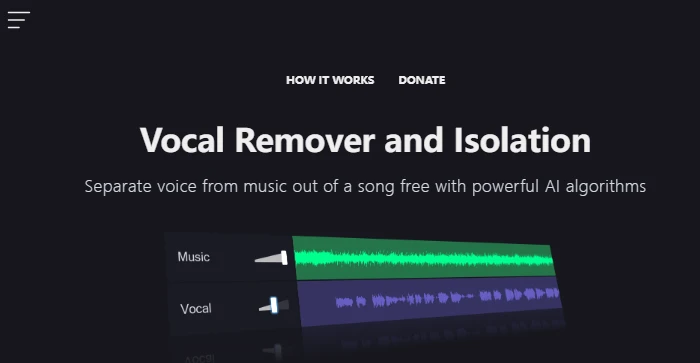
Vocal Remover is a user-friendly online tool that leverages AI algorithms to separate vocals from music tracks. It’s designed for users who want to create karaoke versions of songs or isolate vocals for remixing and other creative purposes. The service is free, which is a significant advantage for hobbyists and professionals alike who need to process music tracks without investing in expensive software.

Tags:

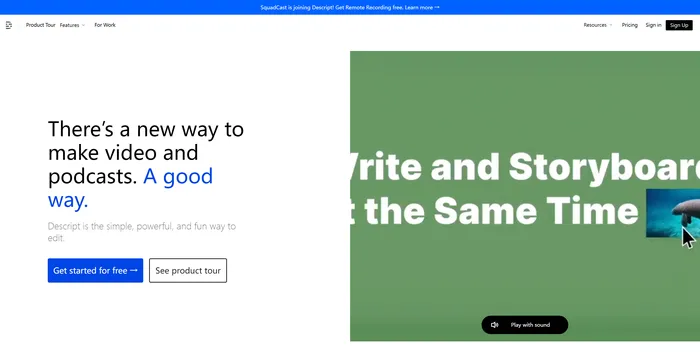
Descript Review

Descript is the ultimate AI software for editing audio and video files. It allows you to edit your media files as easily as editing a text document. You can transcribe, caption, overdub, and more with Descript.

$12/mo

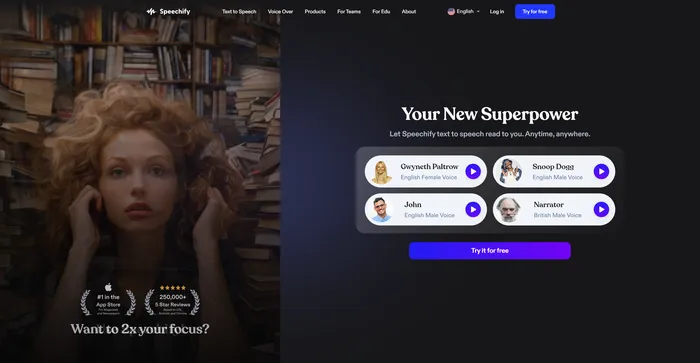
Speechify Review

Speechify is a versatile AI text-to-speech tool that caters to a wide range of users, including those with learning disabilities like dyslexia and ADHD, as well as busy professionals and students looking to boost productivity. With its ability to convert text into natural-sounding audio, Speechify offers a hands-free and eyes-free reading experience across various platforms and devices.

$9.99/mo

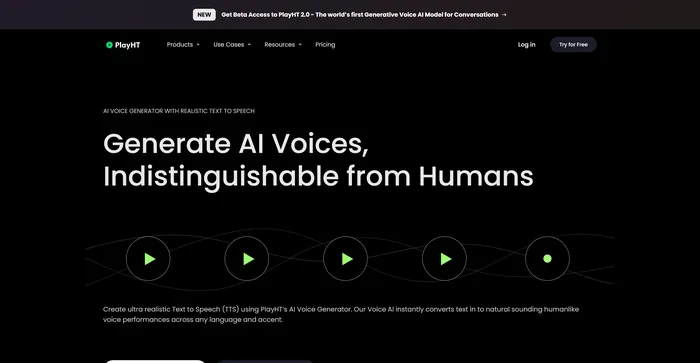
PlayHT Review

PlayHT is a leading AI-powered text-to-speech tool that effortlessly converts written content into natural-sounding voice performances. It caters to diverse needs such as voiceovers, podcasts, or any other form of spoken word. The tool leverages artificial intelligence and machine learning to generate natural-sounding voices, enhancing listener engagement. It supports multiple languages, not just English, which allows for diverse and global use cases. It provides a wide range of voice options, including both male and female voices, catering to different content needs.

$29.00/mo

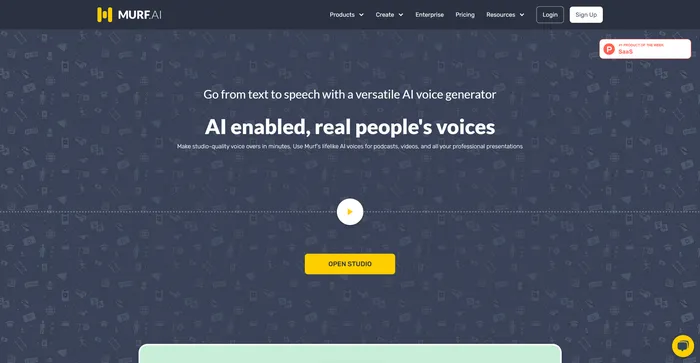
Murf AI Review

Murf AI stands out as a highly versatile text-to-speech software, designed to deliver AI voiceovers that closely mimic human intonation and emotion. Its advanced algorithms are adept at interpreting punctuation and exclamation marks, ensuring that the AI voices produced are impressively lifelike. This makes Murf AI an excellent choice for users looking to enhance their videos with engaging voiceovers without needing any video editing expertise.

$19/mo

ElevenLabs Review

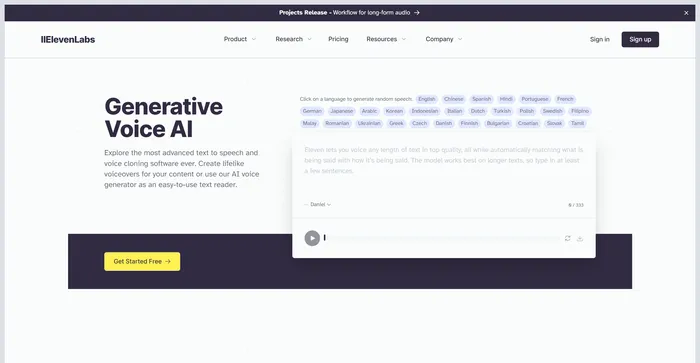
ElevenLabs is an AI firm that specializes in realistic, synthetic voice generation, capable of mimicking human speech in over 30 languages. If you are looking for a fast and powerful text-to-speech and voice API, ElevenLabs is a great option to consider. You can create lifelike voices for various purposes, such as video, gaming, audiobooks, and chatbots.

$1/mo

Rask Review

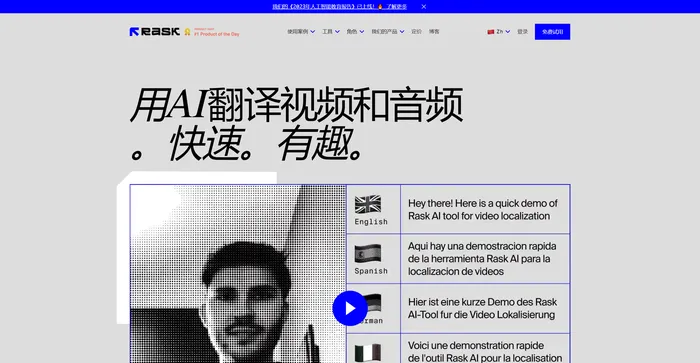
Rask AI is a leading tool in the field of video localization and dubbing, powered by advanced artificial intelligence (AI) technology. It offers a seamless experience for translating and dubbing videos, ensuring that content creators can reach a global audience without the barriers of language. Rask AI’s cutting-edge technology allows for seamless dubbing and translation, saving both time and money. The “Text-to-Voice” and “Voice Cloning” technologies are truly impressive, delivering a human-like voiceover that sounds just as good as a professional voice actor.

$50/mo

Kits AI FAQ

What is Kits AI? +

Kits AI is an AI voice platform that enables musicians to transform and enhance vocal performances using a variety of AI voices. It allows for the creation and sharing of custom AI voice models and provides access to a library of licensed artist voices and royalty-free options.

How does Kits AI work? +

To use Kits AI, users can upload their vocals to create custom AI voice models or choose from the platform’s extensive library of AI voices for voice-to-voice or text-to-voice conversions. The platform also offers features like voice model datasets creation from YouTube links.

Can I use Kits AI for commercial projects? +

Yes, music created with voices from Kits AI’s commercial use library can be released commercially without additional fees. However, music created with voices from the Official Artist Licensed Library requires artist approval for commercial use.

Is Kits AI free to use? +

Kits AI offers a free early access beta period. However, there may be different subscription plans available for additional features and capabilities.

Can I create my own AI voice model on Kits AI? +

Yes, Kits AI provides tools for users to create their own custom AI voice models, which they can then share with others.

Does Kits AI offer officially licensed artist voices? +

Yes, Kits AI works directly with artists and creatives to officially license their AI voices, allowing users to incorporate the essence of their musical idols into their projects.

How can I get started with Kits AI? +

To get started with Kits AI, users need to sign up and log in to their account on the Kits AI website. From there, they can access the various features such as AI voice conversion, voice cloning, and more.

Are there any alternatives to Kits AI? +

While Kits AI is tailored for musicians looking to use AI voices, there are other AI voice platforms and music generation tools available. Alternatives may include different features or pricing models, so users should research to find the best fit for their needs.

Kits AI Conclusion

Choose Kits AI to unlock new creative dimensions in your music production. It’s a game-changing platform that combines advanced AI technology with user-friendly features, making it an essential tool for musicians, producers, and creators. With Kits AI, the power to redefine your vocal expression is in your hands.

Featured AI Tools

Kits AI Related AI Tools

Vocal Remover Review

Free AI-powered vocal remover

Tags:

Descript Review

All-in-one video & podcast editing, easy as a doc.

Vidnoz AI Review

Create FREE Engaging AI Videos 10X Faster

Speechify Review

Turn Any Reading Into Audio

PlayHT Review

AI Voice Generator: Realistic Text to Speech and AI Voiceover