
Generic selectors
Exact matches only
Search in title
Search in content
Post Type Selectors

Is Speechify the Ultimate Solution for Turning Text into Audio?

Pricing:

Platform:

Desktop, Web Based, Mobile APP, Browser Extension

Intergrations:

API

Social links:

Overview

Struggling to keep up with the endless stream of written content?

Speechify claims to transform any text into spoken words, aiming to enhance productivity and accessibility for everyone.

But does it truly deliver a seamless auditory experience? Let’s dive into the details in this comprehensive review.

Editor's review

Overall Score: 4.2

Speechify is a versatile AI text-to-speech tool that caters to a wide range of users, including those with learning disabilities like dyslexia and ADHD, as well as busy professionals and students looking to boost productivity. With its ability to convert text into natural-sounding audio, Speechify offers a hands-free and eyes-free reading experience across various platforms and devices.

PROS

  • Supports a wide range of platforms including Chrome, iOS, Android, and Microsoft Edge
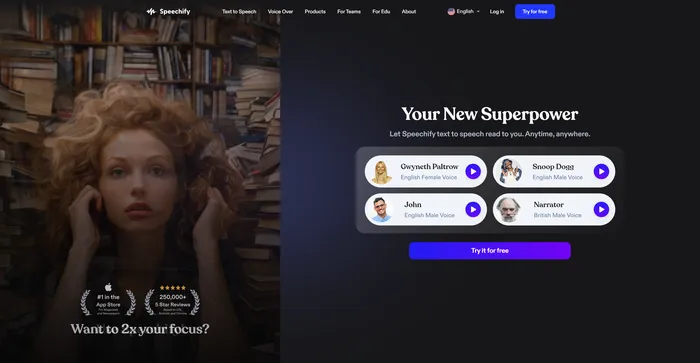
  • Offers a variety of voices, including celebrity voices like Snoop Dogg and Gwyneth Paltrow
  • Helpful for individuals with reading disabilities
  • Features like OCR Reader, PDF Import, and cross-platform availability enhance user experience
  • Can read at speeds up to 900 words per minute

CONS

  • Some users find the interface challenging to navigate
  • Voices can sound robotic, especially on the basic plan
  • Expensive premium subscription with a limit on the number of words per month
  • Reading speed can be too fast for comprehension at higher settings

Speechify Pricing

Speechify Text to Speech Pricing

Pricing Plan Best For
$0 SPEECHIFY LIMITED Best for standard reading voices, basic features
$139/year SPEECHIFY PREMIUM Best for users looking for premium features

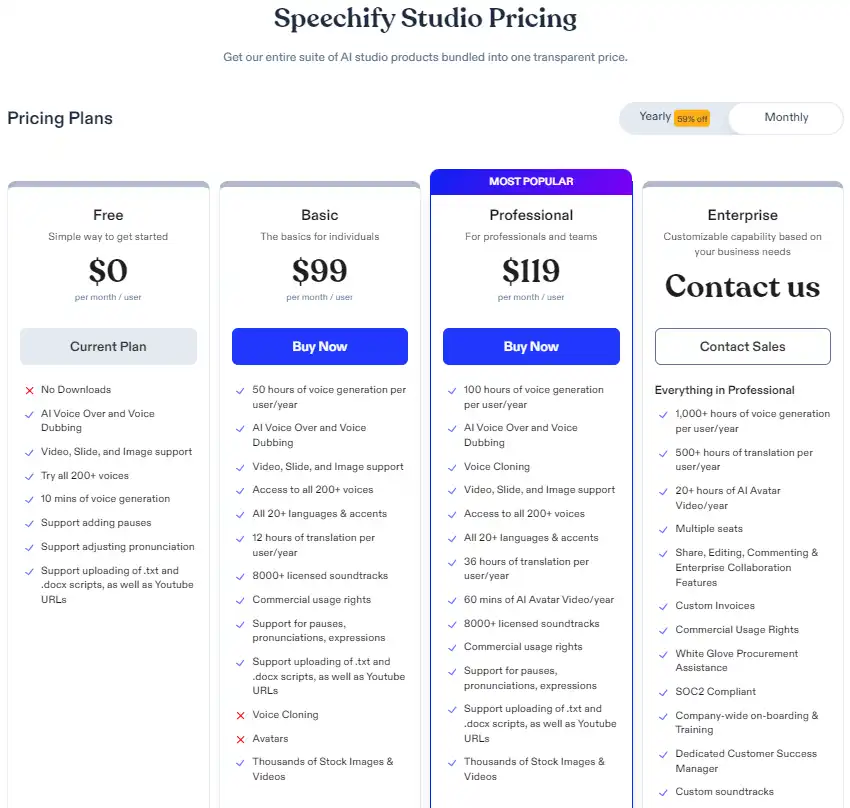
Speechify Studio Pricing

Pricing (yearly plan) Plan Best For
$0 Free Best for basic features
$288/year Basic Best for individuals with more usage needs
$385/year Professional Best for professionals and teams with advanced features
Custom Enterprise Customizable capability for business needs

Speechify Text to Speech pricing plans.
yearly pricing plan for Speechify 1

Speechify Studio monthly pricing plans.
monthly pricing plan for Speechify 2

Speechify Studio annual pricing plans.
yearly pricing plan for Speechify 3

Speechify Audiobooks pricing plans.
monthly pricing plan for Speechify 4

Plan Name Free Basic Professional Enterprise
Voice Generation 10 mins 50 hours of voice generation per user/year 100 hours of voice generation per user/year 1,000+ hours of voice generation per user/year
Languages No All 20+ languages & accents All 20+ languages & accents Customizable
Translation No 12 hours of translation per user/year 36 hours per user/year 500+ hours per user/year
AI Avatars & Video No No 60 mins of AI Avatar Video/year 20+ hours of AI Avatar Video/year
Support Basic Commercial usage rights Commercial usage rights Commercial usage rights, White Glove Procurement Assistance, SOC2 Compliant

What is Speechify

• What is Speechify?

Speechify is an AI-driven text-to-speech application that converts written text into audio. It’s designed to assist individuals with reading challenges, such as dyslexia, ADHD, or visual impairments, as well as those looking to multitask or improve their productivity.

• Key Features of Speechify

Speechify boasts a range of features that cater to various needs:

  • High-Quality Voices: Offers a selection of natural-sounding voices, including celebrity options, to personalize the listening experience.
  • Multi-Platform Support: Available on Chrome, iOS, Android, and Mac, ensuring accessibility across devices.
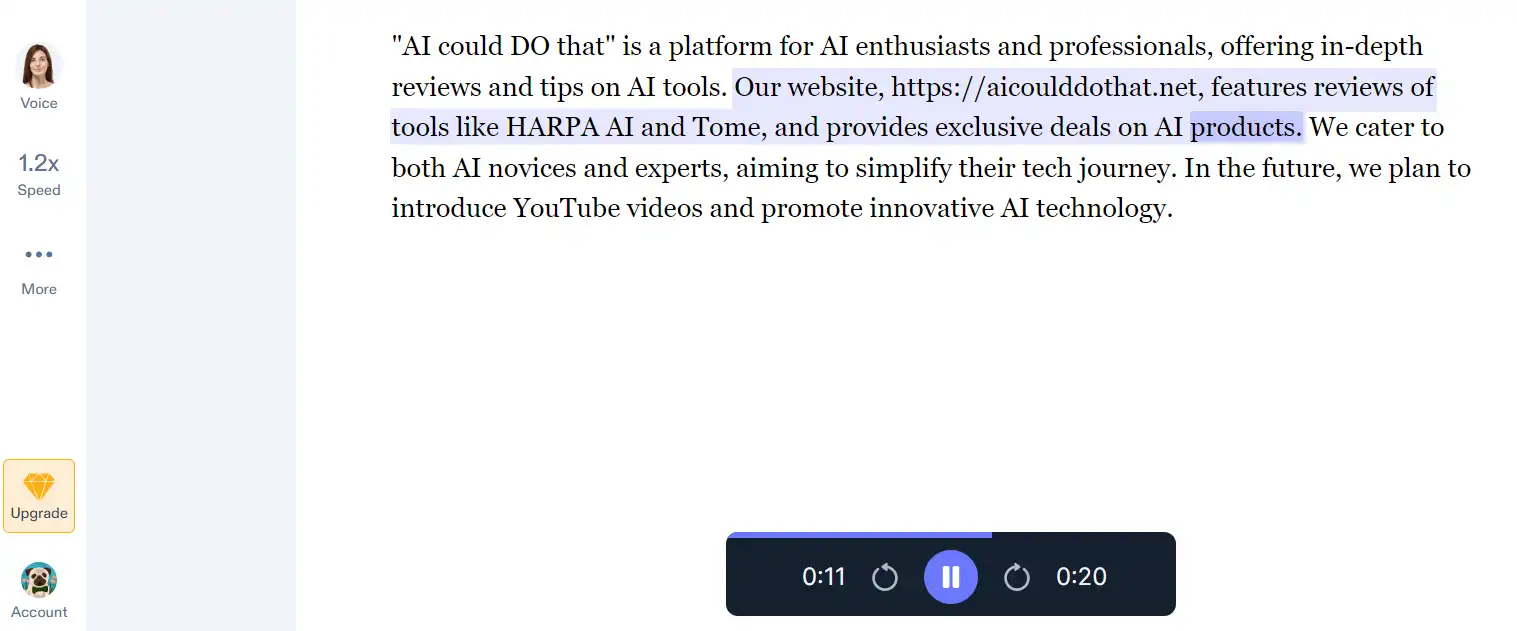
  • Adjustable Speed: Users can control the speed of speech to match their listening preferences.

• Tips for Using Speechify

Here are some tips to get the most out of Speechify:

  • 📚 Explore Different Voices: Experiment with various voices and accents to find the one that suits you best for different types of content.
  • ⚙️ Customize the Speed: Adjust the reading speed to your comfort level, whether you’re looking to absorb information quickly or listen at a leisurely pace.
  • 🔄 Use Across Devices: Take advantage of Speechify’s multi-platform support to sync your listening experience across your smartphone, tablet, and computer.
  • 👀 Assistive Technology: Utilize Speechify as an assistive tool if you have reading difficulties, ensuring you don’t miss out on any written information.
  • 🎧 Listen While Multitasking: Make the most of your time by listening to articles, books, or documents while performing other tasks.

With these tips, you can leverage the full potential of Speechify to turn reading into a more efficient and enjoyable experience.

Trustpilot Review for Speechify

What other users are saying about Speechify

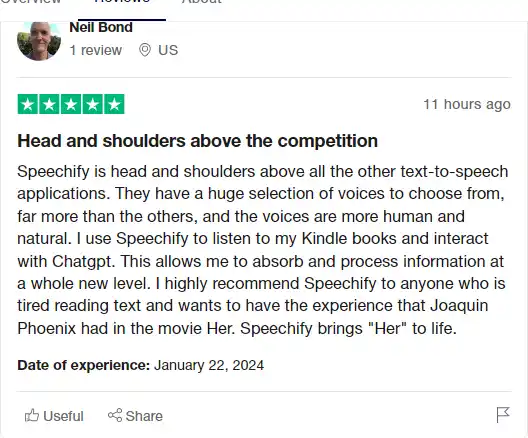
I have crosschecked my experience with the experience of other Speechify customers on Trustpilot.

Here’s what I found:

  • 🌟 Speechify has a 4.0 rating on Trustpilot with 792 total reviews (65% 5-star reviews).
  • Most positive reviewers like Speechify for its:
    • 💬 Great customer support with quick issue resolution
    • 😇 Realistic and easy-to-listen-to AI voice inflections
    • 💰 Quick, easy, and polite cancellation process
    • 🚀 Variety of voices, including Afrikaans voices
    • ⏰ Premium features like unlimited listening and faster speeds
  • ☁️ Some users faced issues with voice quality in free versions and unexpected popups.

How to use Speechify

Speechify is a versatile tool that caters to a wide range of needs, from converting text to speech to creating voiceovers and dubbing videos. Here’s a comprehensive guide to using its features:

Text to Speech Conversion

Transform any written content into spoken words with ease.

  1. Open the Speechify app or browser extension and select the plus (+) button.
    how to use Speechify 5
  2. Choose to import files, scan text, or use the web for text-to-speech conversion.
    how to use Speechify 6
  3. Select your preferred voice from an extensive library of AI voices.
    how to use Speechify 7
  4. Adjust the reading speed and other settings to match your listening preference.
    how to use Speechify 8
  5. Play the audio and enjoy listening to your text in a natural-sounding voice.
    how to use Speechify 9

Speechify’s text-to-speech feature is perfect for multitasking, learning, and improving reading accessibility.

AI Video Studio

Create and edit videos with AI assistance for a professional touch.
  1. Access Speechify’s AI Video Studio through your browser.
    how to use Speechify 10
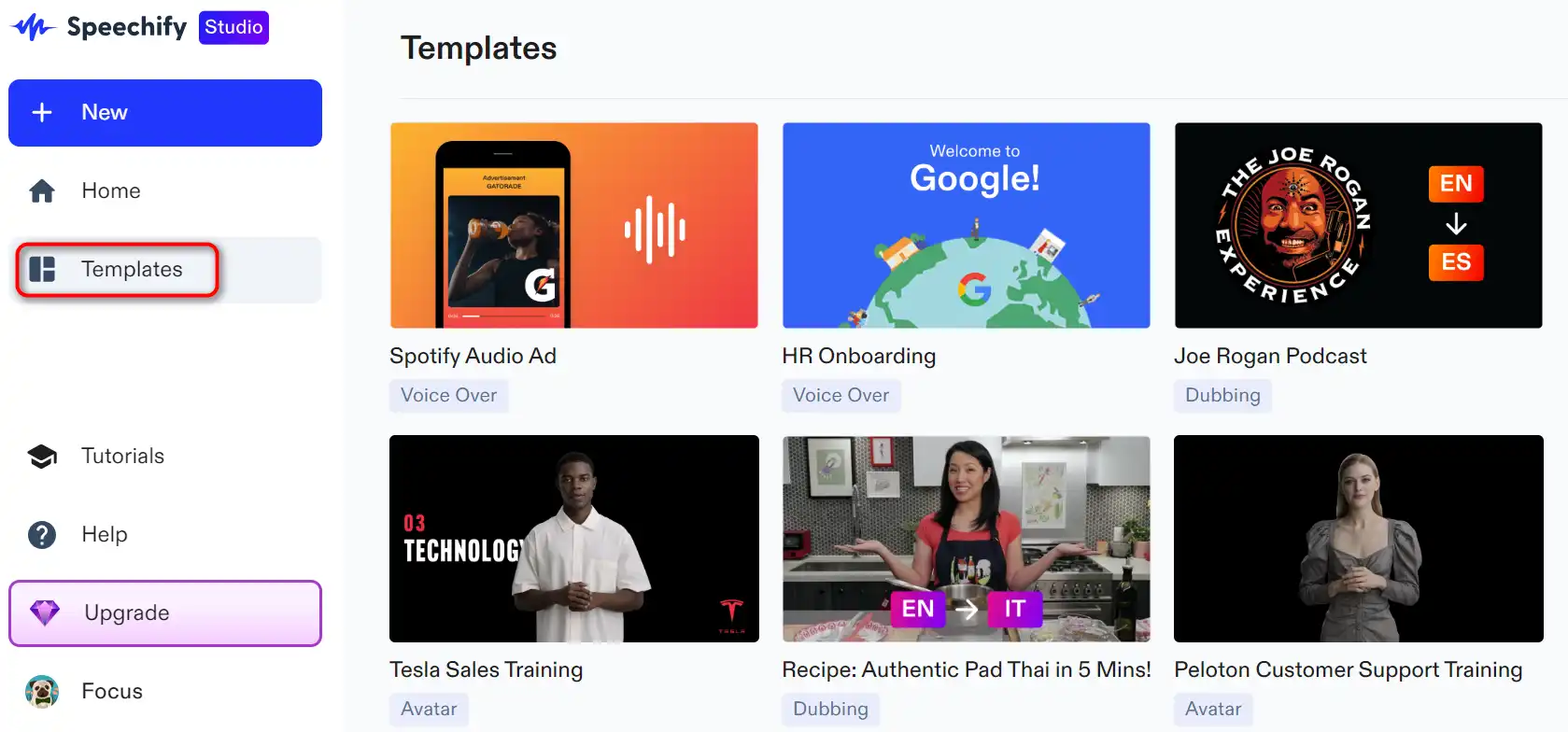
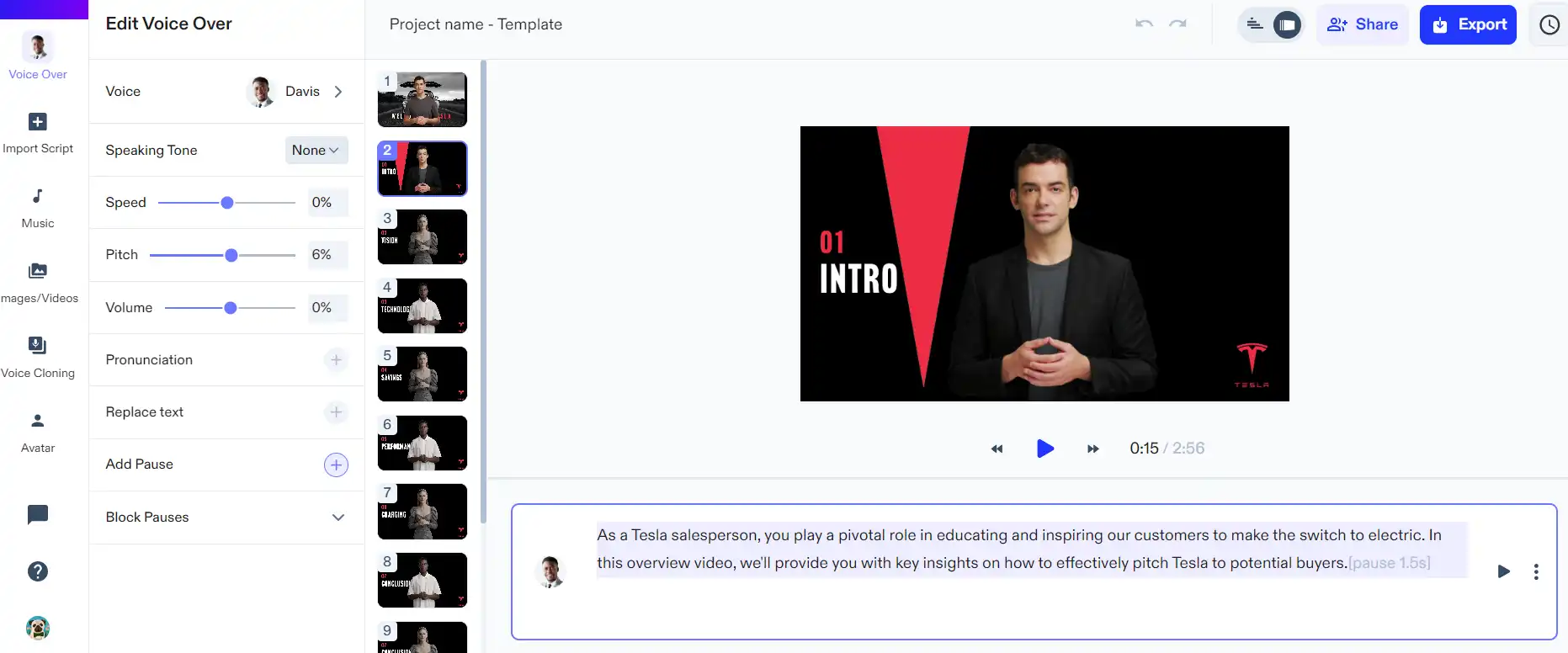
  2. Upload your script or start with a template.
    how to use Speechify 11
  3. Choose an AI avatar and customize its appearance and voice.
    how to use Speechify 12
  4. Edit your video using intuitive drag-and-drop tools.
    how to use Speechify 13
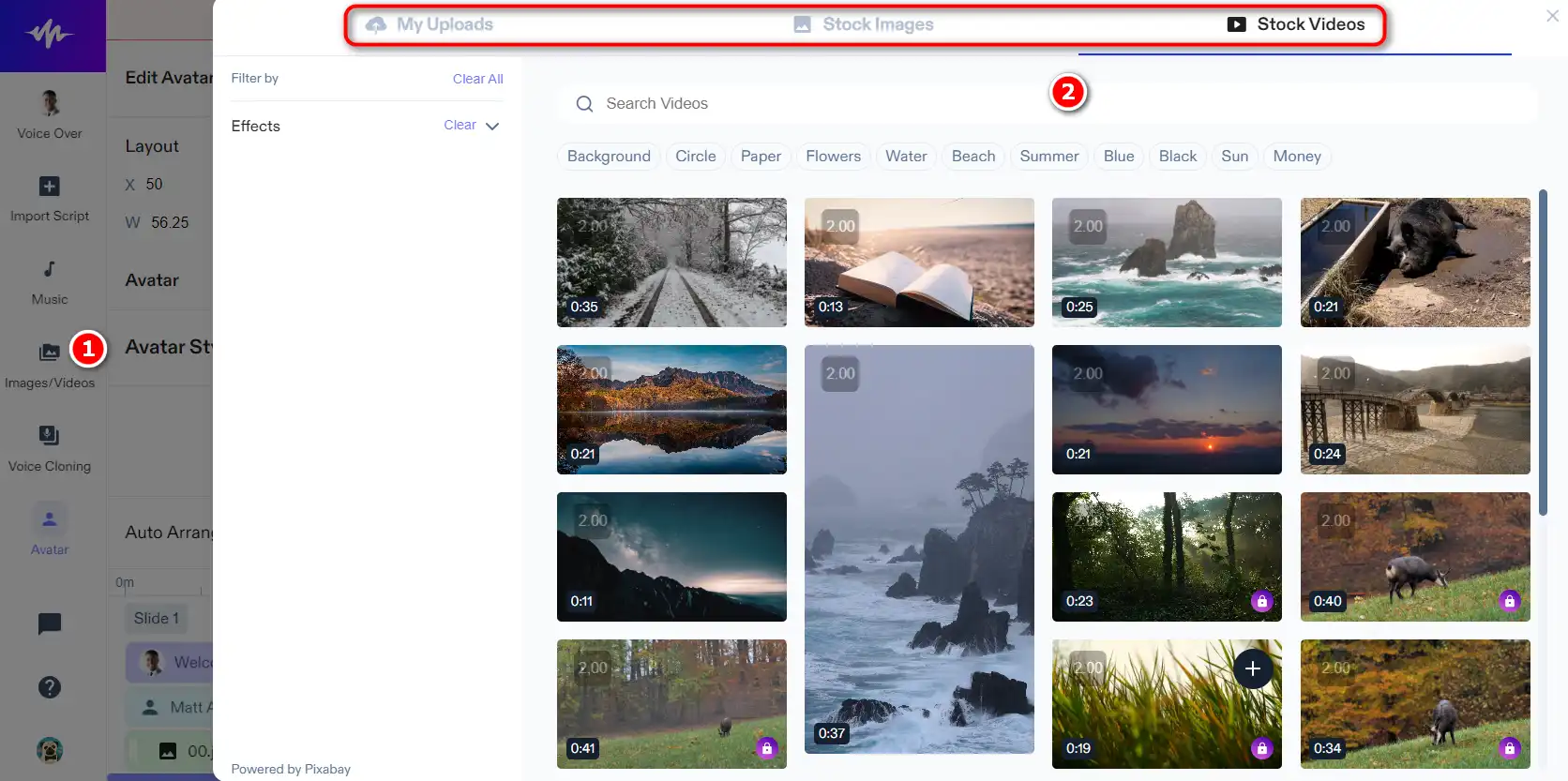
  5. Add images, videos, and background music as needed.
    how to use Speechify 14
  6. Preview and export your video in the desired format.
    how to use Speechify 23

This feature is ideal for content creators looking to produce high-quality videos without the need for actors or complex equipment.

AI Dubbing

Localize your videos by dubbing them into multiple languages.
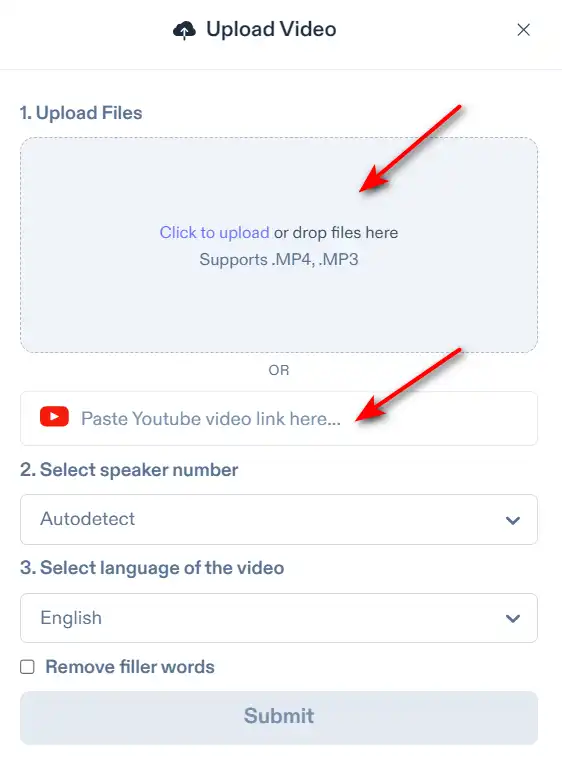
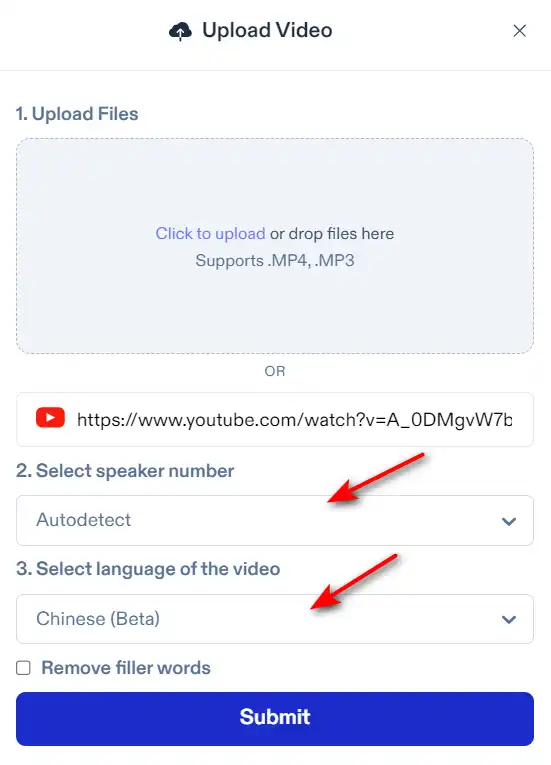
  1. Upload your video or provide a YouTube link to Speechify.
    how to use Speechify 16
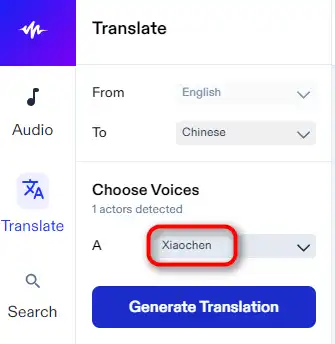
  2. Select the language and speaker number for dubbing.
    how to use Speechify 17
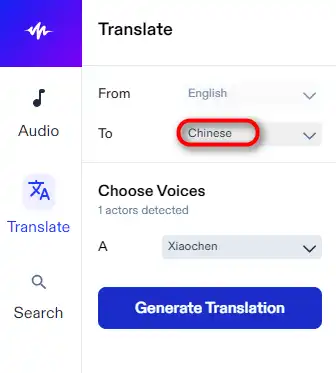
  3. Select the language you want to dub.
    how to use Speechify 19
  4. Choose the voice to match the original speaker’s intonation and speed.
    how to use Speechify 20
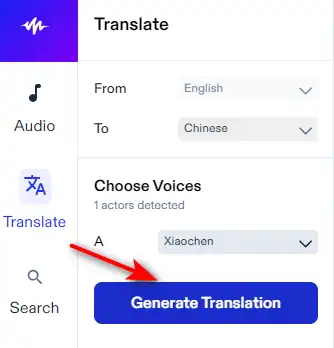
  5. Click “Generate” and the AI will automatically sync the dubbed voice with the video.
    how to use Speechify 21
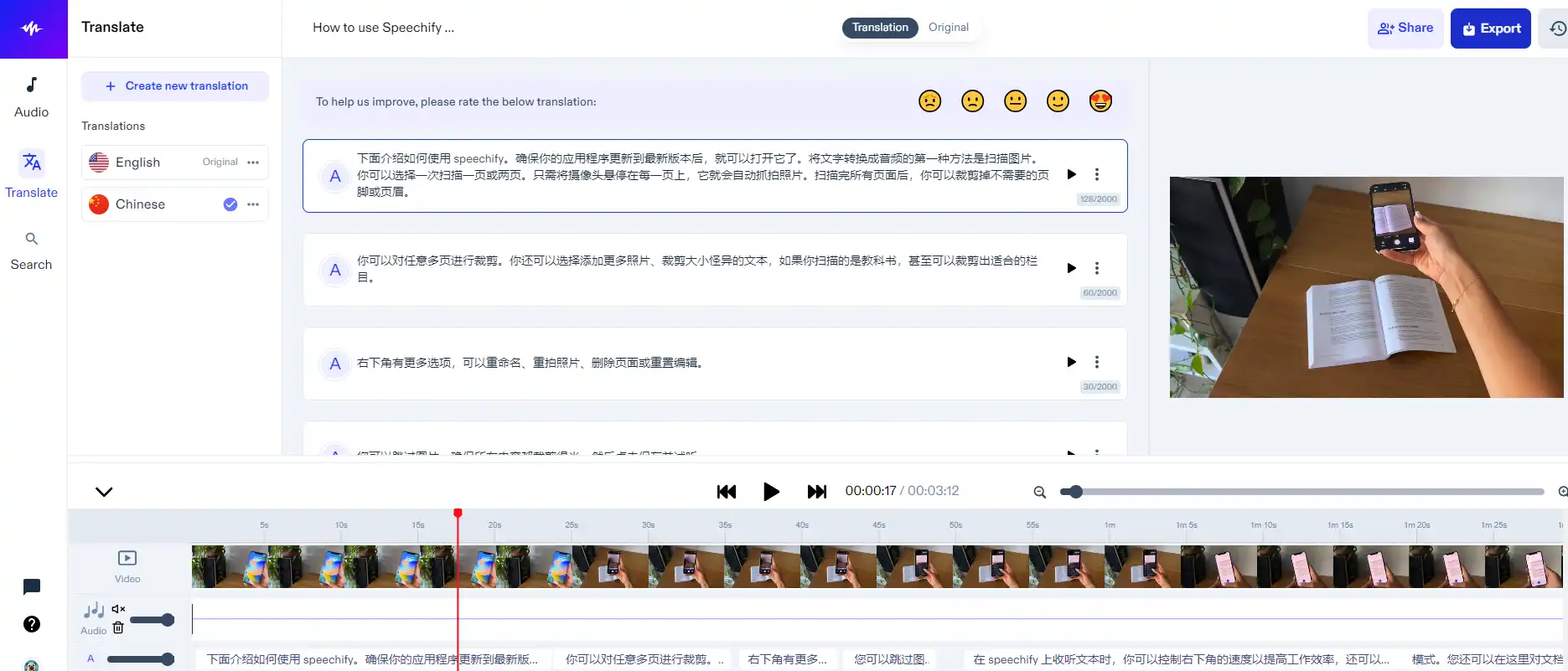
  6. Review and make any necessary adjustments to the dubbing.
    how to use Speechify 22
  7. Export the dubbed video and share it with your audience.
    how to use Speechify 23

AI dubbing is a game-changer for reaching a global audience and enhancing the viewing experience.

Voice Cloning

Create a digital clone of any voice within seconds.
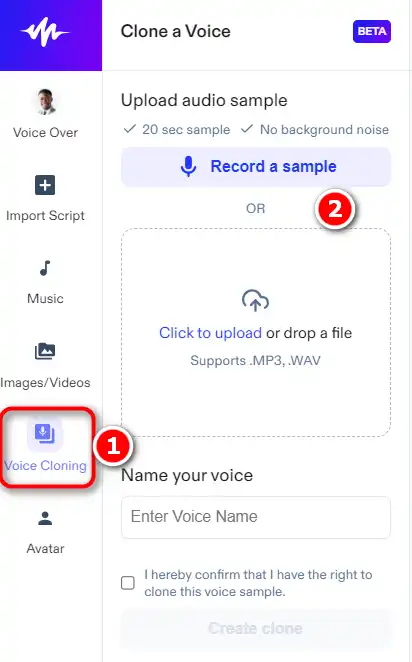
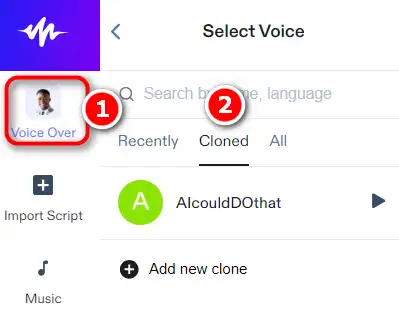
  1. Record your voice directly in the browser or upload an audio sample to Speechify.
    how to use Speechify 24
  2. Let the AI analyze and create a unique voice model based on the sample.
    how to use Speechify 25
  3. Type or paste your script and convert it to speech using your cloned voice.
    how to use Speechify 26
  4. Customize the tone, emotion, and style of the cloned voice as needed.
  5. Generate new audio content quickly and effortlessly.

Voice cloning is perfect for content creators who want to maintain a consistent voice across various projects.
how to use Speechify 27

Speechify Top alternatives

Descript Review

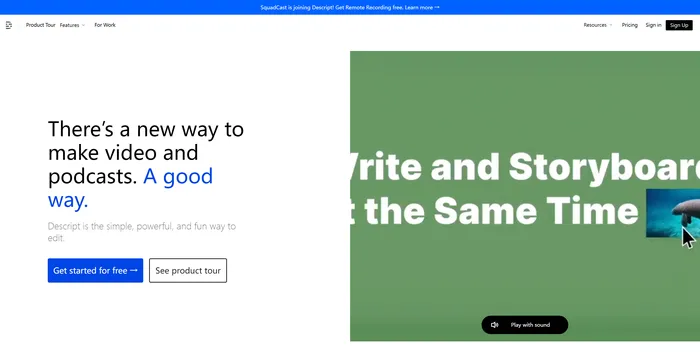
Descript is the ultimate AI software for editing audio and video files. It allows you to edit your media files as easily as editing a text document. You can transcribe, caption, overdub, and more with Descript.

$12/mo

PlayHT Review

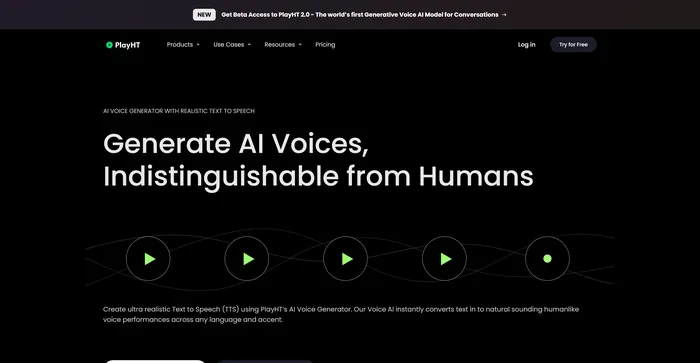
PlayHT is a leading AI-powered text-to-speech tool that effortlessly converts written content into natural-sounding voice performances. It caters to diverse needs such as voiceovers, podcasts, or any other form of spoken word. The tool leverages artificial intelligence and machine learning to generate natural-sounding voices, enhancing listener engagement. It supports multiple languages, not just English, which allows for diverse and global use cases. It provides a wide range of voice options, including both male and female voices, catering to different content needs.

$29.00/mo

HeyGen Review

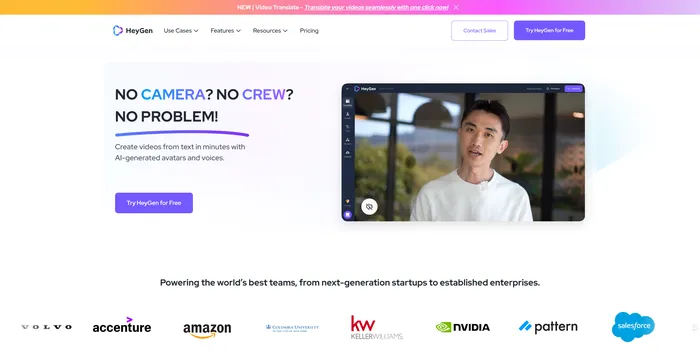
HeyGen stands out as a versatile AI video generator that caters to both professionals and beginners, enabling the creation of studio-quality videos with AI-generated avatars and voices. Its ability to engage, explain, and entertain through AI-powered video creation makes it a valuable tool for various content needs. With over 100+ AI avatars, customizable options, and a collection of high-quality voices, users can produce stunning videos in minutes, a significant time-saving compared to traditional methods.

$24/mo

Murf AI Review

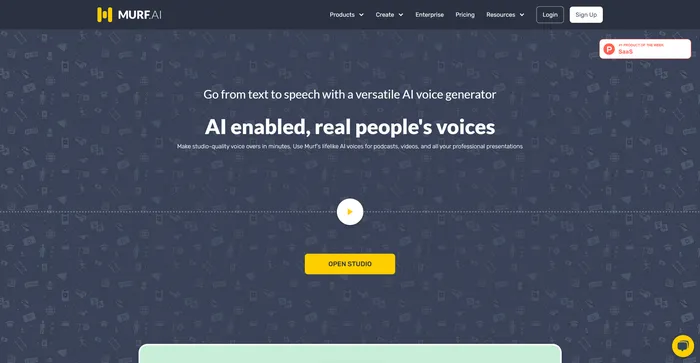
Murf AI stands out as a highly versatile text-to-speech software, designed to deliver AI voiceovers that closely mimic human intonation and emotion. Its advanced algorithms are adept at interpreting punctuation and exclamation marks, ensuring that the AI voices produced are impressively lifelike. This makes Murf AI an excellent choice for users looking to enhance their videos with engaging voiceovers without needing any video editing expertise.

$19/mo

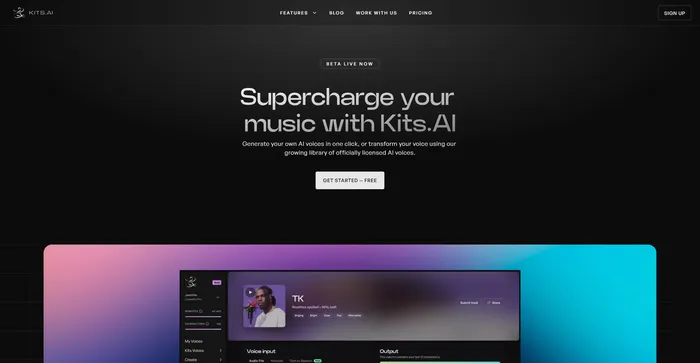
Kits AI Review

Kits AI is an AI software that lets you create and transform your voice into different characters and styles. You can use it to make your own voiceovers, podcasts, audiobooks, or music with a variety of voices and effects. Kits AI claims to be the first AI voice generator that can mimic any voice in the world, from celebrities to fictional characters.

However, Kits AI is not without its flaws. The software is still in beta and has some limitations and bugs. For example, voice quality is also not very consistent, and sometimes the voices sound robotic or unnatural. Moreover, some users have reported ethical and legal concerns about using the voices of real people without their consent.

$9.99/mo

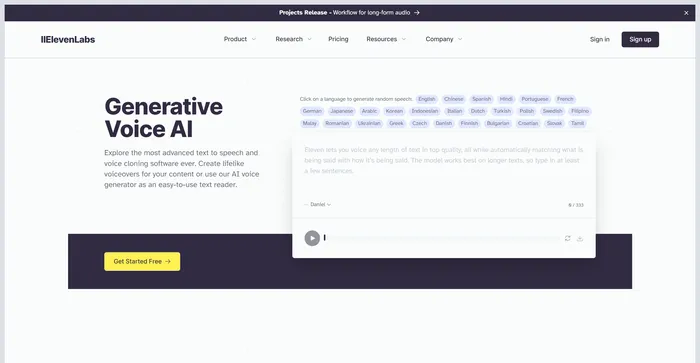
ElevenLabs Review

ElevenLabs is an AI firm that specializes in realistic, synthetic voice generation, capable of mimicking human speech in over 30 languages. If you are looking for a fast and powerful text-to-speech and voice API, ElevenLabs is a great option to consider. You can create lifelike voices for various purposes, such as video, gaming, audiobooks, and chatbots.

$1/mo

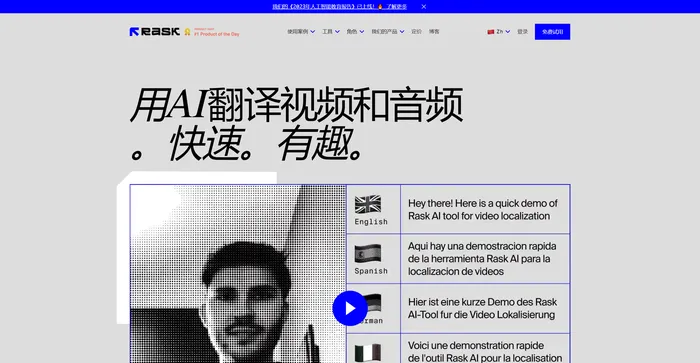
Rask Review

Rask AI is a leading tool in the field of video localization and dubbing, powered by advanced artificial intelligence (AI) technology. It offers a seamless experience for translating and dubbing videos, ensuring that content creators can reach a global audience without the barriers of language. Rask AI’s cutting-edge technology allows for seamless dubbing and translation, saving both time and money. The “Text-to-Voice” and “Voice Cloning” technologies are truly impressive, delivering a human-like voiceover that sounds just as good as a professional voice actor.

$50/mo

Speechify FAQ

What is Speechify? +

Speechify is an AI-powered tool that converts text into audio, allowing users to listen to books, documents, articles, PDFs, emails, and more. It can create human-quality voice overs in real time, generate and edit videos, and even clone human voices. It also includes a text summarizer that condenses lengthy texts, focusing on key ideas.

What features does Speechify offer? +

Speechify offers a range of features including the ability to convert any text into audio, create human-quality voice overs in real time, generate and edit videos, and clone human voices. It also includes a text summarizer that condenses lengthy texts. The tool supports over 30 different voices or languages and is available as a Google Chrome extension, web app, iOS app, and Android app.

How does Speechify work? +

Speechify uses artificial intelligence to convert text into audio. Users can input any text, such as books, documents, articles, PDFs, or emails, and Speechify will convert it into audio that can be listened to. The tool can also create human-quality voice overs, generate and edit videos, and clone human voices.

Is Speechify free to use? +

Speechify offers a free plan that includes 10 standard voices that can read at 1x speed. With the free plan, users can convert PDF files, images, text messages, emails, etc., into speech. Users can sign up for the premium plan, which offers additional features.

Who can benefit from using Speechify? +

Speechify can be used by people of all ages and for different purposes. It is particularly beneficial for those who love reading, listen to podcasts, need to read a lot for work, or have difficulties reading. It is also useful for students, helping them to memorize notes and lessons by reading them aloud. Speechify is also beneficial for both auditory and visual learners, as it allows them to focus on their preferred type of learning.

Can Speechify be used on mobile devices? +

Yes, Speechify is available as an app on both iOS and Android platforms. This allows users to take their content on the go and listen to it whenever and wherever they want.

Does Speechify support multiple languages? +

Yes, Speechify supports over 30 different voices or languages. This makes it a versatile tool for users who want to listen to content in different languages.

Can Speechify be used for educational purposes? +

Yes, Speechify can be used for educational purposes. It can help students memorize notes and lessons by reading them aloud. It is also beneficial for both auditory and visual learners, as it allows them to focus on their preferred type of learning. Furthermore, Speechify offers an Education plan that enables institutions to purchase Speechify in bulk.

Speechify Conclusion

Embrace Speechify to revolutionize the way you interact with text and video content. Whether for personal, educational, or professional use, Speechify’s cutting-edge AI technology offers a seamless and efficient solution. Start transforming your content today and unlock a world of possibilities with Speechify.

Featured AI Tools

Speechify Related AI Tools

Descript Review

All-in-one video & podcast editing, easy as a doc.

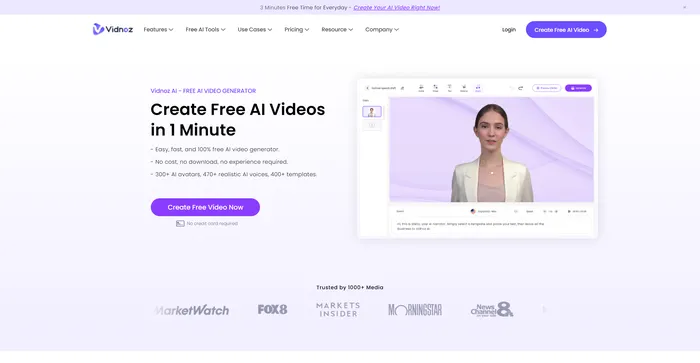
Vidnoz AI Review

Create FREE Engaging AI Videos 10X Faster

Artflow Review

Craft consistent characters with ease

PixVerse Review

Create breath-taking videos

PlayHT Review

AI Voice Generator: Realistic Text to Speech and AI Voiceover

Wave.video Review

Easily Edit, Record, Multi-Stream & Host Videos