
Generic selectors
Exact matches only
Search in title
Search in content
Post Type Selectors

Is Wave.video the Ultimate Video Editing Solution? A Comprehensive Review

Platform:

Web Based

Intergrations:

Best use cases:

# #

Social links:

Overview

Are you struggling to find a video editing tool that balances ease of use with powerful features?

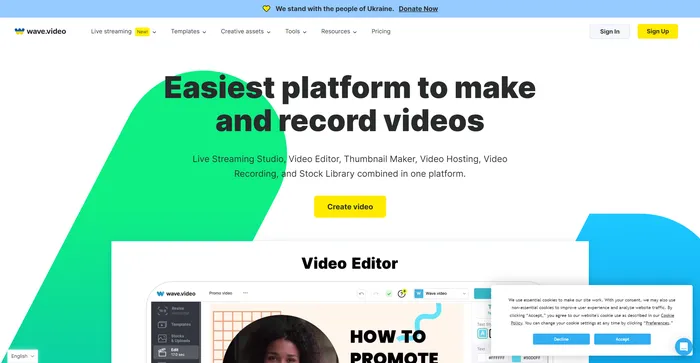
Wave.video promises to be an all-in-one platform for recording, editing, streaming, and hosting videos, aiming to streamline your video marketing campaigns.

But does it truly deliver on its promise? Let’s dive into an in-depth review of Wave.video.

Editor's review

Overall Score: 4.7

Wave.video is a comprehensive AI-powered video creation tool that stands out for its intuitive interface and robust features. It is highly praised for its cloud-based video editing capabilities, allowing users to work from anywhere. The platform offers a range of features including a live streaming studio, video recording app, video hosting options, and a clip editor. It also boasts a vast library of over 200 million stock videos, pictures, and audio, along with more than a thousand customizable video templates.

Users have commended Wave.video for its ease of use and the quality of its output. The platform’s AI capabilities, such as generating videos from text, have been particularly appreciated. Despite this, some users have noted that the video rendering process can be time-consuming.

PROS

  • Intuitive and user-friendly interface
  • Large library of stock videos, pictures, and audio
  • AI-powered features like text-to-video function
  • Cloud-based, allowing for editing from anywhere

CONS

  • Video rendering process can be slow
  • Some users would like to see more AI features
  • Free version has limitations

Wave.video Pricing

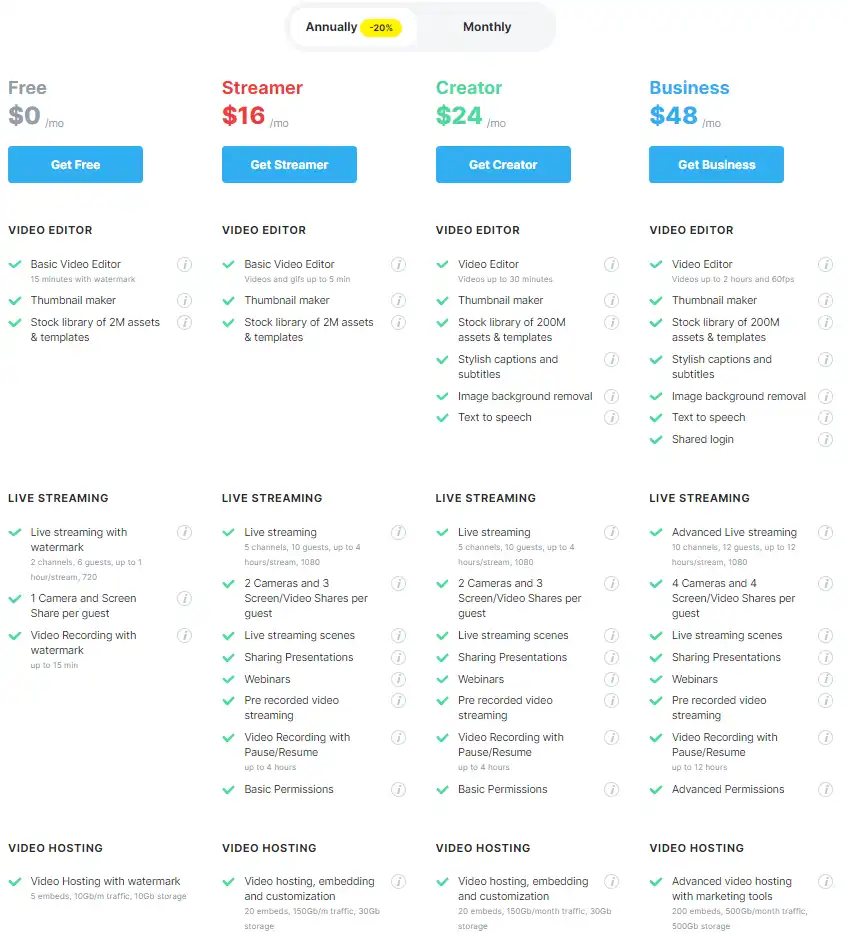
Pricing (monthly plan billed annually) Plan Best For
$0 Free Best for getting started with basic features
$16 Streamer Best for individual content creators
$24 Creator Best for creators needing extended video length and features
$48 Business Best for businesses requiring advanced live streaming and video hosting

Wave.video monthly pricing plans.
monthly pricing plan for Wave.video 1

Wave.video annual pricing plans.
yearly pricing plan for Wave.video 2

Plan Name Free Streamer Creator Business
Video Editor Basic (15 min with watermark) Basic (Videos up to 5 min) Basic (Videos up to 30 min) Advanced (Videos up to 2 hrs, 60fps)
Live Streaming With watermark (2 channels, 6 guests, up to 1 hr/stream) 5 channels, 10 guests, up to 4 hours/stream 5 channels, 10 guests, up to 4 hours/stream 10 channels, 12 guests, up to 12 hours/stream
Video Hosting With watermark (5 embeds, 10Gb/m traffic, 10Gb storage) Video hosting, embedding (20 embeds, 150Gb/m traffic, 30Gb storage) Video hosting, embedding (20 embeds, 150Gb/m traffic, 30Gb storage) Advanced hosting, marketing tools (200 embeds, 500Gb/m traffic, 500Gb storage)
Additional Features — — Stylish captions, subtitles, image background removal, text to speech Stylish captions, subtitles, image background removal, text to speech, shared login

What is Wave.video

• What is Wave.video?

Wave.video is a cloud-based video editing platform designed to cater to the needs of marketers, content creators, and business owners. It offers a suite of tools for video creation, editing, live streaming, and hosting, with a focus on simplifying the video production process.

• Key Features of Wave.video

Wave.video boasts a range of features that make it a versatile choice for video editing:

  • Intuitive User Interface: A clean and user-friendly interface that allows for quick navigation and video editing.
  • Stock Libraries: Access to over 400 million clips, images, and royalty-free soundtracks to enhance your videos.
  • Branding Tools: Easily manage brand guidelines with the Brand Manager feature, saving time on repetitive tasks.
  • Live Streaming: The ability to live stream directly within the platform, with customizable broadcasting options.
  • Video Hosting: Host and embed videos on your website, with different plans offering varying numbers of embeddable videos.

• Tips for Using Wave.video

Here are some expert tips to get the most out of Wave.video:

  • 🎨 Customize for Your Brand: Utilize the Brand Manager to ensure all your videos are consistent with your brand’s visual identity.
  • 📚 Leverage the Stock Library: Make use of the extensive stock libraries to add professional-quality media to your videos.
  • 🔗 Embed with Ease: Take advantage of the embedding features to integrate videos seamlessly into your digital presence.
  • 🌐 Stream Across Platforms: Use the live streaming feature to reach your audience in real-time across multiple platforms.
  • 💡 Explore Templates: Start with ready-made templates to quickly create videos for various content marketing needs.

With these insights, you can harness the full potential of Wave.video for your video marketing strategies.

Product Hunt Review for Wave.video

What other users are saying about Wave.video

I have crosschecked my experience with the experience of other Wave.video users on Product Hunt.

Here’s what I found:

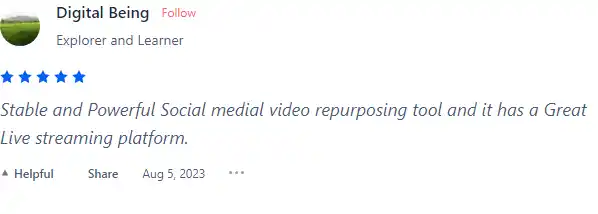
  • 🌟 Wave.video has a 4.9/5 rating on Product Hunt based on 82 reviews.
  • Most positive reviewers like Wave.video for its:
    • 💬 Stable and Powerful Social media video repurposing tool
    • 😇 Great Live streaming platform
    • 💰 Affordable pricing and flexible features
    • 🚀 Easy to use and constantly improving video editing tools
    • ⏰ Advanced streaming features and a 4.9/5 rating on Product Hunt
  • 🐾 Wave.video is also recommended by users for its positive impact on content creation.

How to use Wave.video

Wave.video is designed to be user-friendly and intuitive, making it easy for beginners and professionals alike to create engaging video content. Here’s a step-by-step guide on how to use some of its key features:

Video Editing

Wave.video offers a range of editing features to enhance your videos.

  1. Start by uploading your video or choosing from the extensive stock library.
    how to use Wave.video 3
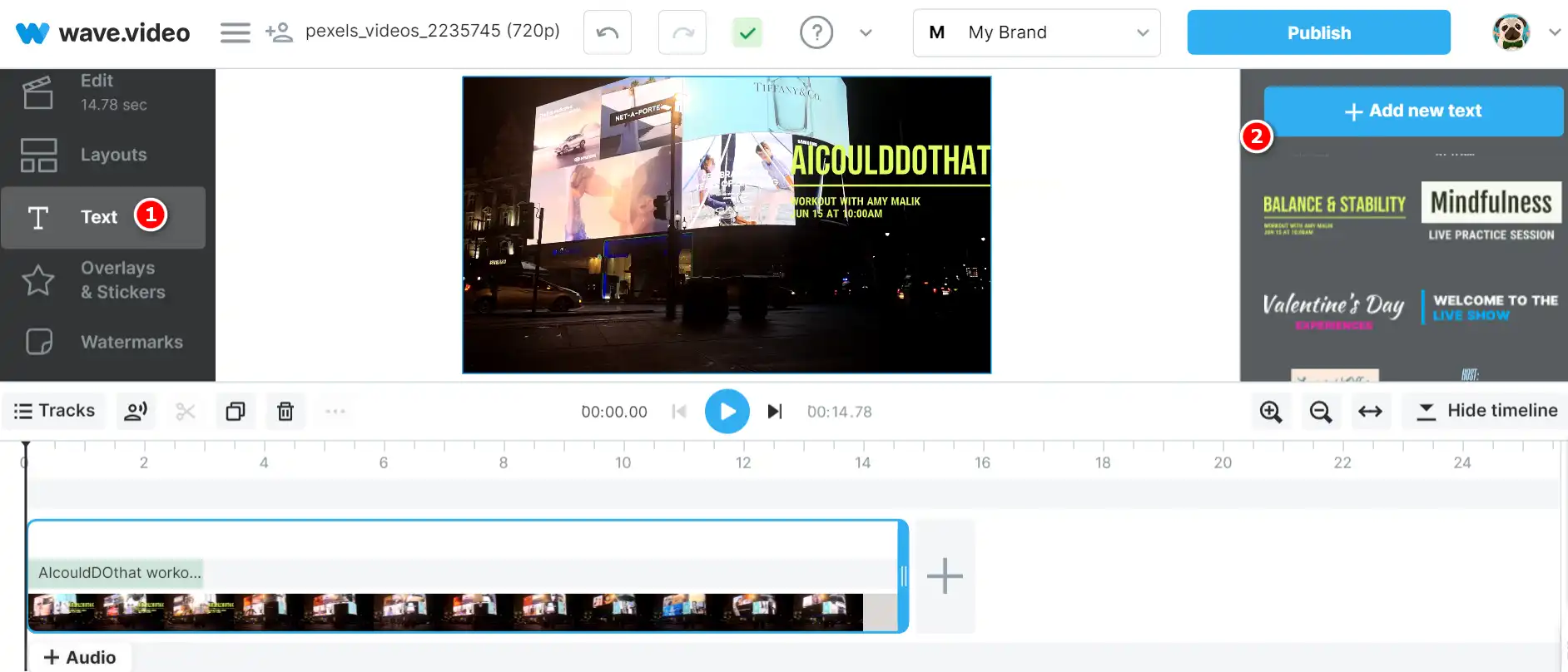
  2. Use the advanced text editor to add animated text to your video.
    how to use Wave.video 4
  3. Add filters, animated stickers, GIFs, and your logo to make your video more engaging.
    how to use Wave.video 5
  4. Use the trim, split, speed up, slow down, zoom, and flip features to fine-tune your video.
    how to use Wave.video 6

Video Hosting and Live Streaming

Wave.video provides video hosting and live streaming services, allowing you to reach your audience in real-time.

  1. Choose your plan based on the number of videos you need to embed and the amount of traffic you expect.
    yearly pricing plan for Wave.video 2
  2. Upload your video to the platform.
    how to use Wave.video 3
  3. Embed your video on your website or share it directly on your social networks.
    how to use Wave.video 7

Brand Manager

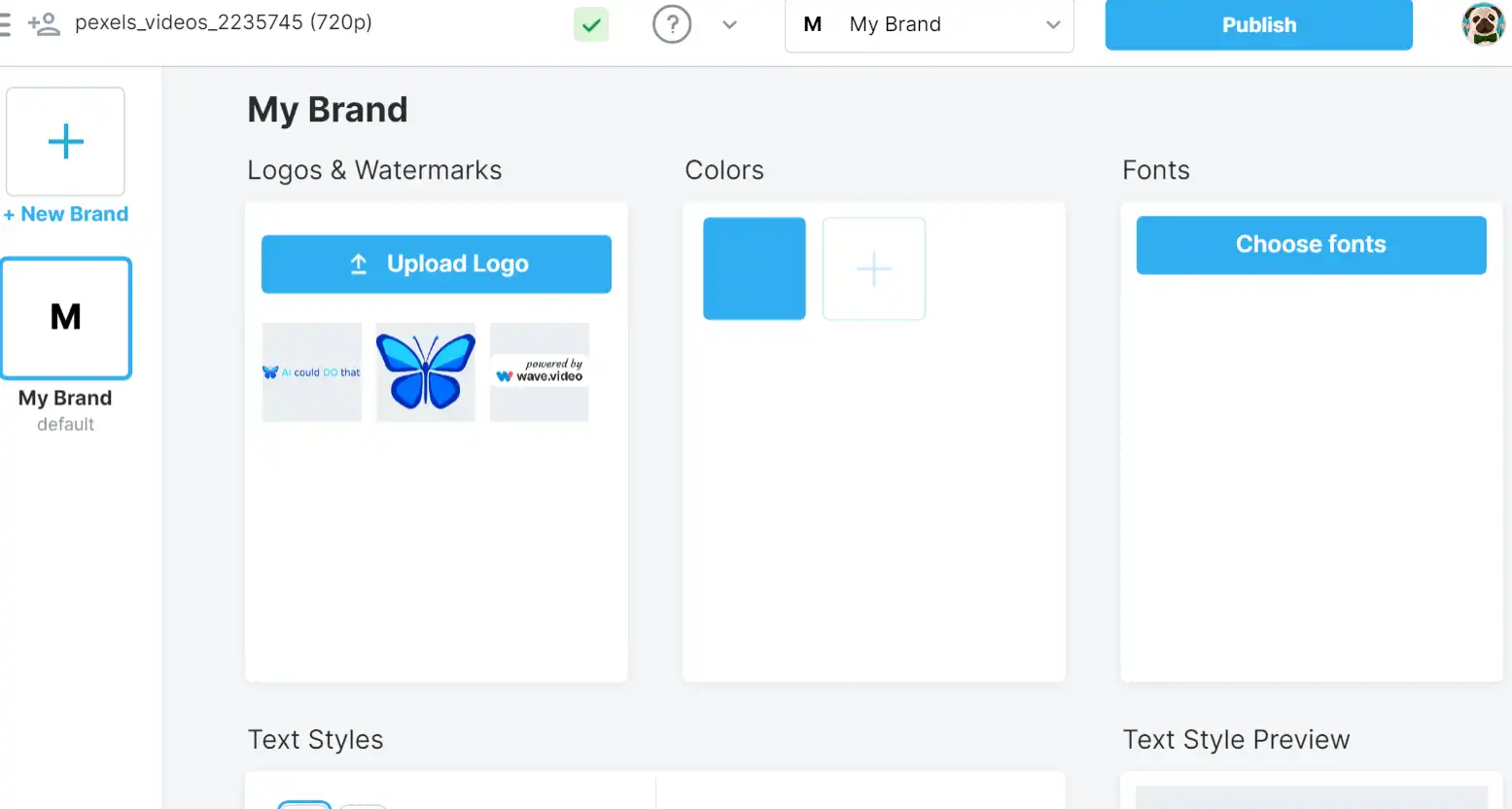
This feature allows you to manage all your clients’ brand guidelines efficiently.
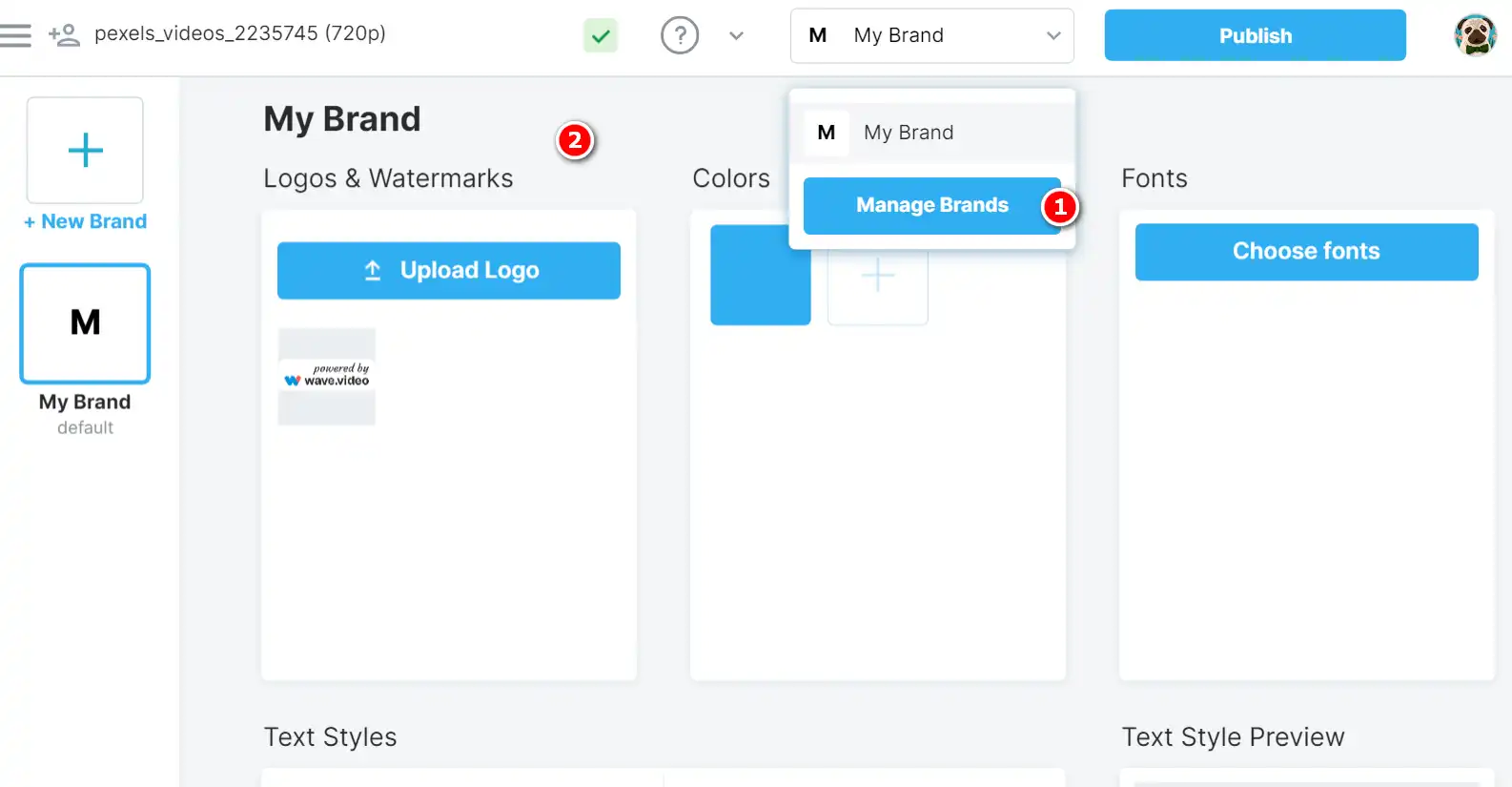
  1. Upload your clients’ fonts and logos to the platform.
    how to use Wave.video 8
  2. Apply these elements to your videos to maintain brand consistency.
    how to use Wave.video 9

Screen Recording

Wave.video also offers a screen recording feature, allowing you to create tutorials, demos, and more.

  1. Start the screen recording feature.
    how to use Wave.video 10
  2. Select the area of your screen you want to record.
    how to use Wave.video 11
  3. Start recording and save the video to your library when done.
    how to use Wave.video 12

Text to Video Converter

Wave.video also offers a Text to Video Converter feature, which uses AI to transform your text content into engaging videos. This feature is particularly useful for converting blog posts, articles, and other text files into dynamic and visually appealing videos.

  1. Open the converter: Start by opening Wave.video and navigating to the Text to Video Converter feature.
    how to use Wave.video 13
  2. Upload your text: To generate a video from your text, you can either insert a link to your article or paste the text directly into the corresponding field.
    how to use Wave.video 14
  3. Customize the video: After the AI has generated a video from your text, you can edit and customize the look and feel of the video. This includes changing the text, adding a logo, and adjusting other visual elements as needed.
    how to use Wave.video 15
  4. Publish your video: Once you’re satisfied with your video, navigate to the Publish step. From here, you can choose to download the video to your computer, share it directly on social media, create a video landing page, embed it on a website, or use it in other ways.
    how to use Wave.video 7

Wave.video Top alternatives

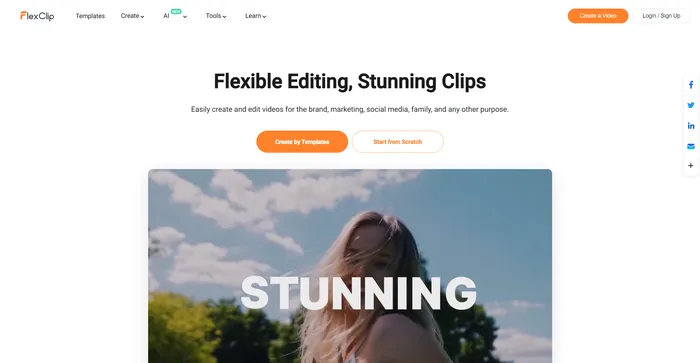
FlexClip Review

FlexClip is a simple yet powerful online video maker that helps you create engaging videos in minutes. Whether you want to make a promo video, a tutorial video, a slideshow, or a vlog, FlexClip has you covered. You can choose from hundreds of templates or start from scratch, and customize your video with stunning transitions, filters, texts, music, and more.

$9.99/mo

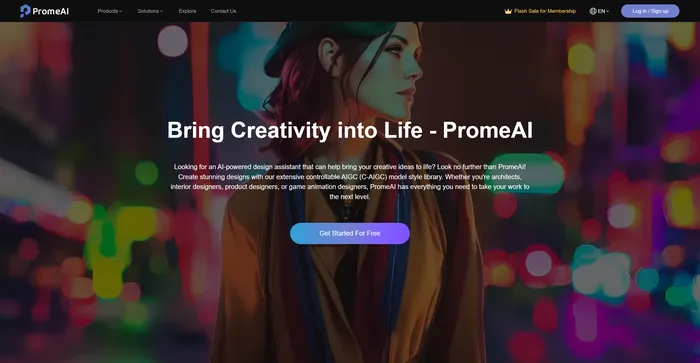
PromeAI Review

PromeAI is an AI-powered design assistant that empowers architects, interior designers, product designers, and game animation designers to bring their creative ideas to life. It offers an extensive controllable AIGC (C-AIGC) model style library, providing users with a range of design options. The tool is designed to be user-friendly and can be accessed from any modern web browser.

$16/mo

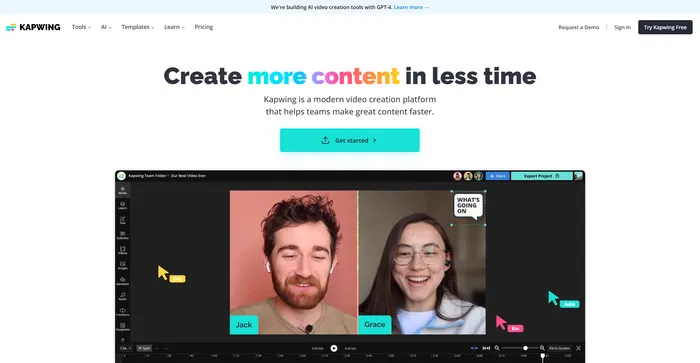
Kapwing Review

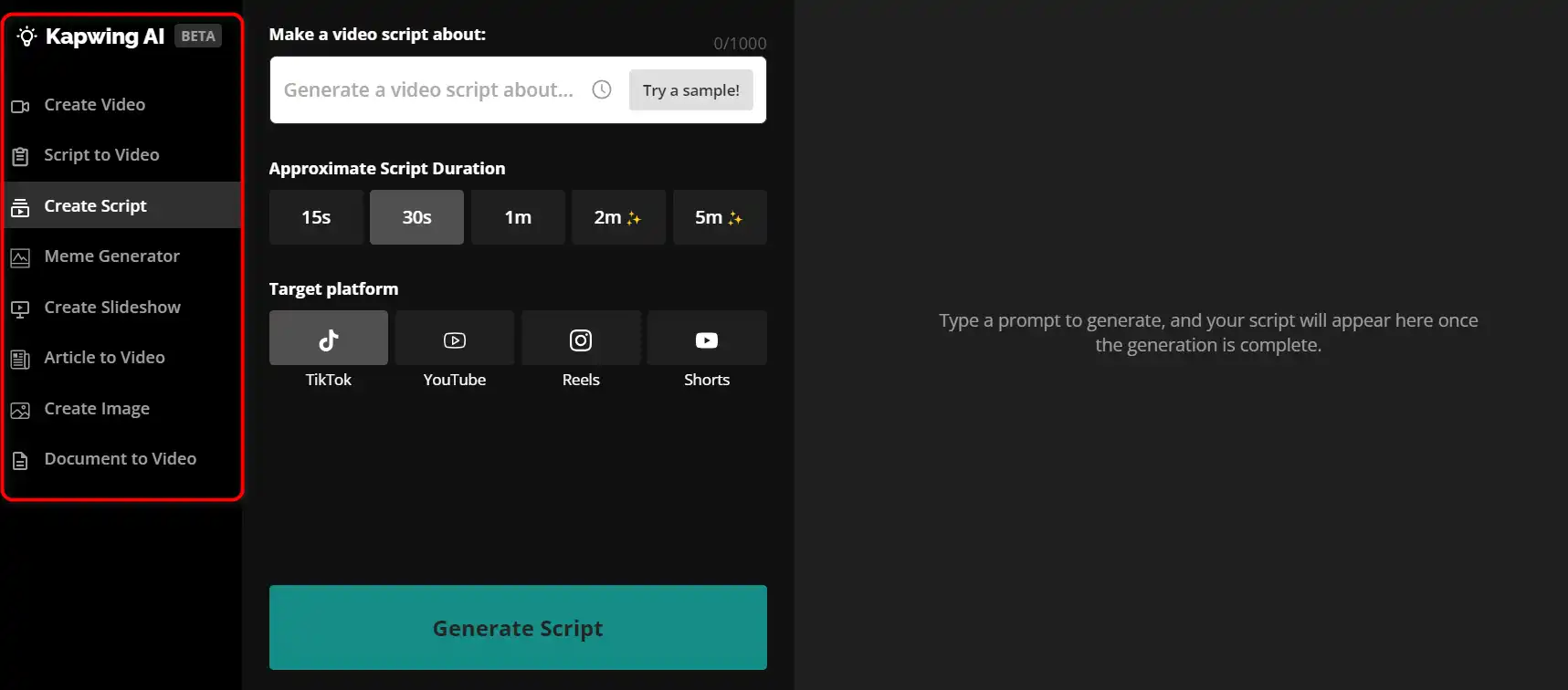
Kapwing is a versatile online video editor that lets you create, edit, and share videos, images, and GIFs. Whether you want to make a meme, a collage, a subtitle, a montage, or a slideshow, Kapwing has the tools you need to unleash your creativity.how to use Kapwing 29
 

$16/mo

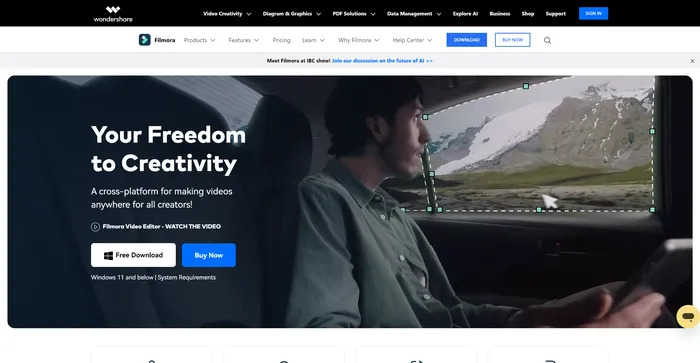
Filmora Review

Filmora is a popular and easy-to-use video editing software for beginners and professionals alike. It offers a wide range of features, such as filters, transitions, titles, music, sound effects, and more. You can also use Filmora to record your screen, webcam, or voiceover. Filmora supports various formats and devices, and you can export your videos to YouTube, Vimeo, or DVD.

$29.99/qtr

Capcut Review

CapCut is a mobile video editing app that offers a range of features for creating and sharing short-form videos. It is owned by ByteDance, the same company behind TikTok, and integrates well with the popular social media platform. CapCut is free to use, but some advanced features require a subscription.

$7.99/mo

Wave.video FAQ

What is Wave.video? +

Wave.video is an AI-powered platform that allows users to create, edit, and host videos with ease. It offers a range of features including an online video editor, customizable live streaming studio, thumbnail maker, and a tool for converting text into videos. It also provides a stock library and a tool for recording videos.

What are the AI capabilities of Wave.video? +

Wave.video’s AI capabilities include an AI-driven online video editor that simplifies tasks like resizing, trimming, adding text, enriching with animations, and reformatting videos. It also offers an AI-powered tool that can convert text into videos. The AI features help users save time while still producing quality videos.

How can I create a video from text using Wave.video? +

Wave.video provides an AI-powered tool that allows you to convert text into videos. You can paste your text into the provided field, and the AI will select relevant stock videos and music for you. The text will be inserted atop the video clip. You can also choose an audio mood for your video. After these steps, you can select a template and create your video.

Is Wave.video easy to use? +

Yes, Wave.video is designed to be user-friendly. Its AI-driven features simplify the video creation process, making it accessible even to beginners. The platform also provides video tutorials and blogs to guide users on how to use its features.

Can I edit my videos using Wave.video? +

Yes, Wave.video offers an online video editor that allows you to edit your videos. With the help of AI, you can easily perform tasks like resizing, trimming, adding text, enriching with animations, and reformatting videos.

Does Wave.video offer a free plan? +

Yes, Wave.video offers a free plan that provides basic editing and hosting features. However, it does not allow you to use premium templates, create lengthy videos, or stream for a long time.

What are the integrations available with Wave.video? +

Wave.video can be integrated with various third-party platforms and tools. For a complete list of available integrations, you can visit the Wave.video website.

What should I do if I encounter issues while generating a video from a post? +

If you encounter issues such as the generation process taking too long or not seeing the pictures from the article in your video, you can contact Wave.video’s support for assistance.

Wave.video Conclusion

Choose Wave.video for a comprehensive, easy-to-use solution for your video editing, hosting, and live streaming needs. With its vast stock library and powerful editing features, you can create engaging, high-quality videos with ease. Try Wave.video today and take your video content to the next level.

Featured AI Tools

Wave.video Related AI Tools

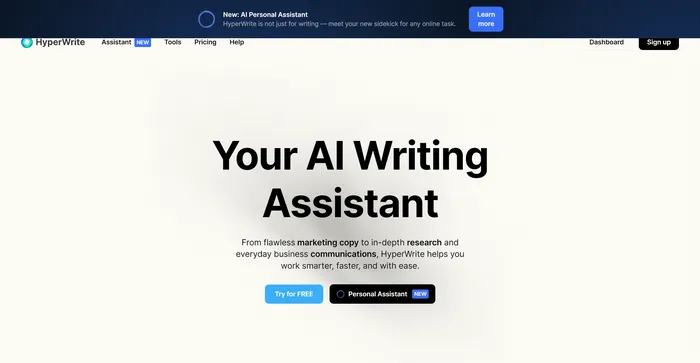
HyperWrite Review

AI Writing Assistant

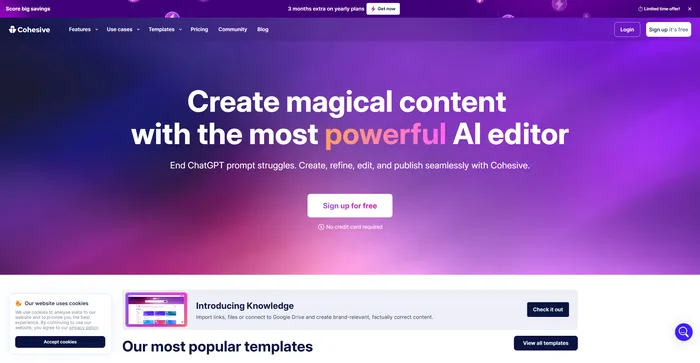
Cohesive Review

Create magical content with the most powerful AI editor

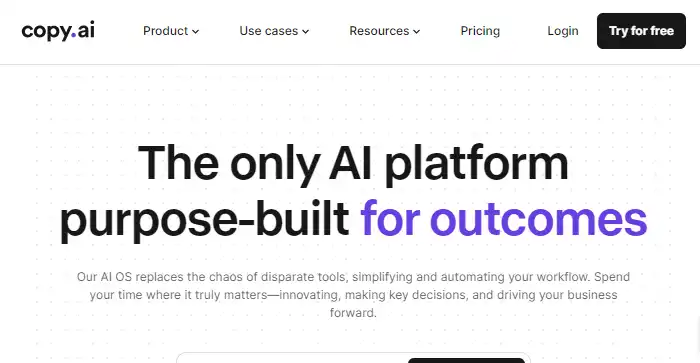
Copy.ai Review

The only AI platform purpose-built for outcomes

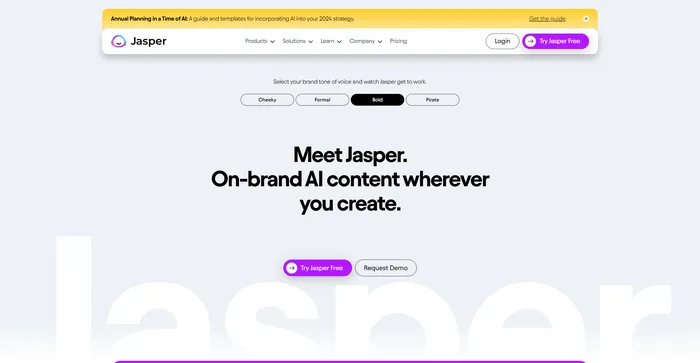
Jasper Review

AI copilot for enterprise marketing teams

Midjourney Review

Midjourney

Vidnoz AI Review

Create FREE Engaging AI Videos 10X Faster