
Desktop, Web Based, Mobile APP
Video editing is a skill that can help you create amazing content for your personal or professional projects. But not everyone has the time or the budget to invest in expensive and complex software.
That’s where Filmora comes in.
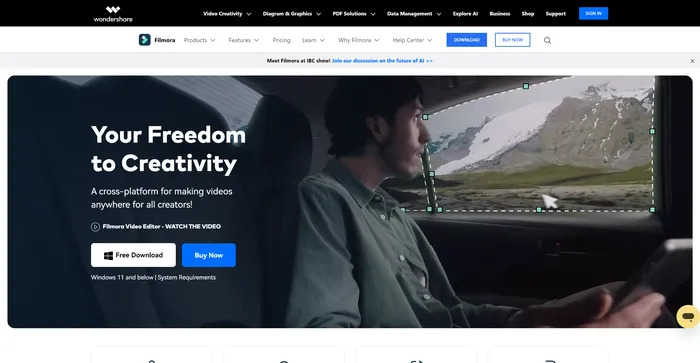
Filmora is a video editing software that aims to make video editing accessible and fun for everyone. It offers a range of features and effects that can help you transform your videos into stunning creations.
But how does it compare to other video editing software on the market? Is it worth your money? In this Filmora review, I will answer these questions and more.
Filmora is a popular and easy-to-use video editing software for beginners and professionals alike. It offers a wide range of features, such as filters, transitions, titles, music, sound effects, and more. You can also use Filmora to record your screen, webcam, or voiceover. Filmora supports various formats and devices, and you can export your videos to YouTube, Vimeo, or DVD.
| Pricing (monthly plan) | Plan | Best For |
|---|---|---|
| 29.99 USD | Cross-Platform Quarterly Plan | Best for single users who want to explore the tool’s features |
| 49.99 USD | Cross-Platform Annual Plan | Best for users with multiple devices across different platforms |
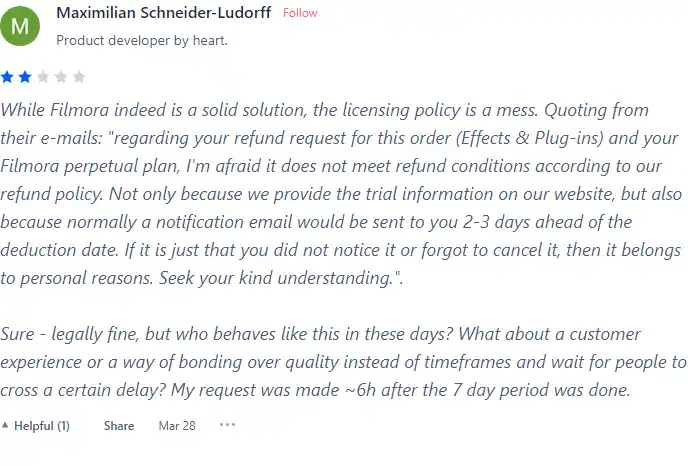
| 79.99 USD | Perpetual | Best for users who prefer one-time payment |


| Plan Name | Cross-Platform Quarterly Plan | Cross-Platform Annual Plan | Perpetual |
|---|---|---|---|
| Update Policy | Keep Up to Date with Future Versions | Keep Up to Date with Future Versions | Enjoy Filmora 13 Updates Only |
| Export without Watermark | Yes | Yes | Yes |
| Cloud Storage | 1GB | 1GB | 1GB |
| AI Credits | Unlimited | Unlimited | 2000 |
| Filmora Creative Assets | 7-Day Free Trial | 7-Day Free Trial | 7-Day Free Trial |
| Preset Templates | 10K+ | 10K+ | 10K+ |
| Copyrighted Music | 100K+ | 100K+ | 100K+ |
| Keyframing | Yes | Yes | Yes |
| Speed Ramping | Yes | Yes | Yes |
| Access to All Features and Tools | Yes | Yes | Yes |
| Platforms Supported | Cross-Platform | Cross-Platform | One platform only |
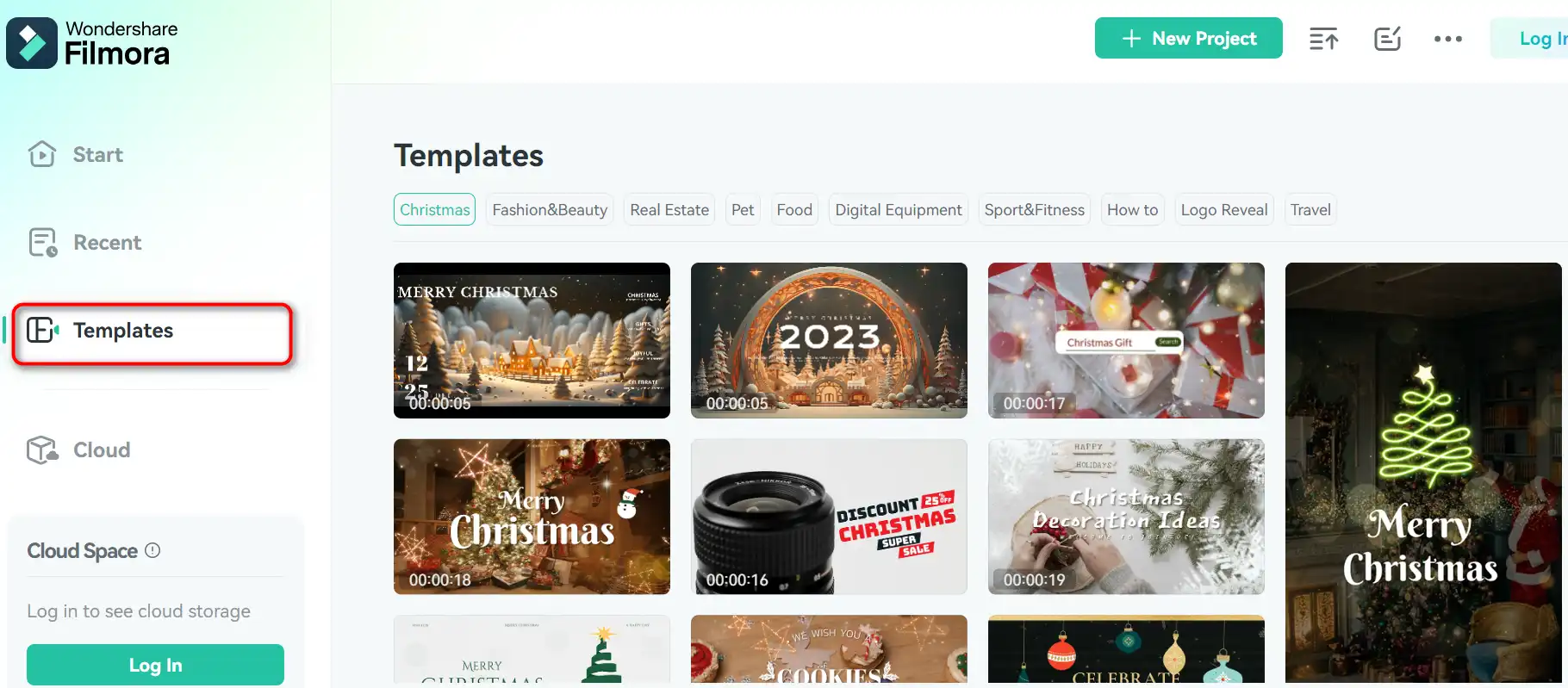
Filmora is designed for beginners, novices, and casual users who want to edit videos without too much hassle. It has a simple and intuitive interface that makes it easy to learn and use. It also has a large library of templates, transitions, filters, and effects that you can apply to your videos with just a few clicks.
If you are looking for a video editing software that can handle more advanced tasks, such as motion tracking, multicam editing, or 3D editing, Filmora might not be the best choice for you. It lacks some of the features and tools that you can find in more professional software, such as Adobe Premiere Pro or Final Cut Pro.
Filmora has a lot of features that can help you create impressive videos. Here are some of the top ones:


Here are some tips that can help you get the most out of Filmora:
I hope you enjoyed this Filmora review and found it helpful. If you are interested in trying out Filmora, you can download it from their website and start your free trial today. Happy video editing! 🎬
In this section, I will show you how to use Filmora’s main features and functions. Filmora is available for Windows and Mac, and you can download it from the official website.
1) To start a new project, launch Filmora and choose the aspect ratio for your video. You can also select a template from the Filmstock library.
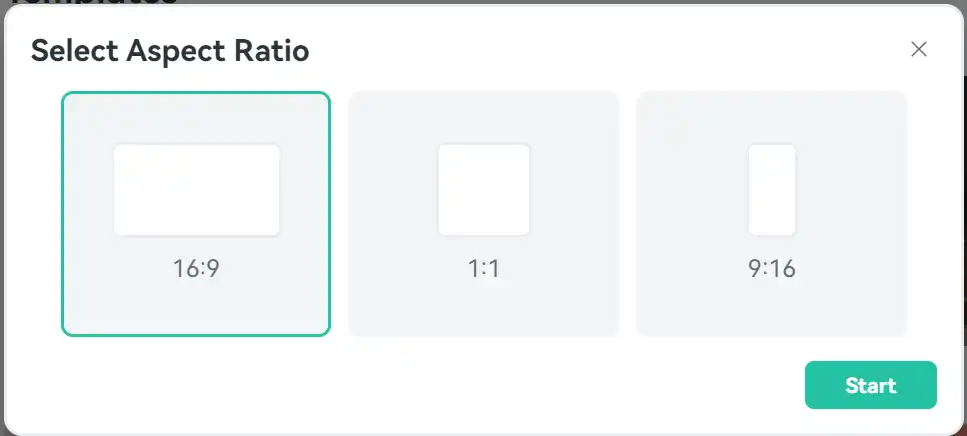
2) To import media files, click on the “Import” button on the top left corner of the screen. You can also drag and drop files from your computer to the media library.
3) To organize your media files, you can create folders, rename files, and sort them by name, duration, type, or date.
4) To preview your media files, double-click on them or drag them to the preview window. You can also use the play, pause, stop, and volume buttons to control the playback.
1) To edit your videos, drag and drop them to the timeline. You can also right-click on them and choose “Add to Timeline at Playhead”.
2) To trim, split, crop, rotate, or adjust the speed of your clips, use the toolbar above the timeline or right-click on them and choose the desired option.
3) To add transitions, filters, elements, titles, or stickers to your videos, click on the corresponding tab on the top right corner of the screen. You can browse through the categories and drag and drop your favorite ones to the timeline.
4) To adjust the color, brightness, contrast, saturation, or temperature of your videos, click on the “Color” tab on the top right corner of the screen. You can use the sliders, presets, or advanced options to fine-tune your videos.
5) To add music, voiceover, or sound effects to your videos, click on the “Audio” tab on the top right corner of the screen. You can import your own audio files or use the built-in library of Filmora. You can also adjust the volume, fade in, fade out, or mute the audio tracks.
1) To export your videos, click on the “Export” button on the top right corner of the screen. You can choose the format, resolution, quality, and location of your videos.
2) To share your videos, you can upload them directly to YouTube, Vimeo, Facebook, or Instagram. You can also burn them to a DVD or save them to your device.
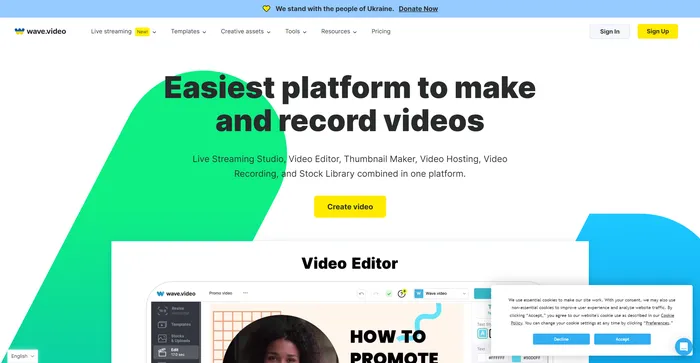
Wave.video is a comprehensive AI-powered video creation tool that stands out for its intuitive interface and robust features. It is highly praised for its cloud-based video editing capabilities, allowing users to work from anywhere. The platform offers a range of features including a live streaming studio, video recording app, video hosting options, and a clip editor. It also boasts a vast library of over 200 million stock videos, pictures, and audio, along with more than a thousand customizable video templates.
Users have commended Wave.video for its ease of use and the quality of its output. The platform’s AI capabilities, such as generating videos from text, have been particularly appreciated. Despite this, some users have noted that the video rendering process can be time-consuming.
Tags: AI Video Generator | Marketers
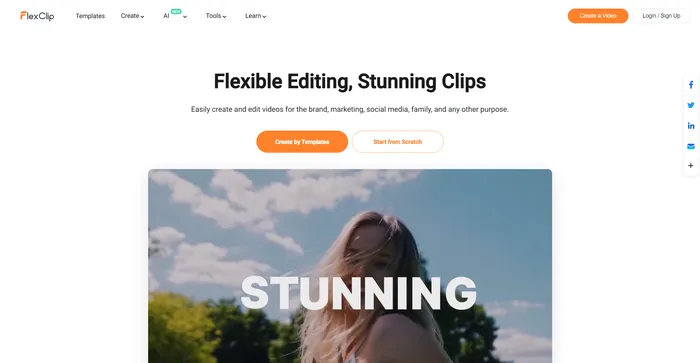
FlexClip is a simple yet powerful online video maker that helps you create engaging videos in minutes. Whether you want to make a promo video, a tutorial video, a slideshow, or a vlog, FlexClip has you covered. You can choose from hundreds of templates or start from scratch, and customize your video with stunning transitions, filters, texts, music, and more.
Tags: AI Video Editor | AI Video Generator | Business Owners | Influencers
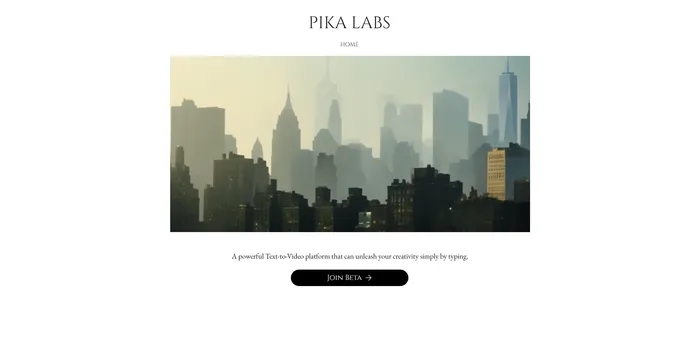
Pika Labs is a cutting-edge AI software that lets you create stunning videos from text, image, or video inputs. Whether you want to make a cinematic trailer, an animated cartoon, or a realistic simulation, Pika Labs can help you turn your ideas into visual stories. Pika Labs uses generative AI models to produce high-quality videos in various styles and formats, giving you the freedom and flexibility to express your creativity.
Tags: AI Video Generator
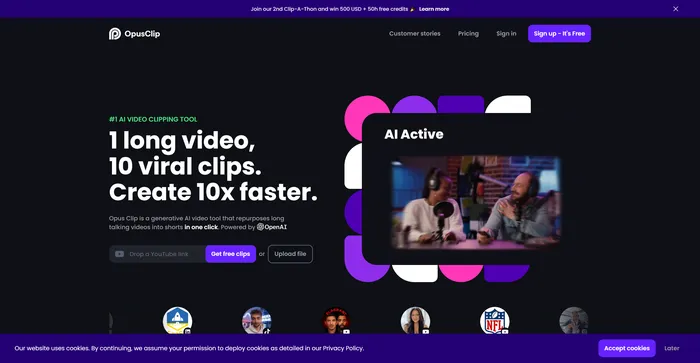
Opus Clip emerges as a highly efficient AI video clipping tool that caters to the needs of content creators and marketers aiming to produce viral shorts. With its AI-driven capabilities, it simplifies the process of transforming long-form videos into engaging short clips suitable for social media platforms.
Tags: AI Video Editor | Marketers
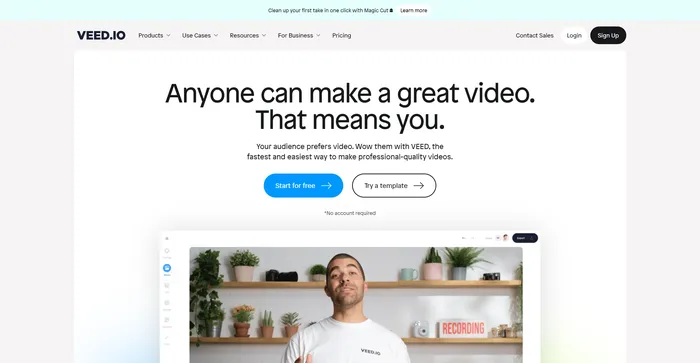
Veed is a simple and powerful online video editor that lets you create stunning videos in minutes. Whether you want to add subtitles, trim, crop, rotate, resize, filter, or animate your videos, Veed has got you covered. You can also record your screen, webcam, or audio and edit them right away.
Tags: AI Avatar Generator | AI Video Editor | Influencers
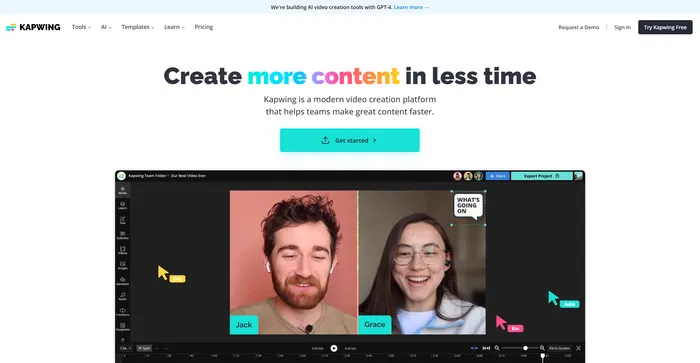
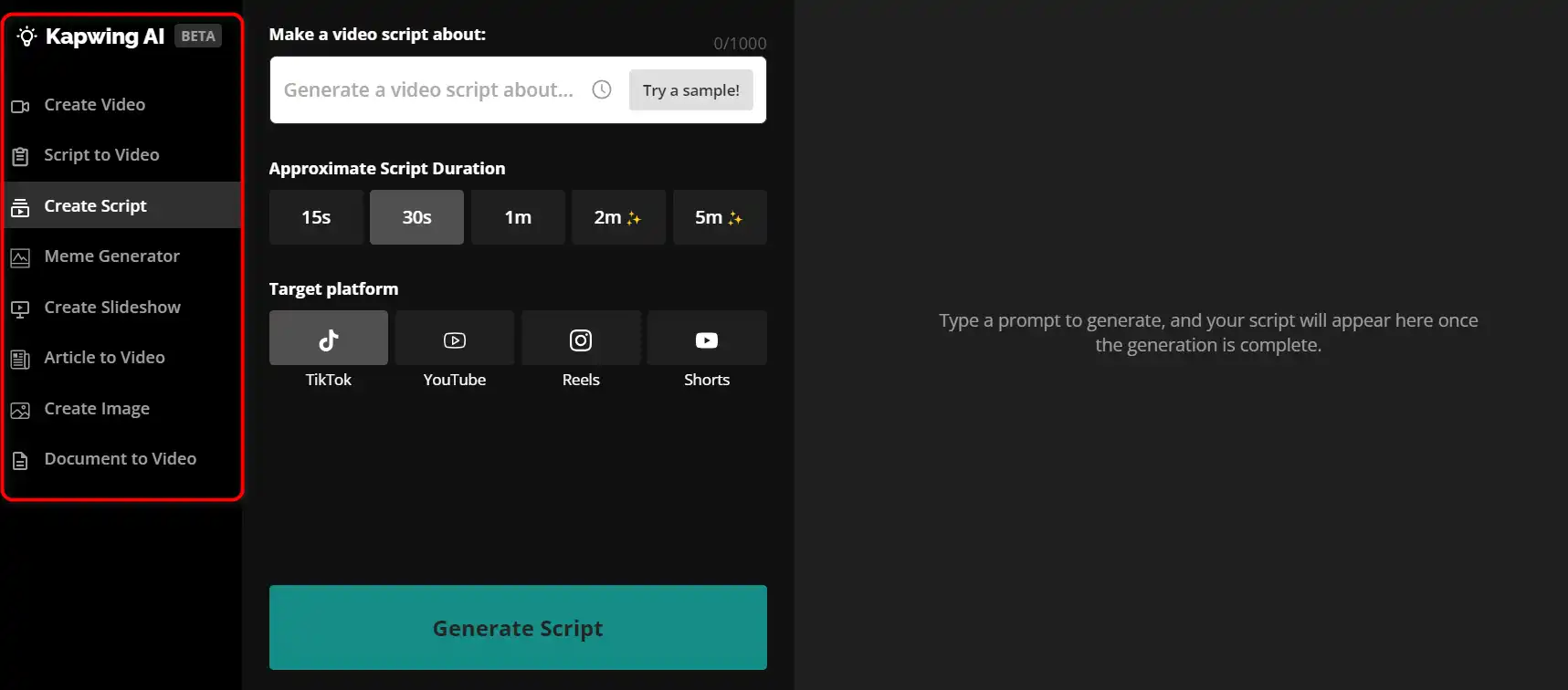
Kapwing is a versatile online video editor that lets you create, edit, and share videos, images, and GIFs. Whether you want to make a meme, a collage, a subtitle, a montage, or a slideshow, Kapwing has the tools you need to unleash your creativity.
Tags: AI Video Editor | AI Video Generator | Marketers
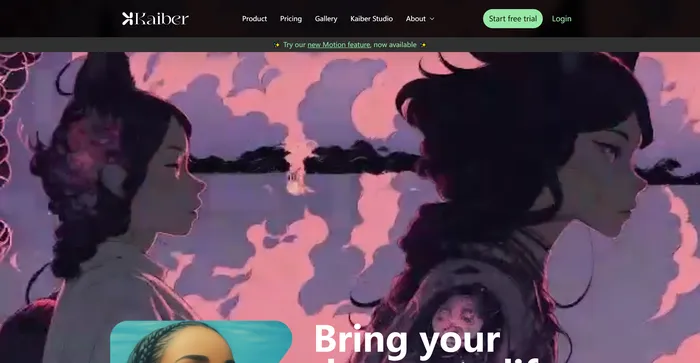
Kaiber is an AI video generator that can create animated videos from your text prompts and stylistic preferences. It is a web-based platform that aims to simplify the video creation process and unleash your creativity. However, it also has some drawbacks that you should be aware of before using it.
Tags: AI Video Generator
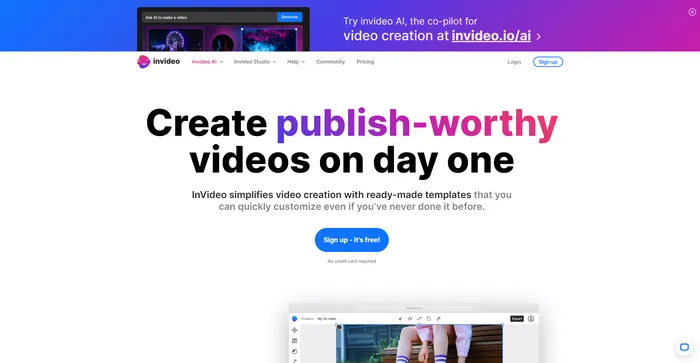
InVideo is a powerful online video editor that lets you create stunning videos in minutes. Whether you want to make a promo video, a tutorial, a testimonial, or a social media post, InVideo has you covered. You can choose from thousands of templates, customize them with your own media, text, and music, and export them in HD quality.
Tags: AI Video Editor | AI Video Generator | Influencers
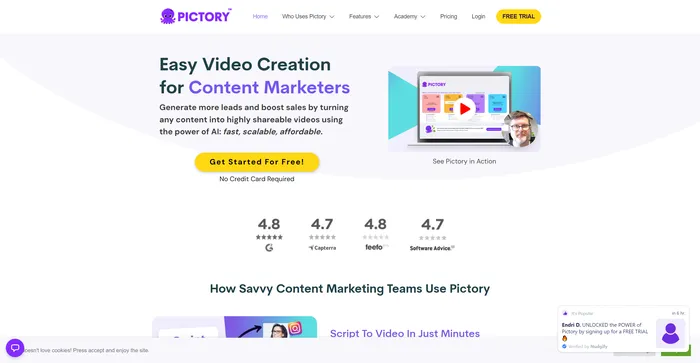
Pictory is the best AI software for creating brandable videos from your long-form content (scripts, sales letters, blog posts, webinars, podcasts, Zoom recordings, and more). If you are a content creator or marketer looking for an easy way to convert your written work into video form, Pictory is the best option I’ve found to get started quickly.
Pictory uses advanced AI to automatically generate a video from your written content, with a professional voiceover, stock video clips, captions, and branding. You can also edit your video by changing the text, voice, clips, and music. Pictory has a huge library of stock videos, images, and music to choose from, and you can also upload your own media. You can also customize your branding with your logo, color scheme, intro, and outro.
Tags: AI Video Editor | AI Video Generator | Influencers | Marketers
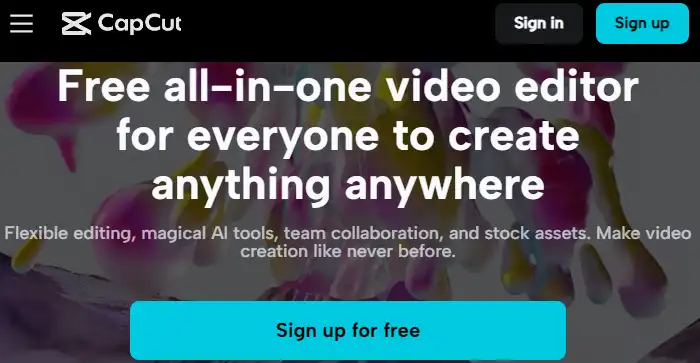
CapCut is a mobile video editing app that offers a range of features for creating and sharing short-form videos. It is owned by ByteDance, the same company behind TikTok, and integrates well with the popular social media platform. CapCut is free to use, but some advanced features require a subscription.
Tags: AI Video Editor | AI Video Generator | Marketers
Filmora is a versatile and easy-to-use video editing software that can help you create amazing videos in minutes.
Whether you want to make a slideshow, a vlog, a tutorial, or a movie, Filmora has everything you need to unleash your creativity.
With Filmora, you can edit, enhance, and share your videos with the world. Try it for free today and see for yourself!
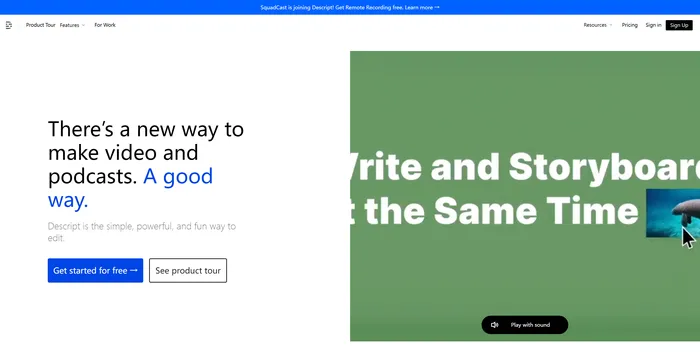
All-in-one video & podcast editing, easy as a doc.
Tags: AI Video Editor | AI Voice Cloning
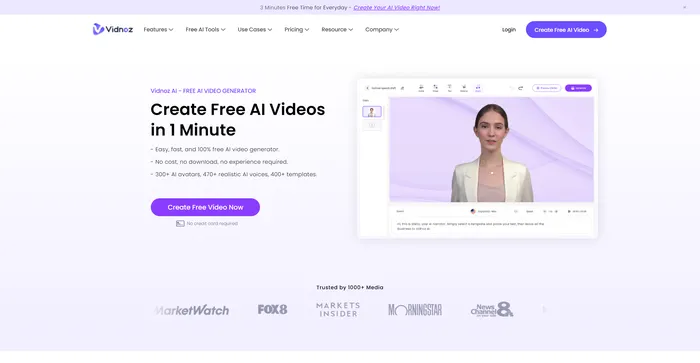
Create FREE Engaging AI Videos 10X Faster
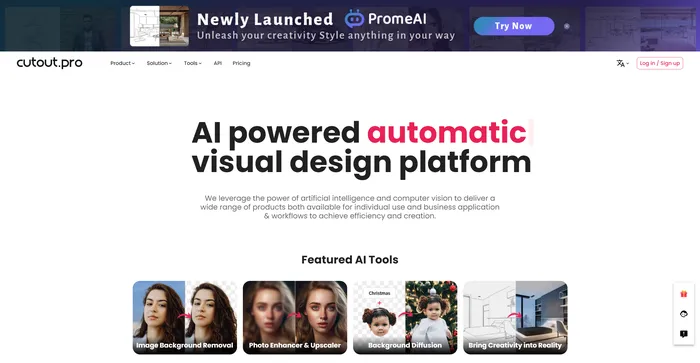
AI Photo Editing | Visual Content Generation Platform, best for image and video design
Tags: AI Image Enhancer | AI Image Generator | AI Video Editor | Designers
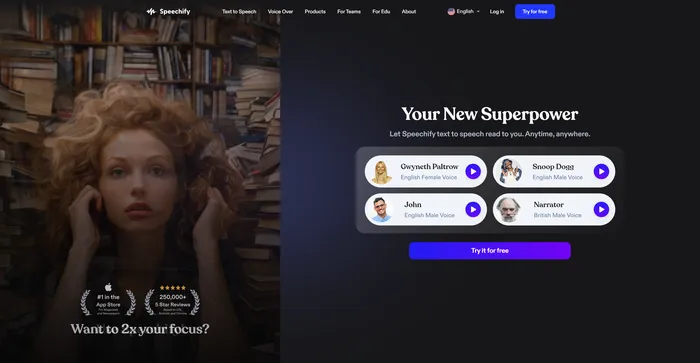
Turn Any Reading Into Audio
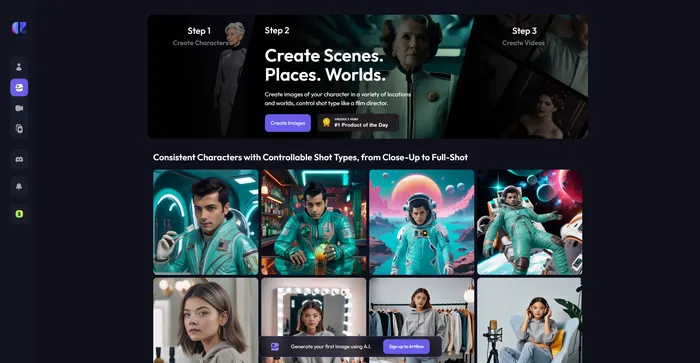
Craft consistent characters with ease
An Easy to Use All-In-One App For Modern Marketing Teams