
Web Based, Mobile APP
Video is the king of content marketing. Whether you want to promote your brand, educate your audience, or entertain your followers, video is the way to go.
But creating professional-looking videos can be a daunting task. You need to have the right skills, tools, and time to produce high-quality videos that stand out.
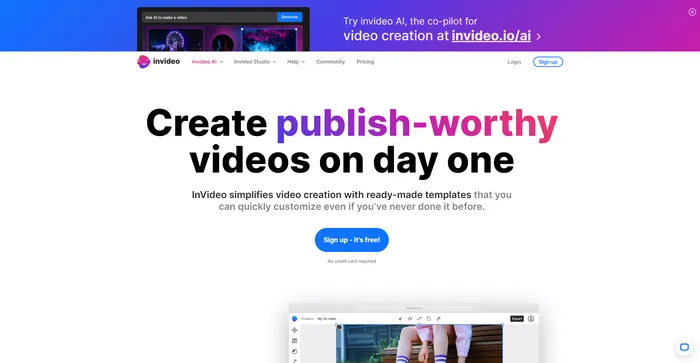
InVideo is a cloud-based video creation platform that aims to make video creation easy, fast, and fun. With InVideo, you can create stunning videos from scratch or from templates, using a simple drag-and-drop interface.
Is InVideo the best video creation tool for you? Read my honest InVideo review to find out.
InVideo is a powerful online video editor that lets you create stunning videos in minutes. Whether you want to make a promo video, a tutorial, a testimonial, or a social media post, InVideo has you covered. You can choose from thousands of templates, customize them with your own media, text, and music, and export them in HD quality.
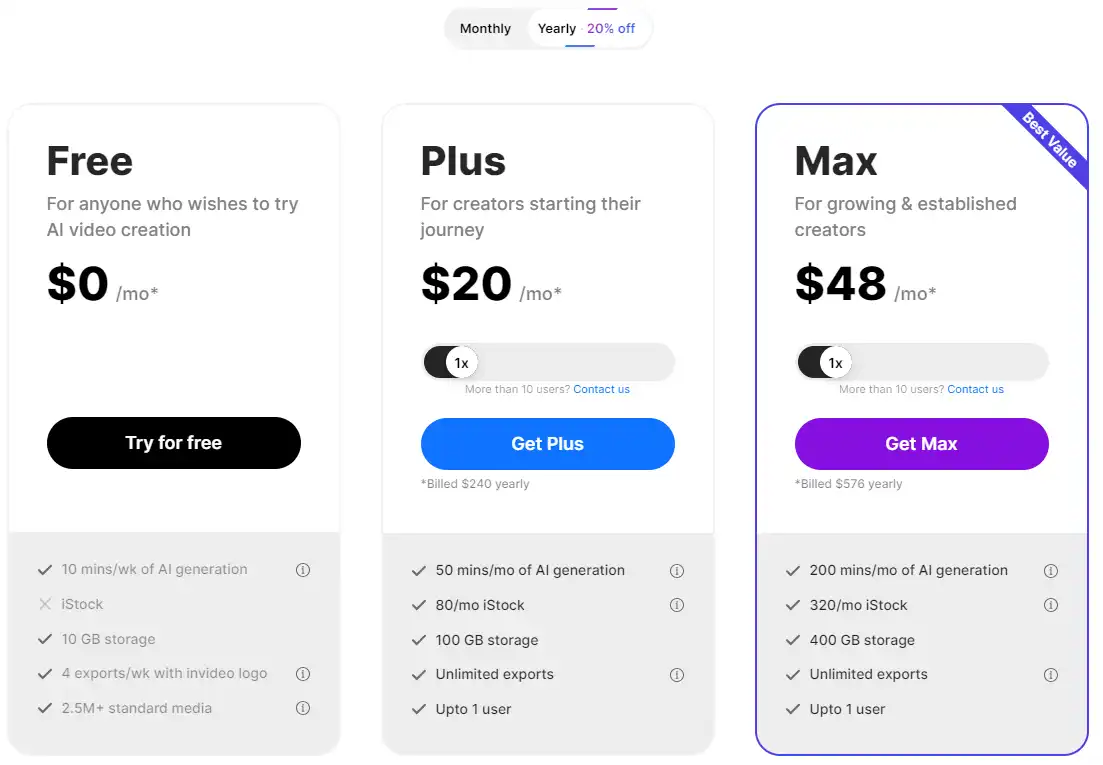
| Pricing (monthly plan) | Plan | Best For |
|---|---|---|
| $0 | Free | For anyone who wishes to try AI video creation |
| $20 | Plus | For creators starting their journey |
| $48 | Max | For growing & established creators |

| Plan Name | Free | Plus | Max |
|---|---|---|---|
| AI Generation per Month | 10 mins/wk | 50 mins | 200 mins |
| iStock Quota per Month | Not included | 80 stocks/mo | 320 stocks/mo |
| Storage | 10 GB | 100 GB | 400 GB |
| Exports per Week | 4 with InVideo logo | Unlimited | Unlimited |
| User Limit | Single user | Single user | Single user |
| Feature | Free | Plus | Max |
|---|---|---|---|
| Exports with InVideo Branding | 4/wk | Unlimited | Unlimited |
| Premium AI Generation | 10 mins/wk | 50 mins/mo | 200 mins/mo |
| iStock Quota | Not included | 80 stocks/mo | 320 stocks/mo |
| Video Resolution | Full HD | Full HD | Full HD |
| User Data Usage | Will be used for training | Will not be used | Will not be used |
InVideo is a tool for anyone who wants to create amazing videos without any hassle. Whether you’re a marketer, entrepreneur, blogger, educator, or influencer, InVideo can help you create videos that suit your needs and goals. It’s especially useful for those who want to create videos for social media, YouTube, or their websites.
InVideo has a lot of features that make it a powerful video creation tool. Here are some of them:


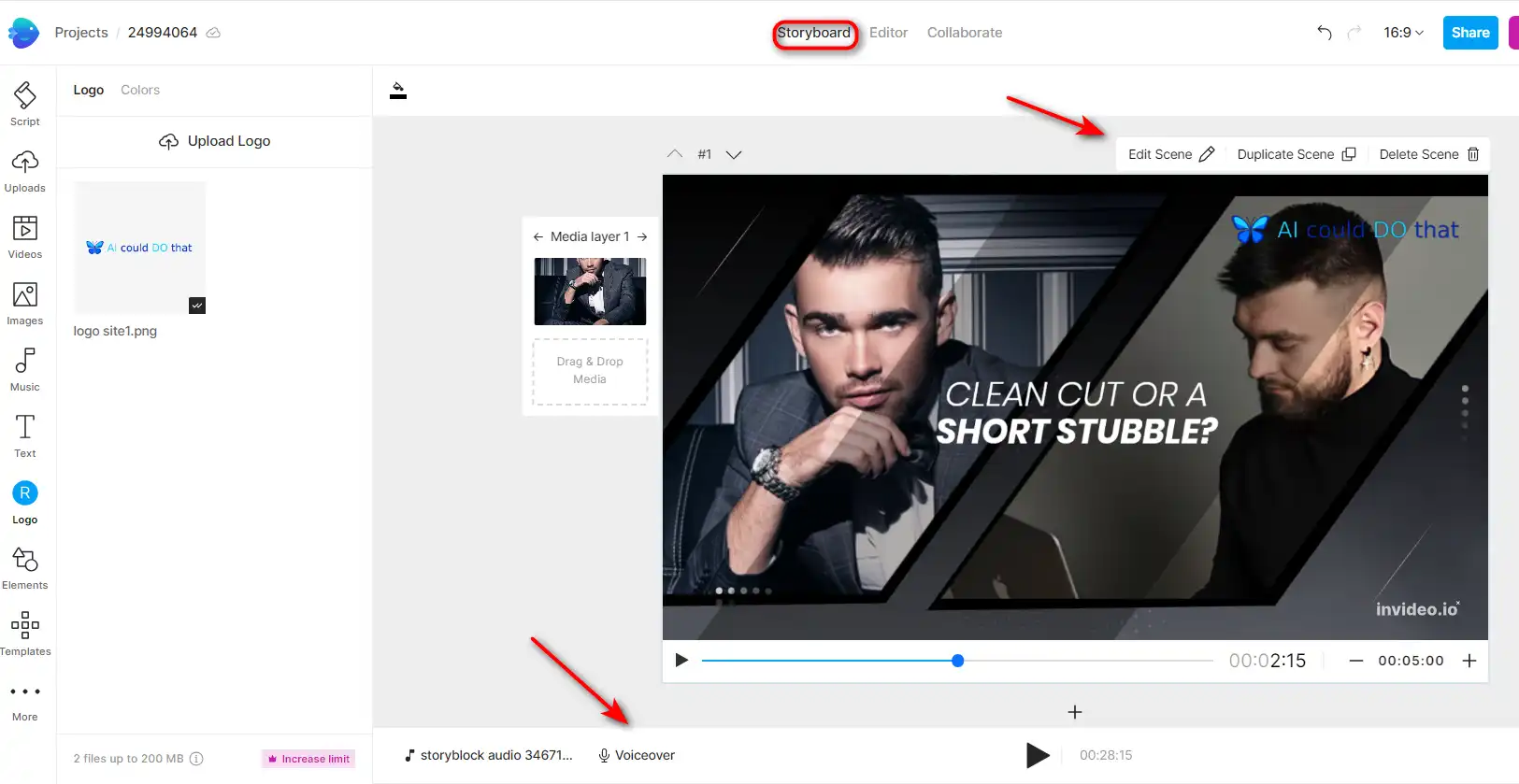


Here are some tips that can help you get the most out of InVideo:
With these tips, you can master InVideo and create stunning videos in minutes. Happy video making! 🎥
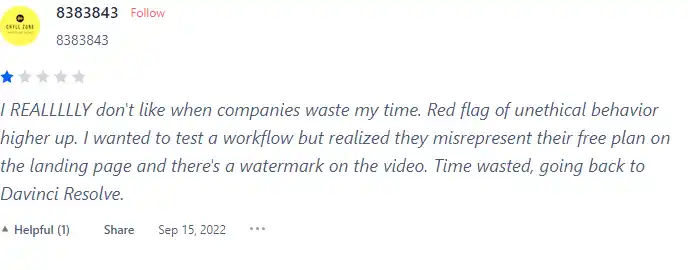
I have crosschecked user reviews of InVideo on Product Hunt.
Here’s what I found:
In this section, I will show you how to use InVideo’s main features and create stunning videos for any purpose.
Best for:
1) To use the video templates, go to the InVideo homepage and click on “Templates”.

2) Browse through the categories and select the one that matches your goal. You can also use the search bar to find a specific template.

3) Once you find a template you like, click on it and preview it. You can also see the duration, aspect ratio, and number of scenes of the template.
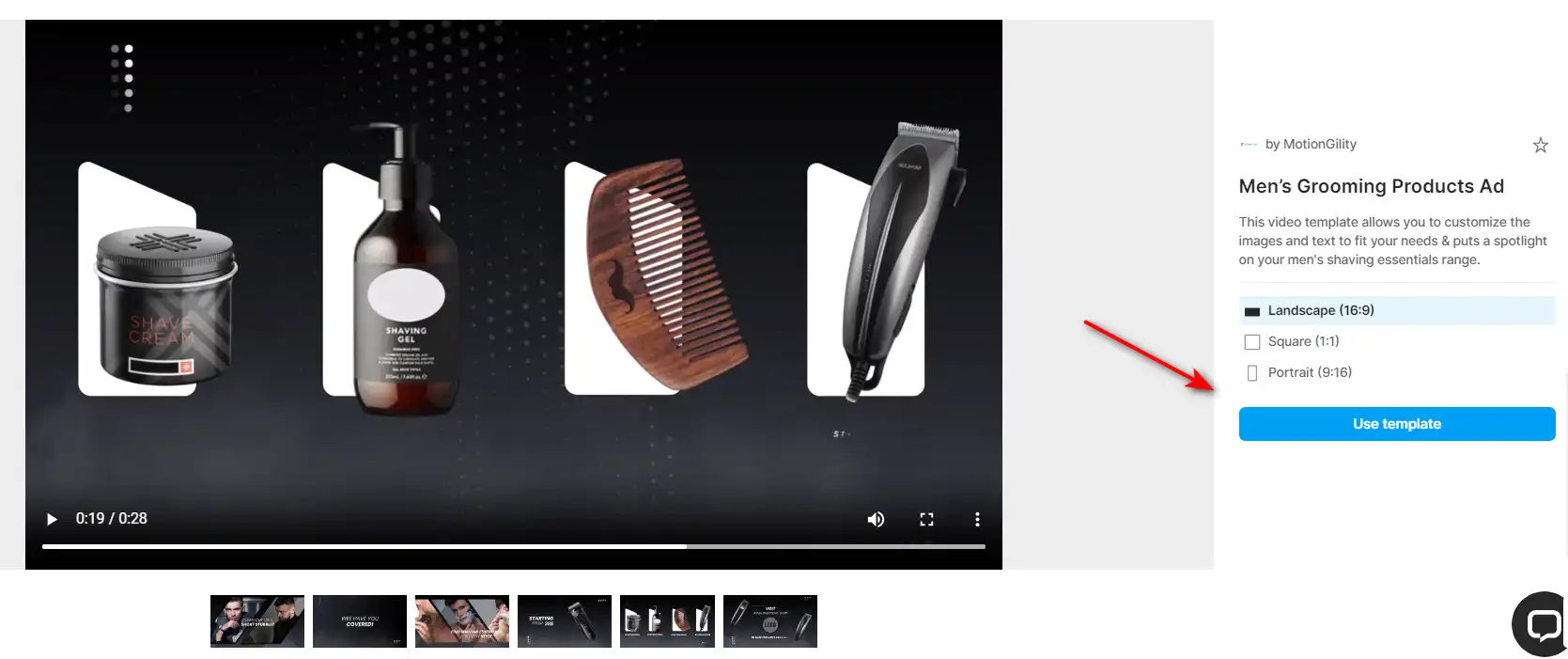
4) To start editing the template, click on “Use this template”. You will be taken to the InVideo editor, where you can customize the template to your liking.

5) You can change the text, images, videos, music, colors, fonts, and more. You can also add or delete scenes, rearrange them, or duplicate them.

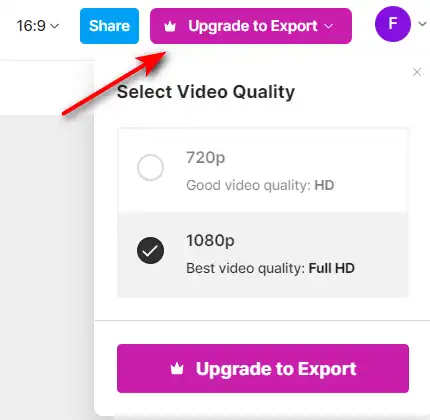
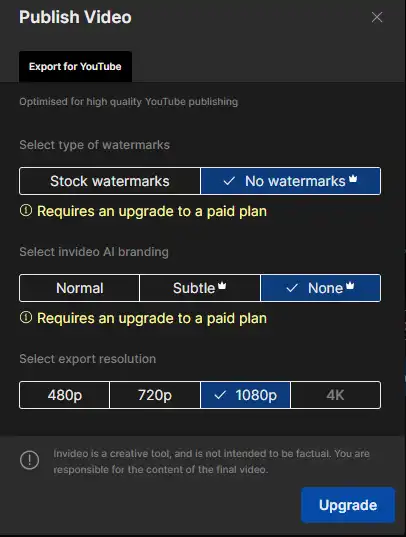
6) When you are happy with your video, click on “Export” and choose the quality and format of your video. You can also download it, share it, or publish it directly to social media platforms.
Best for:
1) To use the text to video feature, go to the InVideo homepage and click on “AI Text to Video”.

2) You can paste your text, an article or blog you want to convert into a video.

3) InVideo will analyze your text and split it into scenes. You can edit each scene by changing the text, visuals, music, voice-over, and more.

4) You can also choose ‘Audience‘, ‘Look and feel‘ for your video.
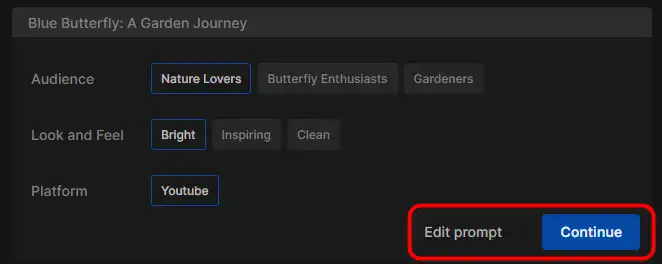
5) Edit your video by incorporating personalized prompts, or select from your own images, videos, or a variety of stock options to create a unique visual narrative.
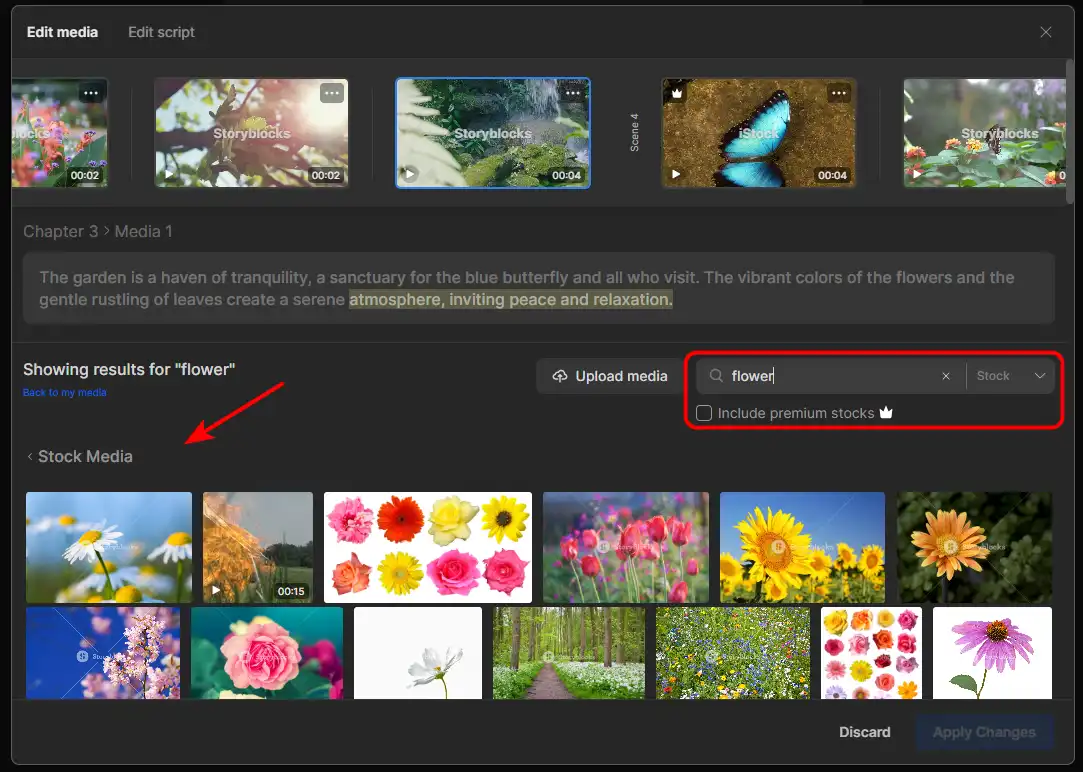
6) When you are done editing your video, click on “Export” and choose the quality and format of your video. You can also download it, share it, or publish it directly to social media platforms.
Best for:
1) To use the blank canvas feature, go to the InVideo homepage and click on “Create New“.

2) Choose an aspect ratio for your video. You can also select a category to see some suggested templates.
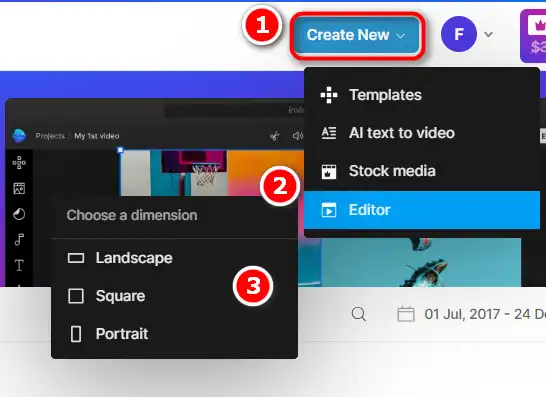
3) You will be taken to the InVideo editor, where you can start creating your video from scratch.
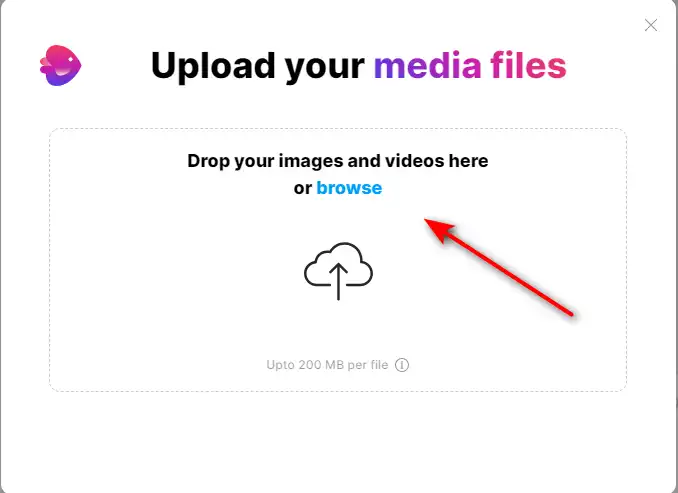
4) You can add scenes, media, text, music, voice-over, and more. You can also use the advanced editing tools to crop, trim, rotate, resize, and adjust your video.

5) When you are satisfied with your video, click on “Export” and choose the quality and format of your video. You can also download it, share it, or publish it directly to social media platforms.
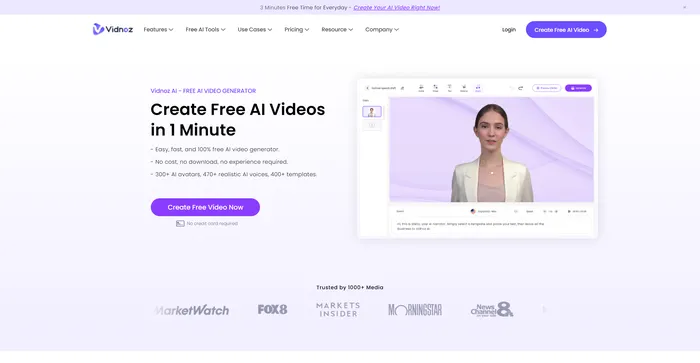
Vidnoz AI Tools is a powerful platform for creating engaging videos quickly and efficiently. It is particularly useful for those who want to convert text into video content, making it a great tool for bloggers, educators, and content creators. The user experience is smooth, even for those who may not have extensive skills in video creation. Vidnoz AI simplifies the process, making it accessible to all.
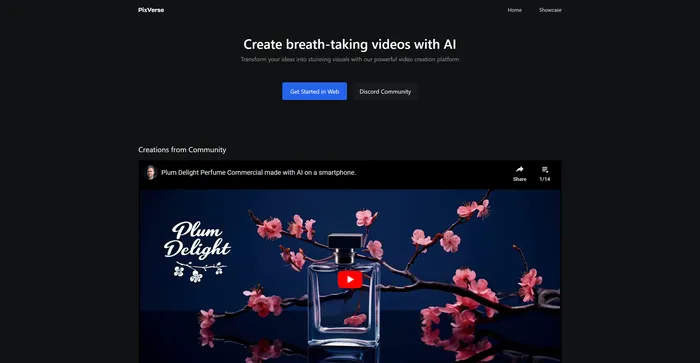
PixVerse is a powerful AI tool that transforms your ideas into stunning videos. It leverages advanced generative AI technology to create visually captivating outputs, making it an ideal tool for filmmakers, animators, content creators, and anyone in need of high-quality video content. PixVerse is flexible and capable of producing a wide variety of content, from animations to real-life sceneries, and stylized genre-specific settings.
Tags: AI Video Generator
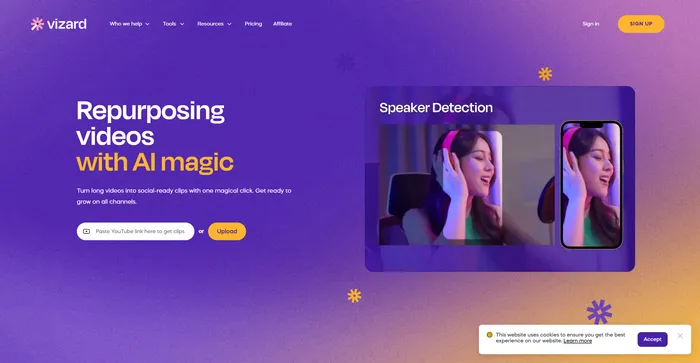
Vizard.ai is a cutting-edge AI-powered tool designed to transform long videos into engaging, social-ready clips. This platform is particularly beneficial for marketers, content creators, and social media professionals looking to repurpose video content efficiently. With its user-friendly interface and AI-driven features, Vizard.ai simplifies the video editing process, making it accessible even to those with no technical background in video editing.
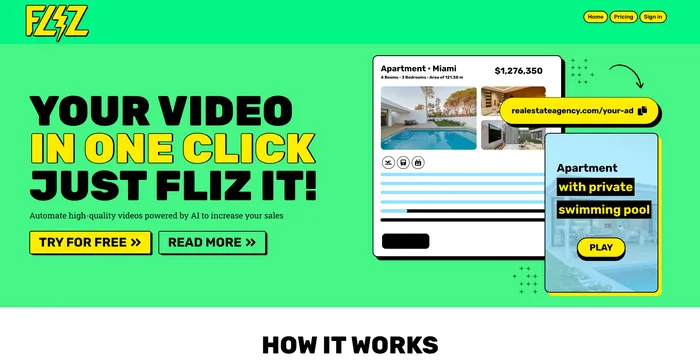
Fliz is an AI-powered tool that simplifies the process of creating engaging and high-quality videos. By simply inputting a URL, users can quickly turn articles, product listings, or ads into videos. The tool uses AI to generate a unique and high-quality video, retrieving essential information from your page. It offers three video styles to suit different needs and is compatible with all e-commerce solutions, making it accessible to a wide range of users.
Tags: AI Video Generator
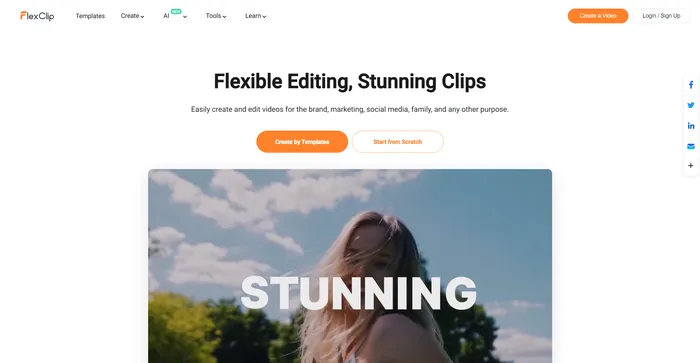
FlexClip is a simple yet powerful online video maker that helps you create engaging videos in minutes. Whether you want to make a promo video, a tutorial video, a slideshow, or a vlog, FlexClip has you covered. You can choose from hundreds of templates or start from scratch, and customize your video with stunning transitions, filters, texts, music, and more.
Tags: AI Video Editor | AI Video Generator | Business Owners | Influencers
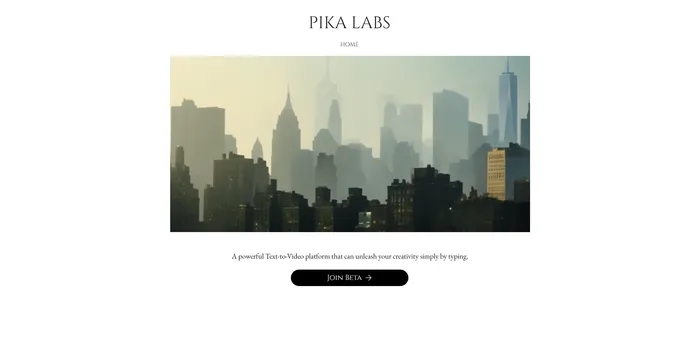
Pika Labs is a cutting-edge AI software that lets you create stunning videos from text, image, or video inputs. Whether you want to make a cinematic trailer, an animated cartoon, or a realistic simulation, Pika Labs can help you turn your ideas into visual stories. Pika Labs uses generative AI models to produce high-quality videos in various styles and formats, giving you the freedom and flexibility to express your creativity.
Tags: AI Video Generator
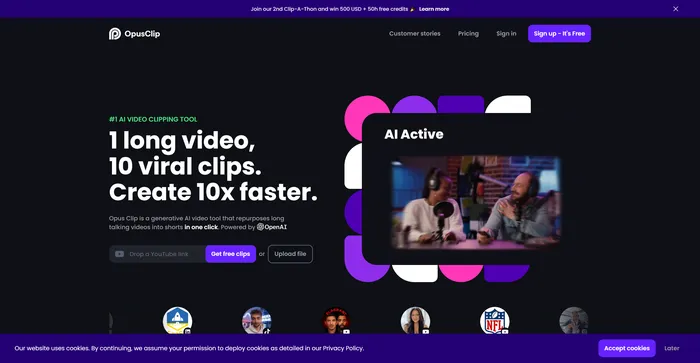
Opus Clip emerges as a highly efficient AI video clipping tool that caters to the needs of content creators and marketers aiming to produce viral shorts. With its AI-driven capabilities, it simplifies the process of transforming long-form videos into engaging short clips suitable for social media platforms.
Tags: AI Video Editor | Marketers
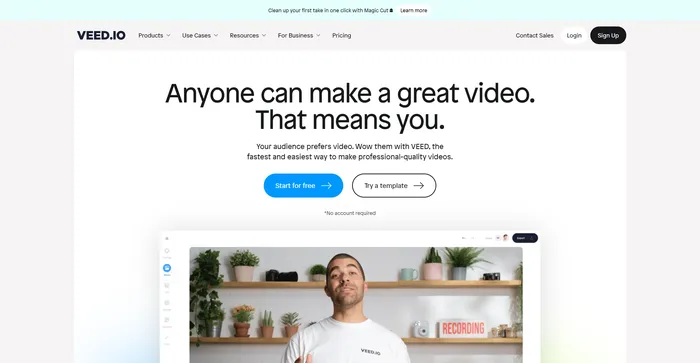
Veed is a simple and powerful online video editor that lets you create stunning videos in minutes. Whether you want to add subtitles, trim, crop, rotate, resize, filter, or animate your videos, Veed has got you covered. You can also record your screen, webcam, or audio and edit them right away.
Tags: AI Avatar Generator | AI Video Editor | Influencers
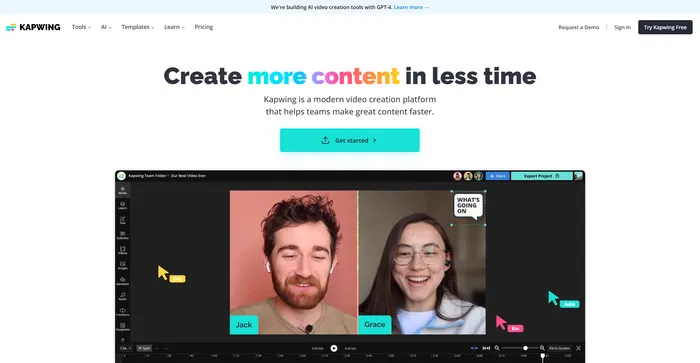
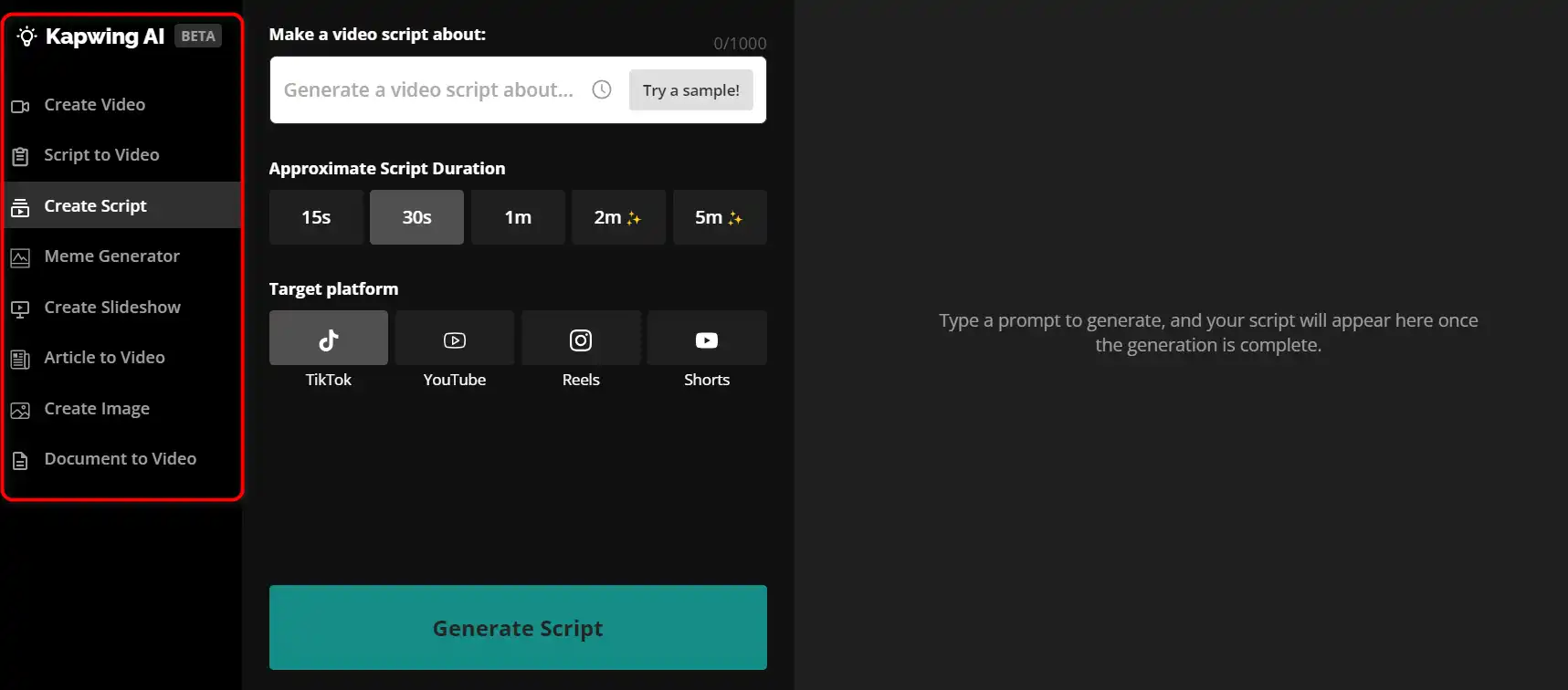
Kapwing is a versatile online video editor that lets you create, edit, and share videos, images, and GIFs. Whether you want to make a meme, a collage, a subtitle, a montage, or a slideshow, Kapwing has the tools you need to unleash your creativity.
Tags: AI Video Editor | AI Video Generator | Marketers
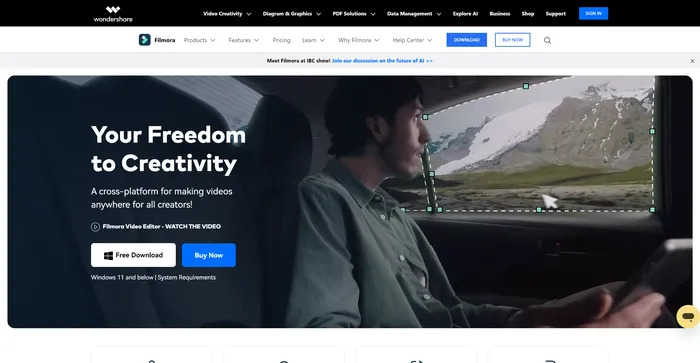
Filmora is a popular and easy-to-use video editing software for beginners and professionals alike. It offers a wide range of features, such as filters, transitions, titles, music, sound effects, and more. You can also use Filmora to record your screen, webcam, or voiceover. Filmora supports various formats and devices, and you can export your videos to YouTube, Vimeo, or DVD.
Tags: AI Video Editor | AI Video Generator | Influencers
InVideo is the ultimate video creation and editing platform for anyone who wants to make stunning videos in minutes.
It offers a wide range of features, templates, and media to suit any purpose and style. Whether you want to create videos for marketing, education, entertainment, or personal use, InVideo has you covered.
With InVideo, you don’t need any technical skills or expensive software to create amazing videos. You just need your creativity and a few clicks.
IVStudio25, IVStudio30
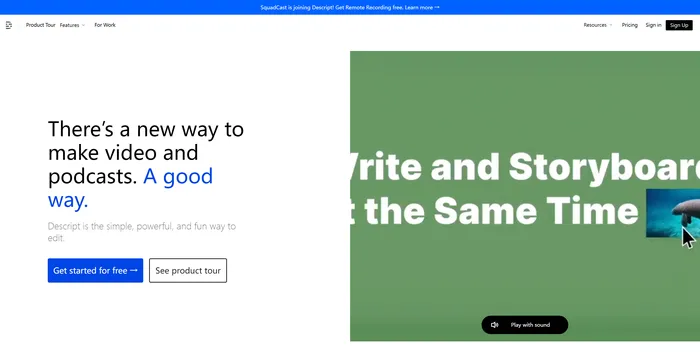
All-in-one video & podcast editing, easy as a doc.
Tags: AI Video Editor | AI Voice Cloning
Create FREE Engaging AI Videos 10X Faster
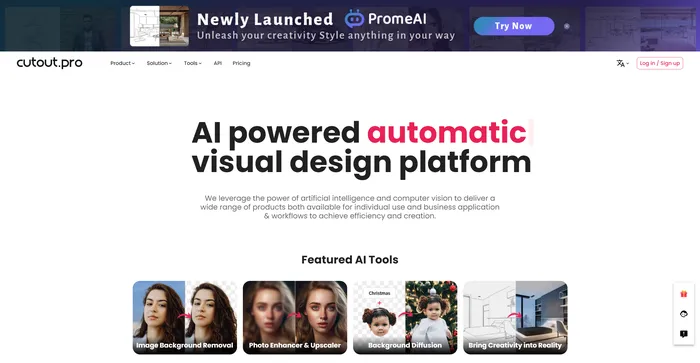
AI Photo Editing | Visual Content Generation Platform, best for image and video design
Tags: AI Image Enhancer | AI Image Generator | AI Video Editor | Designers
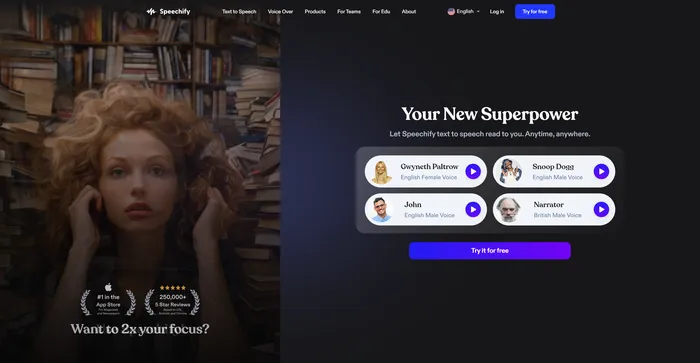
Turn Any Reading Into Audio
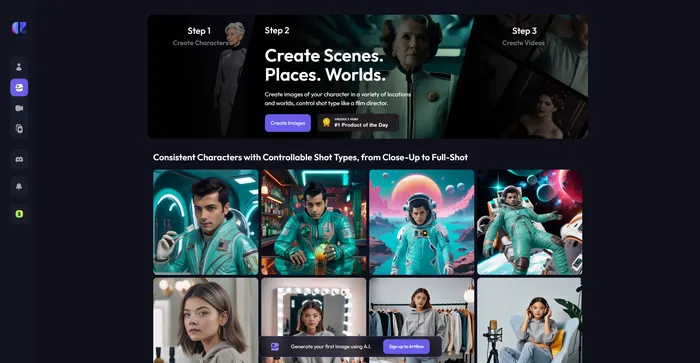
Craft consistent characters with ease
An Easy to Use All-In-One App For Modern Marketing Teams