
Generic selectors
Exact matches only
Search in title
Search in content
Post Type Selectors

Is Opus Clip the Ultimate AI Video Clipping Tool? A Comprehensive Review and Alternatives

Platform:

Web Based

Intergrations:

API

Best use cases:

# #

Social links:

Overview

As a content creator, you know the power of video content in today’s digital landscape. But creating engaging, shareable video clips from long-form content can be a daunting task.

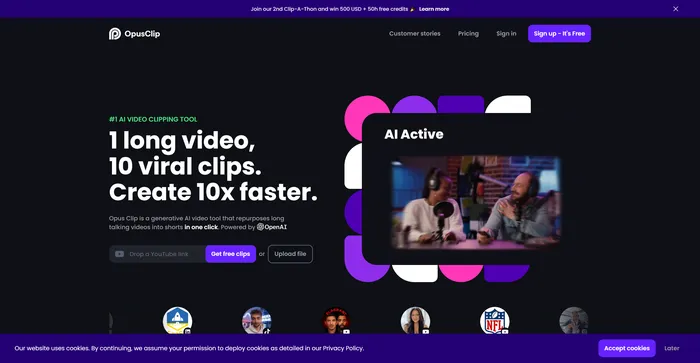
Enter Opus Clip, an AI-powered tool that promises to transform your long videos into viral shorts effortlessly.

But does it live up to the hype? In this comprehensive review, we’ll delve into the features, usability, and performance of Opus Clip to help you make an informed decision.

Editor's review

Overall Score: 4.5

Opus Clip emerges as a highly efficient AI video clipping tool that caters to the needs of content creators and marketers aiming to produce viral shorts. With its AI-driven capabilities, it simplifies the process of transforming long-form videos into engaging short clips suitable for social media platforms.

PROS

  • Significantly reduces video editing time and effort
  • AI-powered features automate the selection and editing of clips
  • Cost-effective with affordable pricing options
  • Supports a wide range of video formats
  • Positive impact on social media growth and content output

CONS

  • Limited advanced editing capabilities for highly customized content
  • Potential overuse of captions and emojis which may not suit all content types
  • Some users report the need for additional editing despite AI suggestions
  • May not work as effectively with videos lacking clear structure or narrative

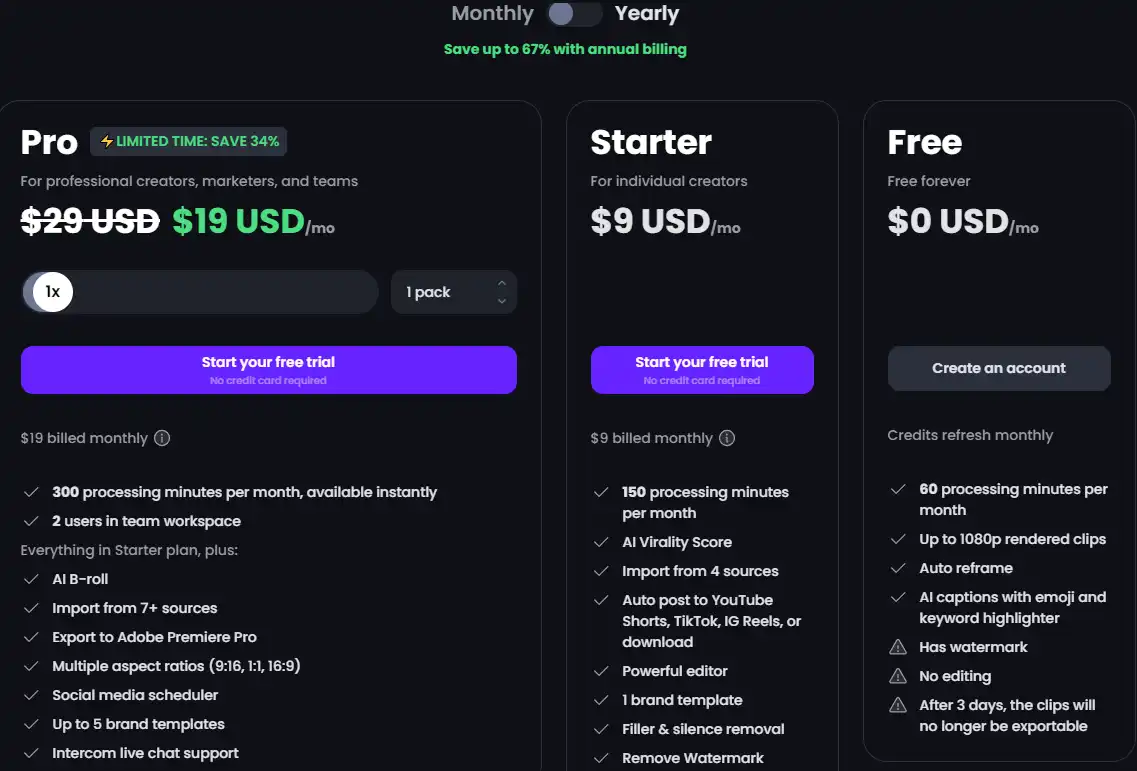
Opus Clip Pricing

Pricing (monthly plan) Plan Best For Price
$9 USD/mo Starter Individual creators Monthly
$19 USD/mo Pro Professional creators, marketers, and teams Monthly
$0 USD/mo Free Free forever Monthly

OpusClip monthly pricing plans.

monthly pricing plan for Opus Clip 1

OpusClip annual pricing plans.

yearly pricing plan for Opus Clip 2

Plan Name Starter Pro Free
Processing Minutes 150/mo 300/mo 60/mo
AI Virality Score Yes Yes Yes
Import Sources 4 7+ 2
Brand Templates 1 5 0
Watermark No No Yes
Powerful Editor Yes Yes No
Auto Post Yes Yes No
AI B-roll No Yes No
Social Media Scheduler No Yes No

What is Opus Clip

• Who is Opus Clip for?

Opus Clip is a versatile tool designed for content creators, media companies, and livestreamers. Whether you’re a YouTuber looking to create engaging shorts from your long videos, a media company aiming to reach a wider audience, or a livestreamer wanting to repurpose your content for TikTok, YouTube Shorts, or Reels, Opus Clip is the tool for you. It’s particularly useful for those who want to leverage AI technology to create compelling video content efficiently and quickly.

• Opus Clip Top features

Opus Clip comes packed with impressive features. Here are a few:

  • AI-Powered Video Clipping: Opus Clip uses AI to analyze your long videos and generate short, shareable clips that capture the highlights of your content.
  • Dynamic Captions and AI-Relayout: The tool automatically adds dynamic captions and rearranges your video to ensure it’s coherent, attention-grabbing, and ends with a strong call-to-action.
  • Intuitive Editing Features: Opus Clip offers features like trim & extend a clip, filler word removal, and change caption styles, making the editing process seamless.
  • API for Automation: You can use Opus Clip’s API to automate the creation of shorts, allowing you to create content at scale with ease.

• Tips for using Opus Clip

Here are some tips to get the most out of Opus Clip:

  • 🎬 Choose the right type of video: Opus Clip works best with talking videos, such as video podcasts, educational videos, commentary videos, product reviews, and motivational speeches.
  • 👥 Collaborate with your team: Opus Clip allows you to create a team workspace where you can share credits, videos, and brand templates with each other.
  • 📊 Use the Virality Score: Opus Clip provides a virality score for each clip, giving you an indication of its potential to go viral.
  • 🔧 Make use of the editing features: Don’t forget to use the intuitive editing features to refine your clips and make them more engaging.
  • 🔄 Automate tasks: Use the API to automate the creation of shorts and save time.
  • 📈 Leverage AI Analytics: Make full use of the AI-powered analytics provided by Opus Clip. They can offer valuable insights that can drive your decision-making process.

Remember, Opus Clip is a powerful tool, and with these tips, you can harness its full potential. Happy video clipping! 🎥

Product Hunt Review for Opus Clip

What other users are saying about Opus Clip

I have crosschecked OpusClip reviews on Product Hunt.

Here’s what I found:

  • 🌟 OpusClip has a 4.9/5 rating on Product Hunt based on 127 reviews.
  • Most positive reviewers appreciate OpusClip for:
    • 👏 Innovative platform for creating clips from podcasts and videos
    • 🎶 Effective use for music videos despite initial skepticism
    • 💲 Affordable pricing compared to alternatives
    • 🚀 Time-efficient video editing with AI features
    • 👍 Positive impact on productivity and efficiency
  • 👀 OpusClip also received praise for its unique selection of scenes and moments for repurposing content.
  • 👎 While OpusClip excels in various aspects, some users mentioned challenges with template improvements.

How to use Opus Clip

OpusClip is a powerful tool for generating short-form content from longer videos. Here’s a comprehensive guide to using its features:

Getting Started with OpusClip

Before diving into the features, sign up or log in to your OpusClip account. Once you’re in, you’re ready to start creating viral content.

how to use Opus Clip 3

Upload Your Video

Begin by uploading the long-form video you wish to convert into shorts. OpusClip supports various video types, including podcasts, educational content, and product reviews.

how to use Opus Clip 4

AI Analysis and Clipping

Let the AI work its magic. OpusClip will analyze your video, using big data to understand content trends and pick out the most engaging segments to create a short clip.

how to use Opus Clip 6

Review and Edit

After the AI has generated the clips, review and make any necessary edits. You can trim, extend, or remove filler words, and even change caption styles.

how to use Opus Clip 9

Customization

Customize your clips to align with your brand’s visual identity. You can add emojis, highlight keywords, and choose from different aspect ratios for platform-specific content.

how to use Opus Clip 10

Download and Share

Once you’re satisfied with the edits, download your video or share it directly to social media platforms like TikTok, YouTube Shorts, and Instagram Reels.

how to use Opus Clip 11

Utilizing AI Features

OpusClip offers a range of AI-driven features such as AI Curation (ClipGenius™), AI Virality Score™, and Active Speaker Detection to enhance the quality and engagement of your clips.

how to use Opus Clip 12

Understanding Pricing and Plans

OpusClip provides a free-forever plan with limited features and paid subscription plans for more advanced needs. You can also purchase additional credits or upgrade to a yearly plan for more benefits.

yearly pricing plan for Opus Clip 2

Maximizing Content Reach

Use OpusClip to repurpose content across multiple languages, with support for English, German, Spanish, and French, among others, to maximize your global reach.


how to use Opus Clip 13

Opus Clip Top alternatives

Vizard.ai Review

Vizard.ai is a cutting-edge AI-powered tool designed to transform long videos into engaging, social-ready clips. This platform is particularly beneficial for marketers, content creators, and social media professionals looking to repurpose video content efficiently. With its user-friendly interface and AI-driven features, Vizard.ai simplifies the video editing process, making it accessible even to those with no technical background in video editing.

$16/mo

FlexClip Review

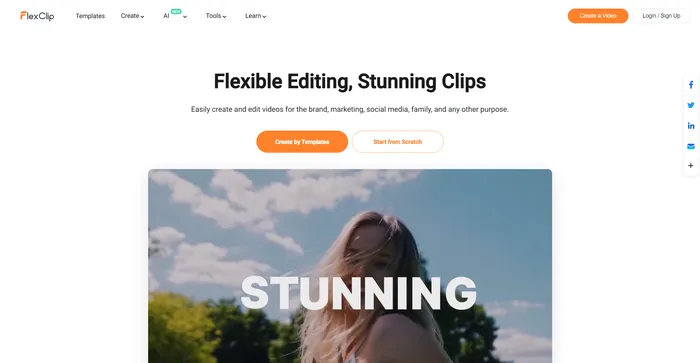
FlexClip is a simple yet powerful online video maker that helps you create engaging videos in minutes. Whether you want to make a promo video, a tutorial video, a slideshow, or a vlog, FlexClip has you covered. You can choose from hundreds of templates or start from scratch, and customize your video with stunning transitions, filters, texts, music, and more.

$9.99/mo

Veed Review

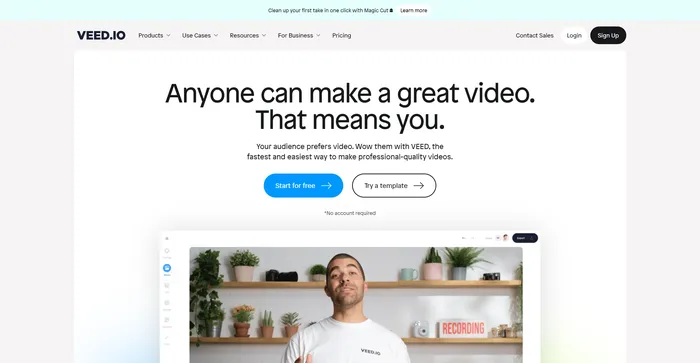
Veed is a simple and powerful online video editor that lets you create stunning videos in minutes. Whether you want to add subtitles, trim, crop, rotate, resize, filter, or animate your videos, Veed has got you covered. You can also record your screen, webcam, or audio and edit them right away.

$18/mo

Kapwing Review

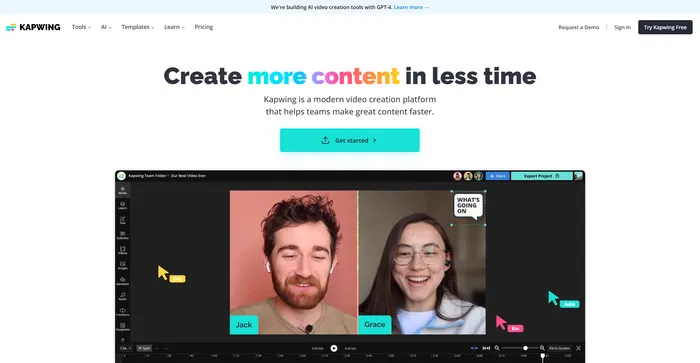
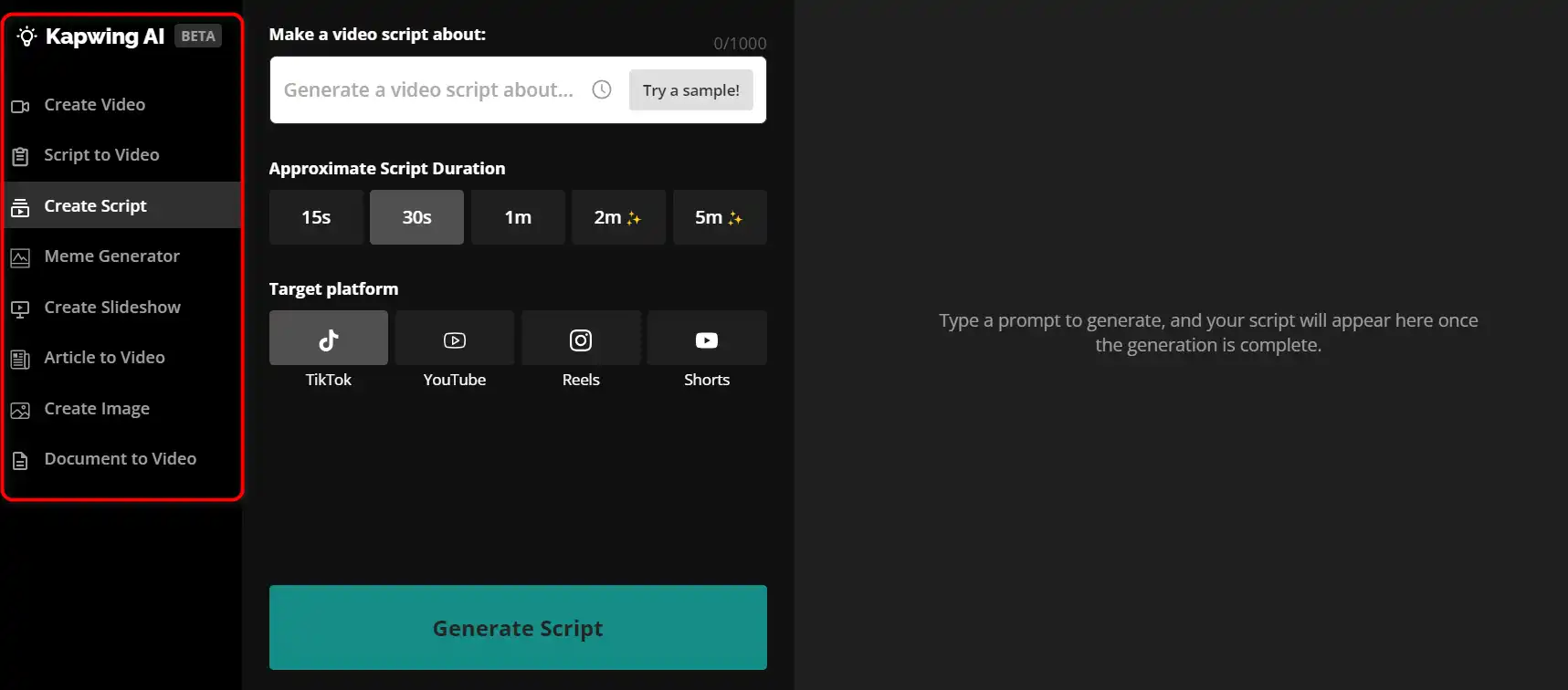
Kapwing is a versatile online video editor that lets you create, edit, and share videos, images, and GIFs. Whether you want to make a meme, a collage, a subtitle, a montage, or a slideshow, Kapwing has the tools you need to unleash your creativity.how to use Kapwing 29
 

$16/mo

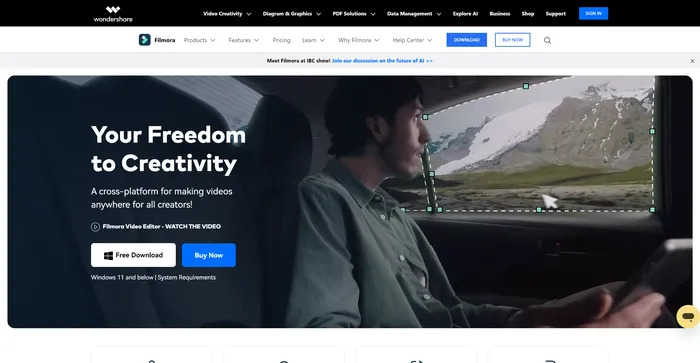
Filmora Review

Filmora is a popular and easy-to-use video editing software for beginners and professionals alike. It offers a wide range of features, such as filters, transitions, titles, music, sound effects, and more. You can also use Filmora to record your screen, webcam, or voiceover. Filmora supports various formats and devices, and you can export your videos to YouTube, Vimeo, or DVD.

$29.99/qtr

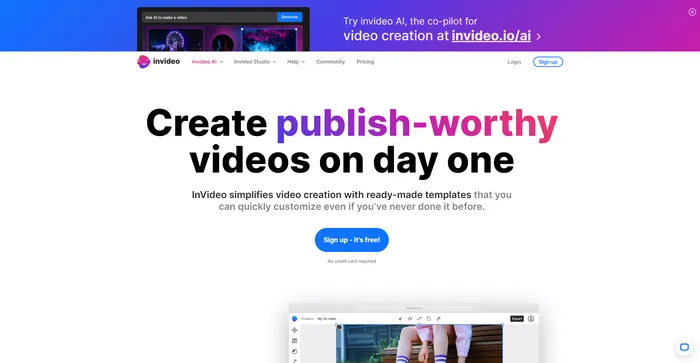
InVideo Review

InVideo is a powerful online video editor that lets you create stunning videos in minutes. Whether you want to make a promo video, a tutorial, a testimonial, or a social media post, InVideo has you covered. You can choose from thousands of templates, customize them with your own media, text, and music, and export them in HD quality.

$20/mo

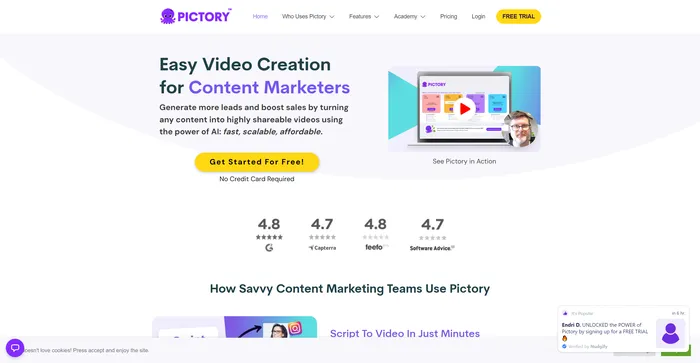
Pictory Review

Pictory is the best AI software for creating brandable videos from your long-form content (scripts, sales letters, blog posts, webinars, podcasts, Zoom recordings, and more). If you are a content creator or marketer looking for an easy way to convert your written work into video form, Pictory is the best option I’ve found to get started quickly.

Pictory uses advanced AI to automatically generate a video from your written content, with a professional voiceover, stock video clips, captions, and branding. You can also edit your video by changing the text, voice, clips, and music. Pictory has a huge library of stock videos, images, and music to choose from, and you can also upload your own media. You can also customize your branding with your logo, color scheme, intro, and outro.

$19/mo

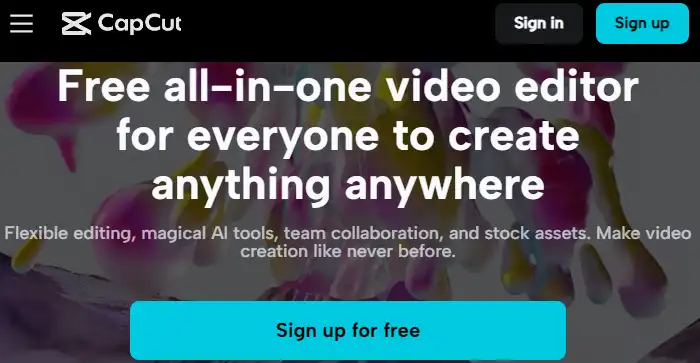
Capcut Review

CapCut is a mobile video editing app that offers a range of features for creating and sharing short-form videos. It is owned by ByteDance, the same company behind TikTok, and integrates well with the popular social media platform. CapCut is free to use, but some advanced features require a subscription.

$7.99/mo

Opus Clip FAQ

What is Opus Clip? +

Opus Clip is an AI-powered video clipping tool that helps users create high-quality short videos from long-format content. It uses advanced AI and natural language processing (NLP) to analyze videos and identify key moments. The tool then automatically generates short clips that capture the highlights of the video, making it an ideal tool for content creators who want to quickly and easily create engaging content for platforms like YouTube Shorts, TikTok, and Instagram Reels.

What types of videos work best with Opus Clip? +

Opus Clip works best with talking videos, as it relies on words for AI curation. Types of videos that perform well with Opus Clip include video podcasts, educational videos, commentary videos, product reviews, and motivational speeches.

How does Opus Clip work? +

Opus Clip uses AI to analyze your video content in relation to the latest social and marketing trends. It then identifies the highlighting moments of your long video, rearranges them into a short clip, and polishes it with dynamic captions, AI-relayout, and smooth transitions to ensure that the clip is coherent and attention-grabbing. It ends the clip with a strong call-to-action.

How many short clips can Opus Clip generate from a long video? +

Opus Clip can generate approximately 10 short clips from a half-hour video.

What platforms can Opus Clip be used for? +

Opus Clip can be used for YouTube Shorts, TikTok, Instagram, and Twitter.

What is the cost of Opus Clip? +

The Pro plan for Opus Clip goes for $19/month, offering 300 upload minutes, AI curation, and automatic posting to YouTube, TikTok, and Instagram.

Can I use content from other sources with Opus Clip? +

Yes, you can use content from other sources with Opus Clip, but you need to ensure that you have permission, especially from big players like C-SPAN or the Wall Street Journal.

What are users saying about Opus Clip? +

Users have praised Opus Clip for its ease of use, efficiency, and the quality of the clips it generates. They have reported that it has helped them increase their output, gain more views, and save time and effort that would have otherwise been spent on manual video editing.

Opus Clip Conclusion

Embrace OpusClip to revolutionize your video content strategy. With its cutting-edge AI, creating viral shorts is now simpler, faster, and more effective. Start now to amplify your social media impact and engage with audiences like never before.

Featured AI Tools

Opus Clip Related AI Tools

HyperWrite Review

AI Writing Assistant

Cohesive Review

Create magical content with the most powerful AI editor

Copy.ai Review

The only AI platform purpose-built for outcomes

Jasper Review

AI copilot for enterprise marketing teams

Midjourney Review

Midjourney

Descript Review

All-in-one video & podcast editing, easy as a doc.