
Generic selectors
Exact matches only
Search in title
Search in content
Post Type Selectors

Playground AI Review: Is This the Best Free AI Image Generator?

Overview

Visual content is a crucial part of any digital strategy, but creating high-quality images can be a daunting task.

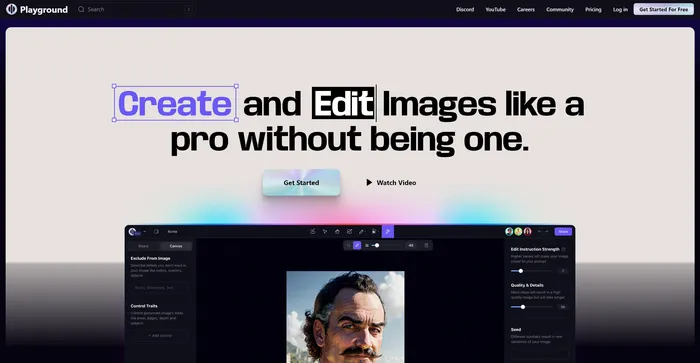
Playground AI promises to simplify this process by leveraging artificial intelligence to generate and edit images.

But does it live up to the hype? Let’s dive into an in-depth review of Playground AI to find out.

Editor's review

Overall Score: 4.6

Playground AI is a versatile and user-friendly platform for generating high-quality images using artificial intelligence. It offers a comprehensive and enjoyable experience for artists, designers, and enthusiasts alike. With Playground AI, users can transform their text descriptions into realistic and captivating images, making it an excellent tool for a wide range of creative projects.

PROS

  • Generates up to 500 free images a day
  • Easy-to-use interface with high-quality results
  • Boosts creativity and innovation by allowing users to experiment with various designs
  • Cost-effective alternative to traditional designing methods

CONS

  • Free users can generate only one image at a time, which might slow down large-scale projects

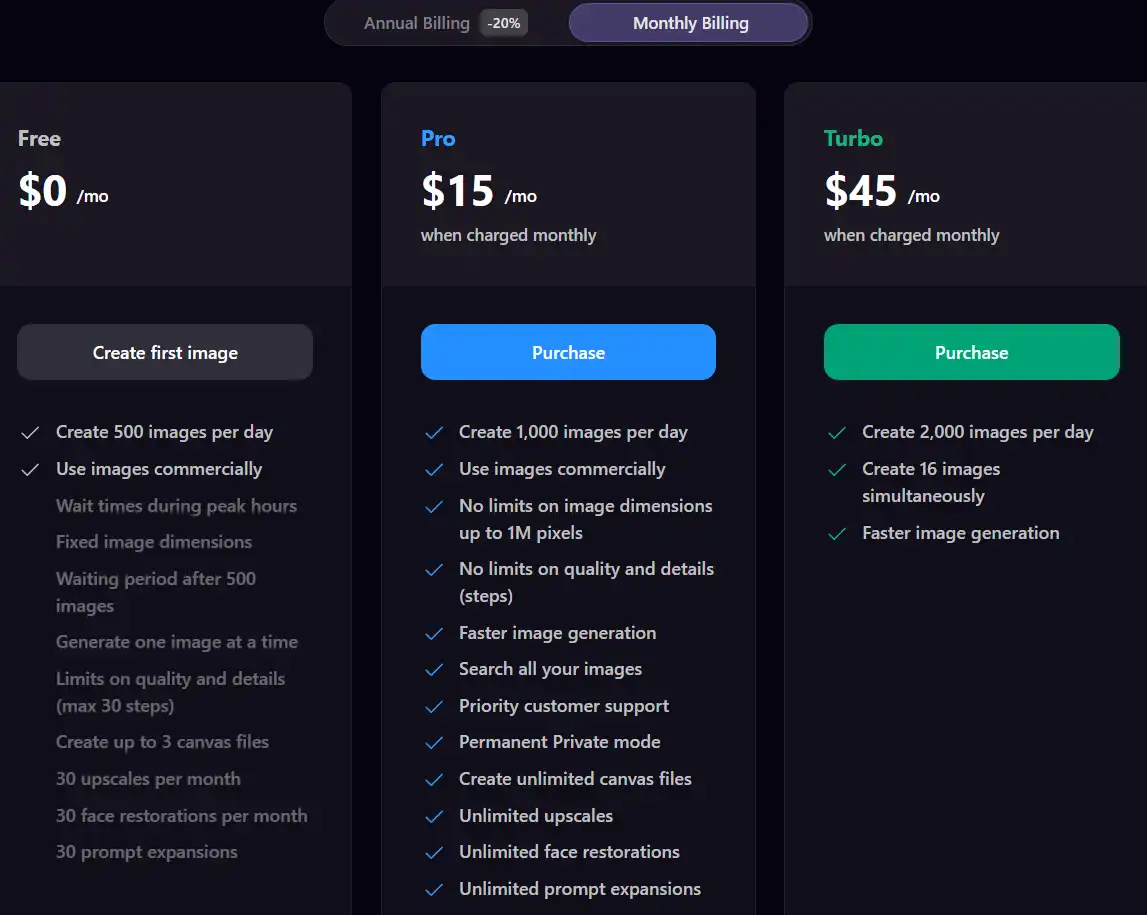
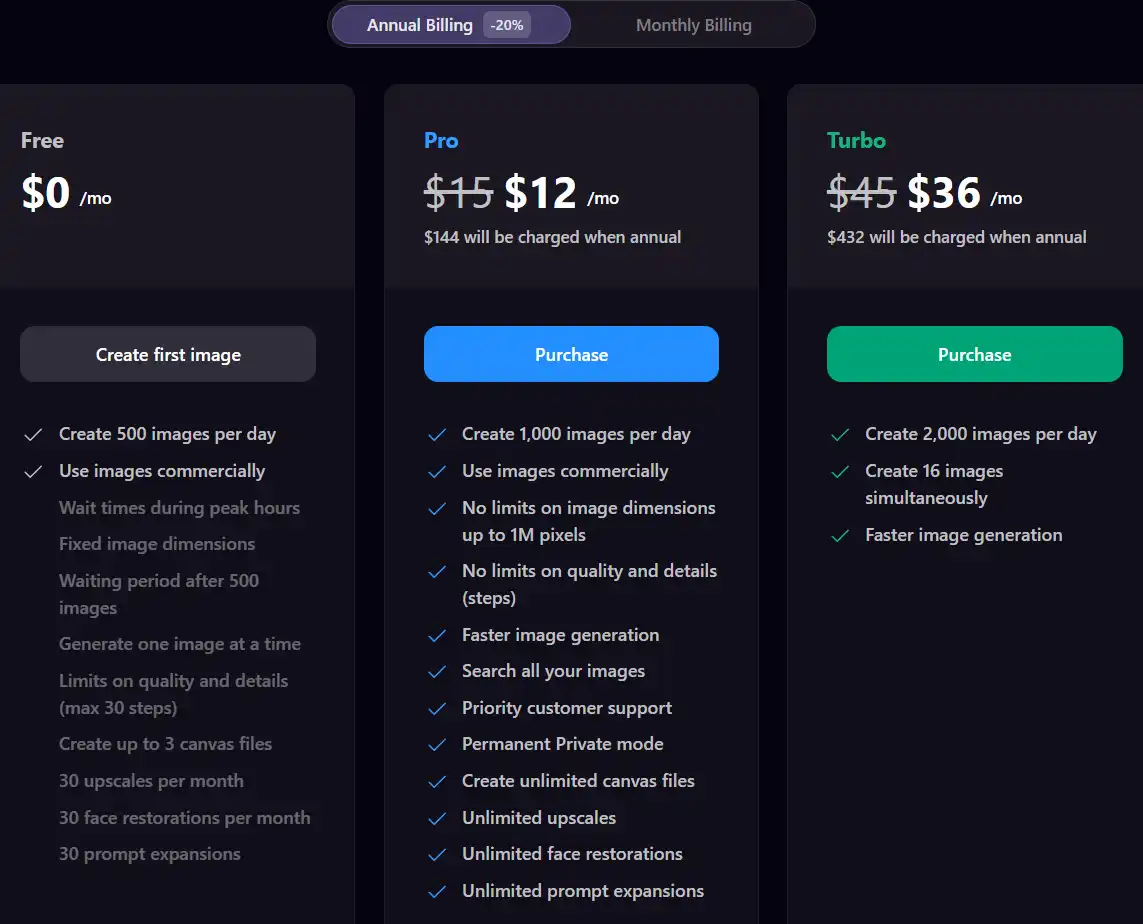
Playground Pricing

Pricing (monthly plan) Plan Best For
12 USD Pro Best for individual creators needing more features
36 USD Turbo Best for heavy users requiring high volume and speed

Playground monthly pricing plans.
monthly pricing plan for Playground 1

Playground annual pricing plans.
yearly pricing plan for Playground 2

Feature Free Pro Turbo
Images per Day 500 1,000 2,000
Commercial Use Yes Yes Yes
Image Dimensions Fixed Up to 1M pixels No limits
Quality and Detail Limits 30 steps No limits No limits
Simultaneous Image Creation 1 at a time Not specified 16 images
Image Generation Speed Standard Faster Faster
Customer Support Standard Priority Priority
Private Mode No Permanent Permanent
Canvas Files 3 Unlimited Unlimited
Upscales per Month 30 Unlimited Unlimited
Face Restorations per Month 30 Unlimited Unlimited
Prompt Expansions 30 Unlimited Unlimited

What is Playground

• Who is Playground AI for?

Playground AI is a versatile tool that caters to a wide range of users. Whether you’re a marketer looking to create engaging social media posts, a blogger aiming to enhance your content with unique visuals, or simply someone who enjoys exploring the possibilities of AI-generated art, Playground AI is the tool for you.

• Playground AI Top features

Playground AI comes packed with impressive features. Here are a few:

  • AI-Powered Image Generation: Transform your text descriptions into realistic and high-quality images.
  • Image Editing: Modify your images, insert elements, change backgrounds, or remove unnecessary details.
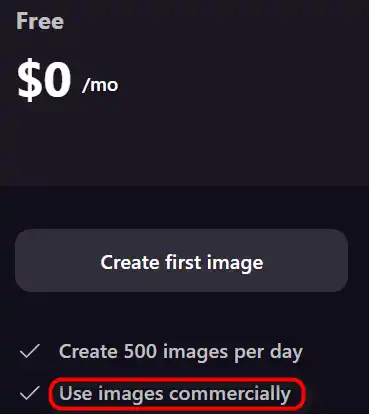
  • High Volume Generation: Generate up to 500 images per day for free.

• Tips for using Playground AI

Here are some tips for making the most out of Playground AI:

  • 🎨 Experiment Fearlessly: Don’t be afraid to try different prompts and settings to see what results you can achieve.
  • 📝 Be Clear in Your Prompts: The more specific you are with your prompts, the better Playground AI can meet your expectations.
  • 🔄 Use the Editing Features: Make use of the editing features to refine the generated images according to your needs.
  • 🌐 Use a Compatible Browser: For the most optimal experience, use a compatible browser like Google Chrome when using Playground AI.
  • 💡 Explore and Learn: Spend some time exploring all the features that Playground AI offers. The more you understand the tool, the better you can utilize it.

Remember, Playground AI is a powerful tool, and with these tips, you can harness its full potential. Happy image creating! 🎨

Product Hunt Review for Playground

What other users are saying about Playground

Here’s what people are saying about Playground AI:

  • 🌟 Overall rating of 4.6/5 based on 26 reviews on Product Hunt.
  • Most positive aspects of Playground AI according to reviewers:
    • 💬 Accessible text-to-image generation with advanced features like exclusions, seeds, and models
    • 😇 Ease of use and speed in generating images
    • 💰 Free tier offering 500 images/day
    • 🚀 Better than other paid alternatives
  • 🐾 Some users highlighted issues with the platform’s changes in pricing and filtering:
    • ☁️ Complaints about the “safety” filter preventing publishing of seemingly safe images
  • ☁️ Despite some negative feedback, Playground AI remains popular among users for its innovative approach to AI-generated art.

How to use Playground

Getting started with Playground AI is straightforward and accessible to users of all skill levels. Here’s a comprehensive guide on how to leverage its features effectively:

Overview

Playground AI combines the power of AI models like Stable Diffusion with a user-friendly interface, allowing for the creation of up to 500 images daily on its free plan. Users can also share and remix artworks within its community, fostering a collaborative and creative environment.

Creating Your First Image

  1. Visit the website and sign up for an account.
    how to use Playground 3
  2. Click on the ‘New Canvas’ option and select your desired AI model (e.g., Playground, Stable Diffusion).
    how to use Playground 4
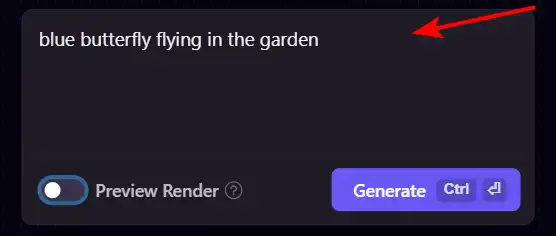
  3. Enter a descriptive prompt for the image you wish to generate. Be as specific as possible to guide the AI effectively.
    how to use Playground 5
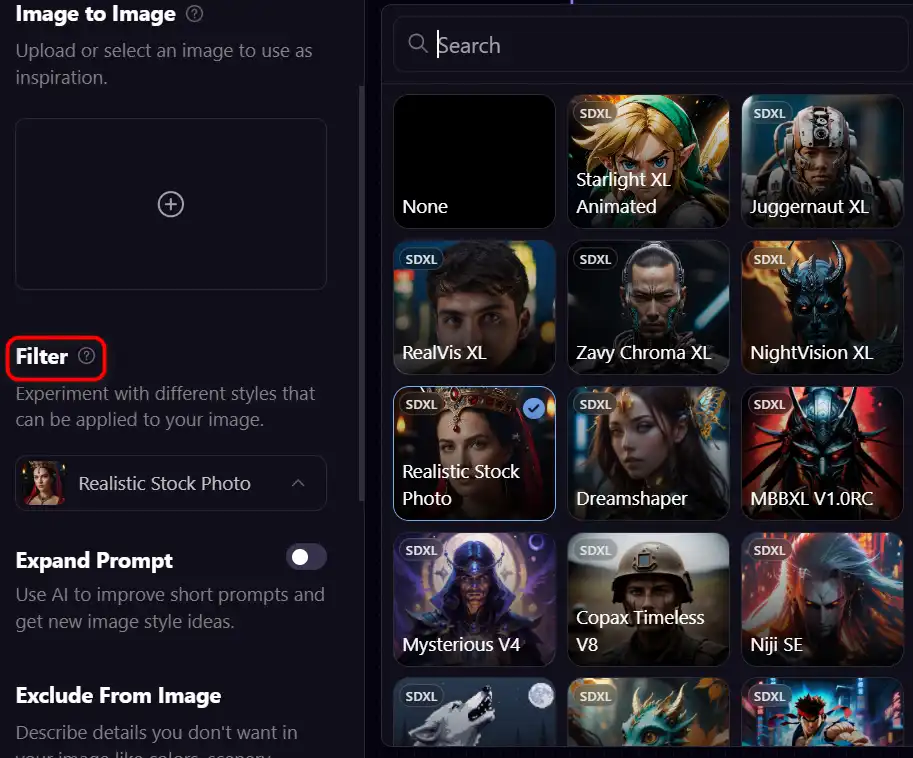
  4. Adjust any additional settings such as image dimensions, filter, or specific customizations.
    how to use Playground 6
  5. Click on the “Generate” button to start the image creation process.
    how to use Playground 7
  6. Review the generated image. If it doesn’t meet your expectations, refine your prompt and try again.
    how to use Playground 8

Editing Images

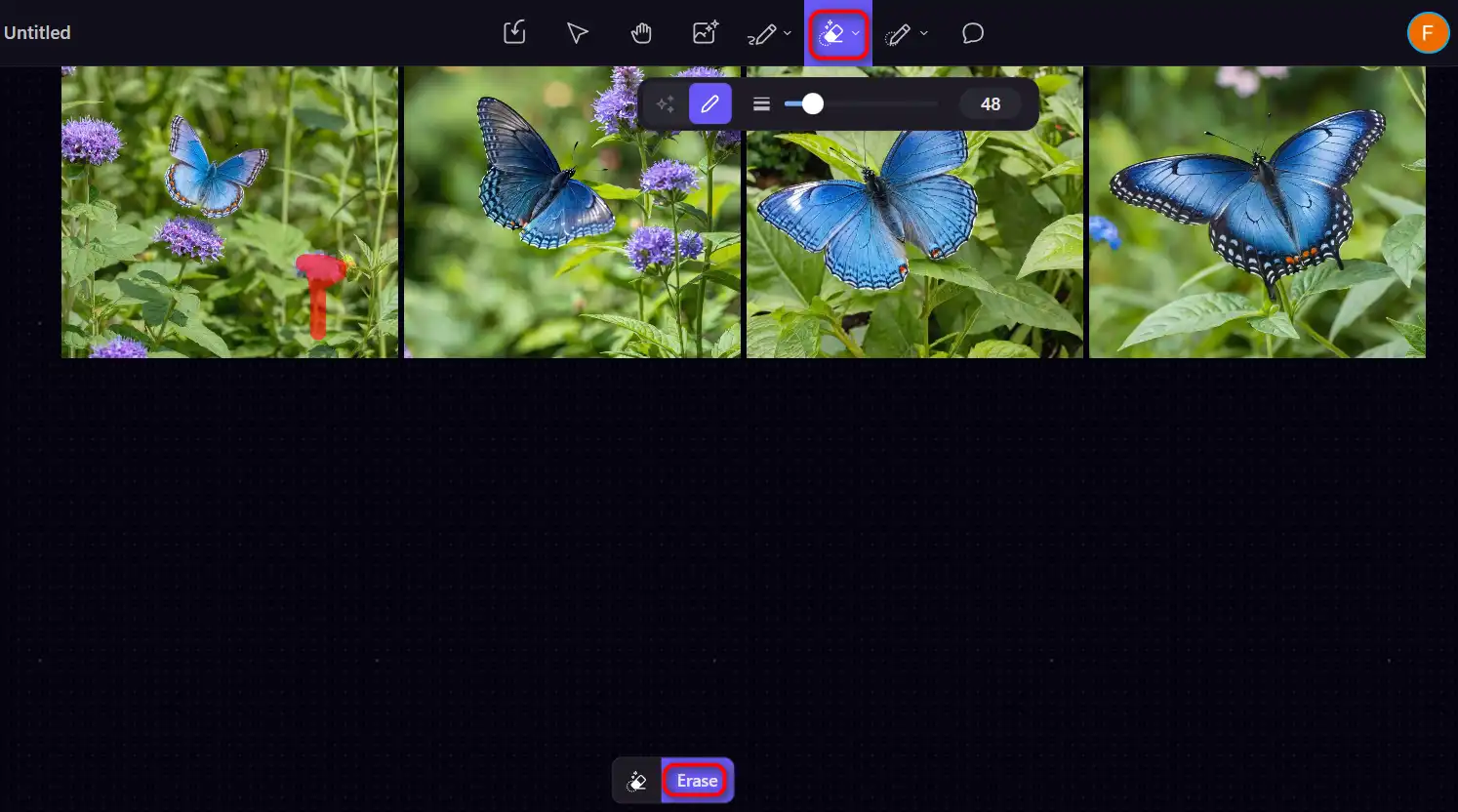
  1. Use the Object Eraser to remove unwanted details from your image.
    how to use Playground 9
  2. Experiment with different filters and effects to achieve your preferred look.
    how to use Playground 6
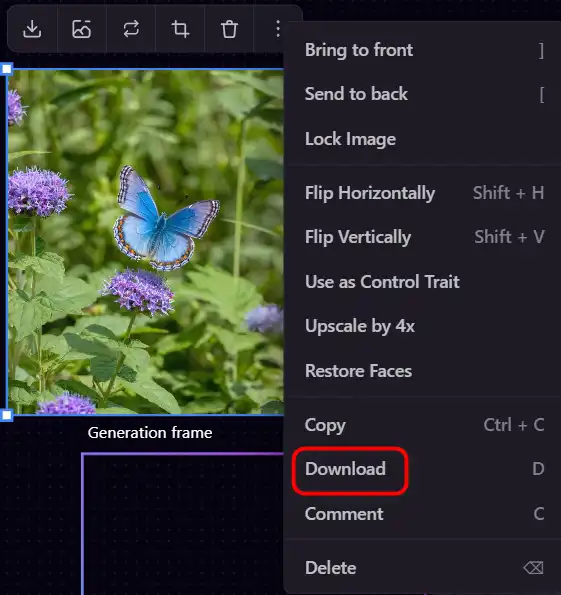
  3. For advanced editing, such as adding text or design elements, download the image and use an external tool like Canva for further customization.
    how to use Playground 10

Collaborating and Sharing

  1. Explore the community feed to find inspiration and see what others are creating.
    how to use Playground 11
  2. Share your own creations and receive feedback from the Playground AI community.
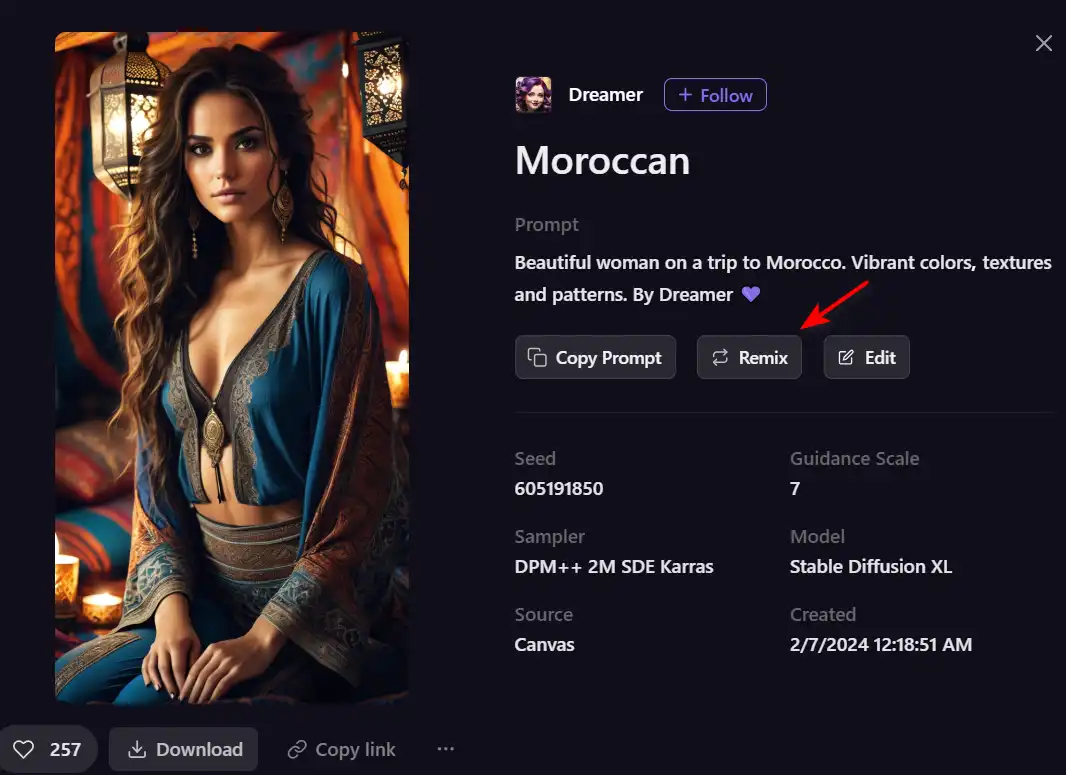
  3. Remix other users’ images (if allowed) to add your own twist or improve upon them.
    how to use Playground 12

Using Playground AI for Professional Projects

  1. Generate images for social media posts, marketing materials, or website content.
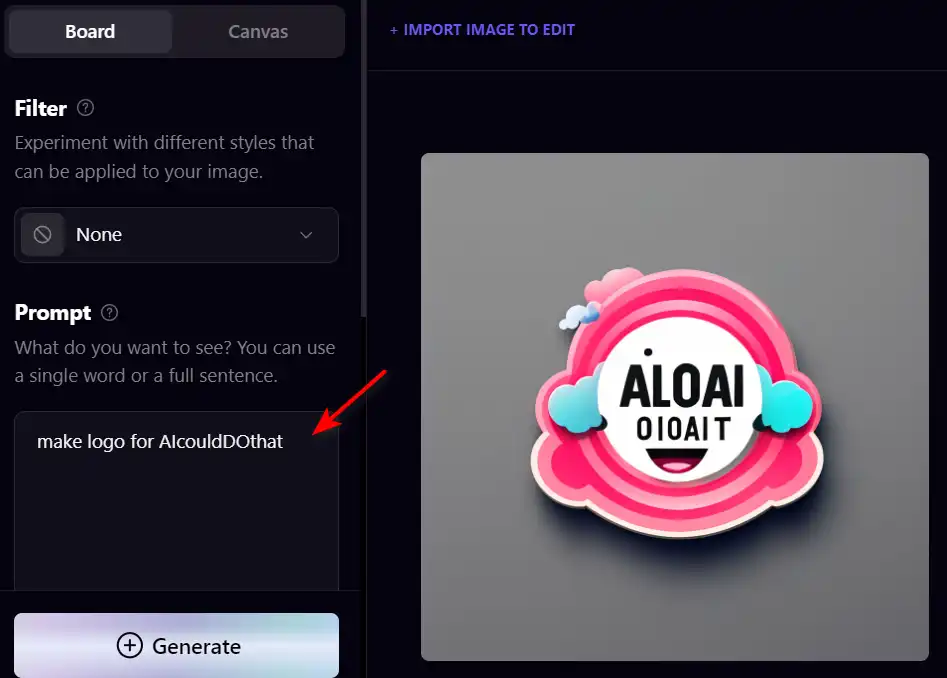
  2. Create logos, posters, and presentations with ease, customizing them to fit your brand’s aesthetic.
    how to use Playground 14
  3. Utilize the commercial use license available in the free plan to use your creations in your business endeavors.
    how to use Playground 13

Playground Top alternatives

Ideogram Review

Ideogram AI emerges as a noteworthy player in the AI image generation field, particularly for its ability to integrate text within images effectively. This tool is especially useful for creators and businesses looking to generate images from text prompts, offering a variety of styles such as typography and graffiti. While it is a relatively new entrant compared to established tools like Mid-Journey or DALL-E, its unique features and free-to-use model make it an attractive option for users.

$7/mo

DeepAI Review

DeepAI is a versatile AI platform that offers a variety of tools designed for creative individuals. Launched in 2016, it utilizes generative artificial intelligence to assist users in creating content, generating images, and more. It’s a platform that can convert text to images within seconds, creating a unique universe where advanced creativity meets the power of AI.

DeepAI’s standout feature is its text-to-image generator, which allows users to describe the image they want and select a theme, and the AI will generate it. It also offers AI chat, which can write articles, stories, and speeches. For developers, DeepAI provides API access, making it possible to integrate its AI capabilities into other software applications.

$4.99/month

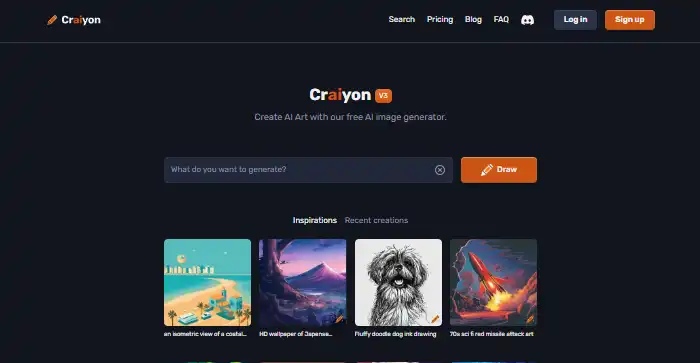
Craiyon Review

Craiyon is a free AI-powered tool that generates images based on text prompts. It’s a simple and user-friendly tool that allows users to create a variety of images by simply typing in a description. Despite its simplicity, Craiyon is capable of generating a set of nine images for each prompt, offering users a range of options to choose from. However, it’s worth noting that the images generated are often more whimsical and abstract than professional or photorealistic.

$5/mo

Midjourney Review

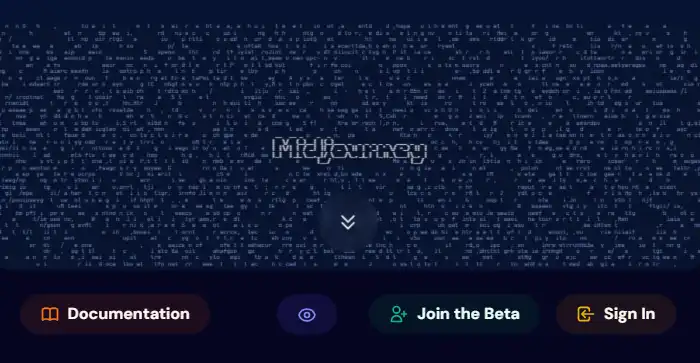
Midjourney stands out as an innovative AI tool for generating images from text prompts, captivating users with its ability to create stunning visuals that cater to a wide range of artistic needs. Whether you’re a content creator, marketer, or simply someone with a flair for the creative, Midjourney offers an accessible platform to bring your ideas to life without the need for advanced artistic skills.

$8/mo

Civitai Review

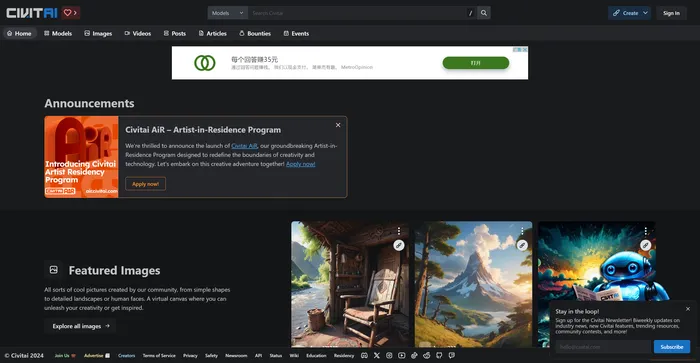
Civitai is a remarkable open-source platform for AI art enthusiasts and creators. It serves as a hub for sharing, discovering, and collaborating on AI art models. The platform is community-driven, fostering a sense of camaraderie among its users. Whether you’re a seasoned AI art model pro or just getting started, Civitai welcomes you with open arms. It’s a place where you can share, discover, and browse different models, and even get involved in their Discord channel to connect directly with other creators.

$5/mo

Cutout.Pro Review

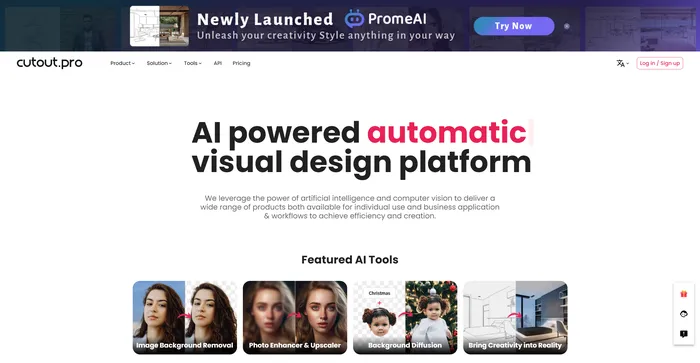
Cutout.Pro is a versatile AI-powered platform for image and video editing, offering a range of tools for background removal, photo enhancement, and AI art generation. It is particularly useful for e-commerce, photography, and videography, providing efficient solutions for high-volume editing tasks. The platform is accessible via web browsers and mobile apps, making it convenient for users on various devices.

$5.00/mo

Artflow Review

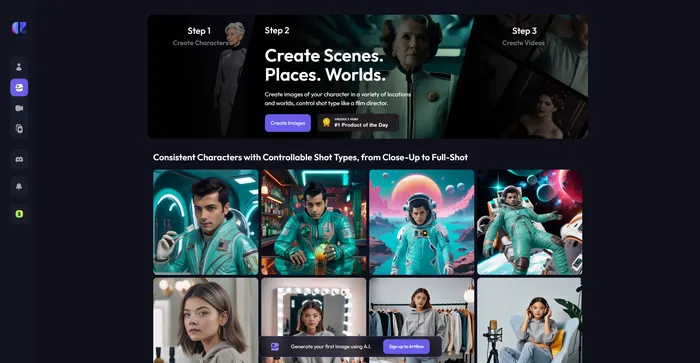
Artflow.ai stands out as an innovative AI tool that caters to creators looking to transform text into unique, hand-drawn illustrations and animated stories. It is particularly beneficial for designers seeking inspiration, bloggers desiring tailored illustrations, and storytellers aiming to bring their narratives to life visually. With its focus on converting text to images, Artflow.ai changes the game in AI illustration and storytelling.

$6.42/mo

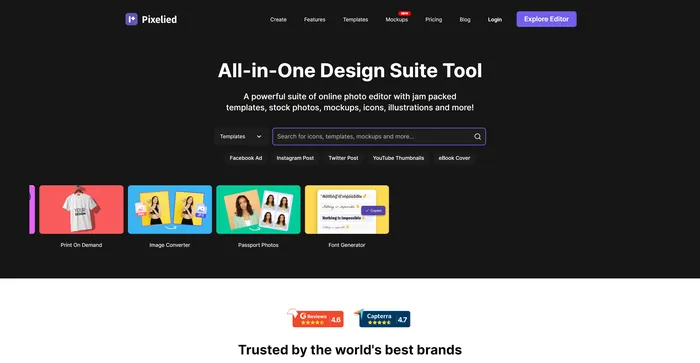
Pixelied Review

Pixelied is a powerful AI tool for creating stunning graphics for social media, websites, blogs, and more. Whether you need a logo, a banner, a flyer, or a thumbnail, Pixelied has you covered with its easy-to-use interface and rich features.

$3.9/mo

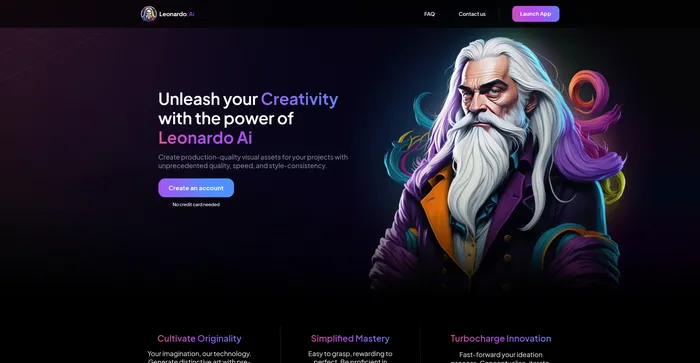
Leonardo AI Review

Leonardo AI is a powerful and versatile AI image generator that lets you create stunning visual assets from text prompts. Whether you need inspiration, concept art, game assets, graphic design, or anything else, Leonardo AI can help you generate realistic or artistic images in seconds. You can choose from a variety of pre-trained models or train your own with custom data.

$10/mo

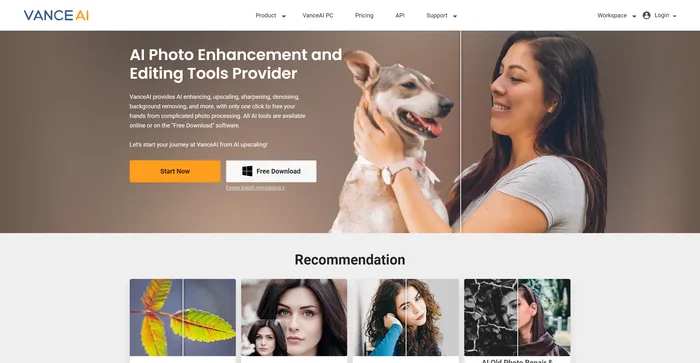
VanceAI Review

VanceAI is a powerful AI software for image enhancement and editing. It allows you to upscale, denoise, sharpen, colorize, and restore old photos with ease. You can also apply various artistic effects and filters to your images, such as sketch, cartoon, oil painting, and more.

$4.95/100 credits

Playground FAQ

What is Playground AI? +

Playground AI is an innovative online platform that enables users to create and edit AI-generated images. It utilizes AI technologies like Stable Diffusion to facilitate easy and intuitive image generation and editing, catering to both novices and experienced users alike.

Is Playground AI free to use? +

Yes, Playground AI offers a free plan that allows users to generate up to 500 images daily. For users with higher demands, a Pro plan is available, which increases the image generation limit to 1,000 images per day.

Can I use Playground AI for commercial purposes? +

Yes, images generated with Playground AI can be used for commercial purposes. This makes it a valuable tool for professionals in marketing, design, and other fields requiring visual content.

How does Playground AI work? +

Playground AI works by leveraging AI technologies to interpret user prompts and generate images accordingly. Users can specify their creative vision through prompts, and the AI generates images based on these inputs. The platform also allows for editing and refining of images to achieve the desired outcome.

What can I create with Playground AI? +

With Playground AI, you can create a wide range of visual content, including art, social media posts, presentations, posters, videos, and logos. Its versatility makes it suitable for various creative and professional applications.

Does Playground AI offer any community features? +

Yes, Playground AI fosters a vibrant community of artists and creators. Users can share their works, follow other artists, like and remix other people’s photographs, and engage in a collaborative and communal art production process.

Are there any alternatives to Playground AI? +

While Playground AI is a popular choice for AI-generated art, there are alternatives like Artvy that offer similar features and capabilities. However, Playground AI is distinguished by its user-friendly interface, community engagement opportunities, and reliable AI art generation process.

How do I get started with Playground AI? +

To get started with Playground AI, simply visit their website and sign up for an account. Once logged in, you can begin creating and editing images using the AI image generator. The platform provides various tools and features to help bring your creative ideas to life.

Playground Conclusion

Embrace the future of image creation with Playground AI. Whether you’re a professional designer, marketer, or just exploring your creative side, Playground AI offers an intuitive, powerful platform to bring your visions to life. Start creating today and unlock the limitless possibilities of AI-driven image generation.

Featured AI Tools

Playground Related AI Tools

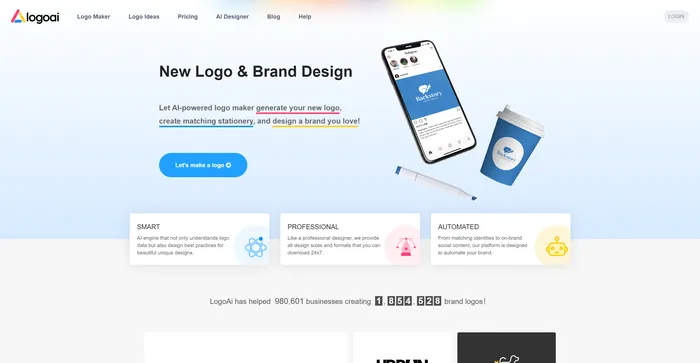
LogoAI Review

Design A New Logo & Brand Identity You Love

Ideogram Review

Image Generator that Can Handle Texts

DeepAI Review

DeepAI

Craiyon Review

Your FREE AI image generator tool: Create AI art

Midjourney Review

Midjourney

Civitai Review

The Home of Open-Source Generative AI