
Generic selectors
Exact matches only
Search in title
Search in content
Post Type Selectors

Is Lexica the Ultimate AI Art Generation Tool? A Comprehensive Review and Alternatives (January)

Overview

Artists and creatives are always on the lookout for new sources of inspiration and tools to aid their creative process.

Enter Lexica, an AI-powered art generation tool that promises to revolutionize the way artists create and find inspiration.

But does Lexica live up to its promises? Is it the ultimate tool for artists or are there better alternatives out there? Let’s dive into an in-depth review to find out.

Editor's review

Overall Score: 4.5

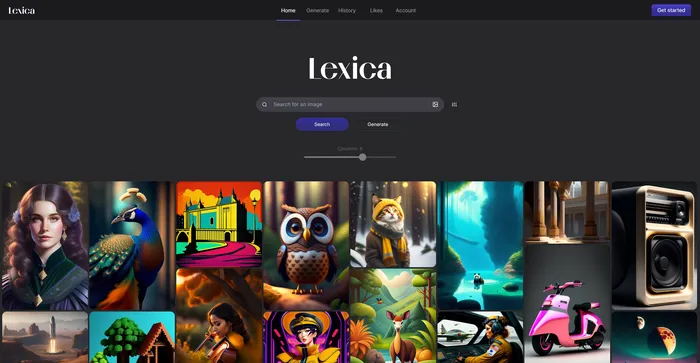
Lexica is a unique AI Art Generation tool that offers a comprehensive database of art-related content, including images, prompts, and a virtual gallery. It utilizes the Stable Diffusion model, ensuring high-quality image generation. Lexica is designed to inspire creativity and curiosity by showing the possibilities of AI art. It can help users learn how to design effective prompts for text-to-image models and provide high-quality and original images for personal or professional use. However, it may raise ethical and legal issues regarding the ownership and attribution of AI-generated art.

PROS

  • Stable diffusion search engine for comprehensive art-related content
  • High-quality image generation powered by advanced AI models
  • Intuitive interface suitable for users of all expertise levels
  • Regular updates and feature additions

CONS

  • Free tier has a limited number of image generations per month
  • Commercial usage requires a paid plan
  • Images generated under certain plans are public and can be accessed by other users
  • May not cover specific niche styles or genres extensively

Lexica Pricing

Pricing (monthly plan) Plan Best For
8 USD Starter Best for individuals starting with AI art generation
24 USD Pro Best for frequent users needing more generations and features
48 USD Max Best for heavy users requiring the highest number of generations and privacy

Lexica Art monthly pricing plans.
monthly pricing plan for Lexica 1

Lexica Art annual pricing plans.
yearly pricing plan for Lexica 2

Feature Starter Pro Max
Fast Generations per Month 1,000 3,000 7,000
Slow Generations No Unlimited Unlimited
Parallel Fast Generations 2 3 3
Commercial License Solo Yes Yes
Image Privacy Public Public Private
Price (Monthly) 8 USD 24 USD 48 USD
Price (Annually) 96 USD 288 USD 576 USD

What is Lexica

• Who is Lexica for?

Lexica is a unique AI Art Generation tool that caters to artists, creatives, and anyone seeking inspiration or resources for their artistic endeavors. Whether you’re an individual artist looking to explore new creative possibilities or a business seeking high-quality and original images for professional use, Lexica is a versatile and user-friendly tool that can meet your needs.

• Lexica Top features

Lexica comes with a host of impressive features. Here are a few:

  • Stable Diffusion Search Engine: Lexica’s standout feature, this engine offers users a comprehensive database of art-related content, including images, prompts, and a virtual gallery.
  • AI Art Generation: Lexica empowers users to create stunning images and drawings using artificial intelligence. Users can input specific prompts and generate images based on their requirements.
  • User-Friendly Interface: Lexica’s interface is intuitive and easy to use, making it accessible to users of all skill levels.

• Tips for using Lexica

Here are some tips to make the most out of Lexica:

  • 🎨 Experiment with Prompts: Be creative with your prompts. The more specific and detailed your instructions, the better Lexica can meet your expectations.
  • 🔍 Explore the Database: Make full use of Lexica’s comprehensive art database. It’s a great source of inspiration and resources.
  • ⚙️ Use Advanced Settings: Lexica offers advanced settings to tweak the parameters of the model, such as the resolution, and the generation speed. These settings can help you fine-tune your prompt and get the desired result.
  • 🔄 Try Different Styles: Don’t limit yourself to one style or genre. Lexica’s AI can generate a wide range of artistic styles, so feel free to explore and experiment.
  • 💡 Learn from the Process: Lexica is not just a tool for creating art, but also a valuable resource for learning about AI art generation and how to design effective prompts.
  • 🌐 Use a Compatible Browser: For the most optimal experience, use a compatible browser like Google Chrome when using Lexica.

With these tips, you can fully harness the power of Lexica and take your art to the next level. Happy creating! 🎨

Product Hunt Review for Lexica

What other users are saying about Lexica

I have crosschecked my experience with the experience of other Lexica users on Product Hunt.

Here’s what I found:

  • 🌟 Lexica has received a perfect 5/5 rating on Product Hunt based on 1 review.
  • Most positive reviewers appreciate Lexica for its:
    • 💬 Intuitive user interface for easy navigation and usage
    • 😇 Creative capabilities, allowing users to spend time creating and enjoying amazing creations
    • 🚀 Vast library of over 10 million stable diffusion images and prompts
  • 🐾 Lexica’s community engagement and interaction features are also highlighted by some users.

How to use Lexica

Lexica is user-friendly and intuitive, making it easy for anyone to create beautiful images. Here’s how you can utilize its features:

Generating Images

This feature allows you to create custom images using AI technology.

  1. Visit the official website at lexica.ai and log in using your email or Gmail account.
    how to use Lexica 3
  2. Navigate to the homepage and click on the “Generate” option.
    how to use Lexica 4
  3. Enter a description of the image you want to create and specify any negative prompts to exclude specific elements.
    how to use Lexica 5
  4. Lexica will then generate your image based on the provided prompts.
    how to use Lexica 6

Using Image-to-Image  Search Feature

This particular feature enables you to seek inspiration for enhancing an image that already exists.

  1. Upload an image of your choice.
    how to use Lexica 7
  2. Copy the prompt that generated the image.
    how to use Lexica 8

Exploring History and Likes

Keep track of your generated images and manage your liked images.

  1. View your generated images in the ‘History’ section.
    how to use Lexica 9
  2. Manage your liked images in the ‘Likes’ section.
    how to use Lexica 10

Account and Membership Options

Access your account and explore membership plans and pricing.

  1. Access your account details.
    how to use Lexica 11
  2. Explore various membership plans and pricing options.
    yearly pricing plan for Lexica 2

Lexica Top alternatives

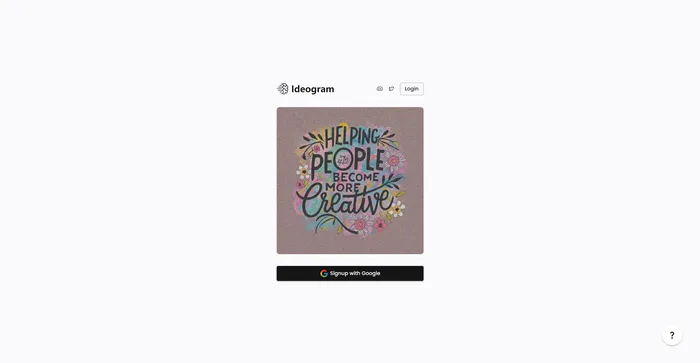
Ideogram Review

Ideogram AI emerges as a noteworthy player in the AI image generation field, particularly for its ability to integrate text within images effectively. This tool is especially useful for creators and businesses looking to generate images from text prompts, offering a variety of styles such as typography and graffiti. While it is a relatively new entrant compared to established tools like Mid-Journey or DALL-E, its unique features and free-to-use model make it an attractive option for users.

$7/mo

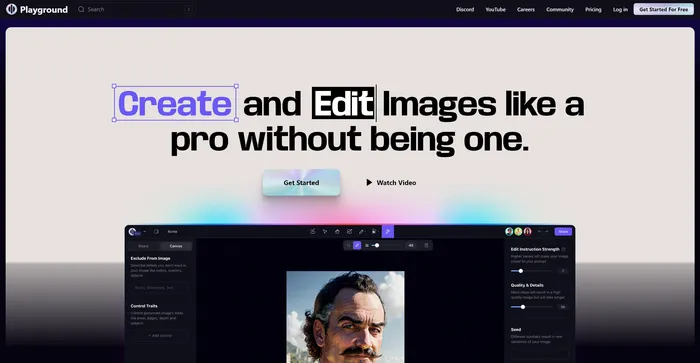
Playground Review

Playground AI is a versatile and user-friendly platform for generating high-quality images using artificial intelligence. It offers a comprehensive and enjoyable experience for artists, designers, and enthusiasts alike. With Playground AI, users can transform their text descriptions into realistic and captivating images, making it an excellent tool for a wide range of creative projects.

$12/mo

DeepAI Review

DeepAI is a versatile AI platform that offers a variety of tools designed for creative individuals. Launched in 2016, it utilizes generative artificial intelligence to assist users in creating content, generating images, and more. It’s a platform that can convert text to images within seconds, creating a unique universe where advanced creativity meets the power of AI.

DeepAI’s standout feature is its text-to-image generator, which allows users to describe the image they want and select a theme, and the AI will generate it. It also offers AI chat, which can write articles, stories, and speeches. For developers, DeepAI provides API access, making it possible to integrate its AI capabilities into other software applications.

$4.99/month

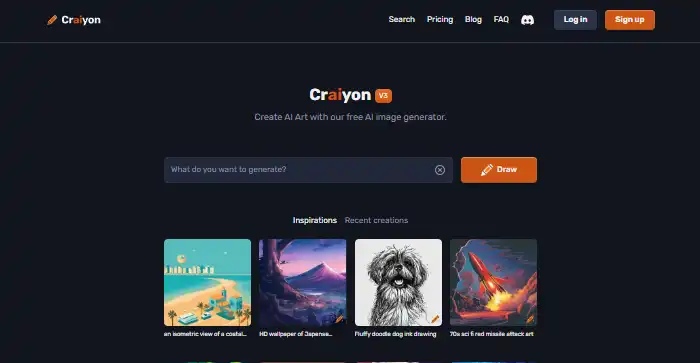
Craiyon Review

Craiyon is a free AI-powered tool that generates images based on text prompts. It’s a simple and user-friendly tool that allows users to create a variety of images by simply typing in a description. Despite its simplicity, Craiyon is capable of generating a set of nine images for each prompt, offering users a range of options to choose from. However, it’s worth noting that the images generated are often more whimsical and abstract than professional or photorealistic.

$5/mo

Midjourney Review

Midjourney stands out as an innovative AI tool for generating images from text prompts, captivating users with its ability to create stunning visuals that cater to a wide range of artistic needs. Whether you’re a content creator, marketer, or simply someone with a flair for the creative, Midjourney offers an accessible platform to bring your ideas to life without the need for advanced artistic skills.

$8/mo

Cutout.Pro Review

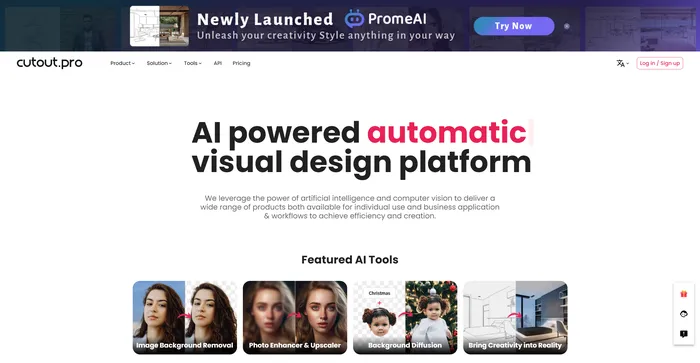
Cutout.Pro is a versatile AI-powered platform for image and video editing, offering a range of tools for background removal, photo enhancement, and AI art generation. It is particularly useful for e-commerce, photography, and videography, providing efficient solutions for high-volume editing tasks. The platform is accessible via web browsers and mobile apps, making it convenient for users on various devices.

$5.00/mo

Recraft Review

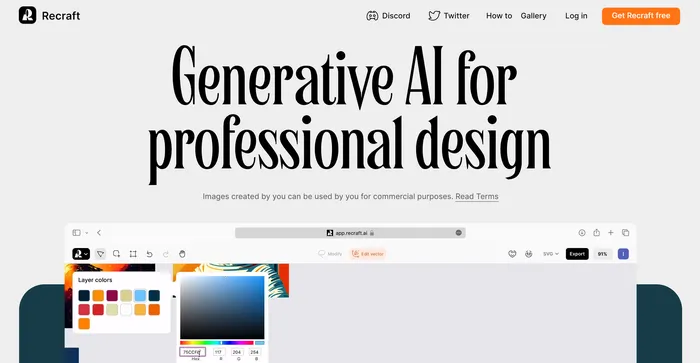
Recraft stands out as a versatile AI-powered tool for generating and editing vector art, illustrations, and 3D images. It caters to a wide range of users, from professional designers to art enthusiasts, offering an intuitive interface and a plethora of creative possibilities. With its ability to produce high-quality SVG outputs and its emphasis on community-driven inspiration, Recraft is a valuable asset for anyone looking to enhance their design workflow.

$20/mo

Simplified Review

Simplified is a comprehensive AI tool that integrates various features into one platform, making it a powerful asset for content creators, marketers, and social media managers. It offers AI-driven content creation, design tools, and social media management, all in one user-friendly interface. The AI writing tool is particularly praised for its ability to generate high-quality content quickly and efficiently, catering to a wide range of writing needs.

$9/mo

Leonardo AI Review

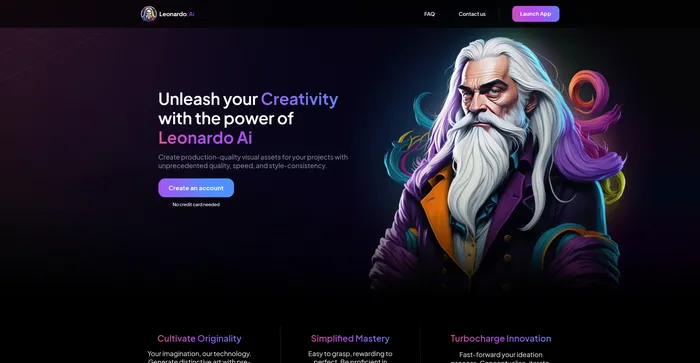
Leonardo AI is a powerful and versatile AI image generator that lets you create stunning visual assets from text prompts. Whether you need inspiration, concept art, game assets, graphic design, or anything else, Leonardo AI can help you generate realistic or artistic images in seconds. You can choose from a variety of pre-trained models or train your own with custom data.

$10/mo

VanceAI Review

VanceAI is a powerful AI software for image enhancement and editing. It allows you to upscale, denoise, sharpen, colorize, and restore old photos with ease. You can also apply various artistic effects and filters to your images, such as sketch, cartoon, oil painting, and more.

$4.95/100 credits

Lexica FAQ

What is Lexica? +

Lexica is an AI-powered tool that generates digital artwork from simple prompts. It democratizes the process of art creation, allowing anyone to create beautiful images, regardless of their artistic background. The platform is user-friendly and suitable for all skill levels.

How does Lexica work? +

Users provide a prompt, and Lexica generates a unique piece of artwork within minutes. It uses a stable diffusion algorithm to ensure accurate results. Users can also use the advanced settings to tweak the parameters of the model, such as the resolution, and the generation speed.

Who can use Lexica? +

Lexica is suitable for anyone interested in creating digital artwork. This includes artists, designers, and creatives, but also anyone who wants to explore the world of digital art. You don’t need to be a seasoned artist or have a background in design to use Lexica.

What are the benefits of using Lexica? +

Lexica allows users to generate stunning digital artwork from simple prompts. It democratizes the process of art creation, making it accessible to anyone. It also offers a massive database of AI-generated images and their accompanying text prompts, making it a great source of inspiration for AI-generated artwork. The platform is user-friendly and suitable for all skill levels.

Are there any limitations on the usage of Lexica? +

Yes, Lexica does have limitations in terms of free usage. It offers different membership plans with varying limitations. It is recommended to choose a plan that aligns with your usage requirements.

Can I cancel my membership at any time? +

Yes, you can cancel your membership at any time within the account settings. However, refunds may be subject to the terms and conditions of your chosen plan.

How can I learn to use Lexica effectively? +

There are several resources available to help you learn how to use Lexica effectively. These include step-by-step guides and tutorials available online. These resources can help you understand how to generate images with Lexica, use the website, understand the advanced settings, and more.

Is Lexica safe to use? +

While specific information about the safety of Lexica was not found in the search results, it’s important to note that any reputable software should prioritize user safety and data protection. Always ensure to review the privacy policy and terms of service of any new software you use.

Lexica Conclusion

Unleash your creativity with Lexica and explore the limitless realm of AI-generated artistry. It’s a powerful, user-friendly platform that opens up a world of possibilities for digital art creation. Start your journey with Lexica today and create the future of art.

Featured AI Tools

Lexica Related AI Tools

LogoAI Review

Design A New Logo & Brand Identity You Love

Ideogram Review

Image Generator that Can Handle Texts

Playground Review

Free-to-use online AI image creator

DeepAI Review

DeepAI

Craiyon Review

Your FREE AI image generator tool: Create AI art

Midjourney Review

Midjourney