
Generic selectors
Exact matches only
Search in title
Search in content
Post Type Selectors

VanceAI Review: Can AI Truly Revolutionize Photo Editing?

Pricing:

Platform:

Desktop, Web Based

Intergrations:

API

Social links:

Overview

Photographers and graphic designers often grapple with the challenge of editing a large volume of images.

Traditional editing tools can be complex and time-consuming, making the process daunting.

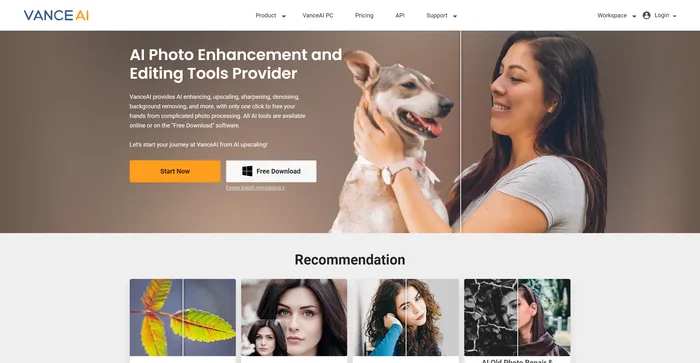
VanceAI promises to transform this experience by leveraging Deep Convolutional Neural Networks (DCNN) to provide smart, fast, and effective photo editing solutions. But does it deliver on this promise? Let’s delve into the details in this comprehensive review.

Editor's review

Overall Score: 4.2

VanceAI is a powerful AI software for image enhancement and editing. It allows you to upscale, denoise, sharpen, colorize, and restore old photos with ease. You can also apply various artistic effects and filters to your images, such as sketch, cartoon, oil painting, and more.

PROS

  • Easy to use interface with drag and drop functionality
  • High-quality results with advanced AI algorithms
  • Batch processing and API support for large-scale projects
  • Free plan with 3 credits

CONS

  • Limited customization options for some effects
  • Slow processing speed for high-resolution images
  • Expensive premium plans for heavy users

VanceAI Pricing

Pricing (monthly plan) Plan Best For
4.95 USD 100 Credits Best for occasional users with minimal image processing needs
7.95 USD 200 Credits Best for regular users with moderate image processing needs
12.95 USD 500 Credits Best for heavy users with high image processing needs
17.95 USD 1000 Credits Best for professional users with extensive image processing needs

VanceAI Online pricing plans.
Online pricing plan for VanceAI 1

VanceAI PC pricing plans.
PC pricing plan for VanceAI 2

Feature 100 Credits 200 Credits 500 Credits 1000 Credits
Price per Credit $0.049 $0.04 $0.026 $0.018
Money Back Guarantee 7 Days 7 Days 7 Days 7 Days
Upgrade/Downgrade Option Yes Yes Yes Yes
Roll Over of Unused Credits Yes Yes Yes Yes
No Watermark Yes Yes Yes Yes
Upload Large Images Up to 10MB Up to 10MB Up to 10MB Up to 10MB
Batch Processing Yes Yes Yes Yes
Offline Processing Yes Yes Yes Yes
24×7 Customer Support Yes Yes Yes Yes

What is VanceAI

• Who is VanceAI for?

VanceAI is a versatile tool designed for a wide range of users. Whether you’re a professional photographer looking to enhance your images, a graphic designer aiming to streamline your workflow, or an amateur photo enthusiast seeking to improve your photos, VanceAI has something to offer. It’s particularly beneficial for those who deal with a large volume of images and need efficient, high-quality editing tools.

• VanceAI Top features

VanceAI boasts a suite of impressive features. Here are a few highlights:

  • AI Photo Enhancement: Enhance your photos beyond their original quality using AI-powered tools. This includes upscaling, sharpening, and enhancing images.
  • AI Photo Editor: Edit your photos with ease using AI. This includes removing backgrounds, beautifying portraits, and sharpening blurry photos.
  • Image Enhancer: Improve the quality of your product photos by enhancing resolution, sharpening details, and correcting colors.
  • Photo Retoucher: Automatically adjust photo brightness, contrast, and color saturation with just one click.
  • VanceAI PC: A desktop version of the tool that allows for offline editing and provides additional features.

• Tips for using VanceAI

Here are some tips to help you get the most out of VanceAI:

  • 🌟 Experiment with different features: VanceAI offers a range of features. Don’t hesitate to try them all out to see which ones work best for your needs.
  • 🎯 Use the right tool for the job: Each feature in VanceAI is designed for a specific purpose. Make sure to use the right tool for the task at hand.
  • 📺 Take advantage of the AI: The AI in VanceAI is designed to make your job easier. Let it do the heavy lifting for you.
  • ⏱️ Save time with batch processing: If you have a large number of images to edit, use the batch processing feature to save time.
  • 🗣️ Try the desktop version: If you need more features or want to work offline, try the desktop version of the tool.
  • 📜 Don’t be afraid to experiment: The best way to learn is by doing. Don’t be afraid to experiment with different settings and options.

With these tips in mind, you’re well-equipped to make the most of what VanceAI has to offer. Happy editing! 📸

Product Hunt Review for VanceAI

What other users are saying about VanceAI

I have crosschecked user experiences with Vance AI Background Remover on Product Hunt.

  • 🌟 The community submitted 27 reviews for Vance AI Background Remover.
  • Overall Rating: 4.5/5 based on 10 reviews.
  • Recent Rating: 1/5 based on 1 review (Dec 12, 2023).
  • – 📉 Some negative reviews:
    • 💣 Probably the worst background removal app according to one user (Dec 12, 2023).
  • – 📈 Positive aspects highlighted by users:
    • 👍 Works well for online shop owners processing numerous images effortlessly (Mar 4, 2022).
    • ⏱️ Saves time with one-click image processing and is FREE (Mar 4, 2022).
    • 📸 Natural edge processing, even capturing strands of hair, as shared by a user (Mar 4, 2022).
    • 🧑‍🏫 Recommended by an information tech teacher for scratch removal using AI tech (May 18, 2022).
    • 💻 Relatively easy to use for family historians, though pricing could be better (Dec 26, 2022).
    • 👍 Enjoyable and effective, mentioned by a grandfather (Feb 4, 2023).
    • 📷 Praised by a photographer for its effectiveness (Mar 4, 2022).

How to use VanceAI

Here’s a comprehensive guide to using VanceAI’s features to enhance your images:

Image Enhancement

Improve the resolution, detail, and quality of your photos with VanceAI’s image enhancement tools.

  1. Access the VanceAI Image Enhancer workspace from the navigation bar on the website.
    how to use VanceAI 3
  2. Upload the image you wish to enhance by clicking “Upload Image” or dragging and dropping the file.
    how to use VanceAI 4
  3. Choose the desired AI-powered enhancement features such as enlarging, sharpening, or denoising.
    how to use VanceAI 5
  4. Click “Start to Process” to let the AI analyze and enhance your image.
    how to use VanceAI 6
  5. Preview the enhanced image and download it if you’re satisfied with the results.
    how to use VanceAI 7

Note that the default settings are optimized for general use, but you can adjust parameters for higher clarity or resolution if needed.

Background Removal

Easily remove backgrounds from images for cleaner, more focused visuals.

  1. Navigate to the Background Removal tool on the VanceAI website.
    how to use VanceAI 8
  2. Upload the image from which you want to remove the background.
    how to use VanceAI 9
  3. Let the AI process the image and automatically remove the background.
    how to use VanceAI 10
  4. Download the result with a transparent or solid color background as needed.
    how to use VanceAI 11

Old Photo Restoration

Bring old, damaged photos back to life with VanceAI’s restoration tools.
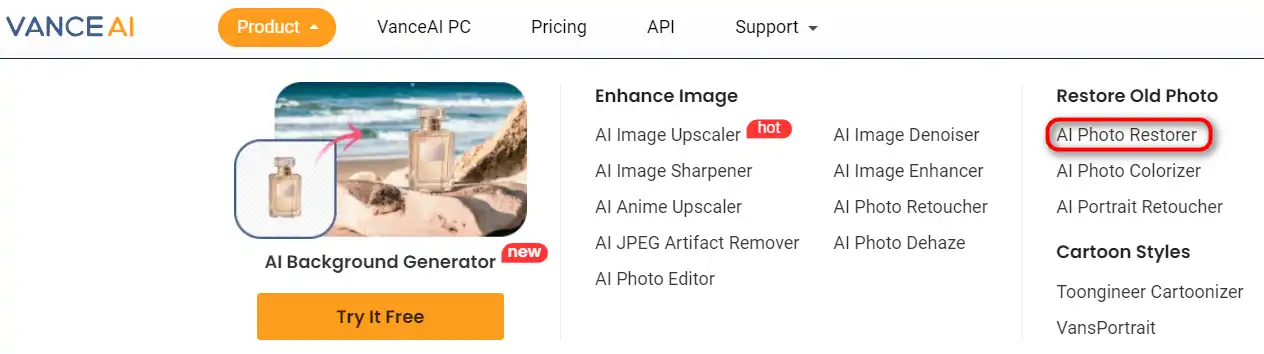
  1. Select the Photo Restorer option from the VanceAI toolset.
    how to use VanceAI 12
  2. Upload your old or damaged photo to the platform.
    how to use VanceAI 13
  3. Allow the AI to automatically fix scratches, fading, and other imperfections.
    how to use VanceAI 14
  4. Review the restored image and download it to preserve your memories.
    how to use VanceAI 15

API Integration

Integrate VanceAI’s capabilities into your own applications for seamless image editing.

  1. Read through the VanceAI API documentation available on their website.
    how to use VanceAI 16
  2. Implement the API using the provided code snippets into your application.
    how to use VanceAI 17
  3. Automate image editing tasks within your own software environment.
    how to use VanceAI 18

Desktop Software

For offline processing, VanceAI also offers desktop software with similar features.

  1. Download VanceAI PC from the official website for Windows.
    how to use VanceAI 19
  2. Install the software and launch it on your computer.
    how to use VanceAI 20
  3. Choose from various AI models to upscale, denoise, and sharpen images.
    how to use VanceAI 23
  4. Upload images directly into the software for enhancement.
    how to use VanceAI 21
  5. Preview and save the enhanced images directly from the software.
    how to use VanceAI 22

VanceAI Top alternatives

Playground Review

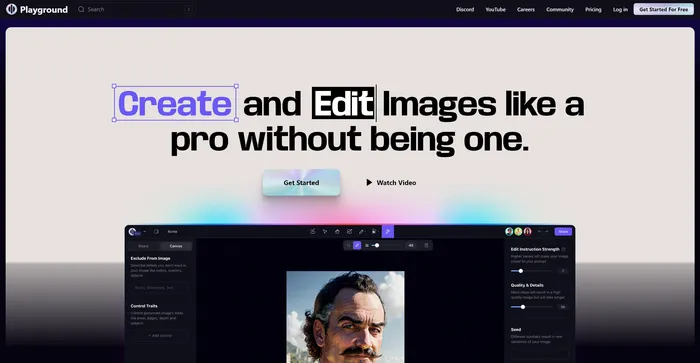
Playground AI is a versatile and user-friendly platform for generating high-quality images using artificial intelligence. It offers a comprehensive and enjoyable experience for artists, designers, and enthusiasts alike. With Playground AI, users can transform their text descriptions into realistic and captivating images, making it an excellent tool for a wide range of creative projects.

$12/mo

Cutout.Pro Review

Cutout.Pro is a versatile AI-powered platform for image and video editing, offering a range of tools for background removal, photo enhancement, and AI art generation. It is particularly useful for e-commerce, photography, and videography, providing efficient solutions for high-volume editing tasks. The platform is accessible via web browsers and mobile apps, making it convenient for users on various devices.

$5.00/mo

Recraft Review

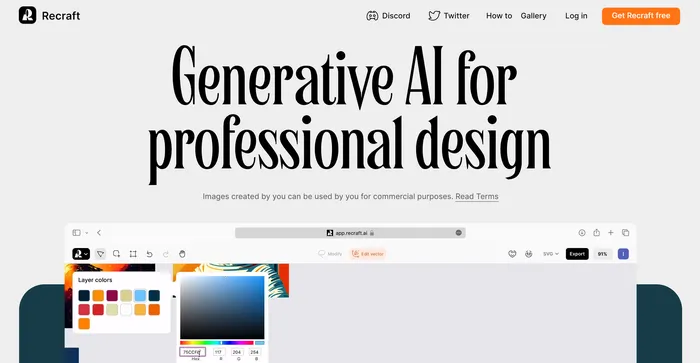
Recraft stands out as a versatile AI-powered tool for generating and editing vector art, illustrations, and 3D images. It caters to a wide range of users, from professional designers to art enthusiasts, offering an intuitive interface and a plethora of creative possibilities. With its ability to produce high-quality SVG outputs and its emphasis on community-driven inspiration, Recraft is a valuable asset for anyone looking to enhance their design workflow.

$20/mo

Simplified Review

Simplified is a comprehensive AI tool that integrates various features into one platform, making it a powerful asset for content creators, marketers, and social media managers. It offers AI-driven content creation, design tools, and social media management, all in one user-friendly interface. The AI writing tool is particularly praised for its ability to generate high-quality content quickly and efficiently, catering to a wide range of writing needs.

$9/mo

Pixelied Review

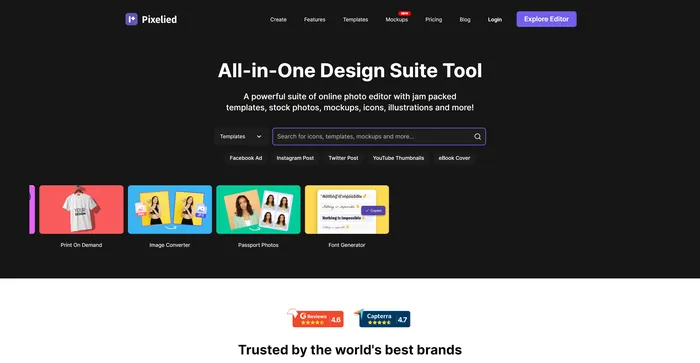
Pixelied is a powerful AI tool for creating stunning graphics for social media, websites, blogs, and more. Whether you need a logo, a banner, a flyer, or a thumbnail, Pixelied has you covered with its easy-to-use interface and rich features.

$3.9/mo

Leonardo AI Review

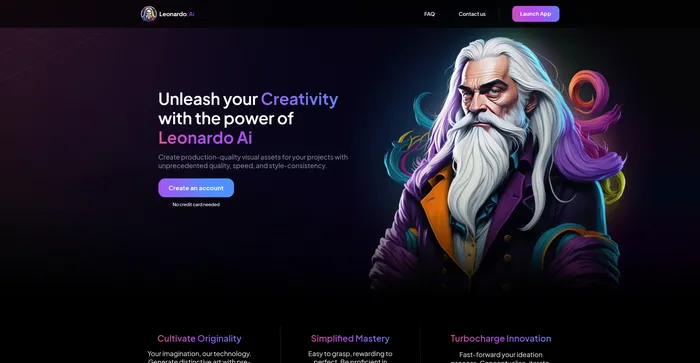
Leonardo AI is a powerful and versatile AI image generator that lets you create stunning visual assets from text prompts. Whether you need inspiration, concept art, game assets, graphic design, or anything else, Leonardo AI can help you generate realistic or artistic images in seconds. You can choose from a variety of pre-trained models or train your own with custom data.

$10/mo

PromeAI Review

PromeAI is an AI-powered design assistant that empowers architects, interior designers, product designers, and game animation designers to bring their creative ideas to life. It offers an extensive controllable AIGC (C-AIGC) model style library, providing users with a range of design options. The tool is designed to be user-friendly and can be accessed from any modern web browser.

$16/mo

Hotpot.ai Review

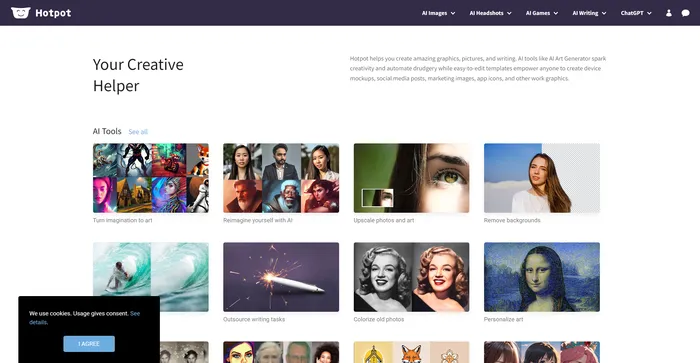
Hotpot.ai is a versatile AI-powered tool designed to facilitate creativity and automate repetitive tasks in graphic design and image editing. It offers a range of services including AI art generation, photo restoration, image upscaling, and more. While it provides a freemium model and weekly improvements, it may not always deliver the highest quality results compared to specialized alternatives, and commercial use requires a subscription.

$10/mo

Clipdrop Review

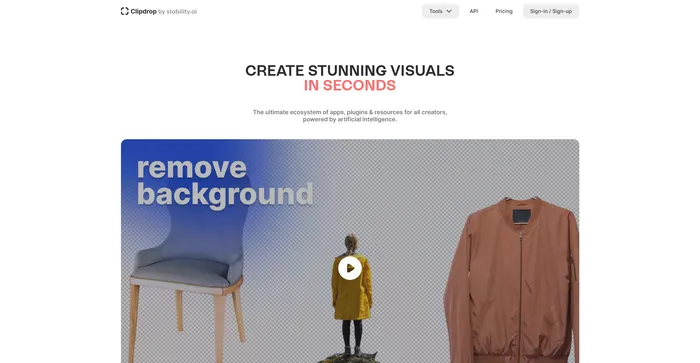
Clipdrop is a versatile AI-powered tool designed to streamline the image editing process for both professionals and casual users. With its array of features like background removal, object removal, image upscaling, and relighting, Clipdrop stands out as a comprehensive solution for quick and efficient visual content creation. Its integration with popular design platforms enhances its accessibility and utility.

$9/mo

Lexica Review

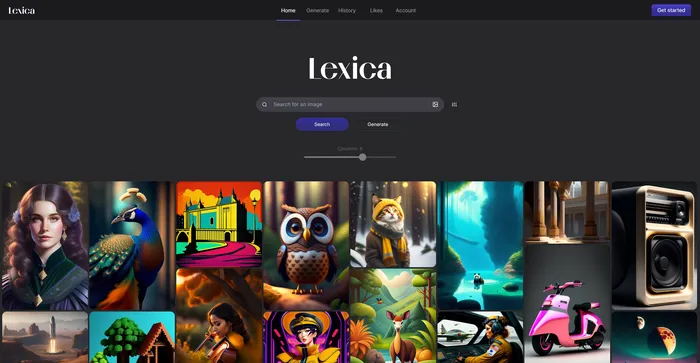
Lexica is a unique AI Art Generation tool that offers a comprehensive database of art-related content, including images, prompts, and a virtual gallery. It utilizes the Stable Diffusion model, ensuring high-quality image generation. Lexica is designed to inspire creativity and curiosity by showing the possibilities of AI art. It can help users learn how to design effective prompts for text-to-image models and provide high-quality and original images for personal or professional use. However, it may raise ethical and legal issues regarding the ownership and attribution of AI-generated art.

$8/mo

VanceAI FAQ

What is VanceAI? +

VanceAI is an AI-powered platform that provides a suite of tools for photo processing and enhancement. The tools are based on Deep Convolutional Neural Networks (DCNN) and are trained on millions of images, enabling smart analysis and fast processing. The platform offers various tools such as AI upscaling, sharpening, and enhancing, which are particularly useful for industries like graphic design, photography, printing, and e-commerce.

What are some of the key features of VanceAI? +

VanceAI offers several key features, including AI upscaling, sharpening, and enhancing. The AI upscaling feature can increase image size by up to 8x online and 40x on software without losing quality. The sharpening feature helps make blurry images clearer and sharper instantly. The enhancing feature improves photo resolution, sharpens details, corrects colors, and improves quality. VanceAI also provides an API for integrating its AI features into other applications.

How does VanceAI work? +

VanceAI works by using Deep Convolutional Neural Networks (DCNN) that are trained on millions of images. This allows the platform to perform smart analysis and fast processing of images. Users can upload their images to the platform and choose the desired tool for processing. The platform then applies the selected AI tool to enhance the image based on the user’s requirements.

Is VanceAI easy to use? +

Yes, VanceAI is designed to be user-friendly. The platform provides a simple and intuitive interface, allowing users to easily select and apply the desired AI tool to their images. Users only need to upload their image, choose the appropriate tool, and let the platform process the image.

What industries can benefit from using VanceAI? +

VanceAI can be beneficial for a variety of industries that require photo processing and enhancement. These include graphic design, photography, printing, and e-commerce. The platform’s tools can help these industries improve the quality of their images, making them more appealing and effective for their intended purposes.

Can VanceAI be integrated into other applications? +

Yes, VanceAI provides an API that allows its AI features to be integrated into other applications. This can be particularly useful for businesses that want to automate their image editing and enhancement processes.

Is VanceAI safe to use? +

While specific information about the safety of VanceAI is not provided, it’s important to note that any reputable software should prioritize user safety and data protection. Users should always review the privacy policy and terms of service of any software they use.

How is VanceAI different from traditional photo editing tools? +

Unlike traditional math operations-based tools, VanceAI excels at handling real details with deep learning. The platform’s tools are based on Deep Convolutional Neural Networks (DCNN) that are trained on millions of images, enabling smart analysis and fast processing. This allows VanceAI to provide more effective and detailed photo processing and enhancement compared to traditional tools.

VanceAI Conclusion

Transform your images with VanceAI’s powerful AI-driven tools. Whether you’re a professional photographer or a graphic designer, VanceAI simplifies and enhances your workflow, delivering stunning results with ease. Experience the future of photo editing—try VanceAI today!

Featured AI Tools

VanceAI Related AI Tools

LogoAI Review

Design A New Logo & Brand Identity You Love

Ideogram Review

Image Generator that Can Handle Texts

Playground Review

Free-to-use online AI image creator

DeepAI Review

DeepAI

Craiyon Review

Your FREE AI image generator tool: Create AI art

Midjourney Review

Midjourney