
Generic selectors
Exact matches only
Search in title
Search in content
Post Type Selectors

Is Recraft the Ultimate AI Vector Art Revolution? Discover Pricing, Review, and Alternatives!

Platform:

Web Based

Intergrations:

Social links:

Overview

Are you struggling to create high-quality vector art, icons, or 3D images for your design projects?

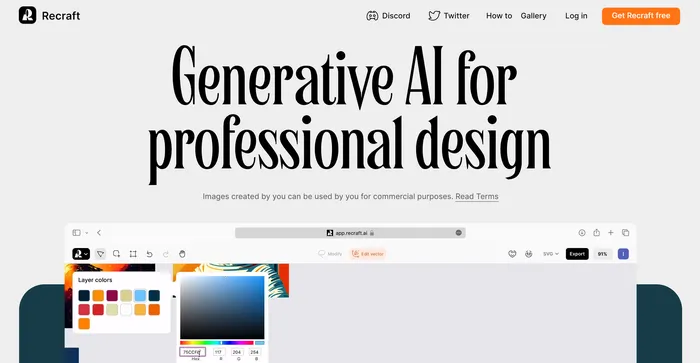
Recraft emerges as a game-changer in the AI-powered design tool landscape, promising to transform your text prompts into stunning vector illustrations.

But how does it fare in reality? This review will delve into the capabilities and offerings of Recraft to help you decide.

Editor's review

Overall Score: 4.5

Recraft stands out as a versatile AI-powered tool for generating and editing vector art, illustrations, and 3D images. It caters to a wide range of users, from professional designers to art enthusiasts, offering an intuitive interface and a plethora of creative possibilities. With its ability to produce high-quality SVG outputs and its emphasis on community-driven inspiration, Recraft is a valuable asset for anyone looking to enhance their design workflow.

PROS

  • Free version available with no credit card required
  • Best-in-class vectorizer for high-quality image outputs
  • Supports a variety of artistic styles for creative flexibility
  • Community page for sharing tips and gaining inspiration
  • AI-powered features streamline the design process

CONS

  • Full feature set requires paid tiers
  • Limited customer support options

Recraft Pricing

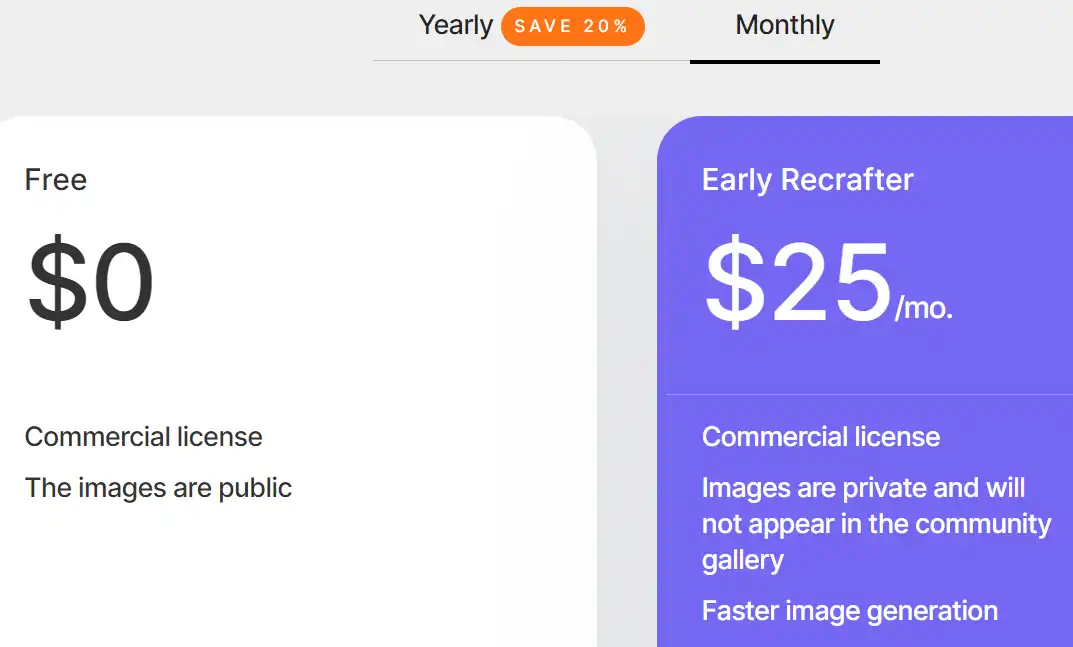
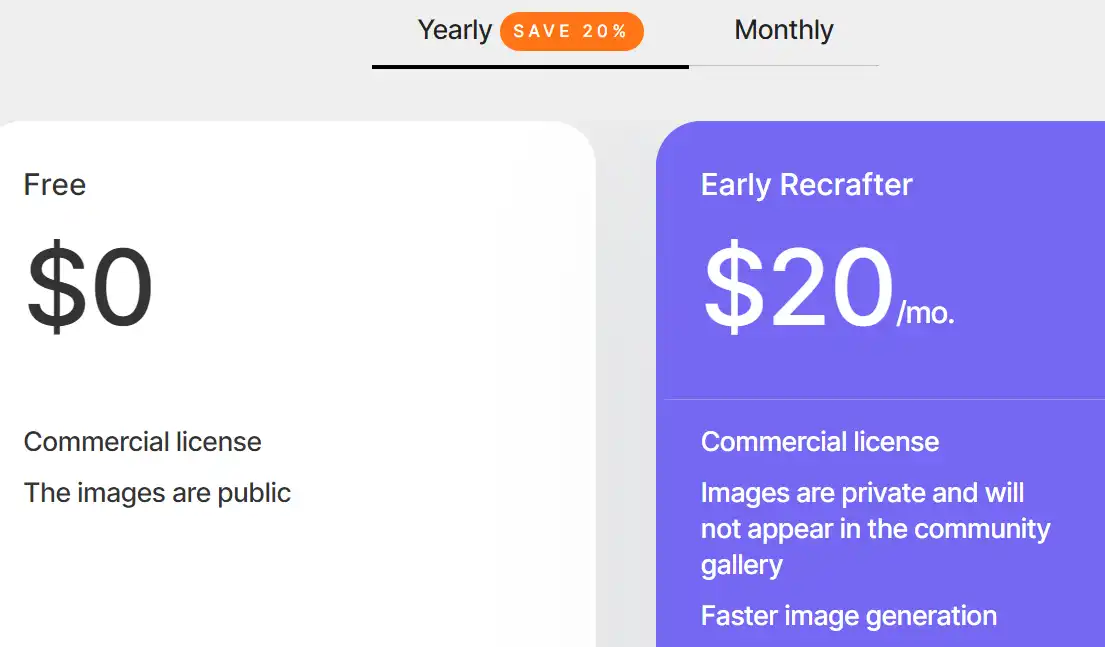
Pricing (monthly plan billed annually) Plan Best For
$0 Free Best for personal use with public images
$20 Early Recrafter Best for early users with private image needs

Recraft monthly pricing plans.
monthly pricing plan for Recraft 1

Recraft annual pricing plans.
yearly pricing plan for Recraft 2

Plan Name Free Early Recrafter
Commercial License Yes Yes
Public Image Usage Yes No
Private Image Usage No Yes
Community Gallery Appearance Yes No
Faster Image Generation No Yes

What is Recraft

• What is Recraft?

Recraft is an AI-powered tool designed for creating and editing vector art, icons, and 3D graphics. It’s tailored for designers, marketers, and anyone in need of quick, professional-grade visual content. With its ability to generate high-quality images from text descriptions, Recraft stands out as a versatile and innovative solution in the realm of digital design.

• Recraft’s Top Features

Recraft boasts a variety of features that make it a powerful ally for creatives:

  • Vector Image Generation: Turn ideas into crisp, scalable vector images that maintain quality at any size.
  • Editing Tools: Utilize tools like the lasso for fine-tuning and customizing your creations.
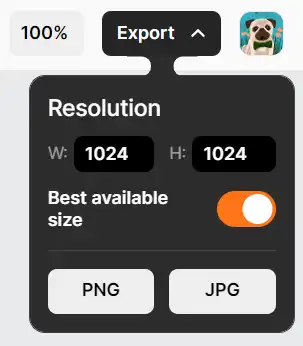
  • Multiple Formats: Export your designs in various formats such as SVG, PNG, JPG, and Lottie.

• Tips for Using Recraft

Maximize your experience with Recraft by following these tips:

  • 🎨 Experiment with Styles: Take advantage of the diverse styles available, from whimsical cartoons to hyperrealistic illustrations.
  • 🔍 Be Specific with Prompts: Provide clear and detailed text prompts to guide the AI in generating the desired artwork.
  • 🖼️ Utilize the Community Gallery: Get inspired by exploring the works of other artists and AI designers within the Recraft community.
  • 💾 Explore Different Formats: Experiment with exporting your designs in different file formats to find the best fit for your project.
  • 🔄 Iterate and Refine: Don’t hesitate to make multiple iterations and use the editing tools to refine your designs to perfection.

Whether you’re a seasoned designer or just starting out, Recraft offers a user-friendly platform to unleash your creativity and enhance your design workflow. Give it a try and see how it can transform your creative process.

Product Hunt Review for Recraft

What other users are saying about Recraft

I have crosschecked Recraft reviews with feedback from the community on Product Hunt.

Here’s what I found:

  • 🌟 Recraft has an impressive 4.8/5 all-time rating based on 39 reviews, with a recent rating of 4.9/5 from 10 reviews.
  • Most positive aspects highlighted by users:
    • 💬 Quality illustrations: Users praise the superior quality of illustrations, especially compared to competitors like Stable Diffusion.
    • 😇 Creative co-pilot: Recraft is described as a creative co-pilot that enhances artistic work, providing diverse styles and sparking inspiration.
    • 💰 Accessible and fun: Users appreciate the democratization of art, making it accessible and enjoyable for artists of all levels.
    • 🚀 Powerful features: SVG output, remixing possibilities, and a community-powered platform are highlighted as key features.
  • 🐾 Recraft is commended for being way better than Midjourney experience according to a user.
  • ☁️ Some users mentioned free service as a great aspect, emphasizing that it’s worth every penny for the paid tiers.

How to use Recraft

Recraft is designed to be user-friendly, offering a variety of features that make creating and editing images a breeze. Here’s how you can make the most of them:

Generating Vector Art

Recraft allows you to create stunning vector art that can be scaled without losing quality, making it ideal for various applications.

  1. Start by selecting the type of image you want to create: vector art, icon, logo.
    how to use Recraft 3
  2. Choose your preferred style from the wide range available.
    how to use Recraft 4
  3. Use the generative AI to create your image. You can adjust the parameters as needed to achieve your desired result.
    how to use Recraft 5
  4. Once you’re satisfied with the generated image, you can save it in various formats such as SVG, PNG, JPG, or Lottie.
    how to use Recraft 6

Editing Images

Recraft provides tools for editing and fine-tuning your images.
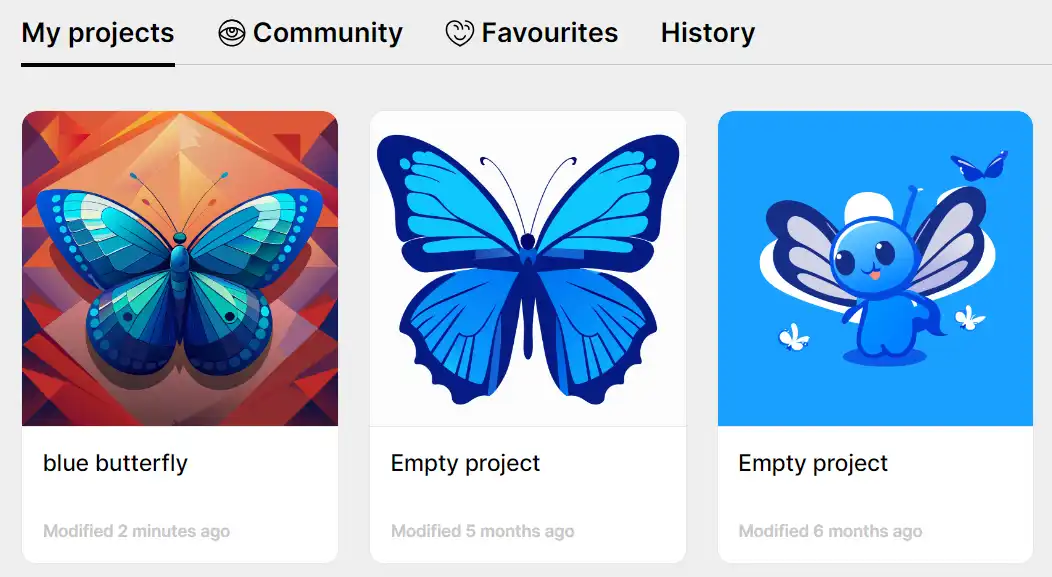
  1. Select the image you want to edit.
    how to use Recraft 7
  2. Use the lasso repaint tool to make adjustments to the image.
    how to use Recraft 8
  3. You can remove, replace background, add text, or reshape elements in the image as needed.
    how to use Recraft 9
  4. Save your edited image in your preferred format.
    how to use Recraft 10

Working with Color Palettes

Recraft offers precise control over color palettes, allowing you to create images that match your brand colors perfectly.

  1. Select the image you want to work with.
    how to use Recraft 7
  2. Choose your desired color palette from the options available.
    how to use Recraft 11
  3. Apply the color palette to your image. The AI will adjust the colors in the image to match your chosen palette.
    how to use Recraft 12

Exploring the Community

Get inspired by Recraft’s talented community of artists and AI designers. Browse to discover new techniques and ideas to generate stunning visuals with Recraft.
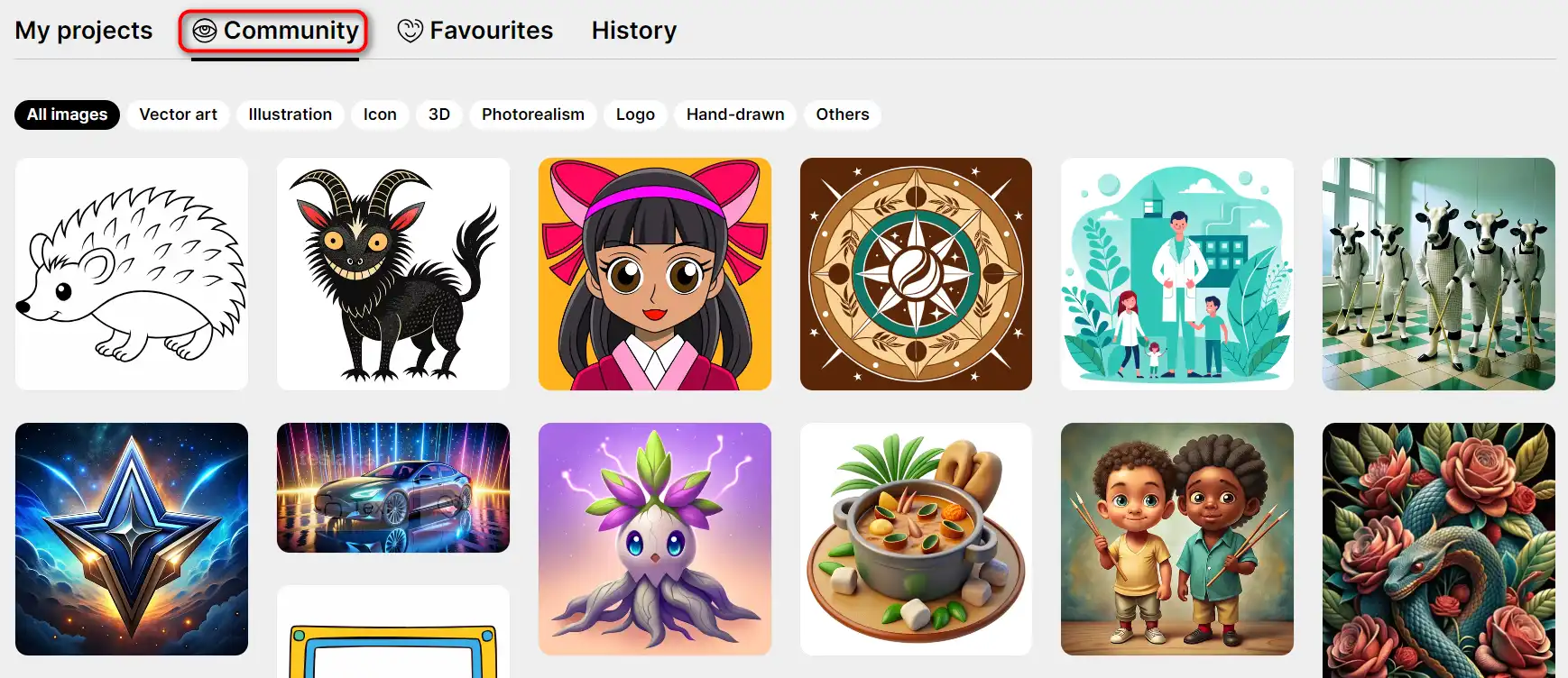
how to use Recraft 13

Recraft Top alternatives

LogoAI Review

LogoAI is a versatile AI-powered logo design tool aimed at businesses seeking to create a professional brand identity efficiently. With its smart AI engine, LogoAI offers a user-friendly platform for generating unique and visually appealing logos. However, it’s important to note that while LogoAI simplifies the logo creation process, it may not fully replace the nuanced understanding and creativity of a professional designer.

Cutout.Pro Review

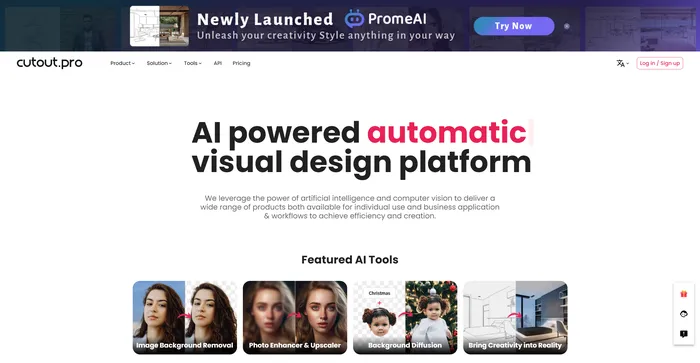
Cutout.Pro is a versatile AI-powered platform for image and video editing, offering a range of tools for background removal, photo enhancement, and AI art generation. It is particularly useful for e-commerce, photography, and videography, providing efficient solutions for high-volume editing tasks. The platform is accessible via web browsers and mobile apps, making it convenient for users on various devices.

$5.00/mo

Pixelied Review

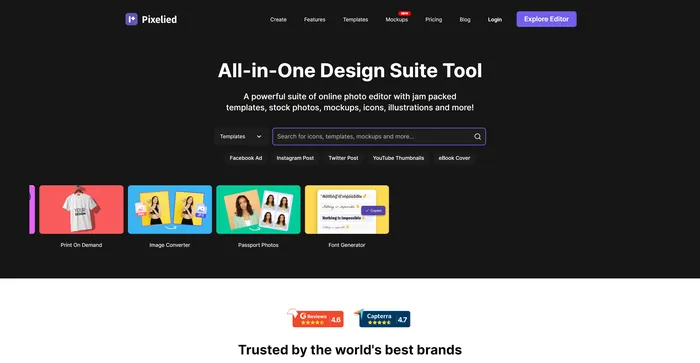
Pixelied is a powerful AI tool for creating stunning graphics for social media, websites, blogs, and more. Whether you need a logo, a banner, a flyer, or a thumbnail, Pixelied has you covered with its easy-to-use interface and rich features.

$3.9/mo

Leonardo AI Review

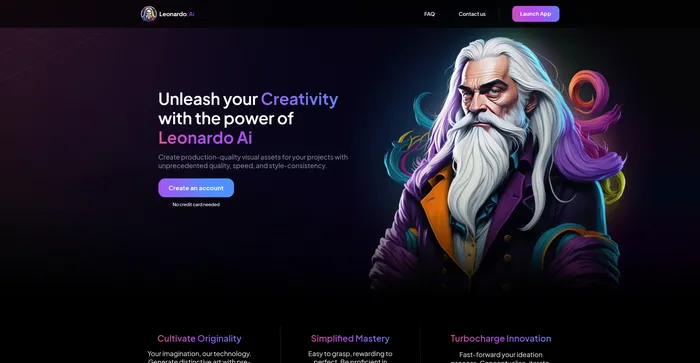
Leonardo AI is a powerful and versatile AI image generator that lets you create stunning visual assets from text prompts. Whether you need inspiration, concept art, game assets, graphic design, or anything else, Leonardo AI can help you generate realistic or artistic images in seconds. You can choose from a variety of pre-trained models or train your own with custom data.

$10/mo

VanceAI Review

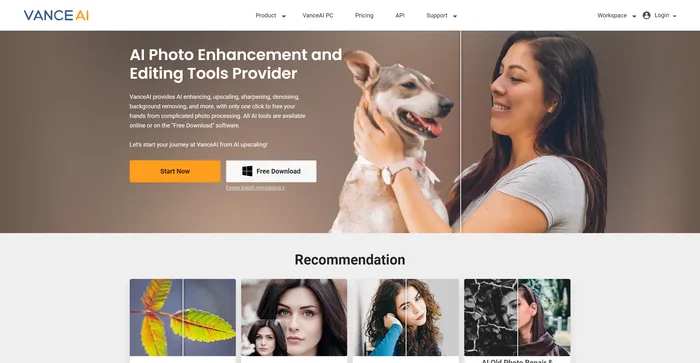
VanceAI is a powerful AI software for image enhancement and editing. It allows you to upscale, denoise, sharpen, colorize, and restore old photos with ease. You can also apply various artistic effects and filters to your images, such as sketch, cartoon, oil painting, and more.

$4.95/100 credits

PromeAI Review

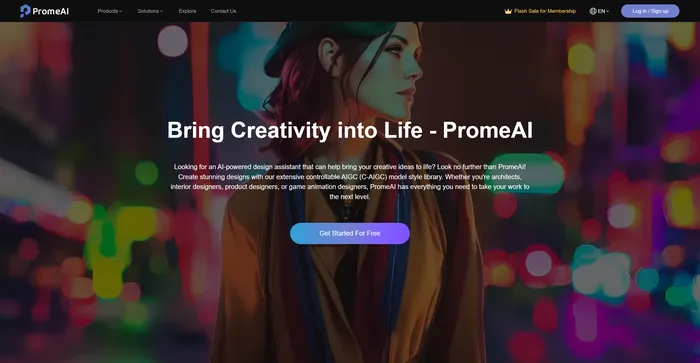
PromeAI is an AI-powered design assistant that empowers architects, interior designers, product designers, and game animation designers to bring their creative ideas to life. It offers an extensive controllable AIGC (C-AIGC) model style library, providing users with a range of design options. The tool is designed to be user-friendly and can be accessed from any modern web browser.

$16/mo

Hotpot.ai Review

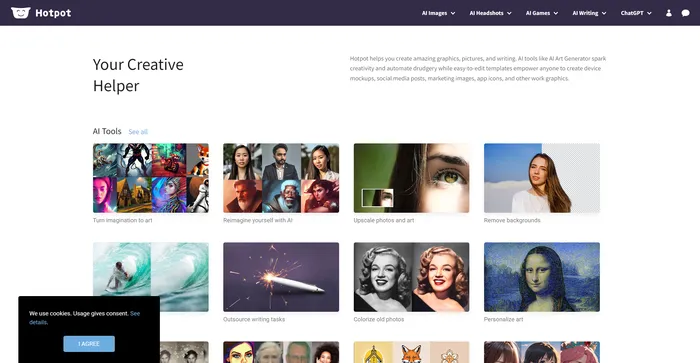
Hotpot.ai is a versatile AI-powered tool designed to facilitate creativity and automate repetitive tasks in graphic design and image editing. It offers a range of services including AI art generation, photo restoration, image upscaling, and more. While it provides a freemium model and weekly improvements, it may not always deliver the highest quality results compared to specialized alternatives, and commercial use requires a subscription.

$10/mo

Clipdrop Review

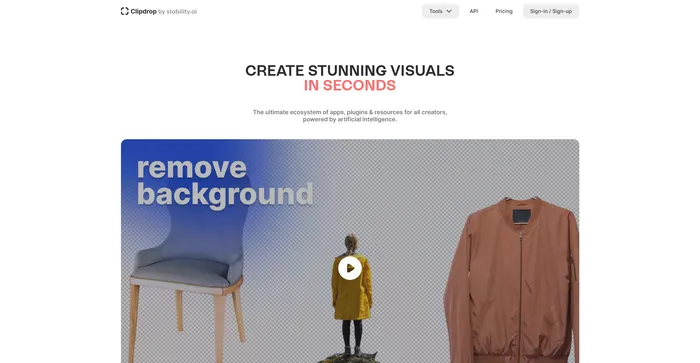
Clipdrop is a versatile AI-powered tool designed to streamline the image editing process for both professionals and casual users. With its array of features like background removal, object removal, image upscaling, and relighting, Clipdrop stands out as a comprehensive solution for quick and efficient visual content creation. Its integration with popular design platforms enhances its accessibility and utility.

$9/mo

Lexica Review

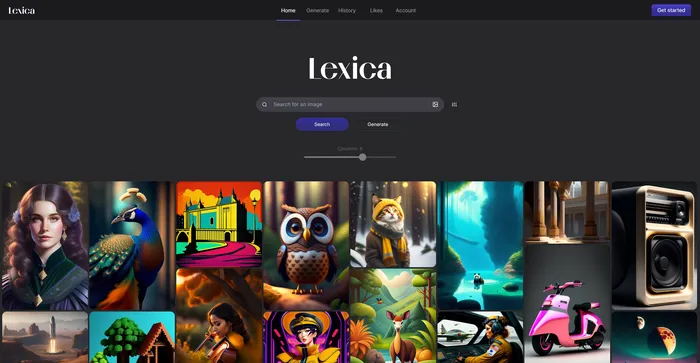
Lexica is a unique AI Art Generation tool that offers a comprehensive database of art-related content, including images, prompts, and a virtual gallery. It utilizes the Stable Diffusion model, ensuring high-quality image generation. Lexica is designed to inspire creativity and curiosity by showing the possibilities of AI art. It can help users learn how to design effective prompts for text-to-image models and provide high-quality and original images for personal or professional use. However, it may raise ethical and legal issues regarding the ownership and attribution of AI-generated art.

$8/mo

Recraft FAQ

What is Recraft? +

Recraft is an AI-powered design tool that allows users to generate high-quality vector images, icons, logos, scenes, and illustrations from text prompts. It provides an infinite canvas for users to create multiple images, add text, and customize their workspace. The tool is user-friendly and intuitive, allowing users to generate unique images effortlessly.

What can I create with Recraft? +

With Recraft, you can create visually consistent graphics, including digital illustrations, vector art, icons, and 3D graphics. The tool allows you to generate unique images, vector art, illustrations, icons, and 3D graphics with the power of AI.

Is Recraft free to use? +

Yes, Recraft is available for free. However, it also offers a paid subscription that provides additional features like privacy mode and priority generation.

Can I use the images created in Recraft for commercial purposes? +

Yes, the images that you create in Recraft can be used for commercial purposes. However, it is not allowed to use images created in Recraft by other people for commercial purposes.

How do I start using Recraft? +

To start using Recraft, you need to sign in with your Google account and go through the onboarding process.

What formats does Recraft support? +

Recraft allows users to create high-quality prints and digital designs in SVG, PNG, JPG, and Lottie formats.

Does Recraft have an API? +

Currently, Recraft does not have an API and there are no plans for it yet.

What makes Recraft unique? +

What sets Recraft apart is its focus on style control and consistency. It offers precise color palettes, the best in class vectorizer, and an easy-to-use lasso modifying tool for editing. Users can switch between various artistic styles and explore the community page for inspiration.

Recraft Conclusion

Unleash your creativity with Recraft, the AI-powered design tool that transforms your artistic vision into stunning visuals. Whether you’re a designer, marketer, or art enthusiast, Recraft offers you the tools to create high-quality images effortlessly. Start creating with Recraft today and experience the power of AI in design.

Featured AI Tools

Recraft Related AI Tools

LogoAI Review

Design A New Logo & Brand Identity You Love

Ideogram Review

Image Generator that Can Handle Texts

Playground Review

Free-to-use online AI image creator

DeepAI Review

DeepAI

Craiyon Review

Your FREE AI image generator tool: Create AI art

Midjourney Review

Midjourney