Generic selectors
Exact matches only
Search in title
Search in content
Post Type Selectors

Is Clipdrop the Ultimate AI-Powered Visual Creator? A Comprehensive Review and Alternatives

Platform:

Web Based, Mobile APP, Open Source

Intergrations:

API

Social links:

Overview

Visual content is a crucial part of any digital strategy, but creating stunning visuals can be a time-consuming and complex process.

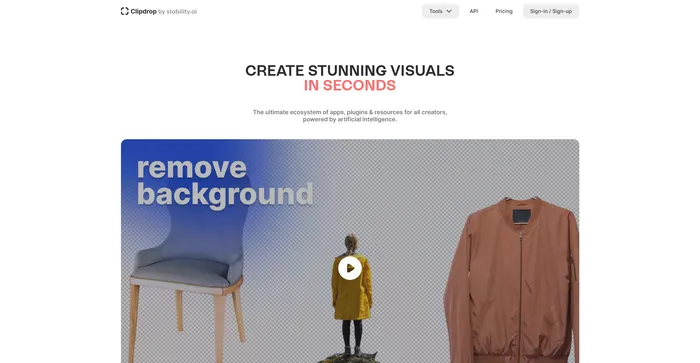
Clipdrop aims to simplify this process by leveraging the power of artificial intelligence (AI). It offers a suite of tools designed to help you create high-quality visuals in seconds.

But does it live up to the hype? Let’s dive into an in-depth review of Clipdrop to find out.

Editor's review

Overall Score: 4

Clipdrop is a versatile AI-powered tool designed to streamline the image editing process for both professionals and casual users. With its array of features like background removal, object removal, image upscaling, and relighting, Clipdrop stands out as a comprehensive solution for quick and efficient visual content creation. Its integration with popular design platforms enhances its accessibility and utility.

PROS

  • Highly accurate subject extraction and background removal
  • Advanced features like image upscaling and relighting
  • Integration with design platforms like Photoshop and Figma
  • Available on multiple platforms including iOS, Android, and web
  • User-friendly interface with drag-and-drop functionality

CONS

  • May not work well with complex or low-quality images
  • Potential issues with customer support responsiveness
  • Subscription or payment required for full feature access
  • May raise ethical or legal concerns if used improperly

Clipdrop Pricing

Pricing (monthly plan billed annually) Plan Best For
Free Free Start for free
$9 Pro Everything you need to start creating great visuals

Clipdrop monthly pricing plans.

monthly pricing plan for Clipdrop 1

Clipdrop annual pricing plans.

yearly pricing plan for Clipdrop 2

Features Free Pro
Stable Diffusion XL No 1500/24h
Uncrop Watermark, 100/24h 1000/24h
Swap Watermark, 100/24h 1000/24h
Background Removal 100/24h High Res: 1000/24h
Image Upscaler x2 100/24h High Res: 1000/24h
Cleanup 100/24h High Res: 1000/24h
Relight 100/24h High Res: 1000/24h
Sky Replacer Watermark, 100/24h High Res: 1000/24h
Text Remover 100/24h High Res: 1000/24h
Reimagine XL 100/24h High Res: 1000/24h
Replace Background No High Res: 1000/24h

What is Clipdrop

• Who is Clipdrop for?

Clipdrop is a versatile tool that caters to a wide range of users. Whether you’re a freelancer, a member of a startup, or part of a large corporation, if you create visual content, Clipdrop can elevate your work. It’s particularly useful for content creators, designers, and anyone who regularly works with images.

• Clipdrop Top features

Clipdrop comes packed with a variety of advanced features. Here are a few:

  • Stable Diffusion XL: Generate high-resolution realistic images with AI.
  • Uncrop: Uncrop your photos to any image format.
  • Remove Background: Extract the main subject from a picture with incredible accuracy.
  • Relight: Relight your images with beautiful lights.
  • Image Upscaler: Upscale your images by 2x or 4x in seconds. It can also remove noise and recover beautiful details.
  • Replace Background: Replace anything, anywhere with AI.

• Tips for using Clipdrop

Here are some tips for getting the most out of Clipdrop:

  • 🌟 Explore all the features: Clipdrop offers a wide range of tools. Spend some time exploring all of them to understand their capabilities.
  • 🎯 Experiment with different settings: Don’t be afraid to try different settings and options to see what works best for your needs.
  • 📺 Use the right tool for the job: Each tool in Clipdrop has a specific purpose. Make sure you’re using the right tool for the task at hand.
  • ⏱️ Take advantage of the AI: Clipdrop’s AI can save you a lot of time and effort. Let it do the heavy lifting for you.
  • 🗣️ Keep your images organized: Clipdrop allows you to manage your images effectively. Keep your images organized for easy access.
  • 📜 Stay updated: The Clipdrop team is always working on developing the platform. Keep an eye out for updates to take advantage of new features and improvements.
  • 📚 Join the community: If you’re looking for inspiration or help, consider joining the Clipdrop community. You can learn a lot from other users.
  • 🔍 Use the free version first: Before committing to a paid plan, try out the free version of Clipdrop to see if it meets your needs.

With these tips, you can make the most of what Clipdrop has to offer. Happy creating! 🎨

Product Hunt Review for Clipdrop

What other users are saying about Clipdrop

I have crosschecked my experience with the experience of other ClipDrop users on Product Hunt.

Here’s what I found:

  • ⭐ ClipDrop has an overall rating of 4.3/5 based on 123 reviews on Product Hunt.
  • Common Positive Feedback:
    • 💬 Responsive customer support resolving authentication issues and login errors.
    • 😇 Users praise the generous free version but express concerns about paid plan benefits like image quality and support response time.
    • 💰 Some users recommend alternatives like Vance AI for higher quality image upscaling.
    • ☁️ Users criticize unresponsiveness of support for issues ranging from invoice requests to dissatisfaction with AI results.
    • ⏰ While some users acknowledge fast access to tools via API, others complain about wait times for batches.
  • 🚫 Negative Reviews: Some users experience significant quality changes post-payment, and dissatisfaction with NSFW filter sensitivity.
  • ✨ Positive Testimonials: Users appreciate the background remover tool but encounter issues with its inconsistent functionality.

How to use Clipdrop

Clipdrop is a versatile tool that can transform your creative workflow. Here’s a step-by-step guide to using its key features:

Stable Diffusion XL

Generate realistic, high-resolution images with AI.

  1. Access the Stable Diffusion XL feature on the Clipdrop platform.
    how to use Clipdrop 3
  2. Input your text prompt to describe the image you want to create.
    how to use Clipdrop 4
  3. Let the AI generate the image, and then download or edit it further as needed.

Uncrop

Expand your photos beyond their original borders.

  1. Select the Uncrop tool within Clipdrop.
    how to use Clipdrop 5
  2. Upload the image you wish to uncrop.
    how to use Clipdrop 6
  3. Adjust the desired new image format and let the AI fill in the expanded areas.
    how to use Clipdrop 7

Relight

Adjust the lighting in your images for the perfect mood.

  1. Choose the Relight feature in Clipdrop.
    how to use Clipdrop 8
  2. Upload your image and select the lighting effects you prefer.
    how to use Clipdrop 9
  3. Apply the changes and review the relit image.
    how to use Clipdrop 10

Image Upscaler

Enhance the resolution of your images effortlessly.

  1. Go to the Image Upscaler tool on Clipdrop.
    how to use Clipdrop 11
  2. Upload a lower-resolution image.
    how to use Clipdrop 12
  3. Choose to upscale by 2x or 4x, 8x, 16x for Pro user and let the AI improve the image quality.
    how to use Clipdrop 13

Remove Background

Isolate subjects with precision using AI.

  1. Open the Remove Background feature on Clipdrop.
    how to use Clipdrop 14
  2. Upload the image from which you want to remove the background.
    how to use Clipdrop 15
  3. Download the image with the subject extracted cleanly.
    how to use Clipdrop 16

Cleanup

Erase unwanted elements from your pictures automatically.

  1. Select the Cleanup tool in Clipdrop.
    how to use Clipdrop 17
  2. Upload the image and highlight objects, people, text, or defects to remove.
    how to use Clipdrop 18
  3. Apply the cleanup and save your edited image.
    how to use Clipdrop 19

Clipdrop Top alternatives

Ideogram Review

Ideogram AI emerges as a noteworthy player in the AI image generation field, particularly for its ability to integrate text within images effectively. This tool is especially useful for creators and businesses looking to generate images from text prompts, offering a variety of styles such as typography and graffiti. While it is a relatively new entrant compared to established tools like Mid-Journey or DALL-E, its unique features and free-to-use model make it an attractive option for users.

$7/mo

Playground Review

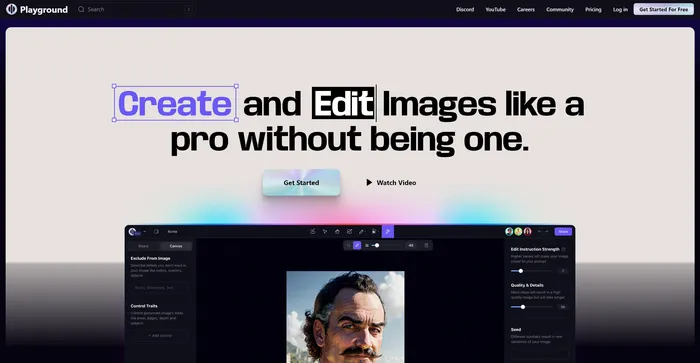
Playground AI is a versatile and user-friendly platform for generating high-quality images using artificial intelligence. It offers a comprehensive and enjoyable experience for artists, designers, and enthusiasts alike. With Playground AI, users can transform their text descriptions into realistic and captivating images, making it an excellent tool for a wide range of creative projects.

$12/mo

DeepAI Review

DeepAI is a versatile AI platform that offers a variety of tools designed for creative individuals. Launched in 2016, it utilizes generative artificial intelligence to assist users in creating content, generating images, and more. It’s a platform that can convert text to images within seconds, creating a unique universe where advanced creativity meets the power of AI.

DeepAI’s standout feature is its text-to-image generator, which allows users to describe the image they want and select a theme, and the AI will generate it. It also offers AI chat, which can write articles, stories, and speeches. For developers, DeepAI provides API access, making it possible to integrate its AI capabilities into other software applications.

$4.99/month

Craiyon Review

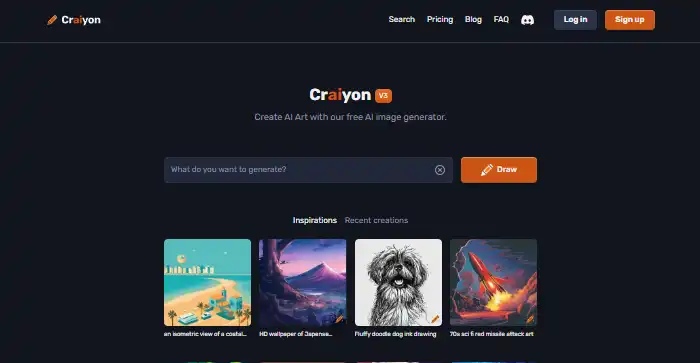
Craiyon is a free AI-powered tool that generates images based on text prompts. It’s a simple and user-friendly tool that allows users to create a variety of images by simply typing in a description. Despite its simplicity, Craiyon is capable of generating a set of nine images for each prompt, offering users a range of options to choose from. However, it’s worth noting that the images generated are often more whimsical and abstract than professional or photorealistic.

$5/mo

Midjourney Review

Midjourney stands out as an innovative AI tool for generating images from text prompts, captivating users with its ability to create stunning visuals that cater to a wide range of artistic needs. Whether you’re a content creator, marketer, or simply someone with a flair for the creative, Midjourney offers an accessible platform to bring your ideas to life without the need for advanced artistic skills.

$8/mo

Civitai Review

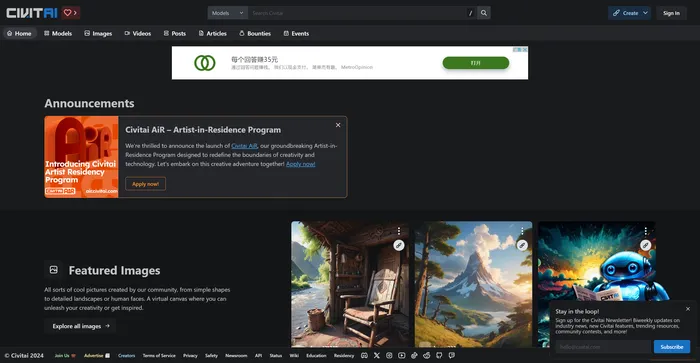
Civitai is a remarkable open-source platform for AI art enthusiasts and creators. It serves as a hub for sharing, discovering, and collaborating on AI art models. The platform is community-driven, fostering a sense of camaraderie among its users. Whether you’re a seasoned AI art model pro or just getting started, Civitai welcomes you with open arms. It’s a place where you can share, discover, and browse different models, and even get involved in their Discord channel to connect directly with other creators.

$5/mo

Cutout.Pro Review

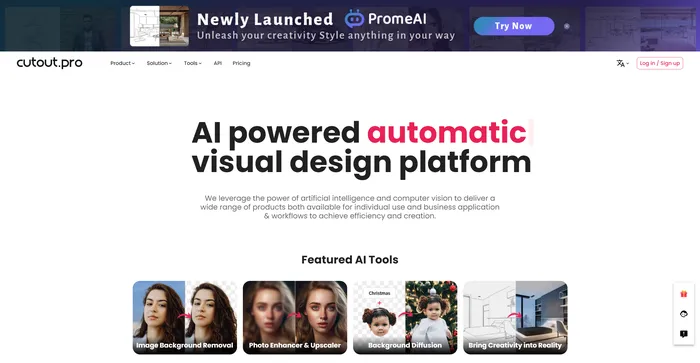
Cutout.Pro is a versatile AI-powered platform for image and video editing, offering a range of tools for background removal, photo enhancement, and AI art generation. It is particularly useful for e-commerce, photography, and videography, providing efficient solutions for high-volume editing tasks. The platform is accessible via web browsers and mobile apps, making it convenient for users on various devices.

$5.00/mo

Recraft Review

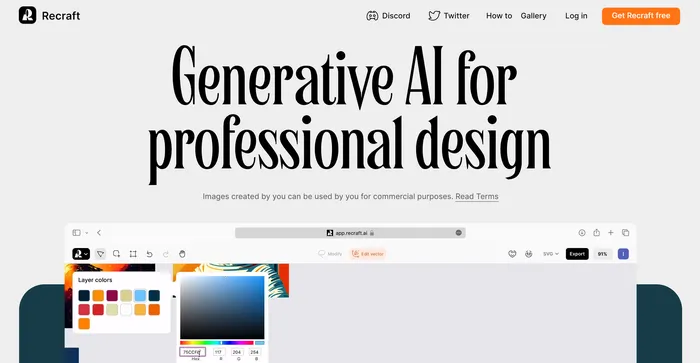
Recraft stands out as a versatile AI-powered tool for generating and editing vector art, illustrations, and 3D images. It caters to a wide range of users, from professional designers to art enthusiasts, offering an intuitive interface and a plethora of creative possibilities. With its ability to produce high-quality SVG outputs and its emphasis on community-driven inspiration, Recraft is a valuable asset for anyone looking to enhance their design workflow.

$20/mo

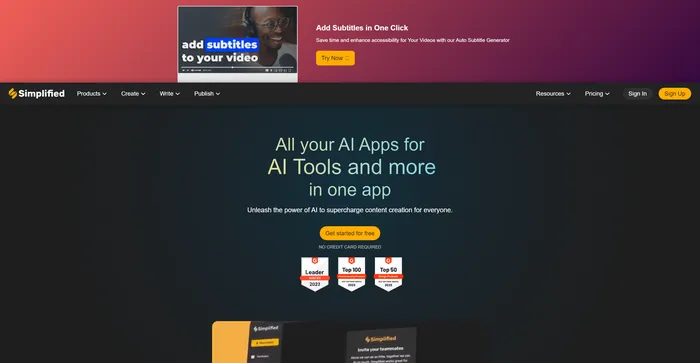
Simplified Review

Simplified is a comprehensive AI tool that integrates various features into one platform, making it a powerful asset for content creators, marketers, and social media managers. It offers AI-driven content creation, design tools, and social media management, all in one user-friendly interface. The AI writing tool is particularly praised for its ability to generate high-quality content quickly and efficiently, catering to a wide range of writing needs.

$9/mo

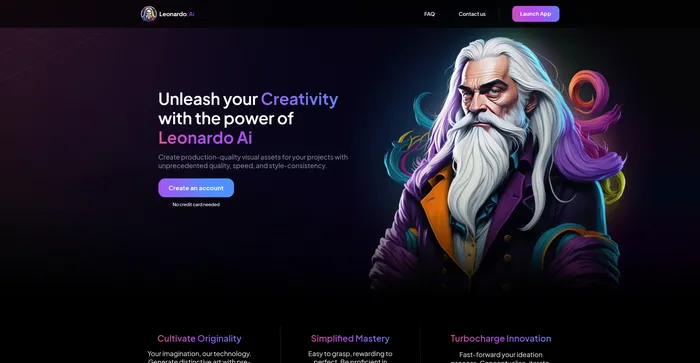
Leonardo AI Review

Leonardo AI is a powerful and versatile AI image generator that lets you create stunning visual assets from text prompts. Whether you need inspiration, concept art, game assets, graphic design, or anything else, Leonardo AI can help you generate realistic or artistic images in seconds. You can choose from a variety of pre-trained models or train your own with custom data.

$10/mo

Clipdrop FAQ

What is Clipdrop? +

Clipdrop is an AI-powered platform that simplifies the creative process by making stunning visuals accessible to everyone. It offers advanced editing tools and seamless integrations, and is available as a web platform, mobile application. Clipdrop allows users to generate high-resolution realistic images with AI, uncrop photos, create multiple variants of an image, and transform doodles into real images.

What features does Clipdrop offer? +

Clipdrop provides features to remove objects, people, text, and defects from pictures automatically, extract the main subject from a picture with incredible accuracy, relight images, upscale images by 2x or 4x, and replace backgrounds. It also allows users to generate high-resolution realistic images with AI, uncrop photos, and create multiple variants of an image.

Is Clipdrop safe to use? +

While specific information about the safety of Clipdrop is not available, it’s important to note that any reputable software should prioritize user safety and data protection. Always ensure to review the privacy policy and terms of service of any new software you use.

How is Clipdrop used in marketing? +

Clipdrop can be used by marketing teams to generate and edit visuals quickly. It can remove unnecessary elements such as objects, humans, or texts from visuals, making them look error-free. It can also be used to upscale images for marketing purposes.

What platforms is Clipdrop available on? +

Clipdrop is available as a web platform, mobile application for iOS and Android devices. You can also use the ClipDrop API to integrate its features into your own apps.

What are the limitations of Clipdrop? +

Clipdrop may not preserve the original details or colors of the images. It may not be compatible with all devices or platforms. It may require a subscription or payment to access all features or remove watermarks. It may raise ethical or legal issues if used without permission or attribution.

What are the reviews of Clipdrop? +

Clipdrop has received mixed reviews from users. Some users have praised its features and capabilities, while others have reported issues with the quality of generated images and customer support.

How can I get help with Clipdrop? +

For assistance with Clipdrop, you can reach out to their customer support. However, some users have reported delays in response from customer support.

Clipdrop Conclusion

Embrace Clipdrop to elevate your visual content and streamline your creative endeavors. With its intuitive AI tools, you can transform images with ease and efficiency. Start creating today and experience the future of digital content creation.

Featured AI Tools

Clipdrop Related AI Tools

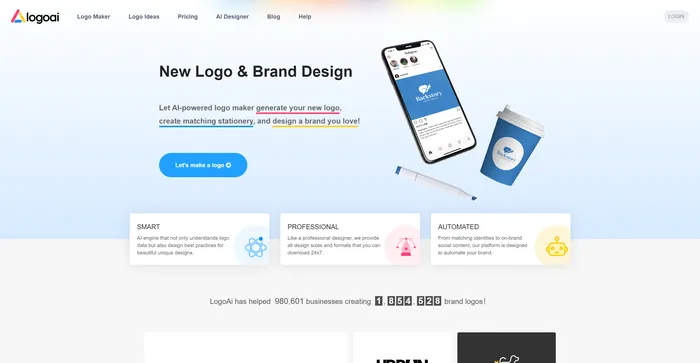
LogoAI Review

Design A New Logo & Brand Identity You Love

Ideogram Review

Image Generator that Can Handle Texts

Playground Review

Free-to-use online AI image creator

DeepAI Review

DeepAI

Craiyon Review

Your FREE AI image generator tool: Create AI art

Midjourney Review

Midjourney