Generic selectors
Exact matches only
Search in title
Search in content
Post Type Selectors

Is PromeAI the Ultimate AI Design Assistant for Creatives? A Comprehensive Review

Overview

Are you a designer struggling to bring your creative visions to life?

Discover how PromeAI aims to revolutionize the design process with its AI-driven design assistant and extensive controllable AIGC (C-AIGC) model style library.

Does it live up to the hype? This review will delve into the features and capabilities of PromeAI to help you decide.

Editor's review

Overall Score: 4.5

PromeAI is an AI-powered design assistant that empowers architects, interior designers, product designers, and game animation designers to bring their creative ideas to life. It offers an extensive controllable AIGC (C-AIGC) model style library, providing users with a range of design options. The tool is designed to be user-friendly and can be accessed from any modern web browser.

PROS

  • AI-powered design assistant with a customizable library of AIGC style models
  • Generates high-quality renderings and saves time
  • Offers flexibility and customization options
  • Accessible to a wide variety of users, from artists and designers to marketers and business professionals

CONS

  • Dependence on Internet Connection: PromeAI operates online, which means users need a stable internet connection to access and utilize its features. Offline functionality is limited
  • Learning Curve: While designed to be user-friendly, some users may still need time to become proficient with the platform’s various tools and features
  • Subscription Costs: While there is a free plan, the more advanced features and higher usage limits come with subscription costs, which may not be suitable for all users

PromeAI Pricing

Pricing (yearly plan) Plan Best For
192 USD Base Best for individuals with moderate generation needs
348 USD Standard Best for professionals requiring more frequent generations with commercial licensing
708 USD Pro Best for heavy users needing the highest number of generations and premium features

PromeAI monthly pricing plans.
monthly pricing plan for PromeAI 1

PromeAI annual pricing plans.
yearly pricing plan for PromeAI 2

PromeAI team pricing plans.
Team pricing plan for PromeAI 3

PromeAI coins pricing plans.
Coins pricing plan for PromeAI 4

Feature Free Base Standard Pro
Generations Limited Unlimited Unlimited Unlimited
Fast Generation Access No Yes Yes Yes
Video Generation Access No No Yes Yes
Commercial Licensing No No Yes Yes
Coins per Month 10 300 1000 3000
Rendering Styles Limited 1733+ 1733+ 1733+
Customer Support 48-hour 24-hour 24-hour 24-hour
Private Assets & Data Security Yes Yes Yes Yes
Upgrade to Higher Plan Anytime No Yes Yes Downgrade to Standard Plan anytime

What is PromeAI

• Who is PromeAI for?

PromeAI is designed for a diverse group of design professionals, including architects, interior designers, product designers, and game animation designers. It’s an ideal tool for those who want to leverage AI to enhance their creative workflow and bring their design concepts to life with ease.

• PromeAI Top features

PromeAI boasts a variety of features that make it a standout choice for designers:

  • AI Image Tool: Automate the design process with an AI that understands your creative intent.
  • Style Transfer Options: Apply different design styles to your work with a simple click.
  • Flexible Customization: Tailor every aspect of your design with PromeAI’s extensive style library.
  • Intuitive Interface: Navigate the tool’s features with ease, regardless of your experience level.

• Tips for using PromeAI

Here are some tips to get the most out of PromeAI:

  • 🎨 Explore the Style Library: Dive into the extensive style library to find the perfect aesthetic for your project.
  • 🤖 Utilize the AI Image Tool: Let the AI take the reins to quickly generate design concepts.
  • 🔄 Experiment with Style Transfer: Don’t be afraid to experiment with different styles to find your unique design voice.
  • 🛠️ Customize to Your Needs: Use the flexible customization options to ensure your design perfectly aligns with your vision.
  • 👁️ Preview Before Finalizing: Make use of the preview feature to ensure everything looks just right before the final render.
  • 💾 Save Your Favorites: Keep track of your preferred styles and settings for future projects to streamline your workflow.

With these tips, you can harness the full potential of PromeAI and elevate your design projects to new heights.

Product Hunt Review for PromeAI

What other users are saying about PromeAI

I have crosschecked user reviews of PromeAI on Product Hunt.

Here’s what I found:

  • 🌟 PromeAI has received 11 reviews with an average rating of 5/5.
  • Most users find PromeAI beneficial for:
    • 💬 Extensive design options for interiors, exteriors, gardens, patios, etc.
    • 😇 Impressive features like color and rendering tools, style transfer, aiding interior designers and architects
    • 💰 Efficiency and effectiveness in the design process
    • 🚀 Ability to create realistic 3D images from simple line drawings
    • Minor issue noted with occasional slow loading when working with large files
  • 🐾 PromeAI has gained popularity among professional interior designers and architects.
  • ☁️ While the overall feedback is positive, there is a minor concern about occasional slow loading when dealing with large files.

How to use PromeAI

Exploring PromeAI reveals a tool that is both powerful and user-friendly, designed to enhance the creative workflow of professionals and enthusiasts alike. Here’s a comprehensive guide to using its features:

Getting Started with PromeAI

Begin by signing up for a free account on the PromeAI website to access the tool’s features.
how to use PromeAI 5

AI Photo to sketch

Use this feature to automatically generate artistic renditions of sketches.

  1. Upload your base image.
    how to use PromeAI 8
  2. Select the desired artistic style from the library.
    how to use PromeAI 10
  3. Customize the output settings as needed.
    how to use PromeAI 11
  4. Initiate the AI painting process and wait for the result.
    how to use PromeAI 13

Style Transfer

Apply the aesthetics of one image to another to create unique designs.

  1. Upload the target image to which you want to transfer the style.
    how to use PromeAI 14
  2. Choose a source style image from your collection or the PromeAI library.
    how to use PromeAI 15
  3. Adjust the intensity of the style transfer.
    how to use PromeAI 16
  4. Generate the style-transferred image.
    how to use PromeAI 17

Image and Video Generation

Create images and videos from text descriptions or images.

  1. Enter a descriptive text or upload an image.
    how to use PromeAI 18
  2. Select the relevant parameters for generation.
    how to use PromeAI 19
  3. Preview and adjust the generated content.
    how to use PromeAI 20
  4. Download the final image or video.
    how to use PromeAI 21

Design Inspiration

Explore the model style library for design inspiration and apply it to your projects.

  1. Browse the extensive library of design styles.
    how to use PromeAI 22
  2. Select a style that aligns with your project’s theme.
    how to use PromeAI 23
  3. Apply the style to your design using PromeAI’s tools.
    how to use PromeAI 24

Sketch Rendering

Transform sketches into realistic or stylized images.

  1. Upload your sketch to the platform.
    how to use PromeAI 25
  2. Choose a rendering style from the library.
    how to use PromeAI 26
  3. Customize the rendering settings.
    how to use PromeAI 27
  4. Generate the rendered image.
    how to use PromeAI 28

Background Generation

Create backgrounds for your designs or animations.

  1. Select the type of background you need.
    how to use PromeAI 29
  2. Customize the elements and style.
    how to use PromeAI 30
  3. Generate and preview the background.
    how to use PromeAI 31
  4. Apply it to your design or animation.
    how to use PromeAI 32

Image Modification

Edit and enhance images with AI-powered tools.

  1. Use the available tools to adjust light, outpainting, and upscale.
    how to use PromeAI 34
  2. Upload the image you wish to modify.
    how to use PromeAI 35
  3. Preview the changes in real-time.
    how to use PromeAI 36
  4. Save the modified image.
    how to use PromeAI 37

PromeAI Top alternatives

Ideogram Review

Ideogram AI emerges as a noteworthy player in the AI image generation field, particularly for its ability to integrate text within images effectively. This tool is especially useful for creators and businesses looking to generate images from text prompts, offering a variety of styles such as typography and graffiti. While it is a relatively new entrant compared to established tools like Mid-Journey or DALL-E, its unique features and free-to-use model make it an attractive option for users.

$7/mo

Playground Review

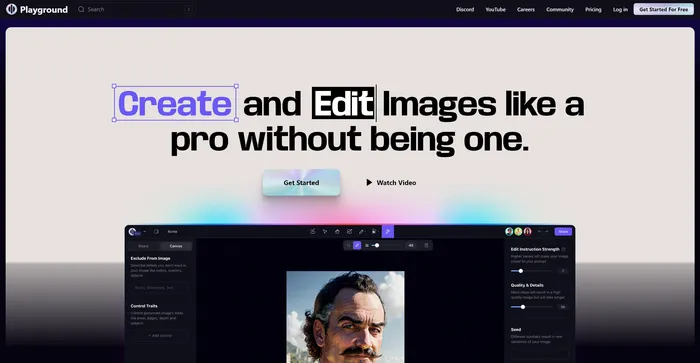
Playground AI is a versatile and user-friendly platform for generating high-quality images using artificial intelligence. It offers a comprehensive and enjoyable experience for artists, designers, and enthusiasts alike. With Playground AI, users can transform their text descriptions into realistic and captivating images, making it an excellent tool for a wide range of creative projects.

$12/mo

DeepAI Review

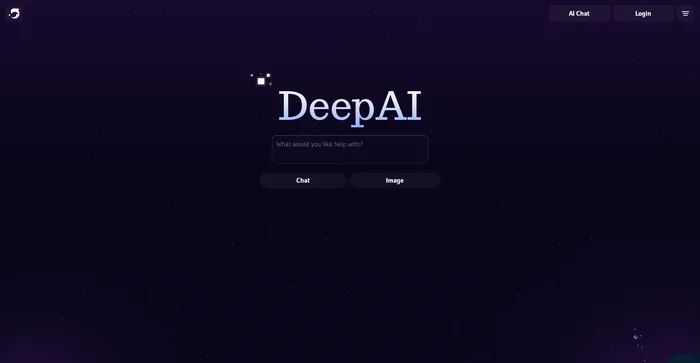
DeepAI is a versatile AI platform that offers a variety of tools designed for creative individuals. Launched in 2016, it utilizes generative artificial intelligence to assist users in creating content, generating images, and more. It’s a platform that can convert text to images within seconds, creating a unique universe where advanced creativity meets the power of AI.

DeepAI’s standout feature is its text-to-image generator, which allows users to describe the image they want and select a theme, and the AI will generate it. It also offers AI chat, which can write articles, stories, and speeches. For developers, DeepAI provides API access, making it possible to integrate its AI capabilities into other software applications.

$4.99/month

Craiyon Review

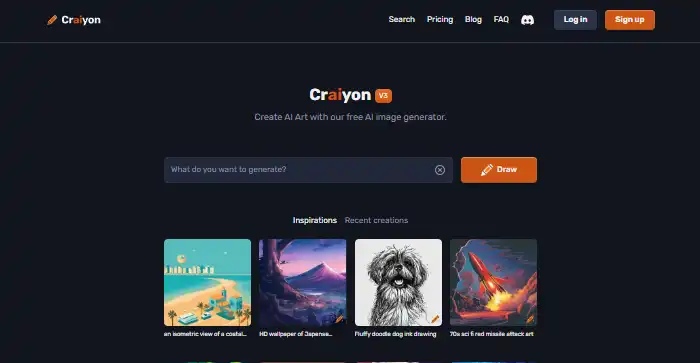
Craiyon is a free AI-powered tool that generates images based on text prompts. It’s a simple and user-friendly tool that allows users to create a variety of images by simply typing in a description. Despite its simplicity, Craiyon is capable of generating a set of nine images for each prompt, offering users a range of options to choose from. However, it’s worth noting that the images generated are often more whimsical and abstract than professional or photorealistic.

$5/mo

Midjourney Review

Midjourney stands out as an innovative AI tool for generating images from text prompts, captivating users with its ability to create stunning visuals that cater to a wide range of artistic needs. Whether you’re a content creator, marketer, or simply someone with a flair for the creative, Midjourney offers an accessible platform to bring your ideas to life without the need for advanced artistic skills.

$8/mo

Civitai Review

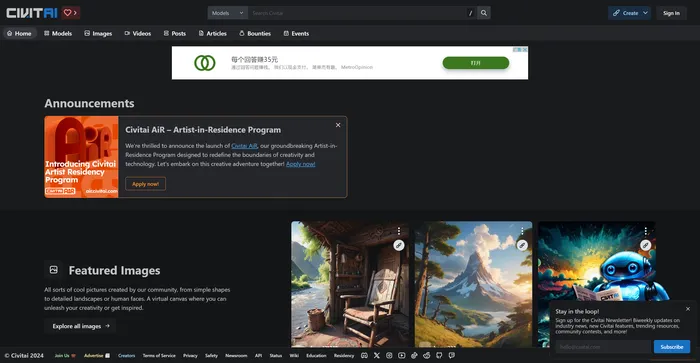
Civitai is a remarkable open-source platform for AI art enthusiasts and creators. It serves as a hub for sharing, discovering, and collaborating on AI art models. The platform is community-driven, fostering a sense of camaraderie among its users. Whether you’re a seasoned AI art model pro or just getting started, Civitai welcomes you with open arms. It’s a place where you can share, discover, and browse different models, and even get involved in their Discord channel to connect directly with other creators.

$5/mo

Cutout.Pro Review

Cutout.Pro is a versatile AI-powered platform for image and video editing, offering a range of tools for background removal, photo enhancement, and AI art generation. It is particularly useful for e-commerce, photography, and videography, providing efficient solutions for high-volume editing tasks. The platform is accessible via web browsers and mobile apps, making it convenient for users on various devices.

$5.00/mo

Recraft Review

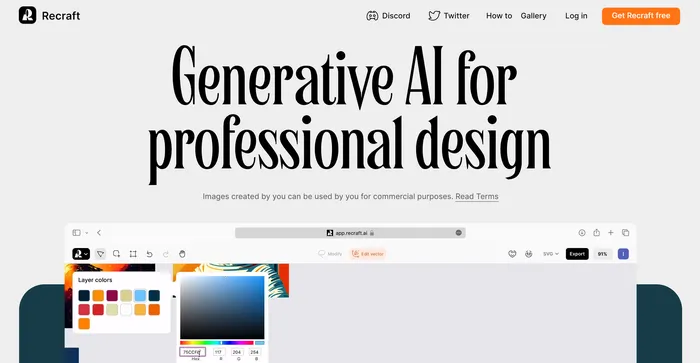
Recraft stands out as a versatile AI-powered tool for generating and editing vector art, illustrations, and 3D images. It caters to a wide range of users, from professional designers to art enthusiasts, offering an intuitive interface and a plethora of creative possibilities. With its ability to produce high-quality SVG outputs and its emphasis on community-driven inspiration, Recraft is a valuable asset for anyone looking to enhance their design workflow.

$20/mo

Simplified Review

Simplified is a comprehensive AI tool that integrates various features into one platform, making it a powerful asset for content creators, marketers, and social media managers. It offers AI-driven content creation, design tools, and social media management, all in one user-friendly interface. The AI writing tool is particularly praised for its ability to generate high-quality content quickly and efficiently, catering to a wide range of writing needs.

$9/mo

Wave.video Review

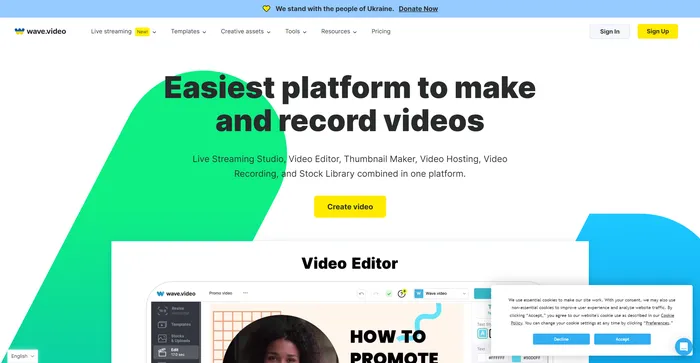
Wave.video is a comprehensive AI-powered video creation tool that stands out for its intuitive interface and robust features. It is highly praised for its cloud-based video editing capabilities, allowing users to work from anywhere. The platform offers a range of features including a live streaming studio, video recording app, video hosting options, and a clip editor. It also boasts a vast library of over 200 million stock videos, pictures, and audio, along with more than a thousand customizable video templates.

Users have commended Wave.video for its ease of use and the quality of its output. The platform’s AI capabilities, such as generating videos from text, have been particularly appreciated. Despite this, some users have noted that the video rendering process can be time-consuming.

$16/mo

PromeAI FAQ

What is PromeAI? +

PromeAI is an AI-powered design assistant that helps architects, interior designers, product designers, and game animation designers to bring their creative ideas to life. It offers a range of tools and features that allow users to create stunning designs, transform sketches into realistic renderings, convert photos into sketches or line art, erase and replace elements in photos, generate image variations, and enhance product images with AI-generated models and backgrounds.

What is the unique feature of PromeAI? +

PromeAI’s unique feature is its controllable AIGC (C-AIGC) model style library, which enables users to control the design styles and achieve desired results with great ease. This feature sets PromeAI apart from other design assistants available in the market.

What are the subscription plans for PromeAI? +

PromeAI offers freemium subscriptions with paid plans starting from $16.00/month. The paid plans offer additional features and benefits such as unlimited access to all the listed tools, unlimited use of sketch rendering styles, unlimited use of all Modes and Styles, and 24-hour customer support.

Is PromeAI easy to use? +

Yes, PromeAI’s intuitive interface ensures that users can easily navigate and use the tool. Its AI-powered technology ensures designs are of the highest quality, and its extensive controllable AIGC model style library provides users with a range of design options.

Who can benefit from using PromeAI? +

Professionals such as architects, interior designers, product designers, and game/animation designers can benefit from PromeAI’s ease of use. It can be used by architects to quickly create 3D models of buildings and rooms, interior designers to create realistic renderings of furniture and other design elements, and product designers to create detailed 3D models of their products.

Does PromeAI offer a video generation feature? +

Yes, PromeAI offers an AI Video Generator feature. Users can describe their desired storyline, script, or visual elements, and PromeAI’s cutting-edge algorithms will swiftly transform these ideas into captivating videos.

What is the commercial licensing policy of PromeAI? +

Commercial licensing is available with PromeAI’s paid plans. This allows users to use the tool for commercial purposes, including the creation of designs for sale or distribution.

What kind of customer support does PromeAI offer? +

PromeAI offers 24-hour customer support for users subscribed to its paid plans. This ensures that users can get help and assistance whenever they need it.

PromeAI Conclusion

Choose PromeAI to bring your creative ideas to life. With its AI-powered capabilities and extensive design style library, PromeAI empowers you to create stunning designs with ease and efficiency. It’s a game-changer for designers in various fields, offering a wide range of options to transform your ideas into reality.

Featured AI Tools

PromeAI Related AI Tools

LogoAI Review

Design A New Logo & Brand Identity You Love

Ideogram Review

Image Generator that Can Handle Texts

Playground Review

Free-to-use online AI image creator

DeepAI Review

DeepAI

Craiyon Review

Your FREE AI image generator tool: Create AI art

Midjourney Review

Midjourney