
Generic selectors
Exact matches only
Search in title
Search in content
Post Type Selectors

Is HyperWrite the Ultimate AI Writing Assistant You Need? Unveiling the Truth!

Pricing:

Platform:

Web Based, Browser Extension

Intergrations:

API, ChatGPT

Social links:

Overview

Struggling to keep up with the relentless pace of content creation?

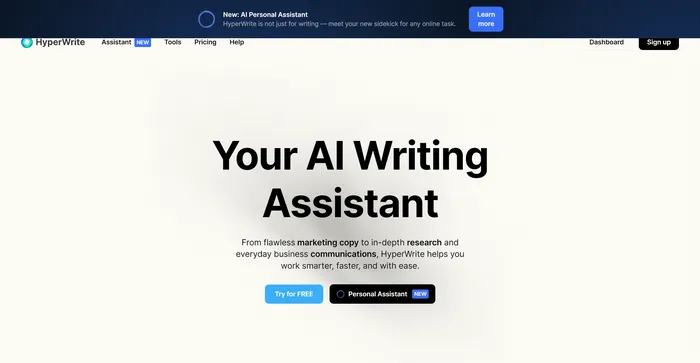
HyperWrite promises to be the AI-powered sidekick that can turbocharge your writing process, from emails to blog posts.

But does it deliver on its promise? This review will give you the scoop.

Editor's review

Overall Score: 4.6

HyperWrite is a versatile AI writing assistant that leverages advanced AI models, including GPT-4 and ChatGPT, to help users with a variety of writing tasks. It is designed to improve productivity and creativity for content creators, marketers, and professionals who require assistance with writing. With features like AutoWrite, TypeAhead, and Email Response, HyperWrite aims to streamline the writing process and enhance communication.

PROS

  • Integrates with Gmail and Docs for seamless writing assistance
  • Custom AI tools tailored to specific workflows
  • AI-powered content creation for a variety of formats
  • Chrome extension available for use across various websites

CONS

  • Some users report a slower process for generating complete essays
  • Free plan limits are reached quickly, which may limit extensive testing
  • Lacks advanced features like third-party integrations

HyperWrite Pricing

Pricing (monthly plan) Plan Best For
$0 Starter For users who want to explore features
$19.99 Premium Ideal starter plan
$44.99 Ultra For professionals and power users

HyperWrite monthly pricing plans.
monthly pricing plan for HyperWrite 1

Plan Features Starter Premium Ultra
Assistant Credits per Month Limited 200 500
TypeAheads Limited Unlimited Unlimited
Priority Support No No Yes

What is HyperWrite

• What is HyperWrite?

HyperWrite is an AI writing assistant that leverages advanced models like GPT-4 and ChatGPT to help users craft content across various formats. Whether you’re a student, marketer, or business professional, HyperWrite offers tools like AutoWrite, TypeAhead, and a personal AI assistant to streamline your writing tasks.

• Key Features of HyperWrite

HyperWrite boasts a suite of features designed to enhance your writing efficiency. Here’s what stands out:

  • Flexible AutoWrite: Generate content for any writing task, from emails to creative stories, with ease.
  • TypeAhead: Receive context-aware sentence completions and suggestions to speed up your writing.
  • Personal AI Assistant: Automate tasks and optimize your workflow with a browser-integrated AI assistant.

• Tips for Using HyperWrite

Maximize your HyperWrite experience with these tips:

  • 🔍 Be Specific: Provide detailed prompts to the AutoWrite feature for more accurate content generation.
  • 📝 Review and Edit: Always review and tweak the AI-generated content to ensure it aligns with your voice and goals.
  • 👥 Personalize Your Assistant: Train your AI assistant with feedback to get more personalized support.
  • 📲 Explore Extensions: Use HyperWrite’s browser extension for AI assistance across all your favorite websites.

With HyperWrite, you’re not just getting a writing tool; you’re getting a comprehensive assistant ready to tackle a wide array of writing challenges. Dive in and discover how it can transform your writing process!

How to use HyperWrite

HyperWrite is a versatile and user-friendly platform that can significantly improve your writing process. Here’s a comprehensive guide to using its features:

Getting Started with HyperWrite

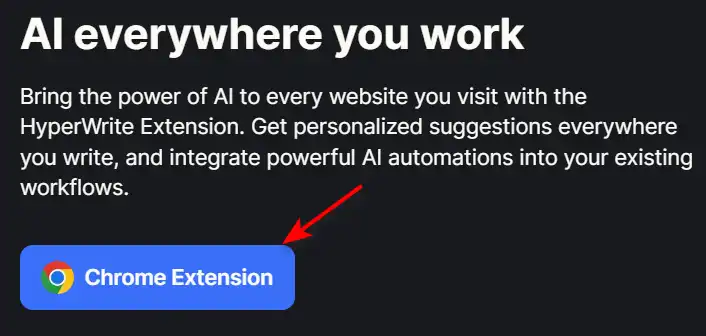
Before diving into the specific features, ensure you have the HyperWrite extension installed in your browser for seamless integration with your daily tasks.
how to use HyperWrite 6

AutoWrite: Generating Content

AutoWrite is perfect for creating content on any topic with ease.
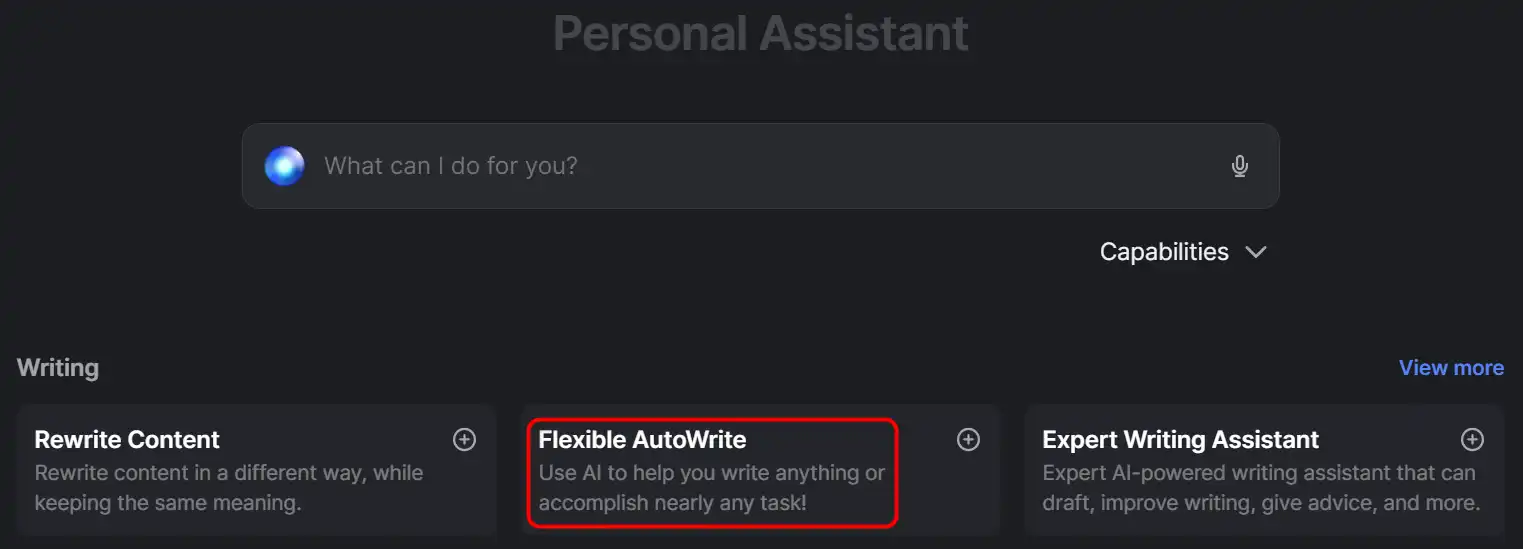
  1. Access the AutoWrite feature on the HyperWrite dashboard.
    how to use HyperWrite 2
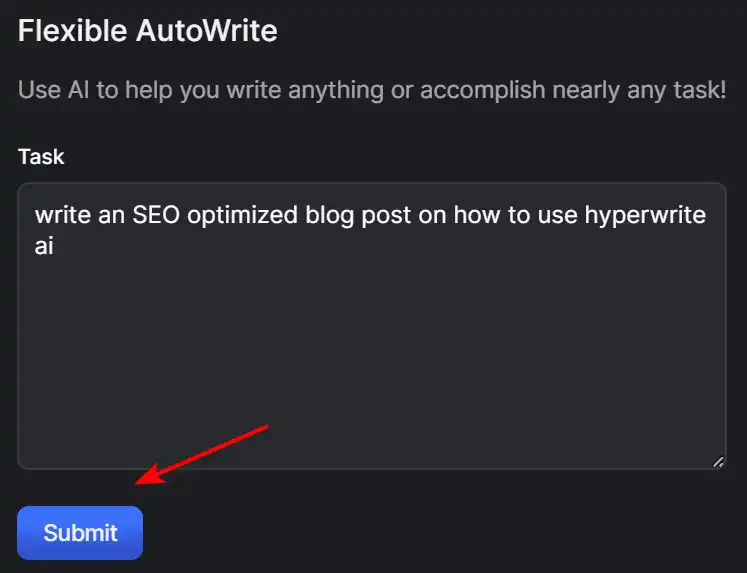
  2. Enter the topic and content type you wish to generate.
    how to use HyperWrite 3
  3. Click ‘Submit’ to let the AI create your content.
    how to use HyperWrite 4
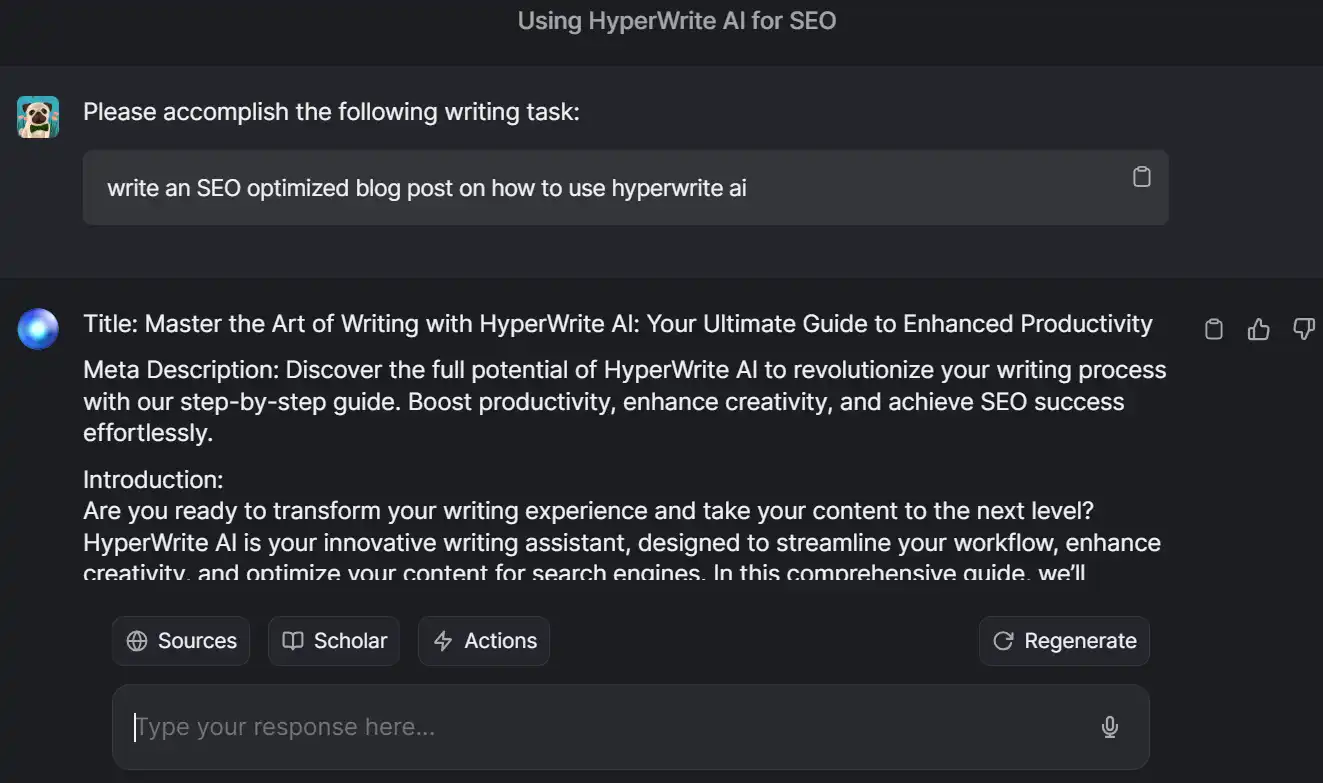
  4. Review and edit the generated content to match your style and needs.
    how to use HyperWrite 5

Remember, you can try AutoWrite for free, with premium plans available for more extensive use.

AI Everywhere: Browser Extension

Bring AI assistance to any website you visit.
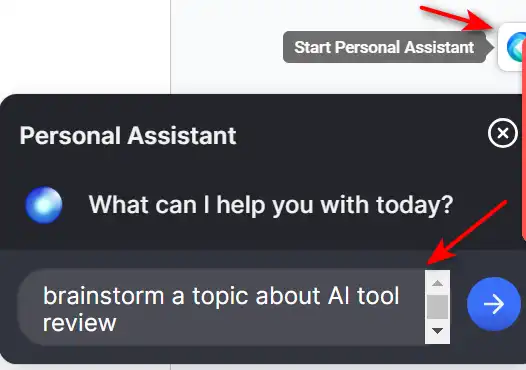
  1. Install the HyperWrite browser extension.
    how to use HyperWrite 6
  2. Receive personalized writing suggestions on supported sites.
    how to use HyperWrite 7
  3. Integrate AI automations into your existing online workflows.
    how to use HyperWrite 8

TypeAhead: Sentence Completions

TypeAhead provides context-aware sentence completions to speed up your writing.
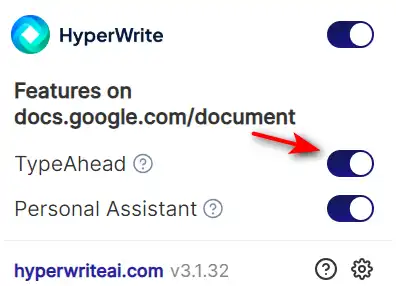
  1. While writing in a supported text field, start typing your sentence.
    how to use HyperWrite 8
  2. Click the Chrome Extension icon and switch the TypeAhead on.
    how to use HyperWrite 9
  3. Select the best completion suggestion with the UP and DOWN arrow keys, confirm the suggestion with the TAB key, and continue writing.
    how to use HyperWrite 11

Email Response: Crafting Emails

Effortlessly create full email responses with just a few words.
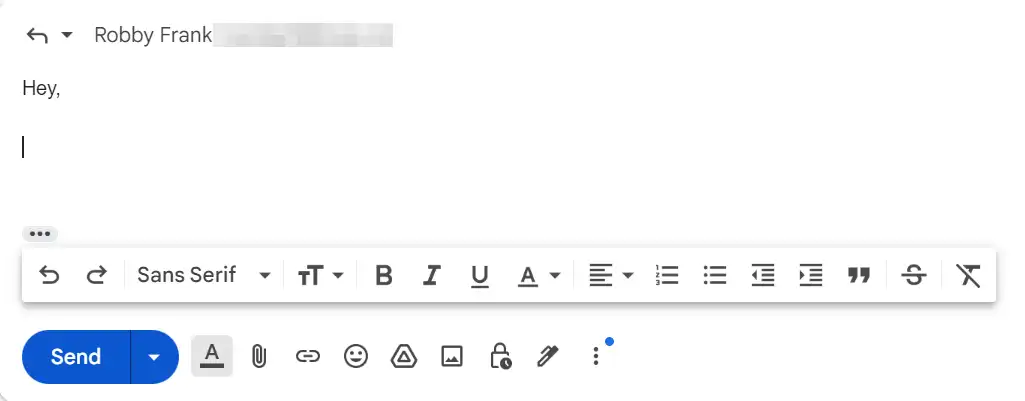
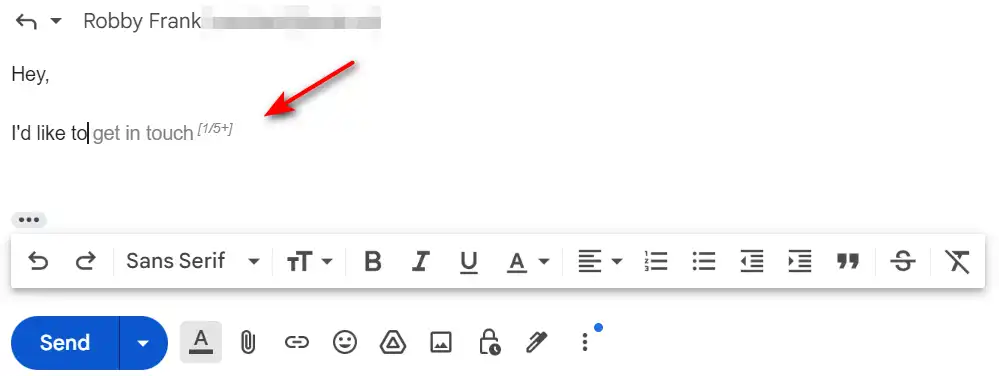
  1. Begin typing your email response in Gmail.
    how to use HyperWrite 12
  2. Use HyperWrite’s suggestions to expand your initial words into a complete email.
    how to use HyperWrite 13

HyperChat: Real-time Assistance

Engage with HyperChat for interactive help on various tasks.

  1. Open HyperChat in your browser.
    how to use HyperWrite 14
  2. Ask Hyper any question or request assistance with a task.
    how to use HyperWrite 15
  3. Use the AI-generated responses to guide your actions.
    how to use HyperWrite 16

Create Tools: Tailored AI Assistance

Create AI tools that fit your unique workflow.
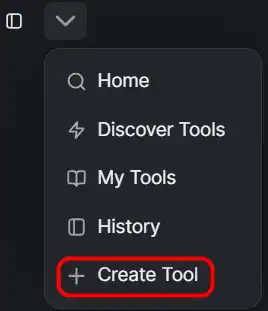
  1. Navigate to the Create Tool section on HyperWrite.
    how to use HyperWrite 17
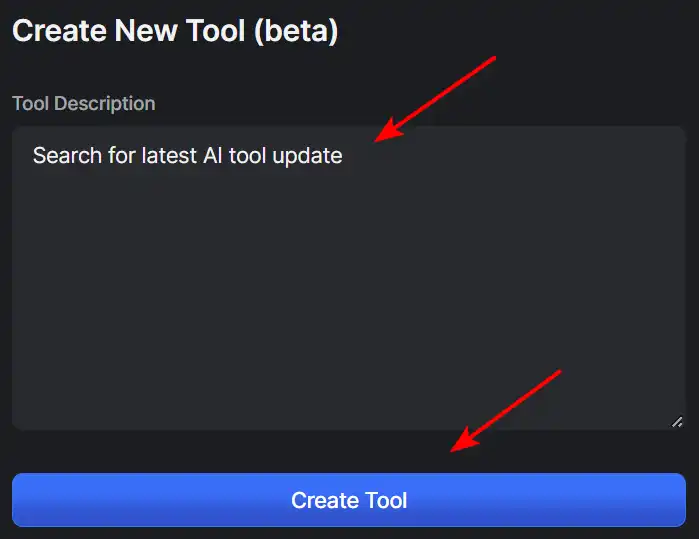
  2. Define the tasks and parameters for your custom tool.
    how to use HyperWrite 18
  3. Use your tailored tool to automate and streamline your work.
    how to use HyperWrite 19

Research: Enhanced Information Gathering

Use HyperWrite to conduct research and gather insights.

  1. Access the research feature through the HyperWrite dashboard.
    how to use HyperWrite 20
  2. Input your research query to receive AI-driven search results and summaries.
    how to use HyperWrite 21
  3. Utilize the gathered information for your writing or decision-making processes.
    how to use HyperWrite 22

HyperWrite Top alternatives

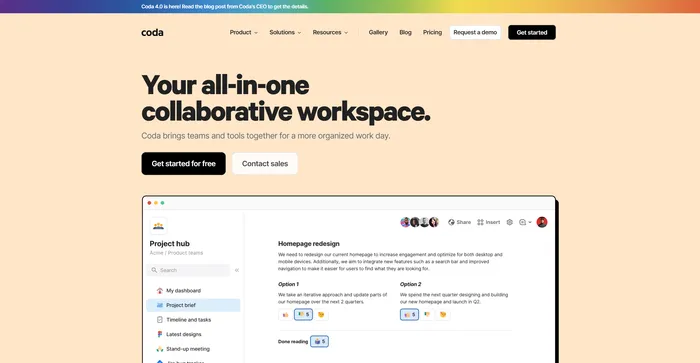
Coda Review

Coda stands out as a highly versatile collaborative workspace that integrates the functionalities of document creation and spreadsheets with powerful automation and AI capabilities. It is praised for being more powerful than Google Docs and more flexible than Airtable or Notion, making it a strong contender for teams looking to streamline their workflow and enhance productivity.

$10/mo

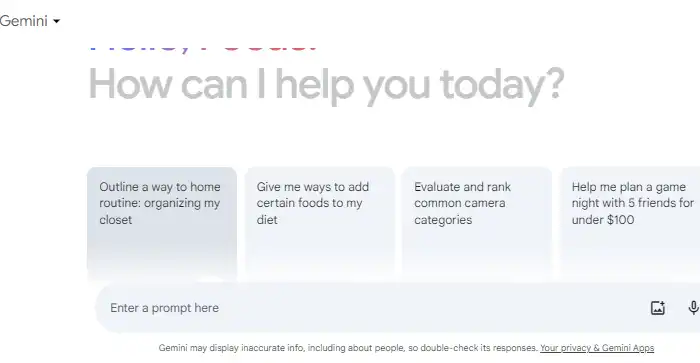
Gemini Review

Google Gemini is a generative AI tool released by Google in February 2023. It is designed to provide concise, human-like answers to complex questions, making it a potentially valuable assistant for anyone who uses Google apps like Docs, Sheets, and Colab. Gemini is characterized by its core feature of text generation, capable of producing text in diverse styles and formats like news articles, letters, blog posts, essays, email messages, and creative writing. Despite being labeled as an “experiment” and still being in beta, it has shown significant capabilities, including the ability to execute code to improve its logic and reasoning. However, it’s important to note that Gemini is still in its developmental stage and may occasionally provide inaccurate or misleading information.

$19.99/mo

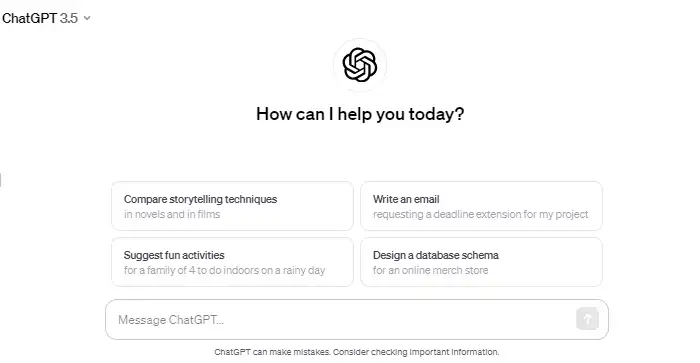
ChatGPT Review

ChatGPT is an AI chatbot developed by OpenAI that uses natural language processing to create human-like conversational dialogue. It can respond to questions and compose various written content, including articles, social media posts, essays, code, and emails. It has been used in a variety of applications, such as drafting and editing content, brainstorming ideas, programming help, and learning new topics. ChatGPT has also been enhanced with voice and image capabilities, offering a more intuitive type of interface.

However, ChatGPT has faced criticism for its inconsistent performance over time. Researchers have found that the quality of its outputs, particularly in tasks like code generation, has degraded over several months. It has also been noted that the model can sometimes produce biased or inaccurate information. Despite these issues, ChatGPT continues to be a widely used tool in various fields, including education and customer service.

$20/mo

Monica Review

Monica is an AI-powered assistant designed to enhance your browsing experience. It operates seamlessly across websites and devices, offering chat capabilities, quick actions, and composition tools. Monica stands out due to its advanced technologies, including GPT-4. It’s an all-in-one solution, aiding in tasks like email drafting and content creation. Monica is more than just an AI tool; it’s a revolution in the way we browse the web. With its advanced features and user-centric design, Monica promises to redefine the digital landscape.

$8.3/mo

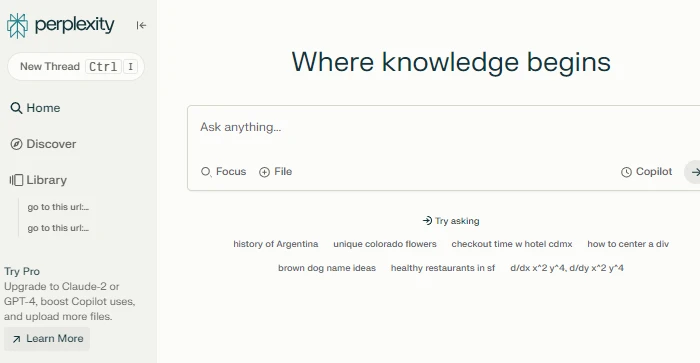
Perplexity AI Review

Perplexity AI is a conversational search engine that uses large language models to deliver accurate answers to complex questions. It is similar to OpenAI’s ChatGPT and the ChatGPT 4 integration, but with some unique features and advantages. Perplexity AI allows users to ask questions in natural language and get direct answers from reliable sources, without having to browse through multiple web pages. Perplexity AI also shows the sources of the answers and allows users to share, rewrite, or refine their queries. Perplexity AI is a great tool for anyone who wants to access information quickly and easily.

$20/mo

HARPA AI Review

HARPA AI is a great Chrome extension for anyone who wants to leverage the power of AI on the web. It can handle a wide range of web tasks, from writing and summarizing to searching and monitoring. It is easy to use and has a lot of pre-configured prompts and commands to choose from.

$12/mo

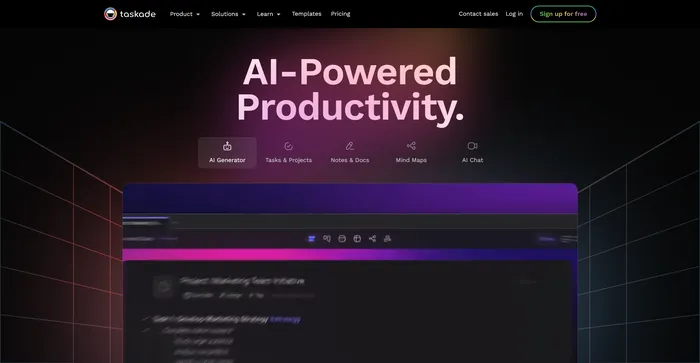
Taskade Review

Taskade is a powerful and flexible tool for managing tasks, projects, and workflows with artificial intelligence. It lets you create and collaborate on various types of projects, such as lists, mind maps, outlines, and kanban boards. You can also use Taskade to generate tasks, ideas, and content with its AI assistant, which adapts to your preferences and style.

$4/mo

HyperWrite FAQ

Is HyperWrite free to use? +

HyperWrite offers limited use of its AI Writer tool for free. For unlimited access, users can choose between the Premium Plan at $19.99/month or the Ultra Plan for $44.99/month. A promotional code ‘TRYHYPERWRITE’ is available for 50% off the first month.

How does HyperWrite generate content? +

HyperWrite uses advanced AI models, including GPT-4 and ChatGPT, to analyze user input and generate content based on the specified topic and format. It leverages AI to create high-quality, engaging, and relevant content.

Can I personalize HyperWrite to my writing style? +

Yes, HyperWrite allows users to personalize the AI Writer to match their writing style. This customization enhances the relevance and alignment of the generated content with the user’s preferences.

Does HyperWrite offer a student discount? +

Yes, HyperWrite offers a 50% Student Discount. To avail of this discount, users must create their HyperWrite account using a valid .edu email address.

Can HyperWrite’s AI Assistant handle complex tasks? +

The HyperWrite AI Assistant is in its early stages and can reliably handle simple tasks. However, it may struggle with complex requests. Continuous improvements and user feedback are expected to enhance its capabilities.

Is HyperWrite’s content original? +

Yes, all suggestions generated by HyperWrite are unique and original, as it uses an artificial intelligence algorithm trained on millions of examples. However, users are recommended to use an external plagiarism checker before publishing or submitting their work.

Can HyperWrite write about any topic? +

HyperWrite was trained on nearly the entire internet, enabling it to write about almost any topic imaginable, from general essays and blog posts to technical writing, marketing copy, short stories, and more.

How do I get started with HyperWrite? +

To get started with HyperWrite, users can sign up for a free account on the HyperWrite website. From there, they can access various AI writing tools and customize their experience according to their writing needs and preferences.

HyperWrite Conclusion

Embrace HyperWrite to transform your writing experience. With its powerful AI capabilities, you can produce content faster, communicate more effectively, and streamline your research. Try HyperWrite today and unlock your potential as a writer, researcher, or professional.

Featured AI Tools

HyperWrite Related AI Tools

Coda Review

Your all-in-one collaborative workspace

Cohesive Review

Create magical content with the most powerful AI editor

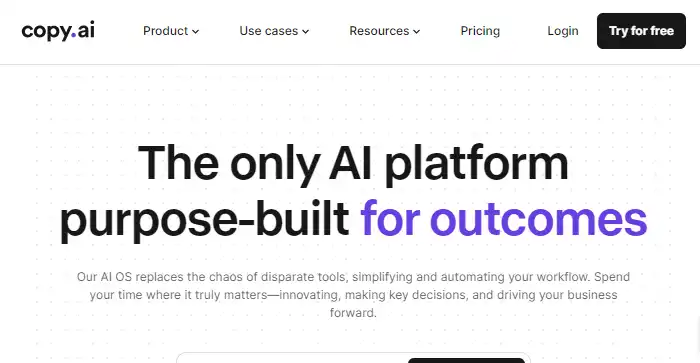
Copy.ai Review

The only AI platform purpose-built for outcomes

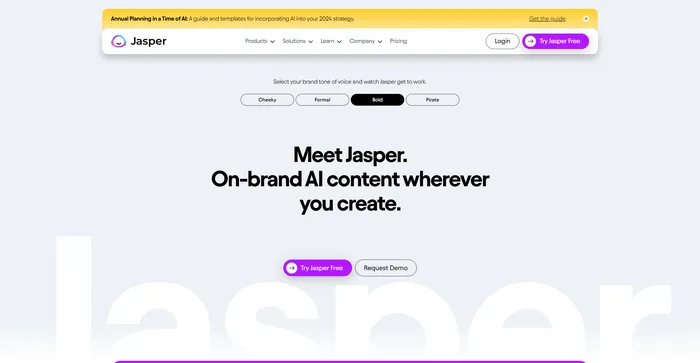
Jasper Review

AI copilot for enterprise marketing teams

You.com Review

Your Personalized AI Assistant

Midjourney Review

Midjourney