
Web Based
#AI Video Editor #AI Video Generator #Business Owners #Influencers
Video marketing is one of the most effective ways to promote your brand, products, or services. However, creating professional-looking videos can be challenging, especially if you don’t have the skills, time, or budget to do so.
FlexClip is an online video maker that claims to help you create stunning videos in minutes, using the power of artificial intelligence (AI). Whether you want to make explainer videos, promo videos, social media videos, or any other type of video, FlexClip promises to provide you with the tools and templates you need.
But how good is FlexClip really? Is it worth your money and time? In this FlexClip review, I will explore its features, pricing, pros and cons, and more. By the end of this article, you will have a clear idea of whether FlexClip is the right video maker for you.
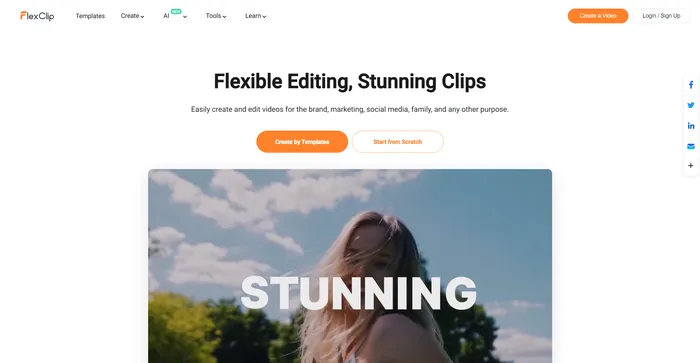
FlexClip is a simple yet powerful online video maker that helps you create engaging videos in minutes. Whether you want to make a promo video, a tutorial video, a slideshow, or a vlog, FlexClip has you covered. You can choose from hundreds of templates or start from scratch, and customize your video with stunning transitions, filters, texts, music, and more.
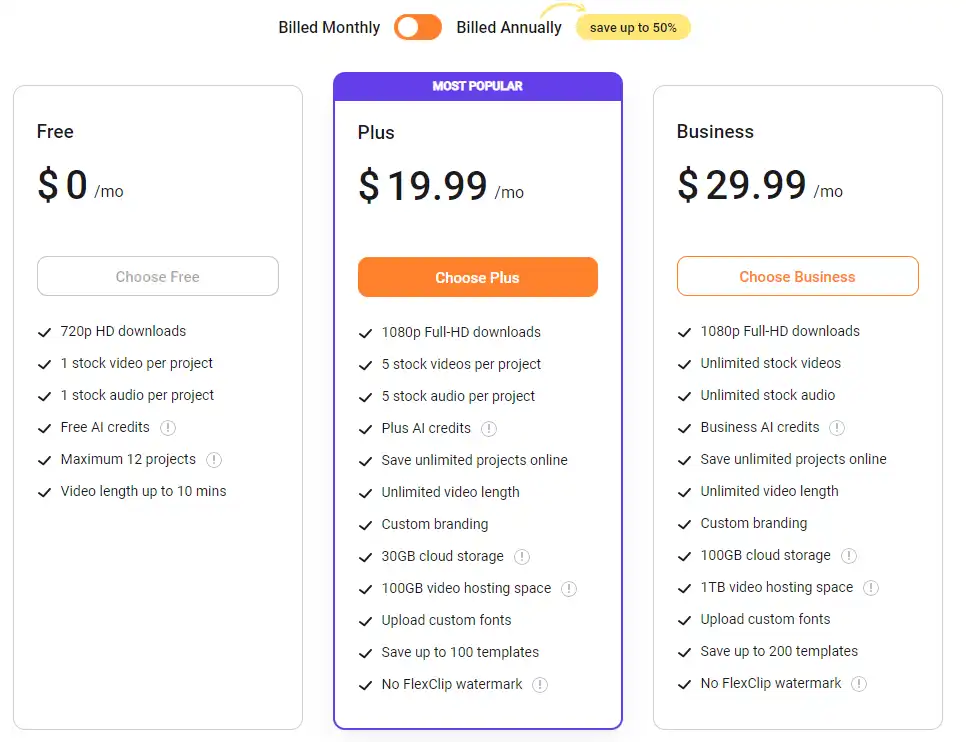
| Pricing (per month) | Plan | Best For |
|---|---|---|
| Free | Free | Best for casual users with basic needs |
| $9.99 | Plus | Best for individuals with moderate video creation requirements |
| $19.99 | Business | Best for businesses with advanced video creation and branding needs |

| Features | Free | Plus | Business |
|---|---|---|---|
| Video Export Quality | 720p | 1080p | 1080p |
| Video Export Length | Up to 10 mins | Unlimited | Unlimited |
| Video Exports | Unlimited | Unlimited | Unlimited |
| Stock Video per Project | 1 | 5 | Unlimited |
| Stock Audio per Project | 1 | 5 | Unlimited |
| Reseller Rights | No | Yes | Yes |
| Watermark | FlexClip Watermark | No FlexClip Watermark | No FlexClip Watermark |
| AI Text to Video | 5 times/mo | 2400 times/yr | 6000 times/yr |
| Storage | No | 30GB Cloud Storage + 100GB Video Hosting | 100GB Cloud Storage + 1TB Video Hosting |
FlexClip is designed for anyone who wants to create high-quality videos without any hassle. Whether you are a beginner or an expert, FlexClip can help you make videos that suit your needs and goals. You can use FlexClip for various purposes, such as:
FlexClip is ideal for small businesses, entrepreneurs, freelancers, educators, students, bloggers, vloggers, influencers, and anyone who wants to leverage the power of video marketing.
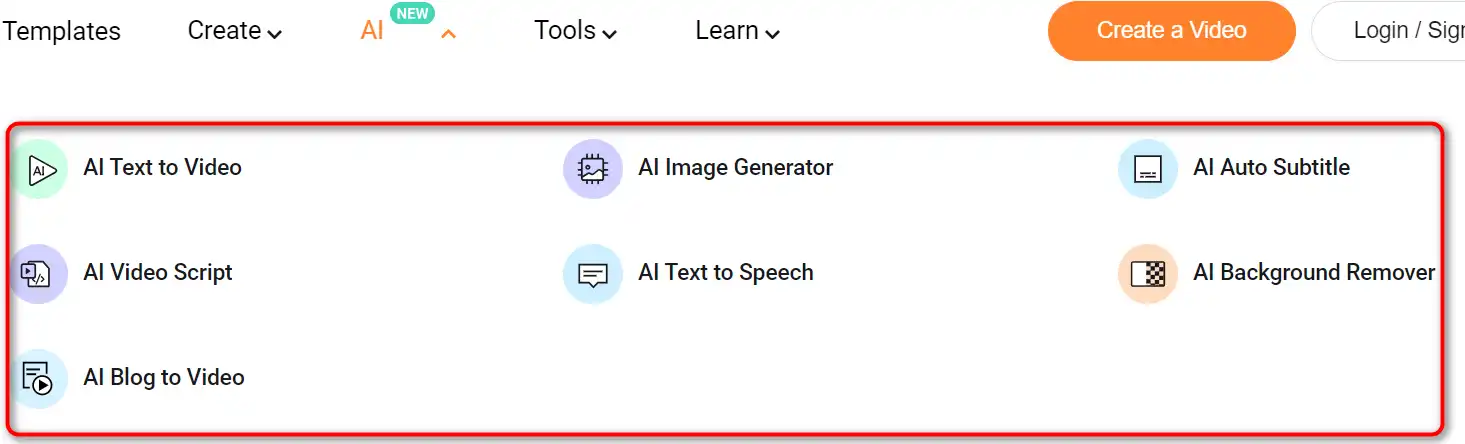
FlexClip offers a range of features to help you create amazing videos. Here are some of the main ones:


Here are some tips to help you get the most out of FlexClip:
With these tips, you can create stunning videos with FlexClip in no time. Happy video making! 🎥
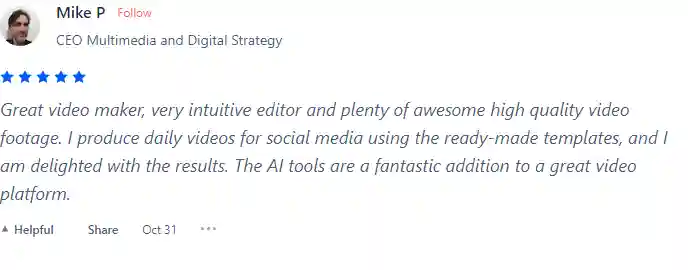
I have crosschecked my experience with the experience of other FlexClip users on Product Hunt.
Here’s what I found:
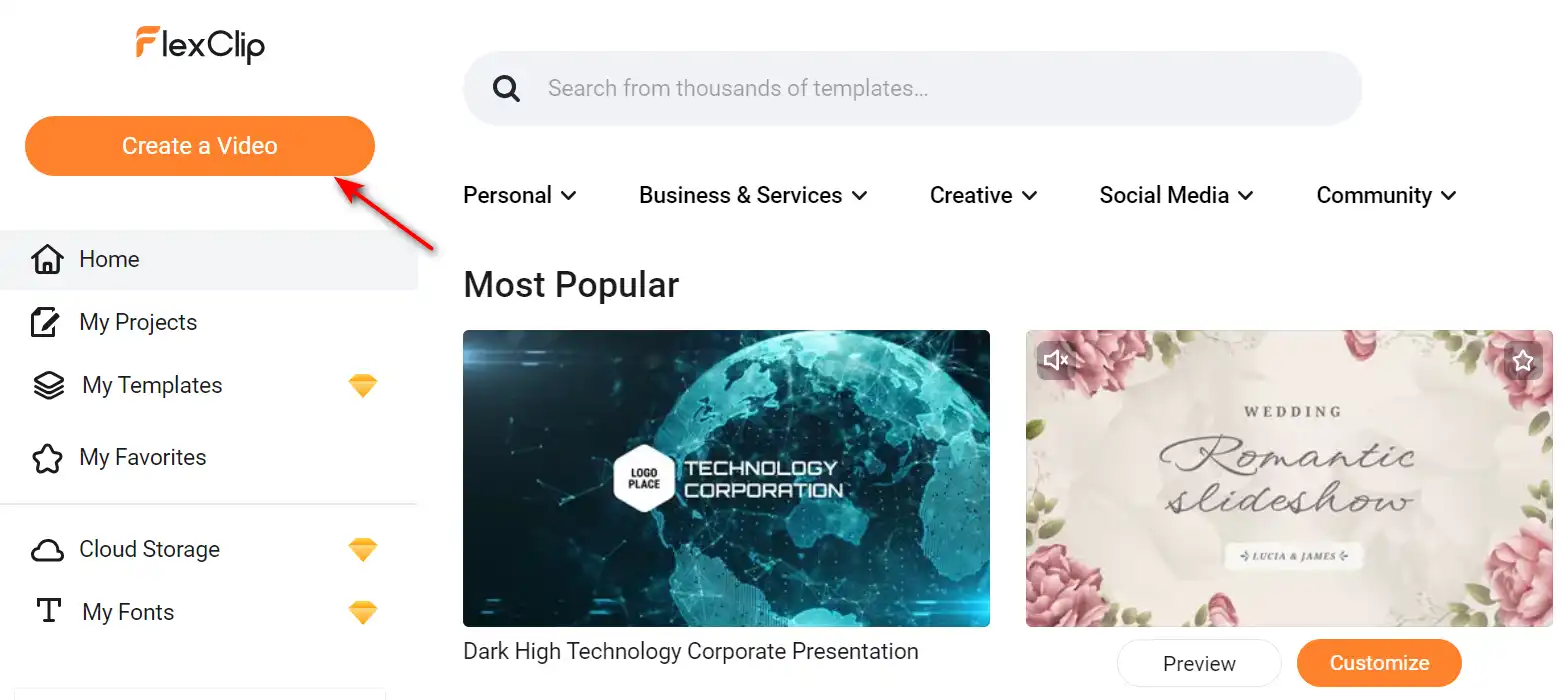
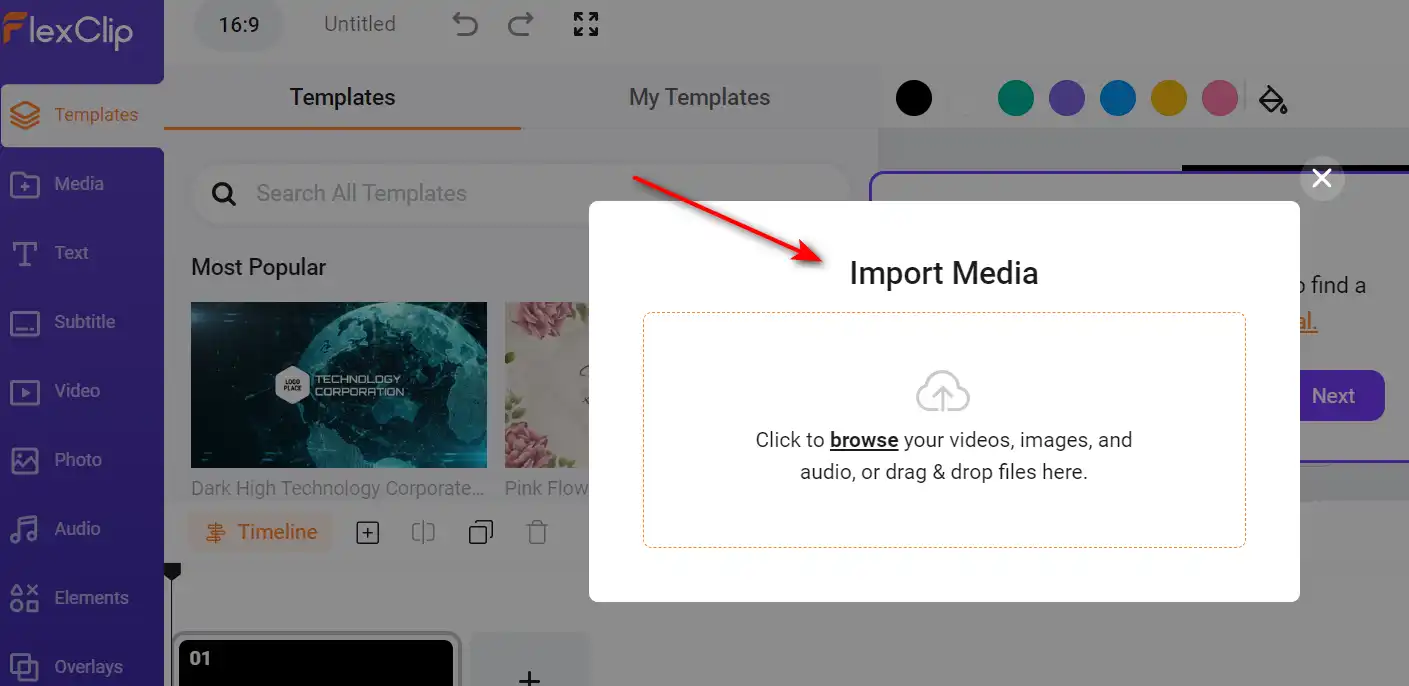
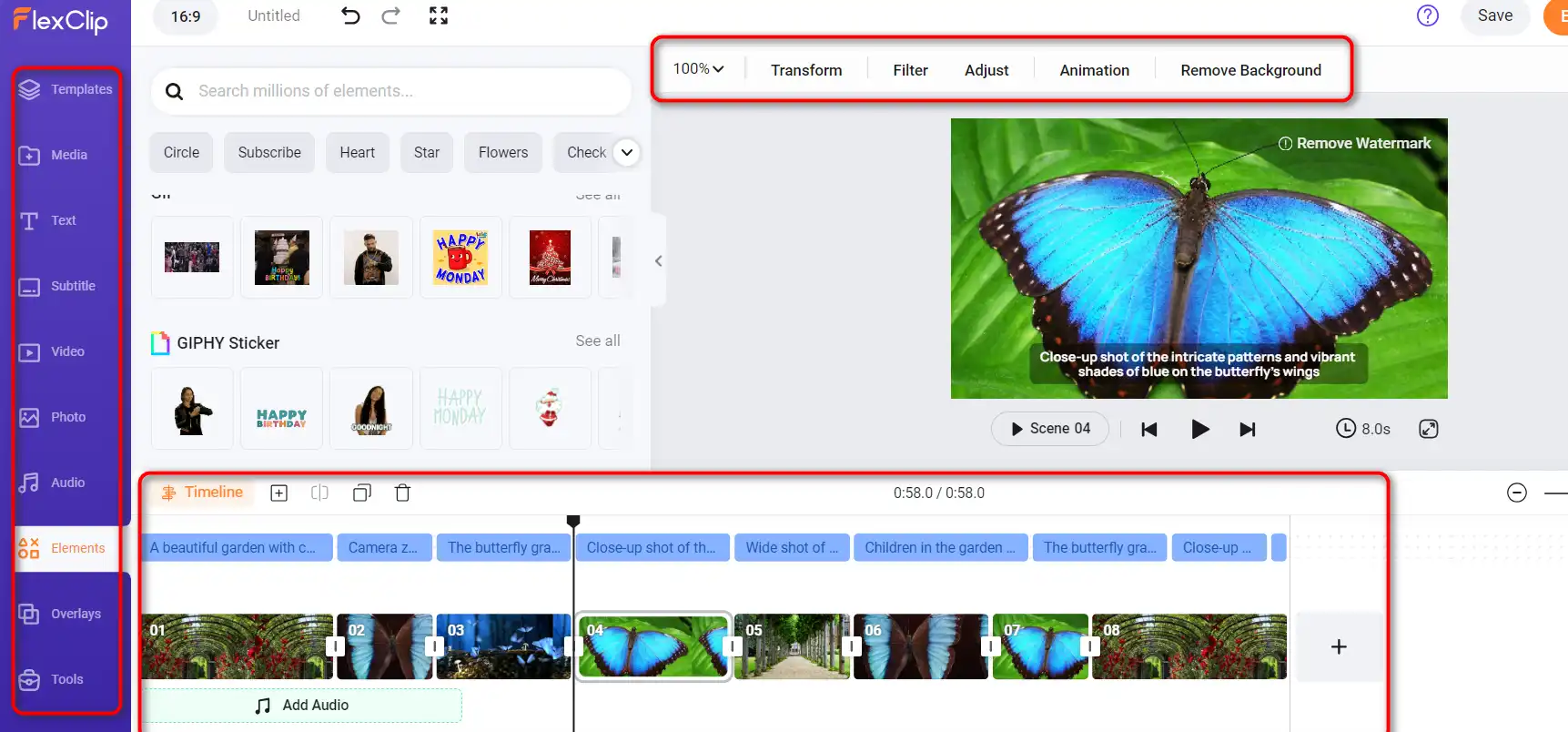
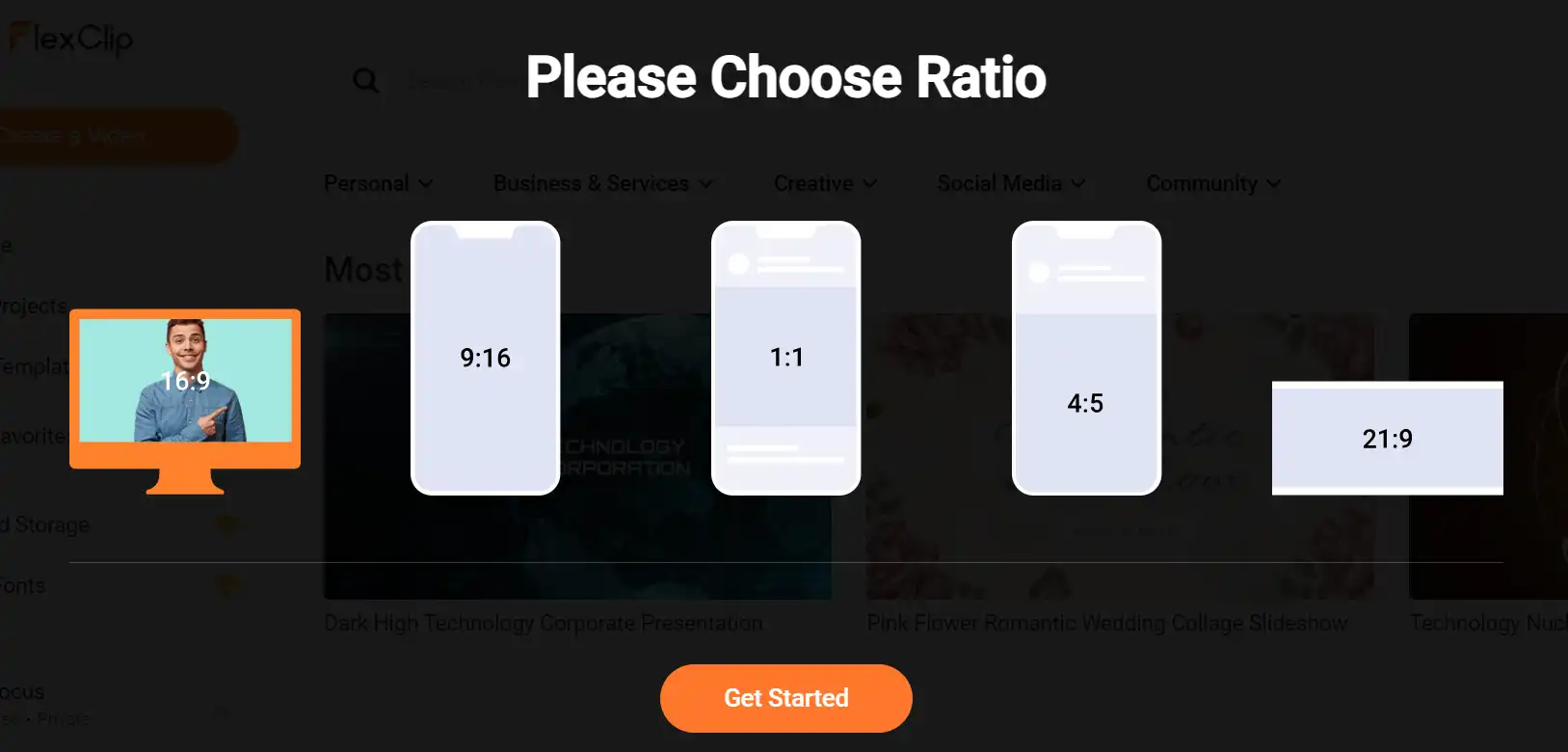
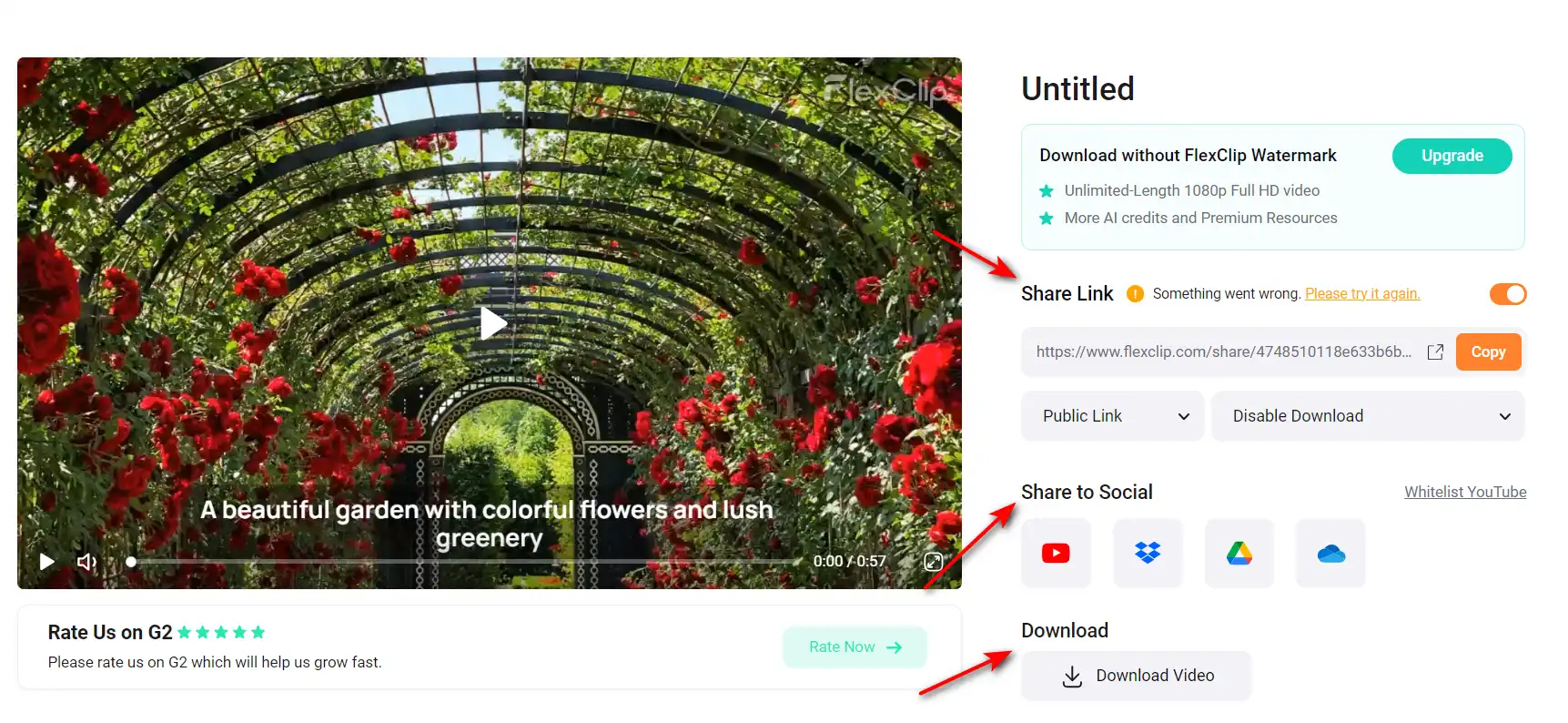
Using FlexClip is very easy and fast. You can start from scratch or choose from hundreds of templates for different scenarios and occasions. Here are the steps to create a video with FlexClip:

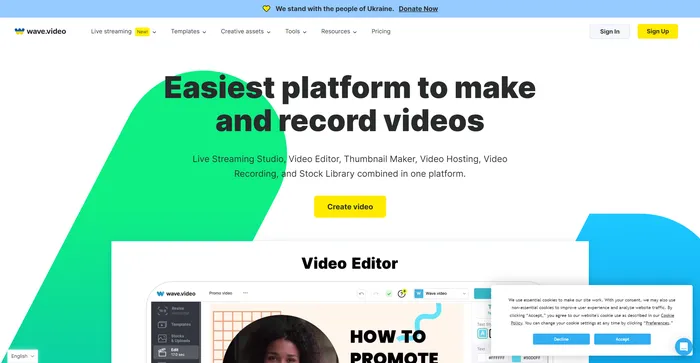
Wave.video is a comprehensive AI-powered video creation tool that stands out for its intuitive interface and robust features. It is highly praised for its cloud-based video editing capabilities, allowing users to work from anywhere. The platform offers a range of features including a live streaming studio, video recording app, video hosting options, and a clip editor. It also boasts a vast library of over 200 million stock videos, pictures, and audio, along with more than a thousand customizable video templates.
Users have commended Wave.video for its ease of use and the quality of its output. The platform’s AI capabilities, such as generating videos from text, have been particularly appreciated. Despite this, some users have noted that the video rendering process can be time-consuming.
Tags: AI Video Generator | Marketers
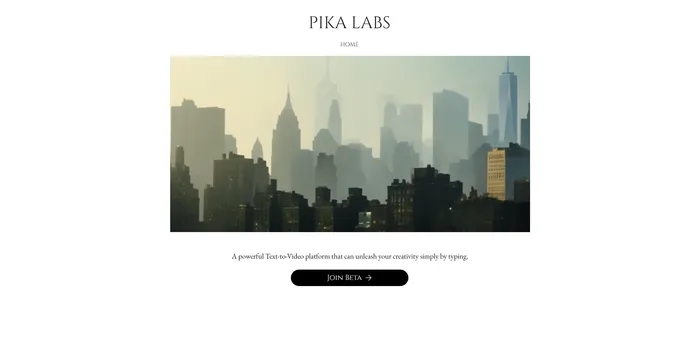
Pika Labs is a cutting-edge AI software that lets you create stunning videos from text, image, or video inputs. Whether you want to make a cinematic trailer, an animated cartoon, or a realistic simulation, Pika Labs can help you turn your ideas into visual stories. Pika Labs uses generative AI models to produce high-quality videos in various styles and formats, giving you the freedom and flexibility to express your creativity.
Tags: AI Video Generator
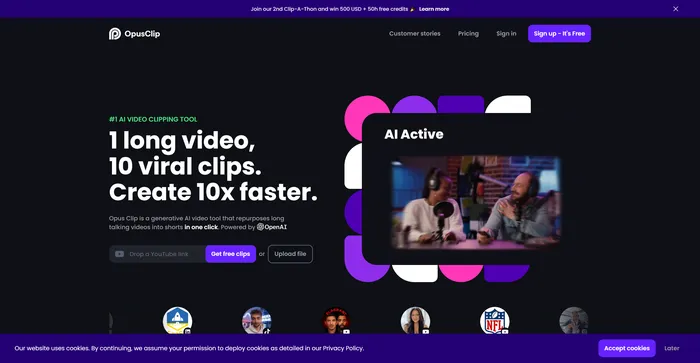
Opus Clip emerges as a highly efficient AI video clipping tool that caters to the needs of content creators and marketers aiming to produce viral shorts. With its AI-driven capabilities, it simplifies the process of transforming long-form videos into engaging short clips suitable for social media platforms.
Tags: AI Video Editor | Marketers
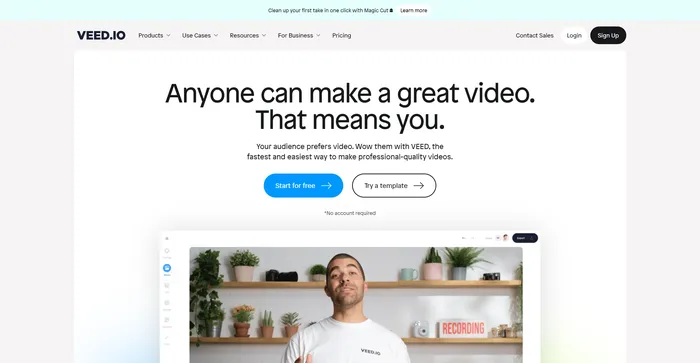
Veed is a simple and powerful online video editor that lets you create stunning videos in minutes. Whether you want to add subtitles, trim, crop, rotate, resize, filter, or animate your videos, Veed has got you covered. You can also record your screen, webcam, or audio and edit them right away.
Tags: AI Avatar Generator | AI Video Editor | Influencers
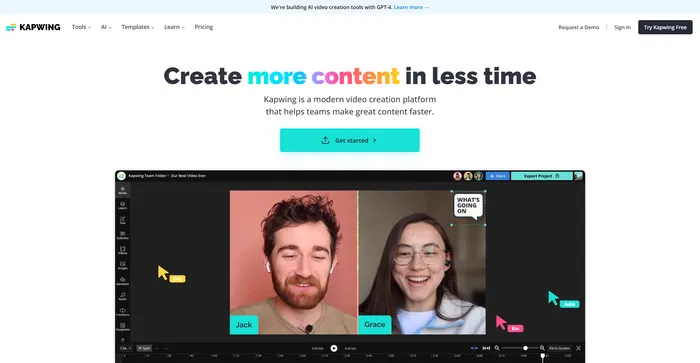
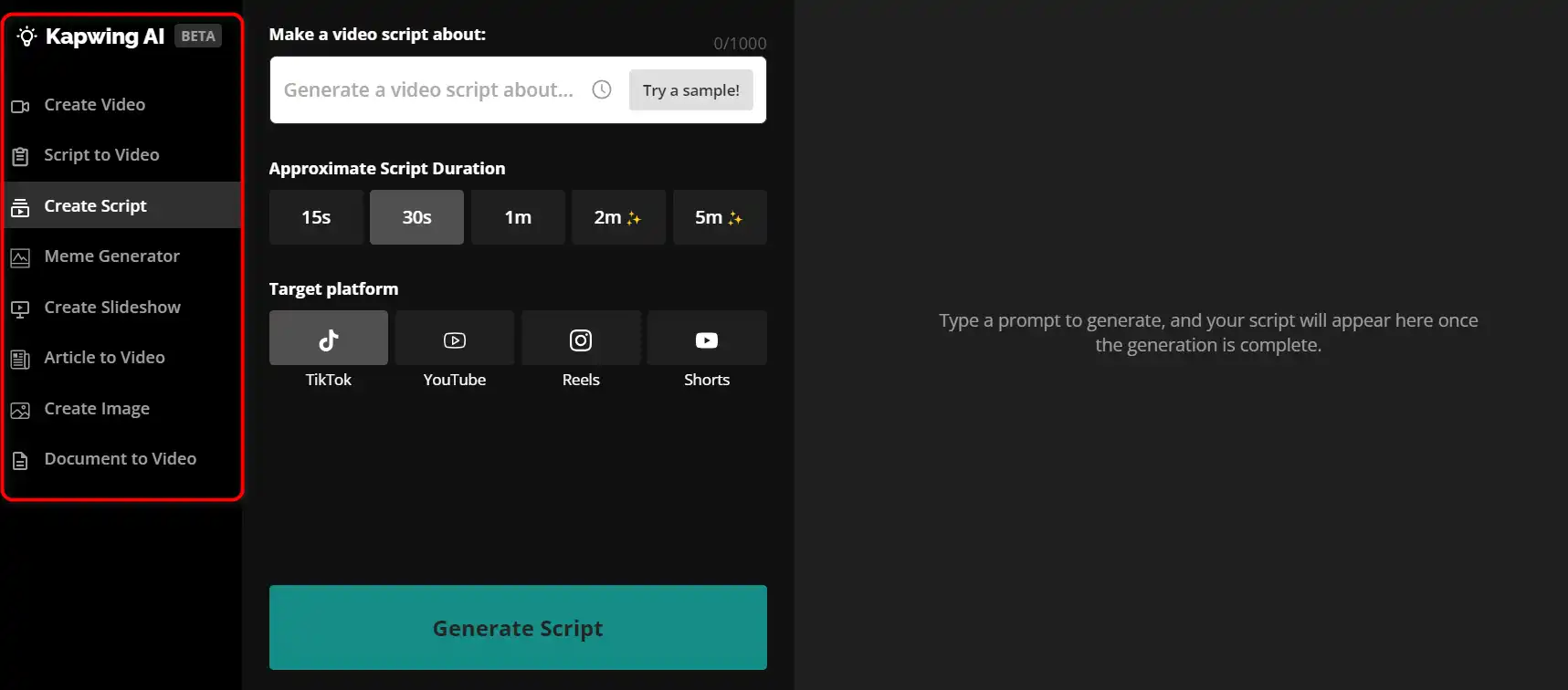
Kapwing is a versatile online video editor that lets you create, edit, and share videos, images, and GIFs. Whether you want to make a meme, a collage, a subtitle, a montage, or a slideshow, Kapwing has the tools you need to unleash your creativity.
Tags: AI Video Editor | AI Video Generator | Marketers
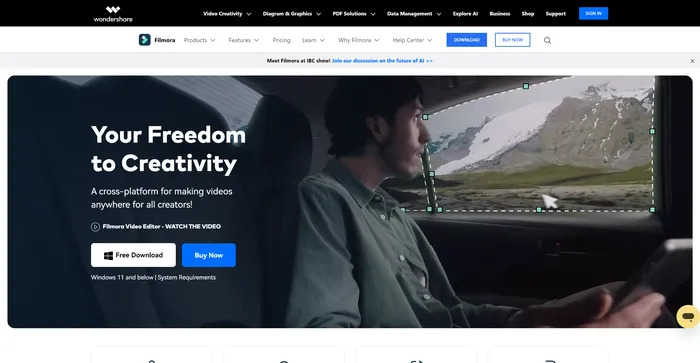
Filmora is a popular and easy-to-use video editing software for beginners and professionals alike. It offers a wide range of features, such as filters, transitions, titles, music, sound effects, and more. You can also use Filmora to record your screen, webcam, or voiceover. Filmora supports various formats and devices, and you can export your videos to YouTube, Vimeo, or DVD.
Tags: AI Video Editor | AI Video Generator | Influencers
Kaiber is an AI video generator that can create animated videos from your text prompts and stylistic preferences. It is a web-based platform that aims to simplify the video creation process and unleash your creativity. However, it also has some drawbacks that you should be aware of before using it.
Tags: AI Video Generator
InVideo is a powerful online video editor that lets you create stunning videos in minutes. Whether you want to make a promo video, a tutorial, a testimonial, or a social media post, InVideo has you covered. You can choose from thousands of templates, customize them with your own media, text, and music, and export them in HD quality.
Tags: AI Video Editor | AI Video Generator | Influencers
Pictory is the best AI software for creating brandable videos from your long-form content (scripts, sales letters, blog posts, webinars, podcasts, Zoom recordings, and more). If you are a content creator or marketer looking for an easy way to convert your written work into video form, Pictory is the best option I’ve found to get started quickly.
Pictory uses advanced AI to automatically generate a video from your written content, with a professional voiceover, stock video clips, captions, and branding. You can also edit your video by changing the text, voice, clips, and music. Pictory has a huge library of stock videos, images, and music to choose from, and you can also upload your own media. You can also customize your branding with your logo, color scheme, intro, and outro.
Tags: AI Video Editor | AI Video Generator | Influencers | Marketers
CapCut is a mobile video editing app that offers a range of features for creating and sharing short-form videos. It is owned by ByteDance, the same company behind TikTok, and integrates well with the popular social media platform. CapCut is free to use, but some advanced features require a subscription.
Tags: AI Video Editor | AI Video Generator | Marketers
FlexClip is a simple and powerful online video maker that can help you create stunning videos in minutes, without any technical skills or software installation.
It has a user-friendly interface, a large library of stock media, and a wide range of templates and features to customize your videos. You can use FlexClip for various purposes, such as social media, ads, presentations, tutorials, and more.
FlexClip offers a free plan with limited features, and two paid plans with more advanced options and higher quality exports. You can try FlexClip for free and see if it meets your needs and expectations.
If you are looking for an easy and fast way to create professional-looking videos, FlexClip is a great choice. You can start creating your own videos with FlexClip by clicking here.
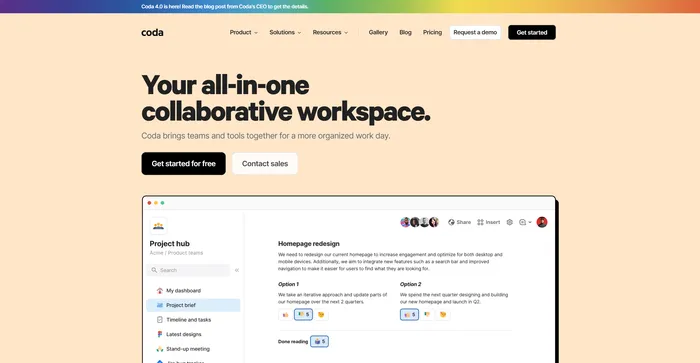
Your all-in-one collaborative workspace
Tags: AI Assistant | AI Automation | AI Writer | Business Owners
All-in-one video & podcast editing, easy as a doc.
Tags: AI Video Editor | AI Voice Cloning
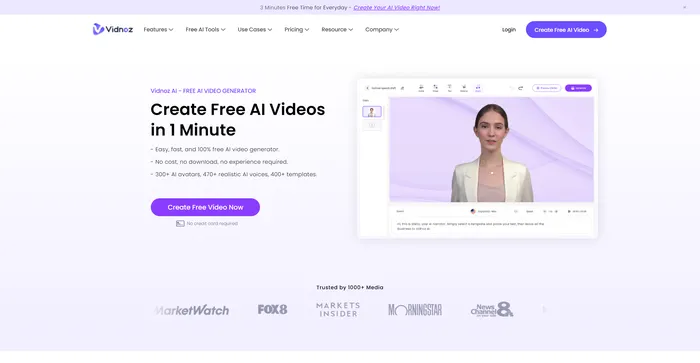
Create FREE Engaging AI Videos 10X Faster
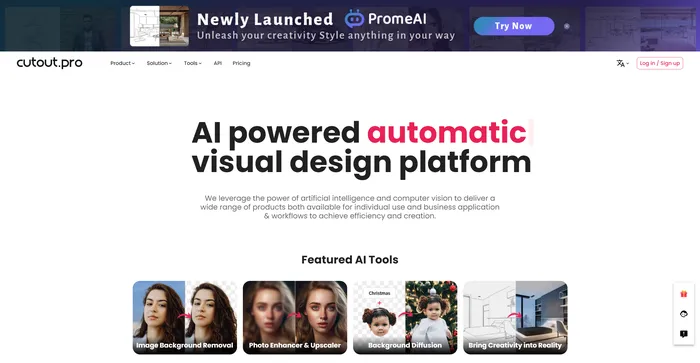
AI Photo Editing | Visual Content Generation Platform, best for image and video design
Tags: AI Image Enhancer | AI Image Generator | AI Video Editor | Designers
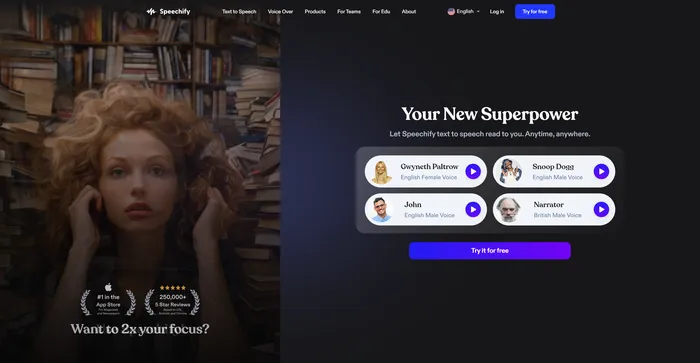
Turn Any Reading Into Audio
Craft consistent characters with ease