
Generic selectors
Exact matches only
Search in title
Search in content
Post Type Selectors

Vidnoz AI Tools Review: Can You Really Create Engaging Videos 10X Faster?

Pricing:

Platform:

Web Based

Intergrations:

Social links:

Overview

Creating engaging video content is a crucial part of modern digital marketing, but it can be time-consuming and require significant technical skills.

Vidnoz AI Tools promises to revolutionize this process, offering a suite of AI-powered tools designed to make video creation faster and more accessible.

But does it live up to the hype? Let’s dive into an in-depth review of Vidnoz AI Tools to find out.

Editor's review

Overall Score: 4.5

Vidnoz AI Tools is a powerful platform for creating engaging videos quickly and efficiently. It is particularly useful for those who want to convert text into video content, making it a great tool for bloggers, educators, and content creators. The user experience is smooth, even for those who may not have extensive skills in video creation. Vidnoz AI simplifies the process, making it accessible to all.

PROS

  • Ability to quickly turn text into engaging videos
  • Features ultra-realistic AI voices with diverse languages, accents, and emotions
  • Offers a variety of templates and avatars for customization
  • Allows for the addition of music, effects, and transitions to personalize videos

CONS

  • Specific details about the pricing structure are not immediately clear
  • May require a learning curve for those unfamiliar with video creation tools

Vidnoz AI Pricing

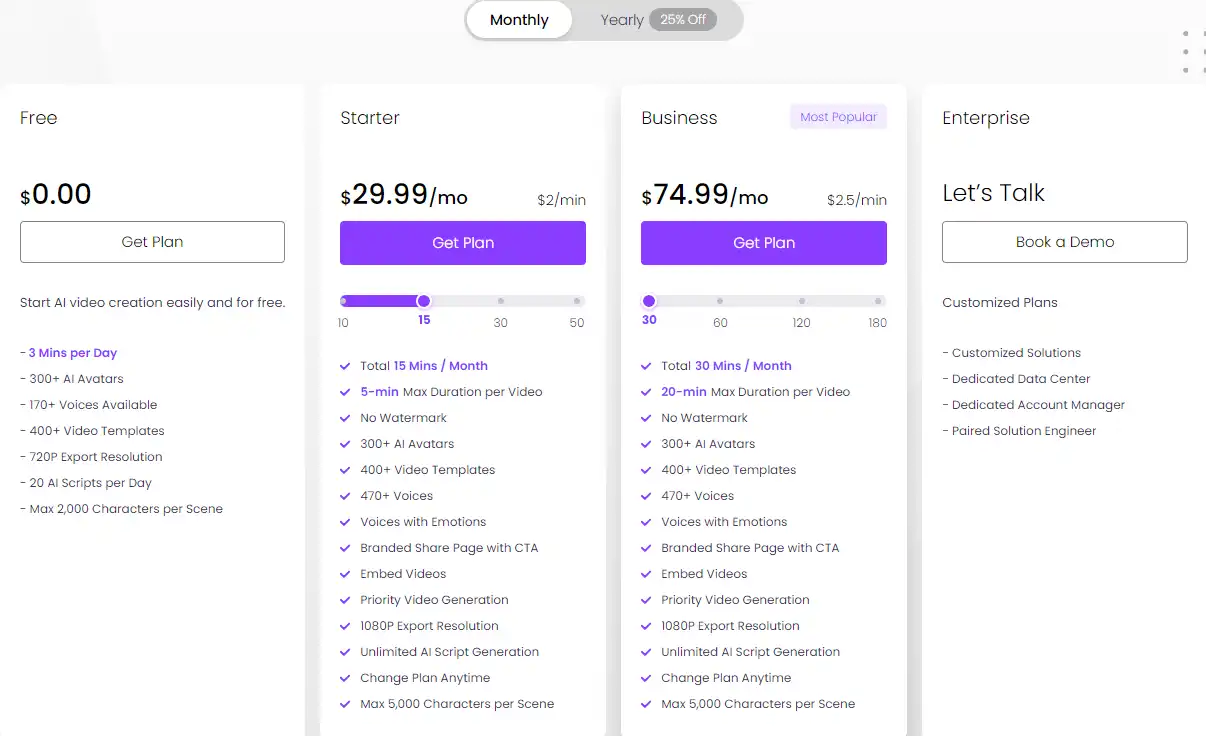
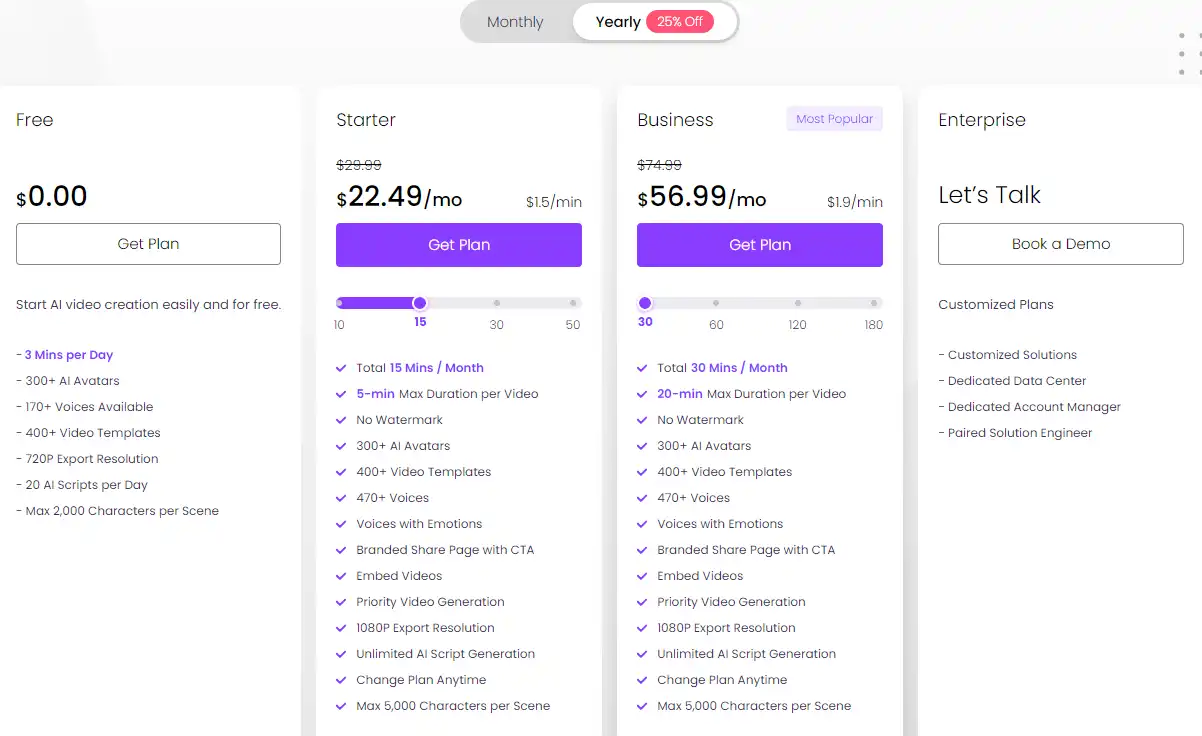
Pricing (monthly plan) Plan Best For
Free Free Best for starting AI video creation easily and for free
$22.49/mo Starter Best for 15 total minutes of video creation per month
$56.99/mo Business Best for 30 total minutes of video creation per month

Vidnoz AI monthly pricing plans.
monthly pricing plan for Vidnoz AI 1

Vidnoz AI annual pricing plans.
yearly pricing plan for Vidnoz AI 2

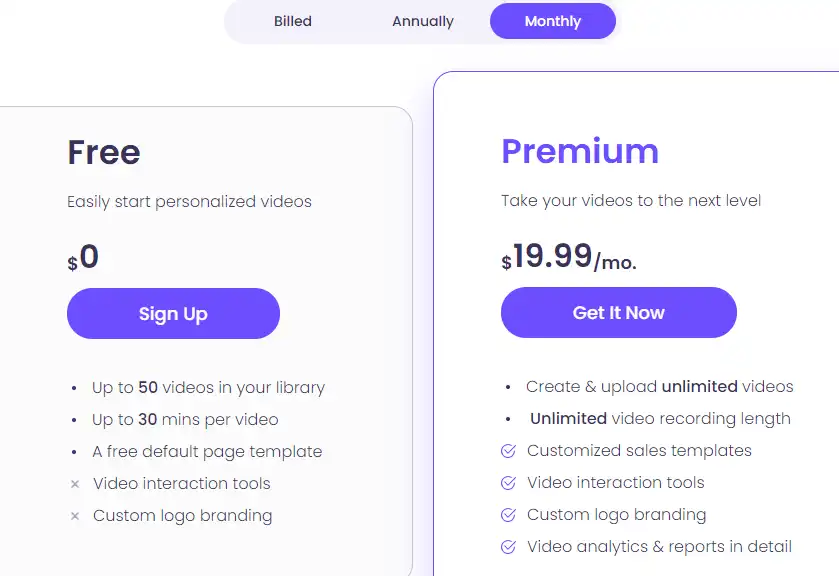
Vidnoz AI flex monthly pricing plans.
flex monthly pricing plan for Vidnoz AI 3

Vidnoz AI flex annual pricing plans.
flex yearly pricing plan for Vidnoz AI 4

Vidnoz AI credit pricing plans.
AI credit pricing plan for Vidnoz AI 5

Plan Name Free Starter Business
AI Avatars 300+ 300+ 300+
Video Templates 400+ 400+ 400+
AI Voice 170+ 470+ 470+
Video Duration 3 mins 5 mins 20 mins
Export Resolution 720P 1080P 1080P
AI Script Generator 20 per day Unlimited Unlimited
Change Plan Anytime No Yes Yes
Max Characters per Scene 2,000 5,000 5,000

What is Vidnoz AI

• Who is Vidnoz AI for?

Vidnoz AI is a versatile tool that caters to a broad spectrum of users. Whether you’re a content marketer, a blogger, an educator, or a customer service representative, Vidnoz AI can help you create engaging videos quickly and efficiently. It’s particularly useful for those who want to leverage AI technology to streamline their video creation process.

• Vidnoz AI Top features

Vidnoz AI comes packed with innovative features. Here are a few:

  • AI Avatars: With over 300 lifelike avatars, you can create professional quality AI videos that resonate with your audience.
  • Video Templates: Choose from over 400 video templates to quickly start your video creation process.
  • AI Voice Cloning: Create ultra-realistic voice clones to enhance brand attributes and user engagement.
  • Custom AI Avatar: Personalize your videos with a custom AI avatar to make your content stand out.

• Tips for using Vidnoz AI

Here are some tips to help you make the most out of Vidnoz AI:

  • 🌟 Explore all the tools: Vidnoz AI offers a variety of tools, including an AI Video Generator, AI Talking Avatar, AI Cartoon Generator, and AI Face Swap. Make sure to explore all these tools to maximize your video creation potential.
  • 🎯 Use the templates: Vidnoz AI provides over 400 video templates. Use these templates as a starting point for your video creation process.
  • 📺 Experiment with AI avatars: With over 300 lifelike avatars, you have plenty of options to choose from. Experiment with different avatars to find the one that best suits your content.
  • ⏱️ Take advantage of AI voice cloning: Vidnoz AI’s ultra-realistic voice cloning feature can enhance brand attributes and user engagement. Use this feature to add a personal touch to your videos.
  • 🗣️ Customize your AI avatar: Personalize your videos with a custom AI avatar. This can help your content stand out and resonate with your audience.
  • 📜 Use Vidnoz AI for different scenarios: Whether you’re creating educational content, news videos, or customer support videos, Vidnoz AI can help you create engaging videos for a variety of scenarios.
  • 📚 Integrate with third-party platforms: Vidnoz AI can be integrated with various third-party platforms. Use these integrations to streamline your video creation process.
  • 🌐 Use a compatible browser: For the best experience, use a compatible browser like Google Chrome when using Vidnoz AI.
  • 💡 Experiment and learn: Don’t be afraid to experiment with different features and settings. The more you use Vidnoz AI, the more you’ll learn about its capabilities.

With these tips, you can harness the full potential of Vidnoz AI and create engaging videos 10X faster. Happy video creating! 🎥

Product Hunt Review for Vidnoz AI Tools

What other users are saying about Vidnoz AI

I have crosschecked user experiences on Product Hunt.

  • 🌟 Vidnoz AI has a commendable rating of 4.9/5 based on 29 reviews.
  • Most positive aspects highlighted by users:
    • 💬 Efficiency and speed in video production
    • 😇 User-friendly interface with free and affordable plans
    • 💰 Affordable pricing and valuable features
    • 🚀 Responsive customer support in Discord
    • Continuous improvement in avatars and features
  • ☁️ Some users noted improvements needed in lip sync quality.

How to use Vidnoz AI

Exploring Vidnoz AI Tools reveals a user-friendly interface and a variety of features to streamline video production. Here’s a comprehensive guide to using this tool:

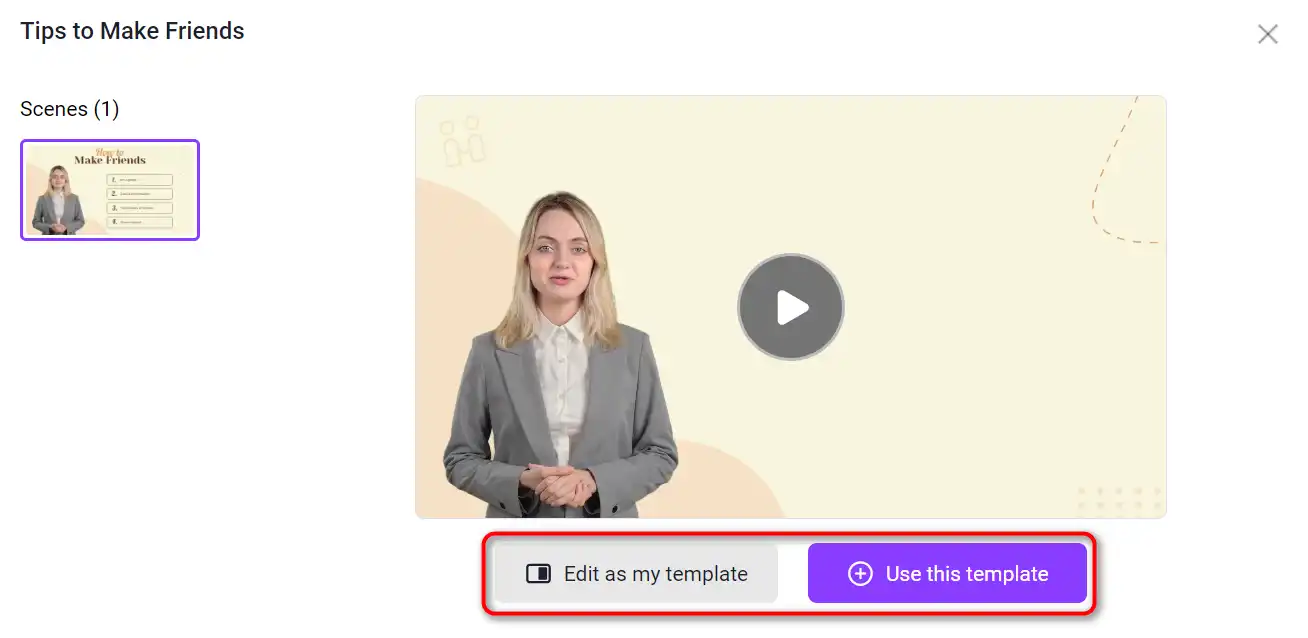
Choose a Template & Avatar

Start by selecting a pre-designed template or avatar that suits your video’s theme and purpose.
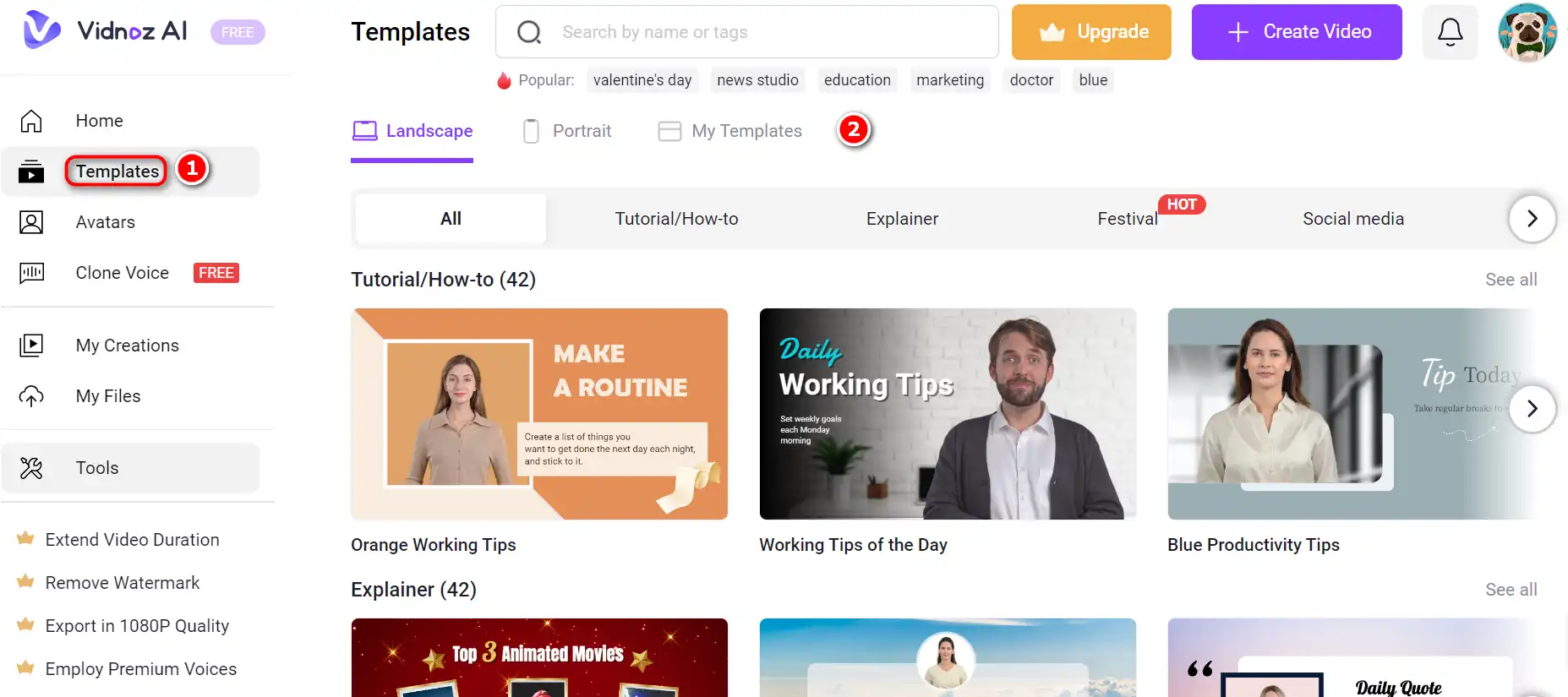
  1. Navigate to the template section and browse through the available options.
    how to use Vidnoz AI 6
  2. Choose a template that aligns with your video’s topic, such as breaking news, tutorials, or social media content.
    how to use Vidnoz AI 7
  3. Select an avatar if you wish to have an AI-generated character present in your video.
    how to use Vidnoz AI 8

Create AI Voiceover

Next, create a voiceover using the AI’s text-to-speech capabilities.
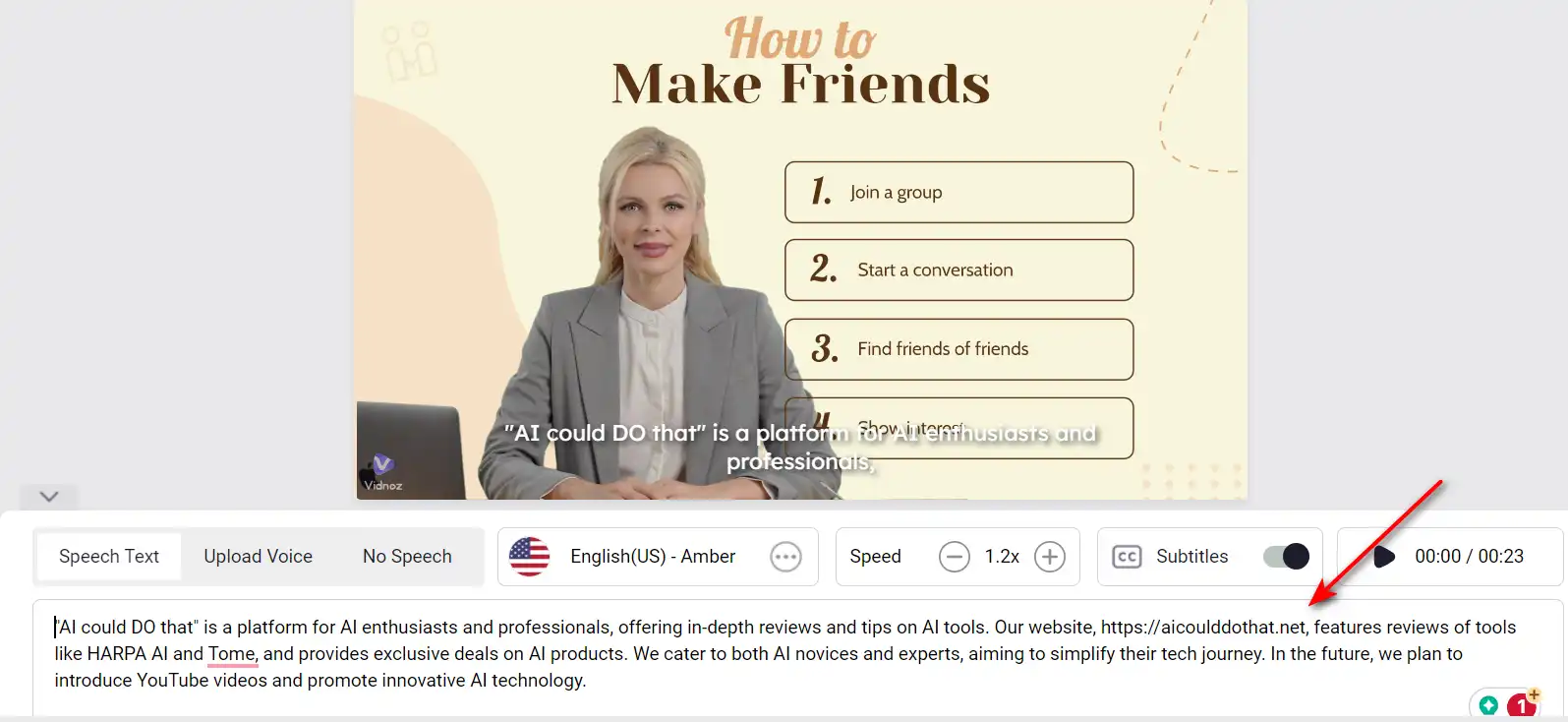
  1. Type the script you want your video to feature into the designated text box.
    how to use Vidnoz AI 9
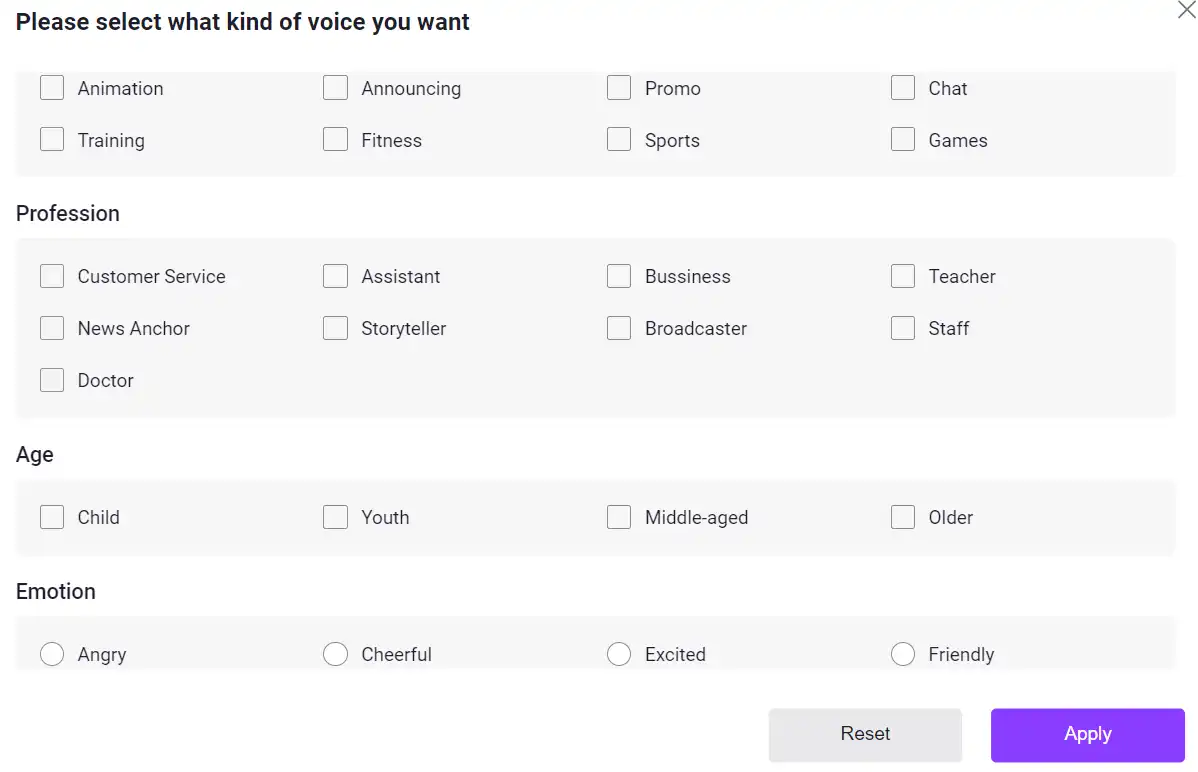
  2. Choose from a variety of voices, languages, accents, and emotional tones to match your content.
    how to use Vidnoz AI 10
  3. Adjust the speed of the speech to ensure clarity and impact.
    how to use Vidnoz AI 11

Add Custom Touch

Personalize your video with music, effects, and transitions to enhance viewer engagement.
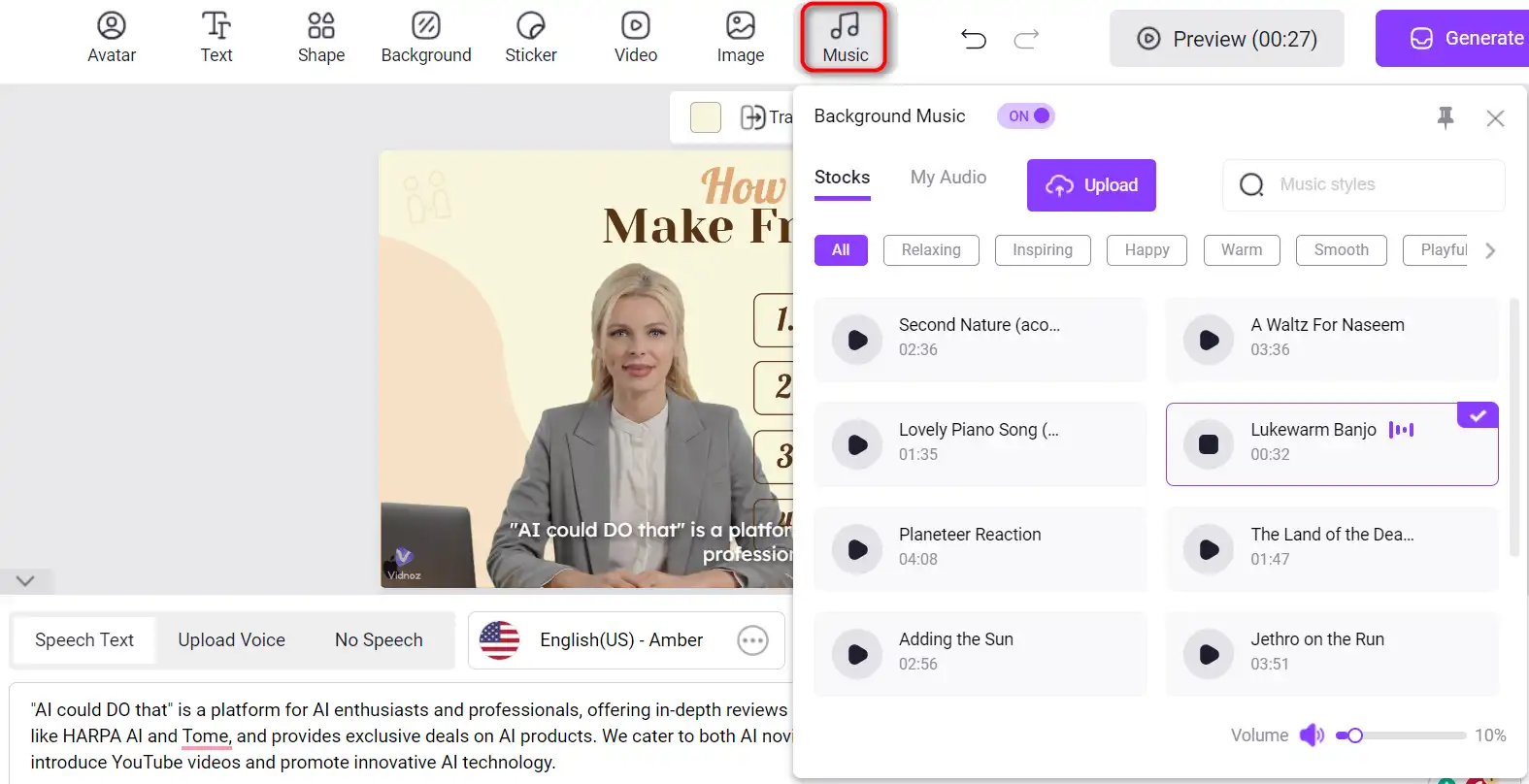
  1. Add background music that complements the tone of your video.
    how to use Vidnoz AI 12
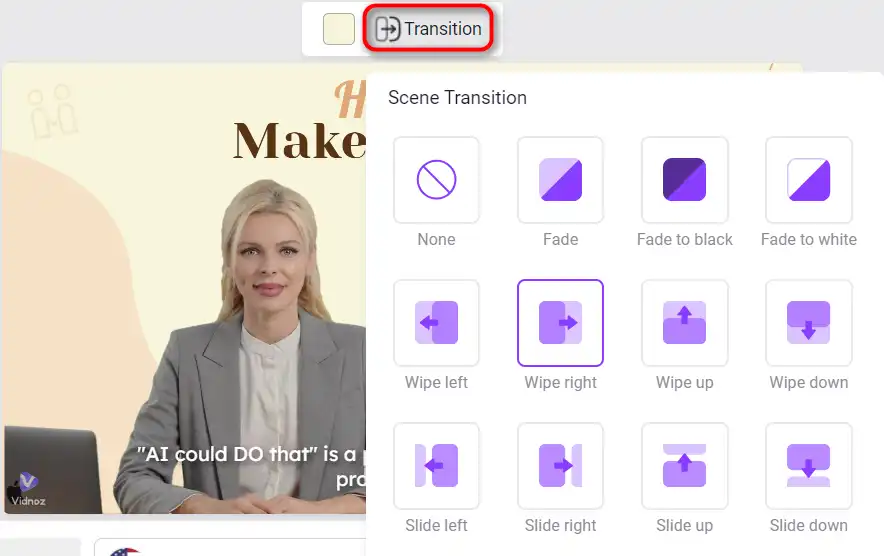
  2. Insert effects and transitions to make the video more dynamic and visually appealing.
    how to use Vidnoz AI 13
  3. Tweak the layout and other elements until you’re satisfied with the overall look and feel.
    how to use Vidnoz AI 14

Generate AI Video

With all elements in place, it’s time to generate your video.
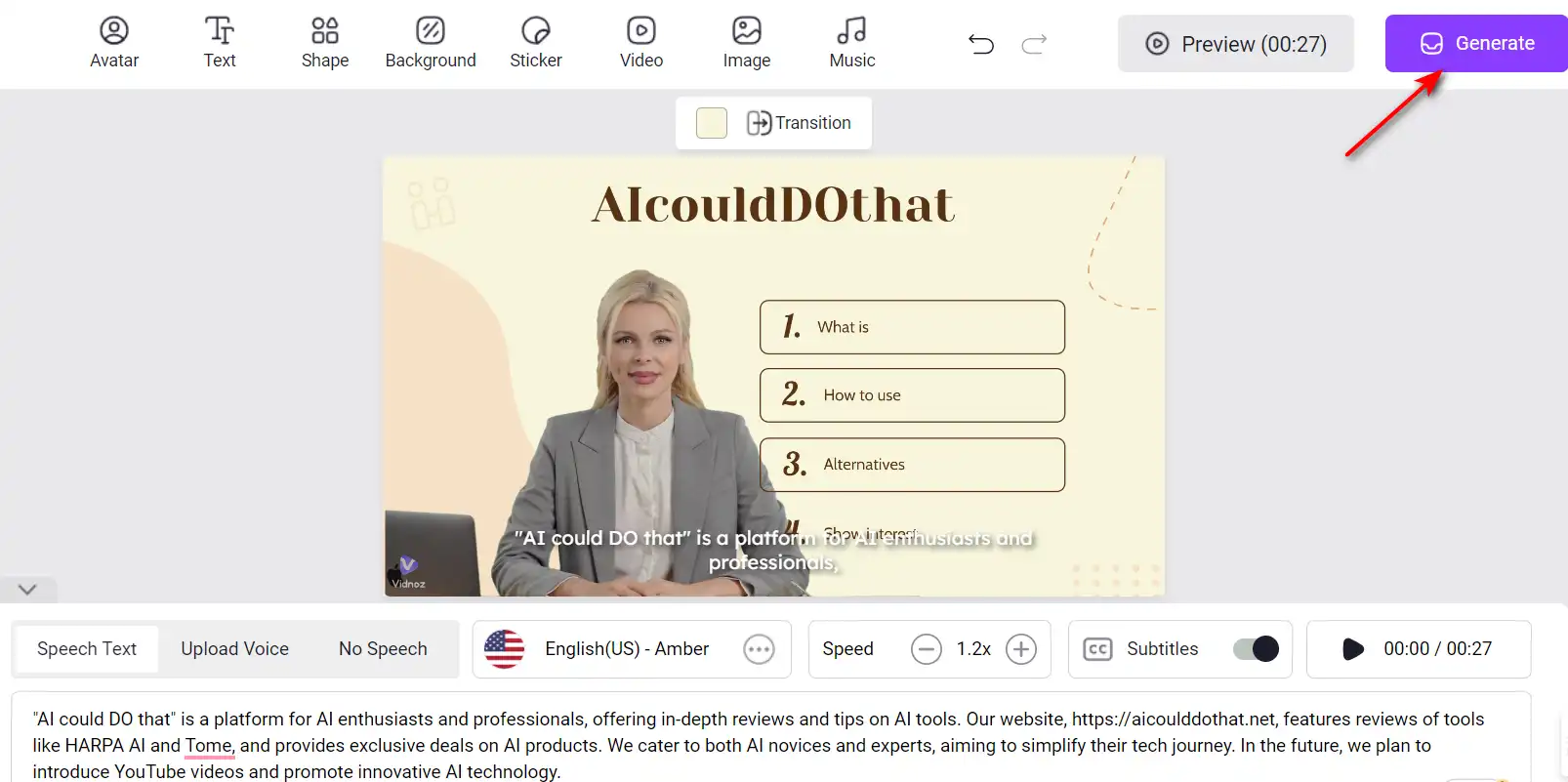
  1. Click the ‘Generate’ button to process your video.
    how to use Vidnoz AI 15
  2. Wait for the AI to calculate the video duration and complete the generation process.
    how to use Vidnoz AI 16
  3. Review the final product and make any last-minute adjustments if necessary.
    how to use Vidnoz AI 17

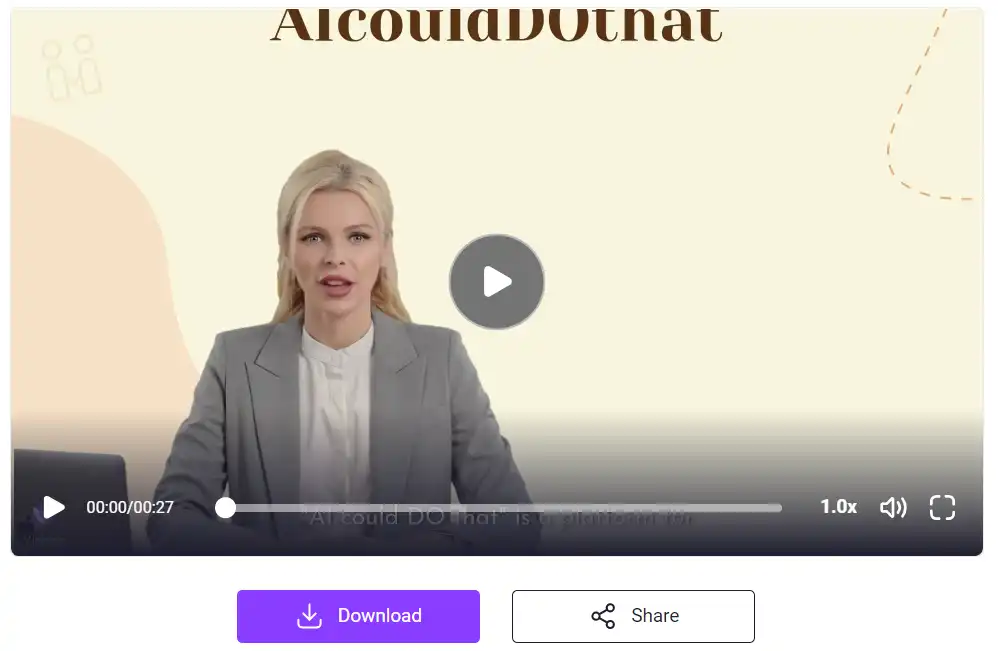
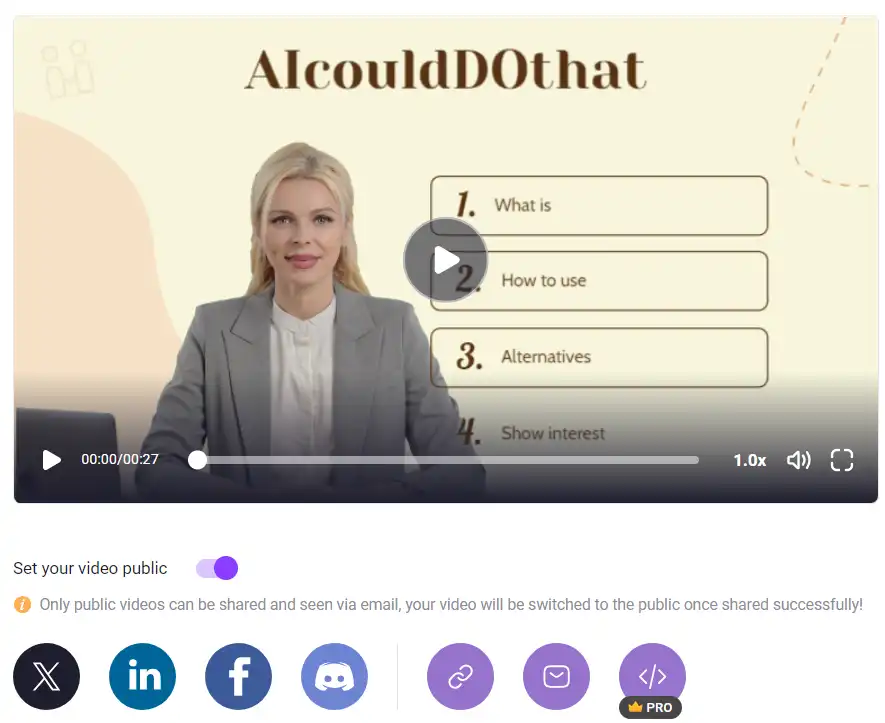
Once your video is finalized, you can download it or share it directly on social media or via email.
how to use Vidnoz AI 18

Vidnoz AI Top alternatives

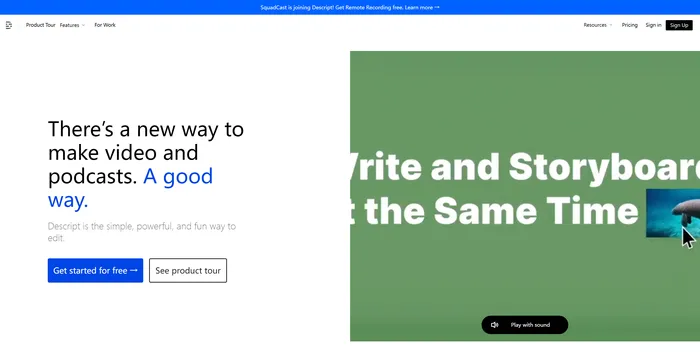
Descript Review

Descript is the ultimate AI software for editing audio and video files. It allows you to edit your media files as easily as editing a text document. You can transcribe, caption, overdub, and more with Descript.

$12/mo

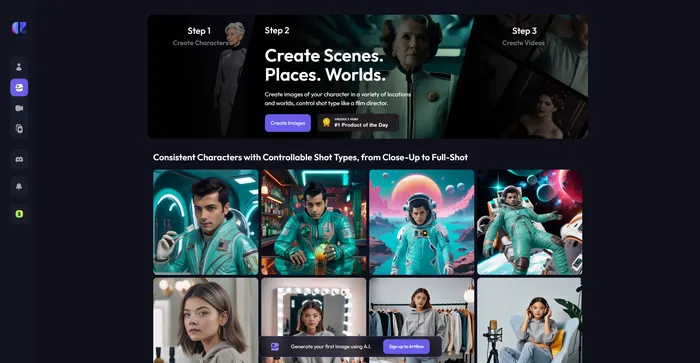
Artflow Review

Artflow.ai stands out as an innovative AI tool that caters to creators looking to transform text into unique, hand-drawn illustrations and animated stories. It is particularly beneficial for designers seeking inspiration, bloggers desiring tailored illustrations, and storytellers aiming to bring their narratives to life visually. With its focus on converting text to images, Artflow.ai changes the game in AI illustration and storytelling.

$6.42/mo

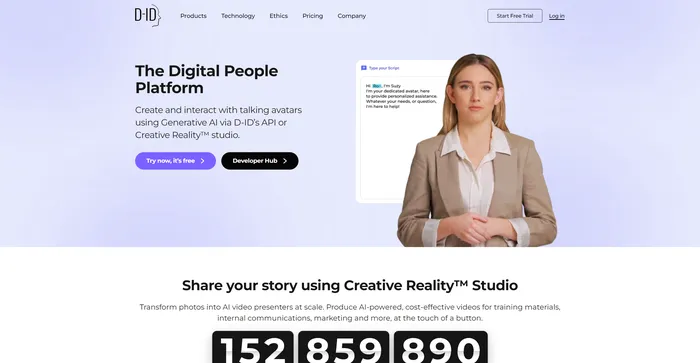
D-ID Review

D-ID’s Creative Reality™️ offers a compelling approach to humanizing digital interactions through its Natural User Interface (NUI), which allows for face-to-face conversations without the need for typing or clicking. The integration of Large Language Models and emotion analysis in NUI positions D-ID as a potential frontrunner in customer service and other conversational AI applications. However, despite the innovative technology and ease of use, users have reported issues with video rendering quality, limited functions, and customer service concerns, which suggests room for improvement.

$4.7/mo

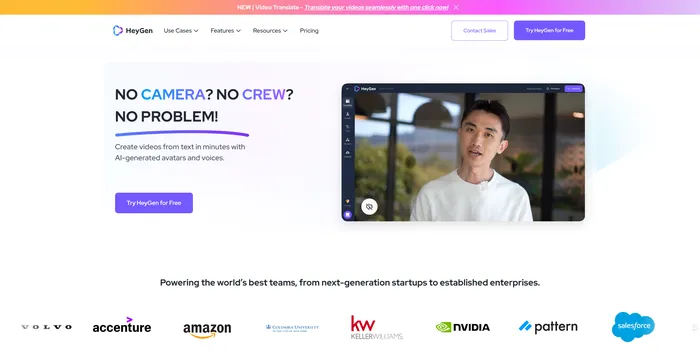
HeyGen Review

HeyGen stands out as a versatile AI video generator that caters to both professionals and beginners, enabling the creation of studio-quality videos with AI-generated avatars and voices. Its ability to engage, explain, and entertain through AI-powered video creation makes it a valuable tool for various content needs. With over 100+ AI avatars, customizable options, and a collection of high-quality voices, users can produce stunning videos in minutes, a significant time-saving compared to traditional methods.

$24/mo

Fliz Review

Fliz is an AI-powered tool that simplifies the process of creating engaging and high-quality videos. By simply inputting a URL, users can quickly turn articles, product listings, or ads into videos. The tool uses AI to generate a unique and high-quality video, retrieving essential information from your page. It offers three video styles to suit different needs and is compatible with all e-commerce solutions, making it accessible to a wide range of users.

$20/mo

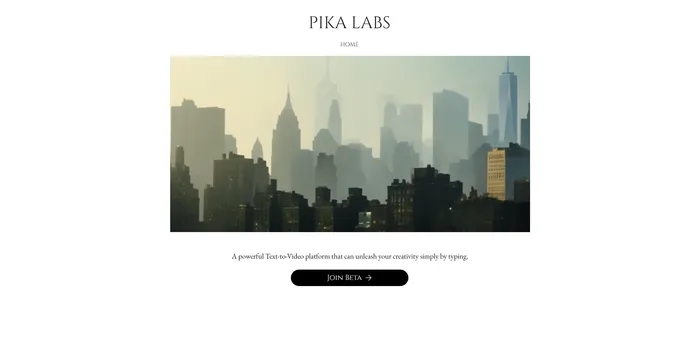
Pika Labs Review

Pika Labs is a cutting-edge AI software that lets you create stunning videos from text, image, or video inputs. Whether you want to make a cinematic trailer, an animated cartoon, or a realistic simulation, Pika Labs can help you turn your ideas into visual stories. Pika Labs uses generative AI models to produce high-quality videos in various styles and formats, giving you the freedom and flexibility to express your creativity.

$8/mo

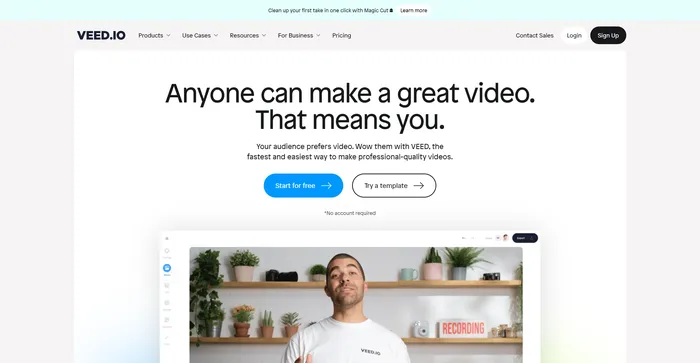
Veed Review

Veed is a simple and powerful online video editor that lets you create stunning videos in minutes. Whether you want to add subtitles, trim, crop, rotate, resize, filter, or animate your videos, Veed has got you covered. You can also record your screen, webcam, or audio and edit them right away.

$18/mo

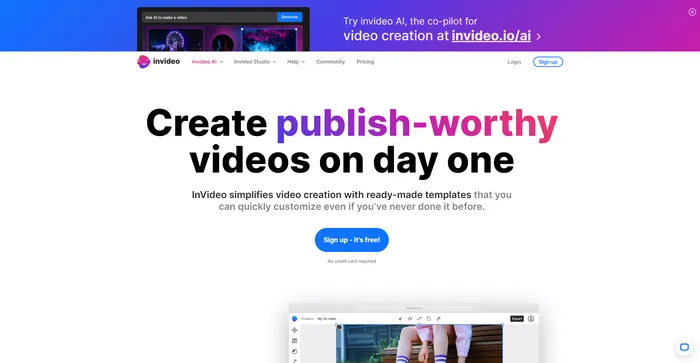
InVideo Review

InVideo is a powerful online video editor that lets you create stunning videos in minutes. Whether you want to make a promo video, a tutorial, a testimonial, or a social media post, InVideo has you covered. You can choose from thousands of templates, customize them with your own media, text, and music, and export them in HD quality.

$20/mo

Vidnoz AI FAQ

What is Vidnoz AI Tools? +

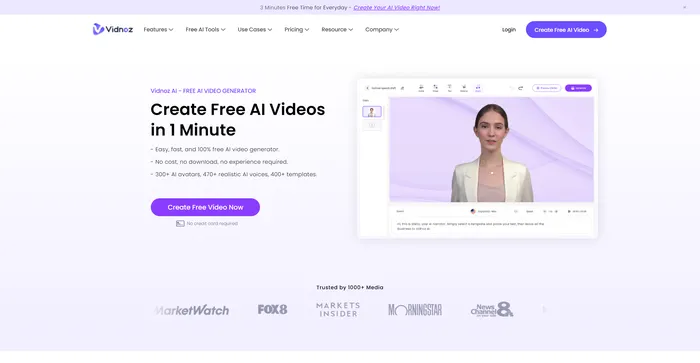
Vidnoz AI Tools is a free online platform that uses artificial intelligence to generate engaging videos. It offers a variety of features, including over 300 AI avatars, more than 470 realistic AI voices that speak 140+ languages, and a selection of ready-made templates. Users can personalize their videos by adding music, effects, transitions, and more.

How does Vidnoz AI Tools work? +

To create a video with Vidnoz AI Tools, you start by choosing a template or avatar. Next, you create an AI voiceover by typing in what you want the AI avatar to say and choosing a voice. You can then personalize the layout and add music, effects, transitions, etc. Finally, you generate the video and can download it or share it on social media or via email.

What are the main features of Vidnoz AI Tools? +

Vidnoz AI Tools offers over 300 AI avatars, more than 470 realistic AI voices that speak 140+ languages, and a variety of ready-made templates. It also allows users to personalize their videos by adding music, effects, transitions, and more. The platform is known for its user-friendly interface and its ability to generate videos quickly and efficiently.

How much does Vidnoz AI Tools cost? +

Vidnoz AI Tools is a free platform. However, to remove the Vidnoz watermark or access higher resolution downloads, a subscription plan is required. The Starter Plan costs $22.49 per month, and the Business Plan costs $56.99 per month.

Is Vidnoz AI Tools easy to use? +

Yes, Vidnoz AI Tools is known for its user-friendly interface. It is designed to be easy to navigate and use, even for those with limited technical skills. Users can generate videos quickly and efficiently, saving time and money compared to traditional video editing.

What languages does Vidnoz AI Tools support? +

Vidnoz AI Tools supports over 140 languages, thanks to its more than 470 realistic AI voices. This makes it a versatile tool for creating videos in a variety of languages.

What types of videos can I create with Vidnoz AI Tools? +

With Vidnoz AI Tools, you can create a wide range of videos, including explainer videos, tutorials, social media videos, greetings, invitations, promos, e-commerce videos, advertisements, and health & medical videos. The platform offers a variety of ready-made templates to help you get started.

How can I get support for Vidnoz AI Tools? +

For support, you can visit the Vidnoz Support Center on their website. Here, you can find answers and inspiration on high-quality video creation.

Vidnoz AI Conclusion

Embrace Vidnoz AI Tools to revolutionize your video production process. With its cost-effective and time-saving capabilities, you can create professional-quality videos that captivate your audience. Start creating today and experience the power of AI in video generation!

Featured AI Tools

Vidnoz AI Related AI Tools

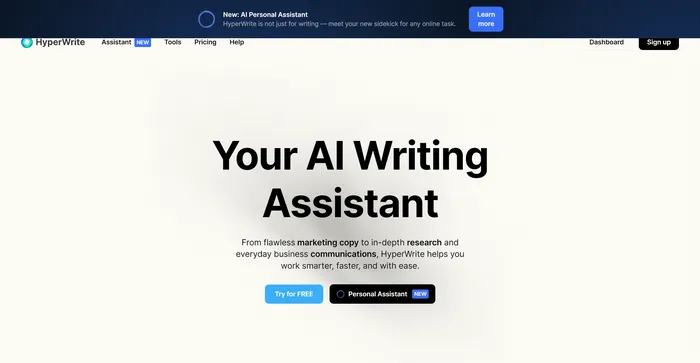
HyperWrite Review

AI Writing Assistant

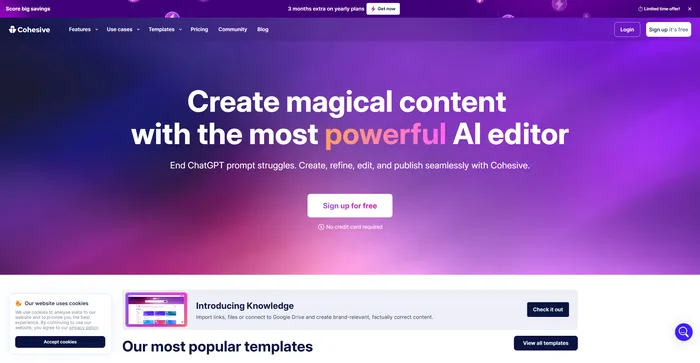
Cohesive Review

Create magical content with the most powerful AI editor

Copy.ai Review

The only AI platform purpose-built for outcomes

Jasper Review

AI copilot for enterprise marketing teams

Midjourney Review

Midjourney

Descript Review

All-in-one video & podcast editing, easy as a doc.