
Generic selectors
Exact matches only
Search in title
Search in content
Post Type Selectors

HeyGen Review: Is This AI Video Generator Worth Your Investment?

Pricing:

Platform:

Web Based

Intergrations:

API, Zapier

Social links:

Overview

Creating professional videos can be a daunting task, especially for those without advanced video editing skills.

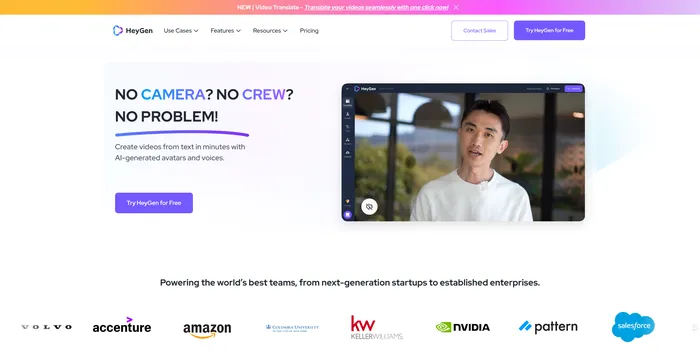
HeyGen, an AI-powered video generator, promises to simplify this process, allowing users to create high-quality videos in just a few clicks.

But does it live up to its promise? Let’s delve into an in-depth review of HeyGen to find out.

Editor's review

Overall Score: 4.5

HeyGen stands out as a versatile AI video generator that caters to both professionals and beginners, enabling the creation of studio-quality videos with AI-generated avatars and voices. Its ability to engage, explain, and entertain through AI-powered video creation makes it a valuable tool for various content needs. With over 100+ AI avatars, customizable options, and a collection of high-quality voices, users can produce stunning videos in minutes, a significant time-saving compared to traditional methods.

PROS

  • Wide selection of over 100 AI avatars with customization
  • High-quality voice options and the ability to record your own
  • Extensive array of ready-to-use templates
  • One-click solution for video translation with cloned voice and style
  • API available for integrating HeyGen’s capabilities into other products
  • AI writing assistant to accelerate video creation
  • Customizable clothing options for avatars

CONS

  • May have a learning curve for complete beginners
  • Potential limitations in avatar diversity for specific ethnicities and ages
  • Dependence on the quality of AI-driven text reader for voiceovers

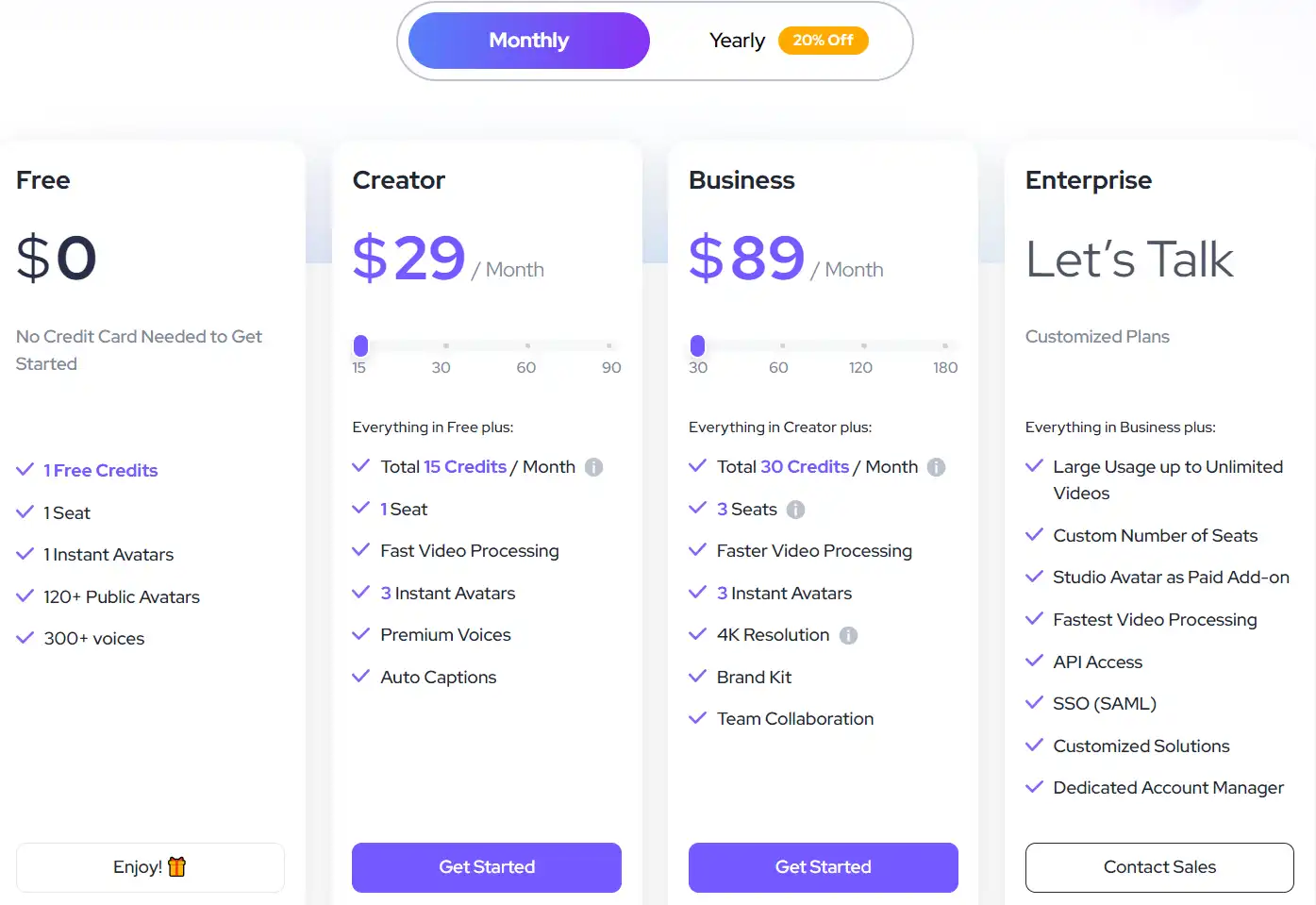
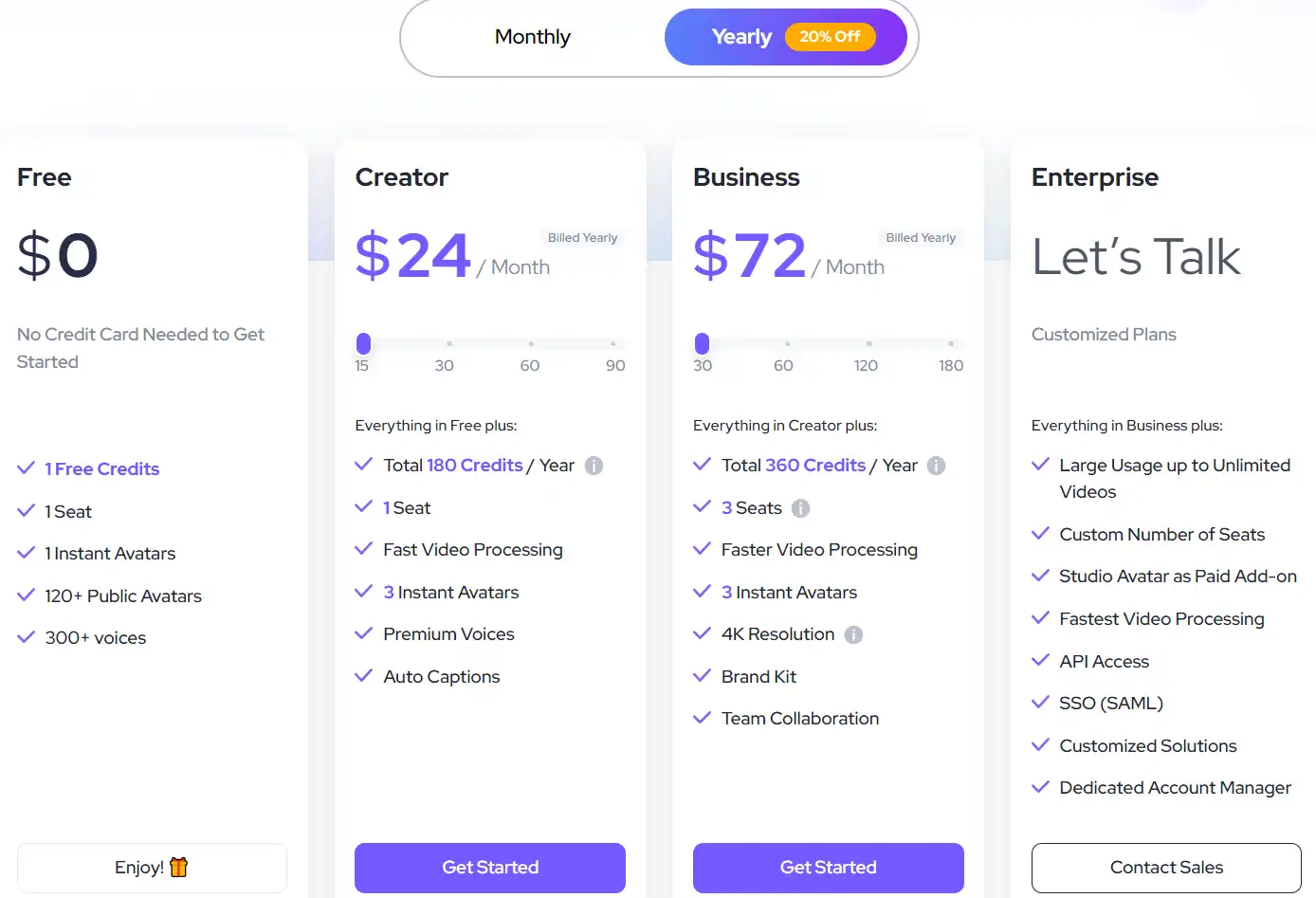
HeyGen Pricing

Pricing (yearly plan) Plan Best For
$24/month Creator Best for individual creators
$72/month Business Best for small to medium-sized businesses
Customizable Enterprise Best for large enterprises with custom needs

HeyGen monthly pricing plans.
monthly pricing plan for HeyGen 1

HeyGen annual pricing plans.
yearly pricing plan for HeyGen 2

Plan Name Creator Business Enterprise
Price per Credit $2 Monthly $3 Monthly Customizable
Instant Avatars 3 Free 3 Free Customizable
Total Credits/Year 180 360 Customizable
Space Seats 1 3 Customizable
Video Duration 60 min max 60 min max Customizable
Fast Video Processing Yes Yes Yes
4K Resolution No Yes Yes
Brand Kit No Yes Yes
Team Collaboration No Yes Yes
API Access No No Yes
Dedicated Account Manager No No Yes

What is HeyGen

• Who is HeyGen for?

HeyGen is a versatile tool that caters to a wide range of users. Whether you’re a professional content creator, a marketer looking to create engaging videos for product marketing, or a business aiming to streamline your video creation process, HeyGen is the tool for you. It’s particularly beneficial for those who want to leverage AI technology to create professional-looking videos efficiently.

• HeyGen Top features

HeyGen comes packed with impressive features. Here are a few:

  • AI Avatar Video Creation: HeyGen offers 120+ AI avatars and 300+ voices, allowing you to create engaging videos with ease.
  • Generative AI: Streamline your video creation process with HeyGen’s generative AI technology.
  • High-Quality Voices: Choose from a collection of high-quality voices or record your own to add a personal touch to your videos.
  • Ready-to-Use Templates: Select from an extensive array of ready-to-use templates for various scenarios, or start with a clean slate.

• Tips for using HeyGen

Here are some practical tips for making the most out of HeyGen:

  • 🌟 Be clear with your script: When using HeyGen, ensure your script is clear and concise to get the best results.
  • 🎯 Choose the right avatar and voice: Select an avatar and voice that best suits the tone and style of your video.
  • 📺 Use the right template: HeyGen offers a variety of templates for different scenarios. Choose the one that best fits your needs.
  • ⏱️ Experiment with different features: Don’t be afraid to experiment with different features that HeyGen offers to see what works best for your video.
  • 🗣️ Use the AI voice cloner: If you want to add a personal touch to your videos, use the AI voice cloner to record your own voice.
  • 📜 Plan your video: Before you start creating your video, plan out what you want to include. This will help you create a more coherent and engaging video.
  • 📚 Keep your audience in mind: Always keep your audience in mind when creating your video. This will help you create content that resonates with them.
  • 🔍 Review your video: Before you publish your video, make sure to review it to ensure it meets your standards.
  • 🌐 Use a compatible browser: For the best experience, use a compatible browser like Google Chrome when using HeyGen.
  • 💡 Keep learning: HeyGen is a powerful tool with many features. Keep learning and experimenting to make the most out of it.

With these tips, you can harness the full potential of HeyGen and create professional-looking videos with ease. Happy video creating! 🎥

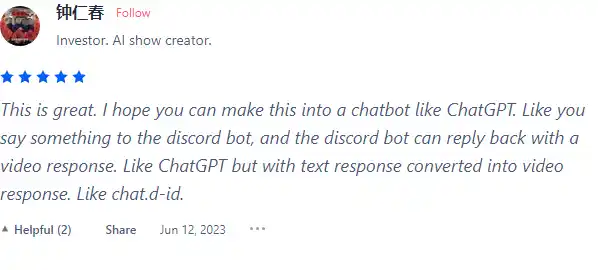
Product Hunt Review for HeyGen

What other users are saying about HeyGen

I have crosschecked my experience with the experience of other HeyGen users on Product Hunt.

Here’s what I found:

  • 🌟 HeyGen has an overall rating of 4.7/5 based on 162 reviews.
  • Most positive reviewers highlight:
    • 🗣️ Facilitates communication for non-verbal individuals
    • 🎥 Impressive quality of avatars and audio
    • 💰 Offers free credits and budget-friendly options
    • 🌐 Innovative automatic video generation based on Amazon URLs
    • 👥 Excellent customer support and responsiveness
  • 👎 Some users have expressed dissatisfaction with the service’s quality and credit policies.

How to use HeyGen

HeyGen’s user-friendly interface and advanced features make it an ideal tool for creating professional videos. Here’s a step-by-step guide on how to use its key features:

AI Avatar Video Creation

This feature allows you to create videos with AI-generated avatars that articulate your script with human-like nuance.
how to use HeyGen 3

  1. Select an avatar from the collection of over 100+ AI avatars or customize your own.
  2. Input your script into the platform.
  3. Choose a voice from the collection of high-quality voices or record your own.
  4. Select a template from the extensive array of ready-to-use templates or start with a clean slate.
  5. Generate your video. The platform will create a professional-grade video in minutes.

Text to Speech

Transform written text into natural-sounding words with this feature.
how to use HeyGen 4

  1. Input your text into the platform.
  2. Select a voice from the collection of over 300 voices in over 40 languages.
  3. Add half-second pauses in your script to make it sound natural.
  4. Generate your speech. The platform will create a natural-sounding speech in minutes.

Voice Cloning

Clone your natural speaking voice and style for seamless delivery in other languages with this feature.
how to use HeyGen 5

  1. Record your voice.
  2. Select the language you want to clone your voice into.
  3. Generate your cloned voice. The platform will create a cloned voice in minutes.

Talking Photo Animation

Create videos with animated photographs that articulate your script with human-like nuance.
how to use HeyGen 6

  1. Upload your photograph into the platform.
  2. Input your script.
  3. Select a voice from the collection of high-quality voices or record your own.
  4. Generate your talking photo animation. The platform will create an animated photograph in minutes.

HeyGen Top alternatives

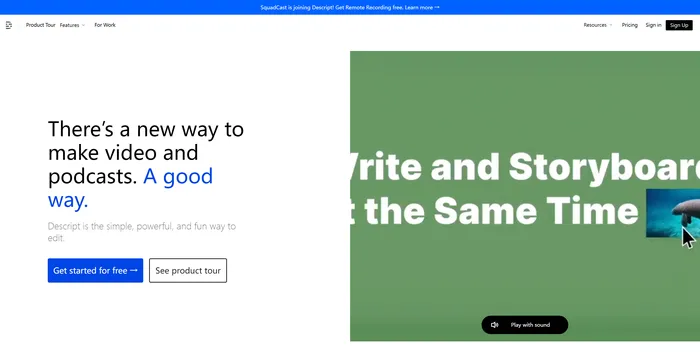
Descript Review

Descript is the ultimate AI software for editing audio and video files. It allows you to edit your media files as easily as editing a text document. You can transcribe, caption, overdub, and more with Descript.

$12/mo

Vidnoz AI Review

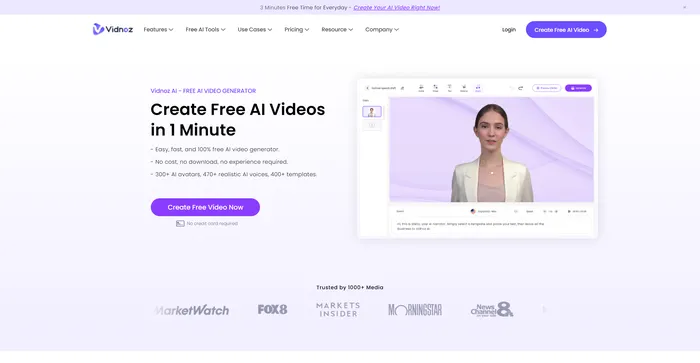
Vidnoz AI Tools is a powerful platform for creating engaging videos quickly and efficiently. It is particularly useful for those who want to convert text into video content, making it a great tool for bloggers, educators, and content creators. The user experience is smooth, even for those who may not have extensive skills in video creation. Vidnoz AI simplifies the process, making it accessible to all.

$22.49/mo

Speechify Review

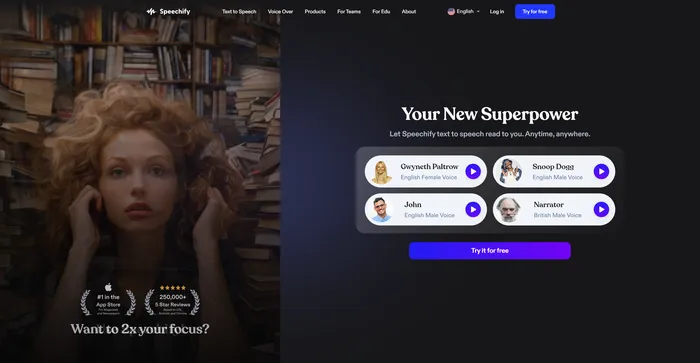
Speechify is a versatile AI text-to-speech tool that caters to a wide range of users, including those with learning disabilities like dyslexia and ADHD, as well as busy professionals and students looking to boost productivity. With its ability to convert text into natural-sounding audio, Speechify offers a hands-free and eyes-free reading experience across various platforms and devices.

$9.99/mo

Artflow Review

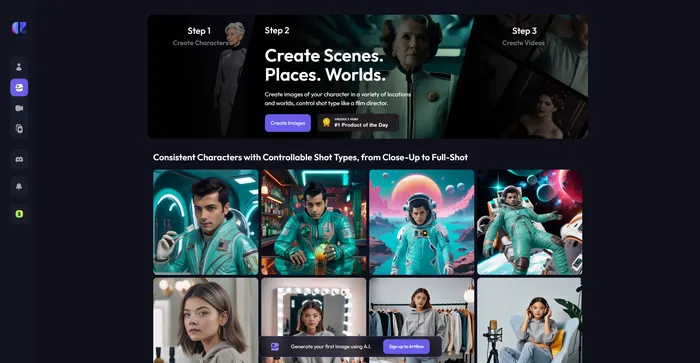
Artflow.ai stands out as an innovative AI tool that caters to creators looking to transform text into unique, hand-drawn illustrations and animated stories. It is particularly beneficial for designers seeking inspiration, bloggers desiring tailored illustrations, and storytellers aiming to bring their narratives to life visually. With its focus on converting text to images, Artflow.ai changes the game in AI illustration and storytelling.

$6.42/mo

D-ID Review

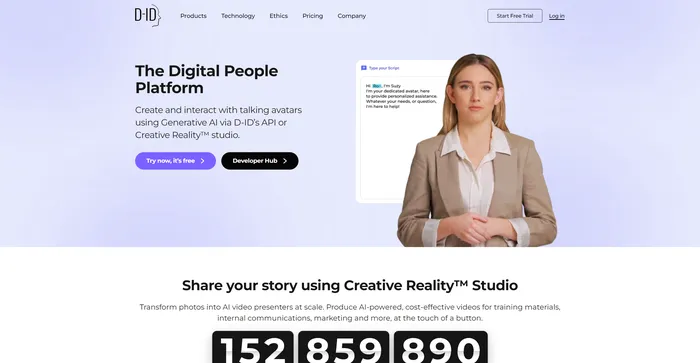
D-ID’s Creative Reality™️ offers a compelling approach to humanizing digital interactions through its Natural User Interface (NUI), which allows for face-to-face conversations without the need for typing or clicking. The integration of Large Language Models and emotion analysis in NUI positions D-ID as a potential frontrunner in customer service and other conversational AI applications. However, despite the innovative technology and ease of use, users have reported issues with video rendering quality, limited functions, and customer service concerns, which suggests room for improvement.

$4.7/mo

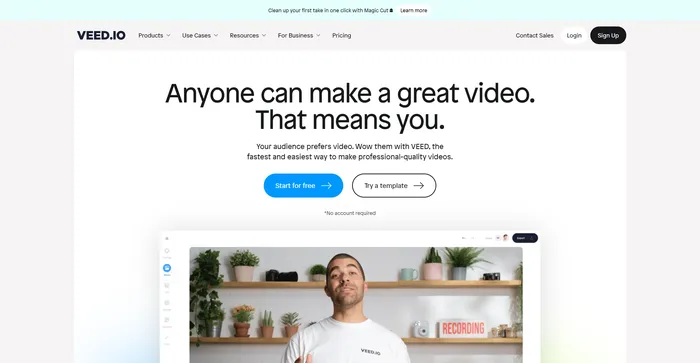
Veed Review

Veed is a simple and powerful online video editor that lets you create stunning videos in minutes. Whether you want to add subtitles, trim, crop, rotate, resize, filter, or animate your videos, Veed has got you covered. You can also record your screen, webcam, or audio and edit them right away.

$18/mo

HeyGen FAQ

What is HeyGen? +

HeyGen is an AI-powered video generator that helps users create professional-looking videos. It offers features like AI avatars, AI-powered Text-to-Speech, voice cloning, and a wide range of templates. It’s designed to streamline the video creation process, making it faster and more efficient.

What are the key features of HeyGen? +

HeyGen offers a variety of features including over 100 AI avatars, high-quality voices, and an extensive collection of ready-to-use templates. Users can customize their avatars, record their own voices, and even translate their videos into different languages using HeyGen’s one-click solution. The platform also provides an API for integrating its powerful AI capabilities into other products.

How much does HeyGen cost? +

HeyGen offers several pricing plans, starting at $24 per month. They also offer a free plan with limited features. The pricing varies based on the number of credits per month and the features included in each plan.

Is HeyGen easy to use? +

Yes, HeyGen is designed to be user-friendly. It offers an easy-to-use interface that allows users to create videos with ease. The platform also provides a drag-and-drop feature for adding graphics, text, and audio into the templates.

What are the reviews of HeyGen? +

HeyGen has received positive reviews for its high-quality animations, user-friendly interface, and the ability to transform text into engaging video content. Users have praised its realistic avatars and high-quality audio, which make it easy to produce videos that people want to watch.

Can I customize my avatar in HeyGen? +

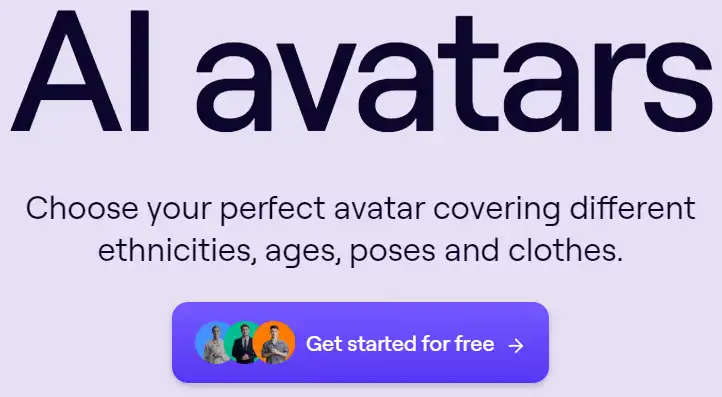
Yes, HeyGen allows users to choose from over 100 AI avatars or customize their own. Users can select the perfect avatar covering different ethnicities, ages, poses, and clothes.

Can I record my own voice in HeyGen? +

Yes, in addition to choosing from a collection of high-quality voices, HeyGen also allows users to record their own voices for their videos.

Does HeyGen offer a free trial? +

Yes, HeyGen offers a free trial. They also provide a free plan with limited features.

HeyGen Conclusion

Choose HeyGen to revolutionize your video creation process. It’s user-friendly, efficient, and leverages advanced AI technology to produce high-quality videos. With HeyGen, you can focus on crafting engaging content while the platform takes care of the complex tasks.

Featured AI Tools

HeyGen Related AI Tools

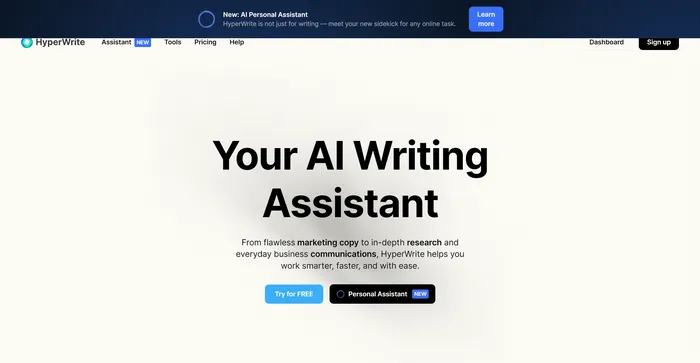
HyperWrite Review

AI Writing Assistant

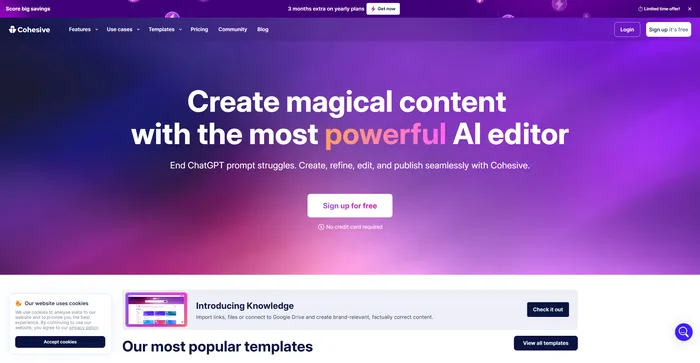
Cohesive Review

Create magical content with the most powerful AI editor

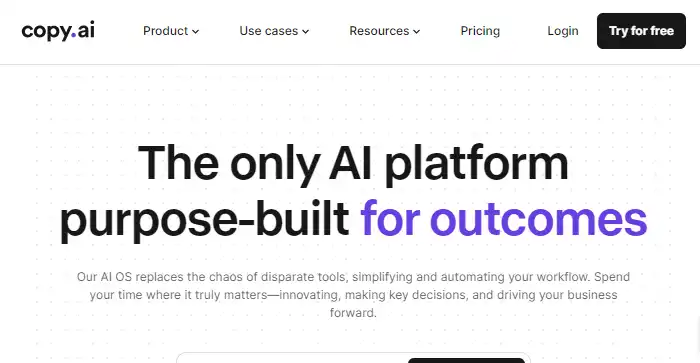
Copy.ai Review

The only AI platform purpose-built for outcomes

Jasper Review

AI copilot for enterprise marketing teams

Midjourney Review

Midjourney

Descript Review

All-in-one video & podcast editing, easy as a doc.