Generic selectors
Exact matches only
Search in title
Search in content
Post Type Selectors

Descript Review: Is This the Future of Video and Podcast Editing?

Platform:

Desktop, Web Based

Intergrations:

Best use cases:

# #

Social links:

Overview

Video and podcast editing can be a daunting task, especially for those without a background in audiovisual production.

Descript promises to change this narrative by leveraging artificial intelligence to simplify the editing process.

But does it deliver on its promise? Let’s delve into an in-depth review of Descript to find out.

Editor's review

Overall Score: 4.5

Descript is the ultimate AI software for editing audio and video files. It allows you to edit your media files as easily as editing a text document. You can transcribe, caption, overdub, and more with Descript.

PROS

  • Intuitive and user-friendly interface
  • Powerful features such as auto-transcription, auto-captioning
  • High-quality synthetic voices for overdubbing and voice cloning
  • Collaborative and cloud-based platform

CONS

  • Expensive pricing plans for heavy users
  • Limited support for non-English languages

Descript Pricing

Pricing (monthly plan) Plan Best For
12 USD Creator Best for individuals with basic video editing and transcription needs
24 USD Pro Best for professionals seeking advanced features and more transcription hours
Custom Enterprise Best for large teams or organizations requiring custom solutions and dedicated support

Descript monthly pricing plans.
monthly pricing plan for Descript 1

Descript annual pricing plans.
yearly pricing plan for Descript 2

Feature Free Creator Pro Enterprise
Watermark-free export 1 per month Unlimited Unlimited Unlimited
Transcription hours / month 1 10 30 Custom
Remote recording hours / month 1 10 30 Custom
Video quality Up to 720p Up to 4K Up to 4K Custom
Filler word removal No Yes (limited) Yes (advanced) Custom
AI voice cloning No Yes (1,000 word vocabulary) Unlimited Custom
Stock media access Limited Basic Full Custom
Support Standard Standard Standard Dedicated account representative
Additional features – AI effects (limited) AI effects (full), Green Screen SSO, Security review, Invoicing, Onboarding & training

What is Descript

• Who is Descript for?

Descript is a versatile tool designed for a wide range of users. Whether you’re a podcaster seeking to streamline your editing process, a video content creator looking to enhance your production efficiency, or a business aiming to create engaging multimedia content, Descript could be the tool for you. It’s particularly beneficial for those who want to leverage AI technology to simplify and expedite the editing process.

• Descript Top features

Descript boasts a variety of impressive features. Here are a few:

  • Fast and Accurate Transcription: Descript offers transcription services in 22 languages, turning your audio into editable text with remarkable accuracy.
  • Intuitive Editing: Edit your audio and video content as easily as editing a document. Remove filler words, add effects, and make changes on the fly.
  • Overdub Feature: Create a digital voice profile and generate speech from text, adding a new dimension to your content creation.
  • Screen Recording: Capture your screen and record your microphone or computer audio, perfect for tutorials or demonstrations.

• Tips for using Descript

Here are some tips to help you get the most out of Descript:

  • 🌐 Stable Internet Connection: Descript requires a stable internet connection for optimal performance.
  • 🎧 Quality Audio Input: The accuracy of Descript’s transcription service depends on the quality of the audio input. Ensure your audio is clear and free of background noise for the best results.
  • 📝 Review Transcriptions: While Descript’s AI is impressive, it’s not infallible. Always review the transcriptions for any errors or inaccuracies.
  • 🔧 Explore the Features: Descript offers a wealth of features. Spend some time exploring these to fully leverage the tool’s capabilities.
  • 💡 Use the Tutorials: Descript provides interactive tutorial projects to help you understand its features and capabilities. Make use of these to enhance your proficiency with the tool.
  • 🔄 Regular Updates: Descript is regularly updated with new features and improvements. Keep your software up-to-date to benefit from these enhancements.

With these tips, you can make the most of what Descript has to offer. Happy editing! 🎬

Product Hunt Review for Descript

What other users are saying about Descript

I have crosschecked my experience with the experience of other Descript customers on Product Hunt.

Here’s what I found:

  • 🌟 Descript has a 4.4/5 rating on Product Hunt with 121 total reviews.
  • Most positive reviewers like Descript for its:
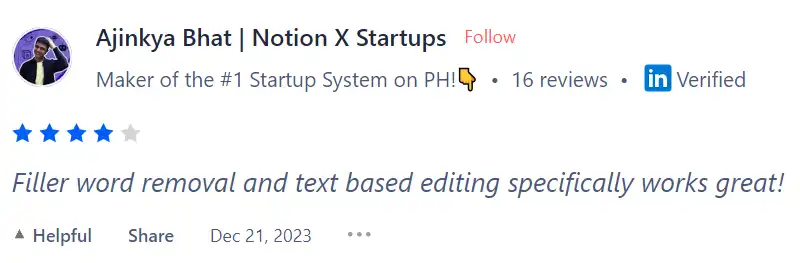
    • 💬 Filler word removal and text based editing specifically works great!
    • 😇 A really good tool with doc editing feature for videos and excellent at subtitle generation
    • 💰 Saves tons of time. Love it!
    • 🚀 Makes life easier for recording and editing
    • ⏰ Mindblowing, saves hours and easy to use
  • 🐾 Descript also enhances the sound quality of videos, making it incredibly effortless to improve audio quality, which is an aspect liked by some users.
  • ☁️ It did get some negative reviews when it comes to creating a sample without charging and lack of customer support.

How to use Descript

Descript offers a range of features that can enhance your video and podcast editing process. Here’s how you can make the most of them:

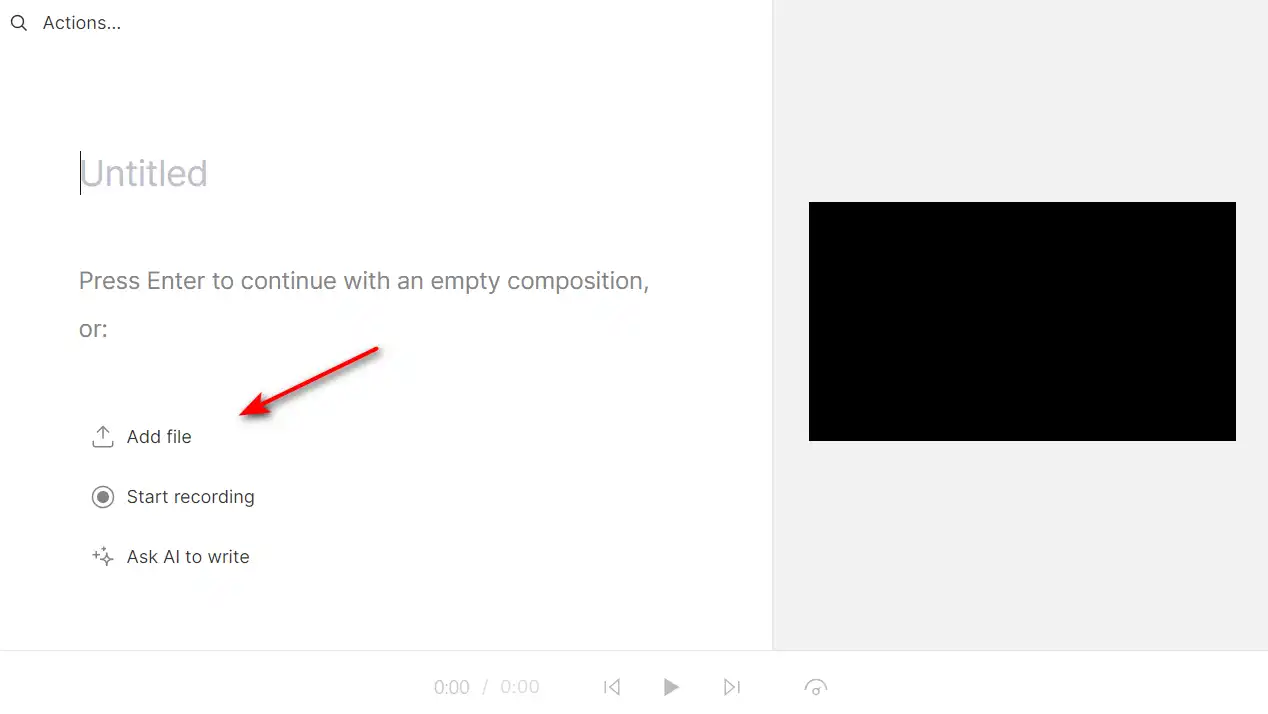
Importing and Transcribing Media Files

Start by importing your media files into Descript. The tool will automatically transcribe your footage, allowing you to edit it like a word document.
how to use Descript 4

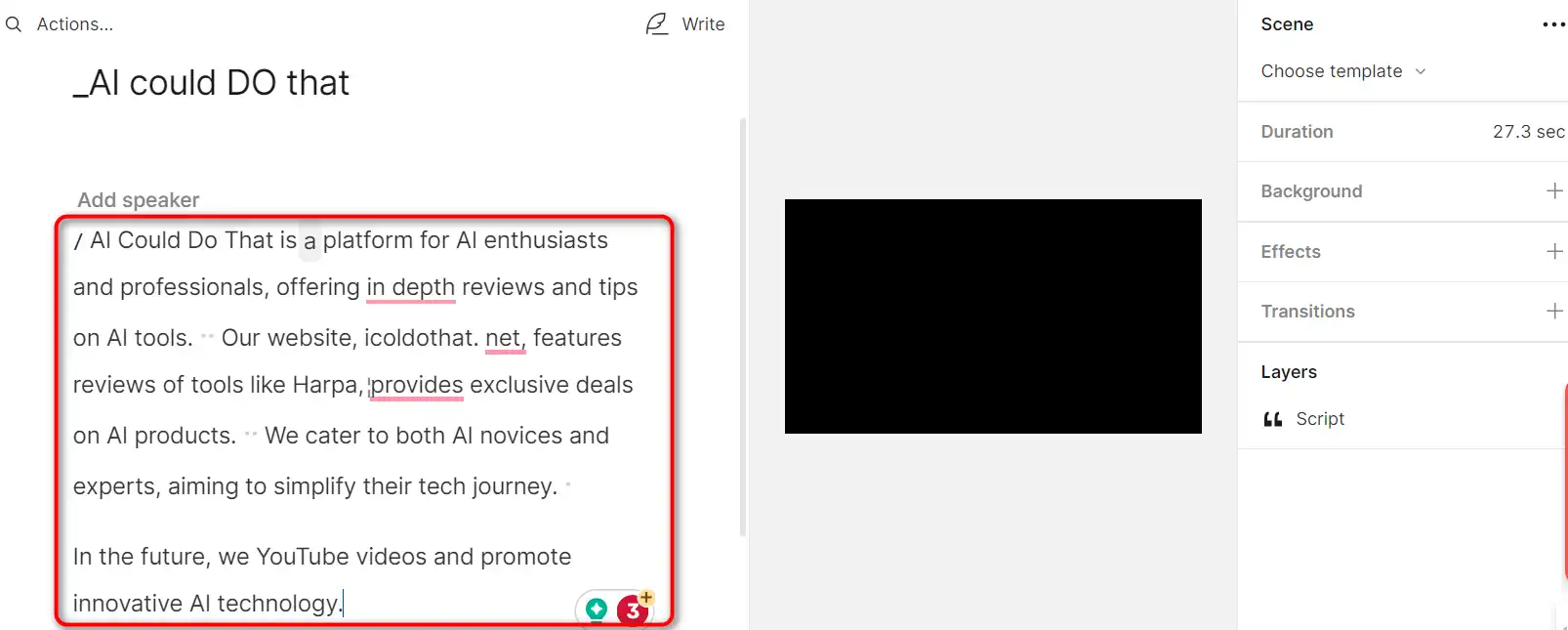
Editing Like a Doc

With the transcript in place, you can edit your content as easily as editing a document. This includes cutting, copying, pasting, and deleting parts of the transcript, which will reflect in the audio or video file.
how to use Descript 5

Correcting Your Transcript

Descript provides powerful correction tools to ensure the accuracy of your transcript. You can manually correct any errors in the transcription to ensure it aligns perfectly with your audio or video content.

how to use Descript 6

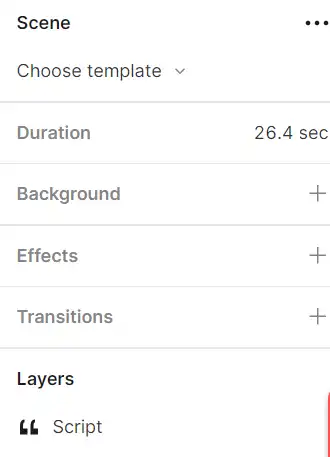
Working with Scenes

Descript allows you to work with scenes, making it ideal for creating structured content like tutorials, webinars, and more.
how to use Descript 7

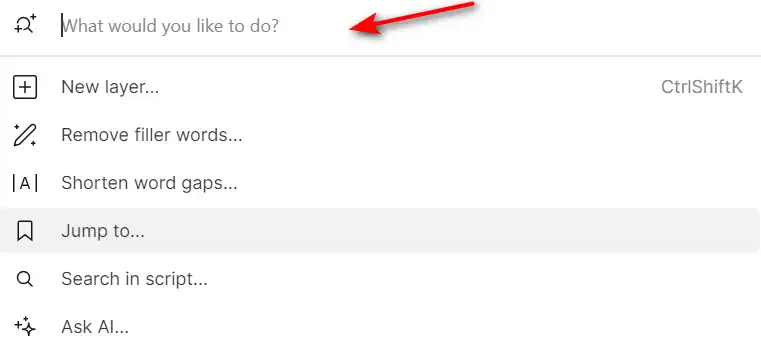
AI Actions

Descript’s AI actions can speed up or eliminate tedious tasks like writing social posts, adding chapter markers, and summarizing your content. This allows you to focus more on the creative aspects of your project.
how to use Descript 8

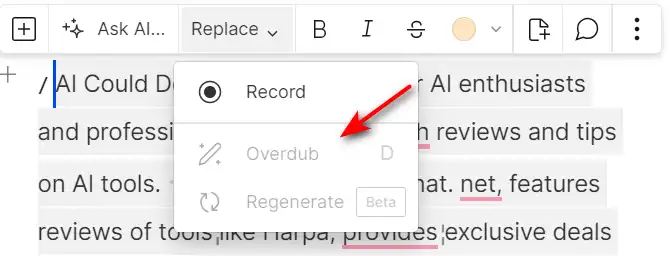
Overdub Voice Cloning

Create a digital voice profile for yourself with Descript’s Overdub feature. This allows you to insert words into your transcript, which are then added into your recording using your digital voice profile.
how to use Descript 9

Studio Sound and Filler Word Removal

Improve the quality of your audio with the Studio Sound feature, and remove filler words like “um”, “uh”, and “you know” with a single click.
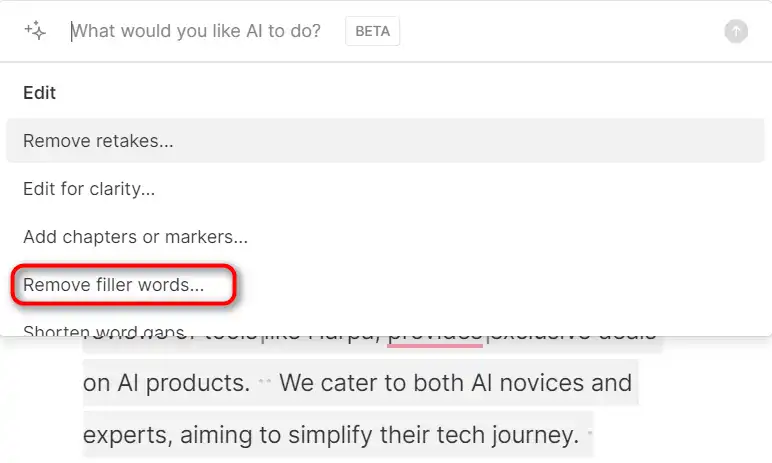
how to use Descript 10

Video Green Screen and AI Effects

Descript also offers video editing features, including green screen effects and AI enhancements. You can add titles, shapes, lines, arrows, and images to your videos.
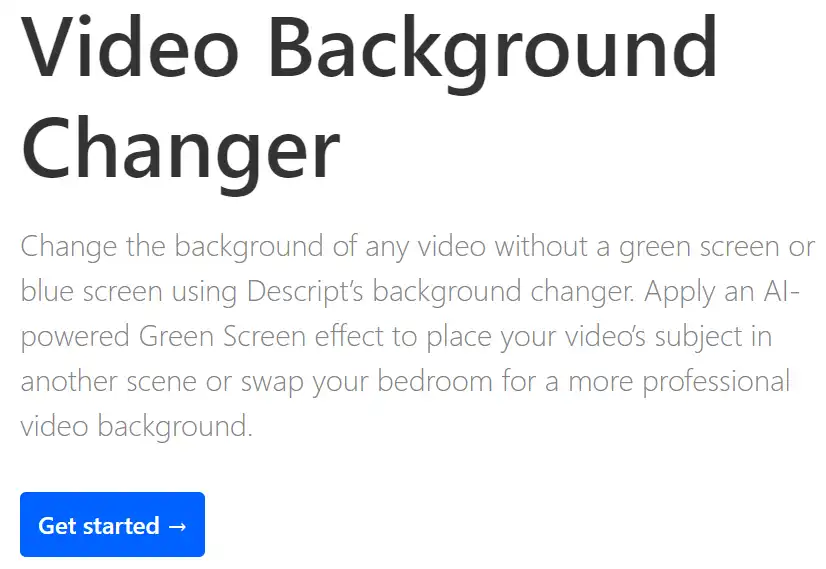
how to use Descript 11

Descript Top alternatives

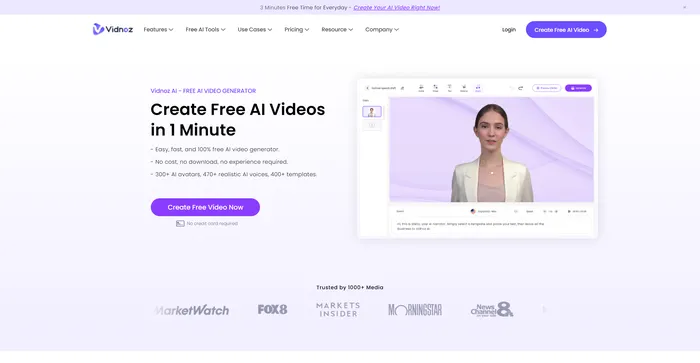
Vidnoz AI Review

Vidnoz AI Tools is a powerful platform for creating engaging videos quickly and efficiently. It is particularly useful for those who want to convert text into video content, making it a great tool for bloggers, educators, and content creators. The user experience is smooth, even for those who may not have extensive skills in video creation. Vidnoz AI simplifies the process, making it accessible to all.

$22.49/mo

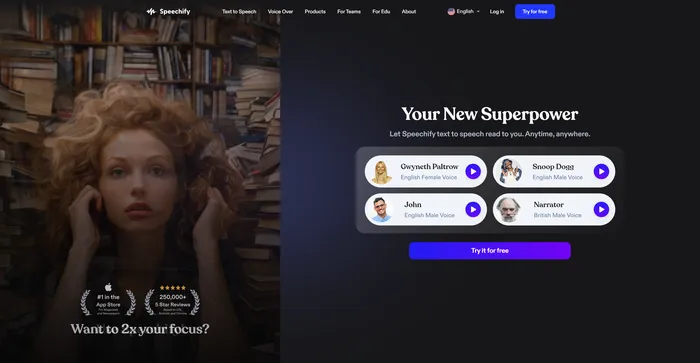
Speechify Review

Speechify is a versatile AI text-to-speech tool that caters to a wide range of users, including those with learning disabilities like dyslexia and ADHD, as well as busy professionals and students looking to boost productivity. With its ability to convert text into natural-sounding audio, Speechify offers a hands-free and eyes-free reading experience across various platforms and devices.

$9.99/mo

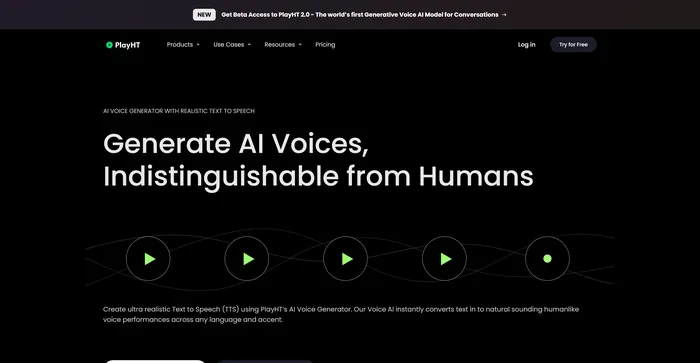
PlayHT Review

PlayHT is a leading AI-powered text-to-speech tool that effortlessly converts written content into natural-sounding voice performances. It caters to diverse needs such as voiceovers, podcasts, or any other form of spoken word. The tool leverages artificial intelligence and machine learning to generate natural-sounding voices, enhancing listener engagement. It supports multiple languages, not just English, which allows for diverse and global use cases. It provides a wide range of voice options, including both male and female voices, catering to different content needs.

$29.00/mo

HeyGen Review

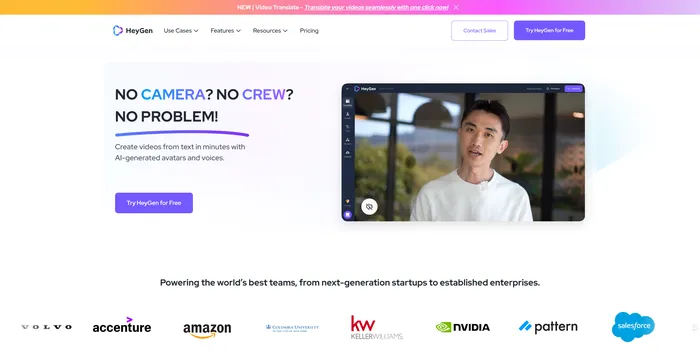
HeyGen stands out as a versatile AI video generator that caters to both professionals and beginners, enabling the creation of studio-quality videos with AI-generated avatars and voices. Its ability to engage, explain, and entertain through AI-powered video creation makes it a valuable tool for various content needs. With over 100+ AI avatars, customizable options, and a collection of high-quality voices, users can produce stunning videos in minutes, a significant time-saving compared to traditional methods.

$24/mo

Kits AI Review

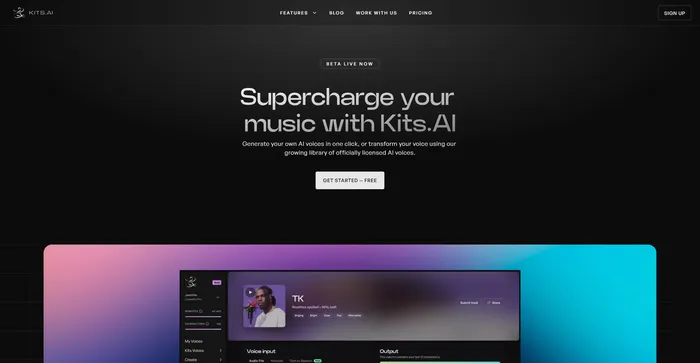
Kits AI is an AI software that lets you create and transform your voice into different characters and styles. You can use it to make your own voiceovers, podcasts, audiobooks, or music with a variety of voices and effects. Kits AI claims to be the first AI voice generator that can mimic any voice in the world, from celebrities to fictional characters.

However, Kits AI is not without its flaws. The software is still in beta and has some limitations and bugs. For example, voice quality is also not very consistent, and sometimes the voices sound robotic or unnatural. Moreover, some users have reported ethical and legal concerns about using the voices of real people without their consent.

$9.99/mo

ElevenLabs Review

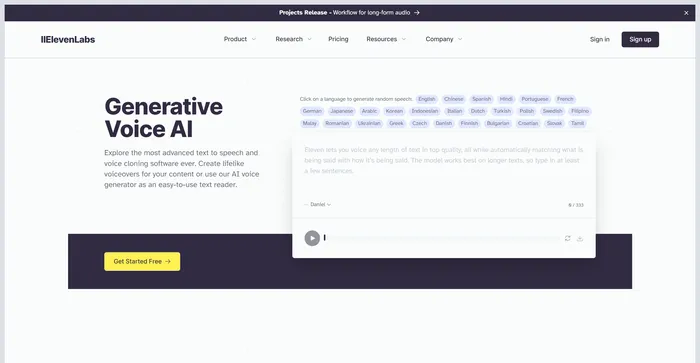
ElevenLabs is an AI firm that specializes in realistic, synthetic voice generation, capable of mimicking human speech in over 30 languages. If you are looking for a fast and powerful text-to-speech and voice API, ElevenLabs is a great option to consider. You can create lifelike voices for various purposes, such as video, gaming, audiobooks, and chatbots.

$1/mo

Rask Review

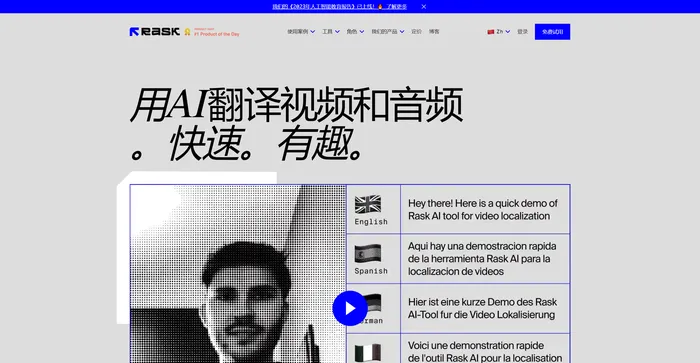
Rask AI is a leading tool in the field of video localization and dubbing, powered by advanced artificial intelligence (AI) technology. It offers a seamless experience for translating and dubbing videos, ensuring that content creators can reach a global audience without the barriers of language. Rask AI’s cutting-edge technology allows for seamless dubbing and translation, saving both time and money. The “Text-to-Voice” and “Voice Cloning” technologies are truly impressive, delivering a human-like voiceover that sounds just as good as a professional voice actor.

$50/mo

Descript FAQ

What is Descript? +

Descript is an all-in-one video and podcast editing platform that uses artificial intelligence to simplify the editing process. It offers features like automatic transcription, video enhancement, and the ability to edit content as easily as editing a document. It also supports most common audio file formats and allows users to publish their podcasts directly to their preferred hosting service.

What are the system requirements for Descript? +

Descript is supported on both macOS and Windows desktops. For macOS, the minimum system requirements include 8GB RAM, macOS 10.13 or later, and a Chrome, Firefox, or Safari browser for authentication. Descript runs best with 20GB or more free space on your hard drive. A web version of Descript is also available for all users.

What are the key features of Descript? +

Descript offers a range of features including automatic transcription, video enhancement, and the ability to edit content as easily as editing a document. It also has an AI summarizer that can generate concise summaries of video or audio content. Descript supports most common audio file formats and allows users to publish their podcasts directly to their preferred hosting service.

How does Descript use AI? +

Descript uses artificial intelligence to automate various aspects of the editing process. For instance, it uses AI to automatically transcribe audio and video files, identify and remove filler words, and generate concise summaries of content. It also uses AI to enhance video quality.

Can Descript create podcast show notes? +

Yes, Descript’s AI can automatically create podcast summaries for show notes. This feature saves users the time they would otherwise spend writing show notes, especially after spending considerable time creating a new episode.

What audio formats does Descript support? +

Descript supports most common audio file formats, including WAV, MP3, AAC, AIFF, M4A, and FLAC.

Can I publish my podcasts directly from Descript? +

Yes, you can publish your podcasts directly to your favorite hosting service from Descript. If you’ve created a video podcast, you can publish it directly to YouTube from Descript.

How can I get help with Descript? +

If you need help with Descript, you can submit a request through their Help Center. They will assist you in finding the answers you need.

Descript Conclusion

Choose Descript to revolutionize your video and podcast editing process. With its AI-driven features and user-friendly interface, Descript makes editing as easy as working on a document. It’s time to say goodbye to traditional, labor-intensive editing methods and embrace the future of efficiency and creativity with Descript.

Featured AI Tools

Descript Related AI Tools

Vidnoz AI Review

Create FREE Engaging AI Videos 10X Faster

Cutout.Pro Review

AI Photo Editing | Visual Content Generation Platform, best for image and video design

Speechify Review

Turn Any Reading Into Audio

Simplified Review

An Easy to Use All-In-One App For Modern Marketing Teams

PlayHT Review

AI Voice Generator: Realistic Text to Speech and AI Voiceover