Generic selectors
Exact matches only
Search in title
Search in content
Post Type Selectors

Is Rask AI the Ultimate Solution for AI-Powered Video Localization and Dubbing?

Pricing:

Platform:

Web Based

Intergrations:

API

Social links:

Overview

Are you struggling to reach a global audience due to language barriers in your video content?

Discover how Rask AI revolutionizes video localization and dubbing, making it faster and more accessible than ever before.

With its advanced VoiceClone and translation capabilities, Rask AI promises to open up new markets and audiences for your content.

Editor's review

Overall Score: 4.7

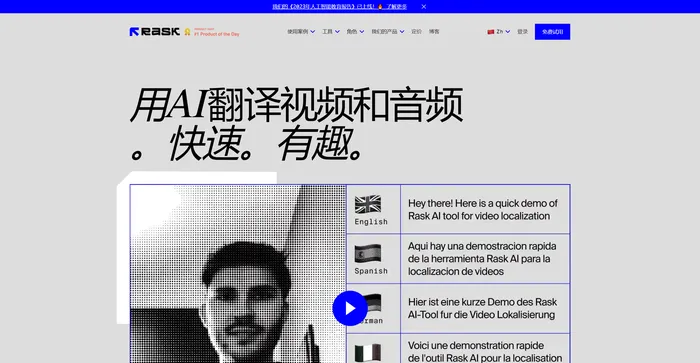
Rask AI is a leading tool in the field of video localization and dubbing, powered by advanced artificial intelligence (AI) technology. It offers a seamless experience for translating and dubbing videos, ensuring that content creators can reach a global audience without the barriers of language. Rask AI’s cutting-edge technology allows for seamless dubbing and translation, saving both time and money. The “Text-to-Voice” and “Voice Cloning” technologies are truly impressive, delivering a human-like voiceover that sounds just as good as a professional voice actor.

PROS

  • Expands global reach by translating content into 130+ languages
  • Maintains the original tone and style with voice cloning
  • Effectively manages and translates multiple speakers in a single video
  • Simplifies adding subtitles with SRT uploading
  • Easy integration with existing systems through API

CONS

  • Occasional translation errors
  • May produce accents or tones that are not perfectly authentic
  • Free trial is very limited and does not include all features
  • May not be compatible with some video formats or platforms

Rask Pricing

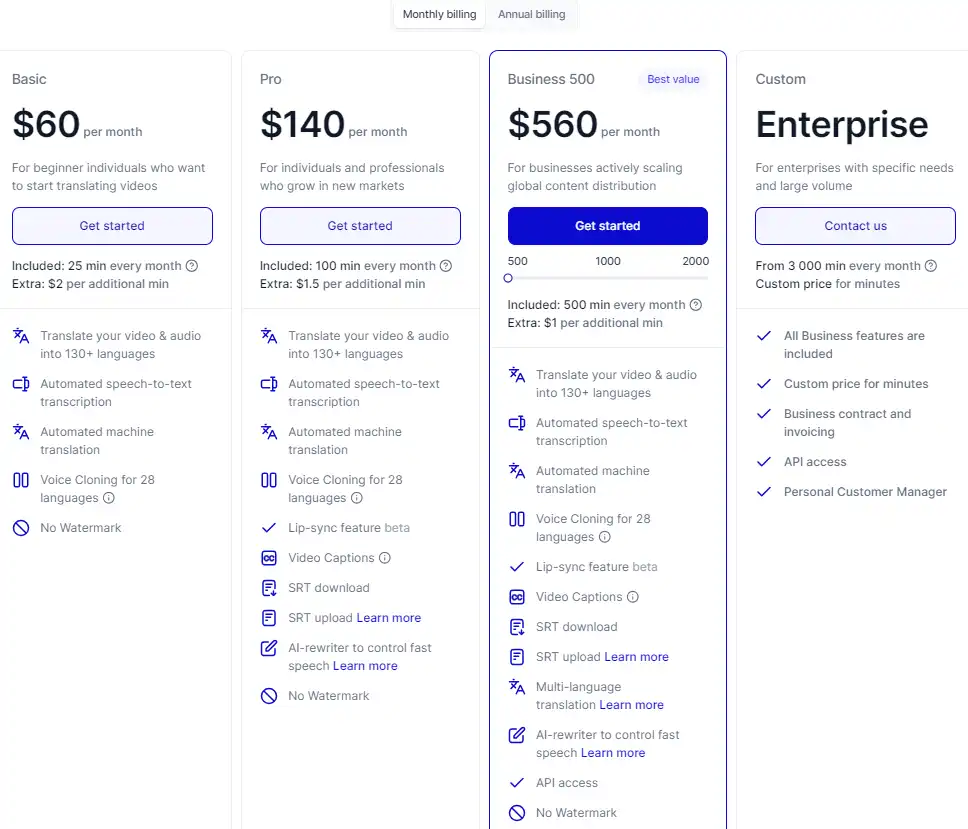
Pricing (monthly plan) Plan Best For
$60 Basic For beginner individuals who want to start translating videos
$140 Pro For individuals and professionals who grow in new markets
$560 Business 500 For businesses actively scaling global content distribution

Rask monthly pricing plans.
monthly pricing plan for Rask 1

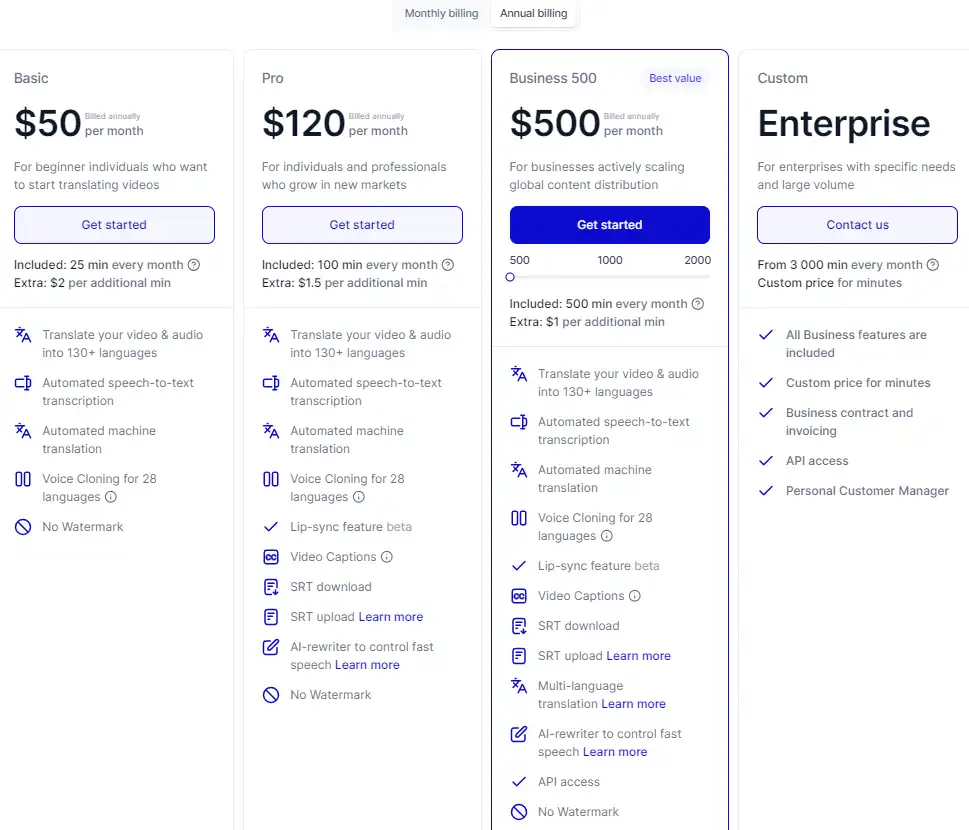
Rask annual pricing plans.
yearly pricing plan for Rask 2

Plan Name Basic Pro Business 500
Minutes per Month 25 100 500
Extra additional min Cost $2/min $1.5/min $1/min
Automated AI Voiceover 25 mins included 100 mins included 500 mins included
Translation into 130+ Languages Yes Yes Yes
Speech-to-Text Transcription Yes Yes Yes
Machine Translation Yes Yes Yes
Voice Cloning (28 Languages) Yes Yes Yes
Multispeaker Lip-sync Feature 1-min trial Yes Yes
SRT Download/Upload Support No Yes Yes
AI-Rewriter for Fast Speech Control No Yes Yes
Video Captions No Yes Yes
Multi-language Translation No No Yes
API Access No No Yes

What is Rask

• Who is Rask AI for?

Rask AI is designed for content creators, educators, social media influencers, and businesses looking to expand their reach globally. If you need to localize your videos for a multilingual audience, Rask AI offers a quick and efficient solution.

• Rask AI Top features

Rask AI is equipped with a suite of powerful features to streamline the video localization process:

  • Voice Cloning: Create a unique voice clone to maintain your brand’s consistency across different languages.
  • Translation and Dubbing: Translate and dub your videos into over 130 languages with ease.
  • Text-to-Voice Technology: Generate natural-sounding voiceovers without the need for professional voice actors.

• Tips for using Rask AI

Here are some expert tips to get the most out of Rask AI:

  • 🌐 Explore Language Options: Take advantage of the 130+ languages available to reach a diverse audience.
  • 🎙️ Personalize with Voice Cloning: Use the VoiceClone feature to keep your brand’s voice consistent across all content.
  • 📊 Utilize Multispeaker Feature: For content with multiple voices, use the Multispeaker option to enhance the viewing experience.
  • ⏱️ Save Time with Automation: Automate transcription, voiceover, and translation tasks to focus on content creation.
  • 📝 Upload SRT Files: For accurate subtitles, upload your own SRT files to the platform.
  • 🔍 Ensure Quality: Review the translated and dubbed content for accuracy and authenticity before publishing.
  • 💡 Experiment with Voices: Try different voices and tones to find the best fit for your video’s message and audience.

With Rask AI, you can effectively break down language barriers and make your video content universally accessible. 🌍

Product Hunt Review for Rask

What other users are saying about Rask

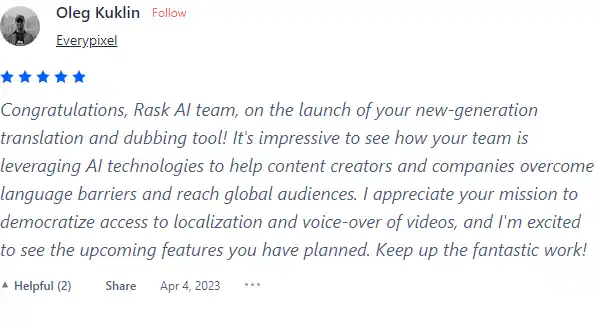
I have crosschecked my experience with the experience of other Rask AI users on Product Hunt.

Here’s what I found:

  • 🌟 Rask AI has a 4.7/5 rating based on 65 reviews from the community.
  • Most positive reviewers appreciate Rask AI for its:
    • 🎥 Impressive use of AI technologies to overcome language barriers and reach global audiences
    • 💬 Democratizing access to localization and voice-over of videos
    • 🚀 Exciting upcoming features planned by the Rask AI team
  • 👎 Some users faced challenges with Rask AI, including poorly translated videos and inaudible voices, as mentioned in a critical review.
  • 👍 Overall, the community appreciates Rask AI’s capabilities and sees it as a must-have tool for video editors and content creators.

How to use Rask

Exploring Rask.ai reveals a user-friendly platform that simplifies the video localization process. Here’s a comprehensive guide to using its features:

Overview

Rask.ai is an AI tool that automates video adaptation, allowing for localization, translation, and dubbing of videos to cater to a global audience.

Translate and Dub Videos

Transform your videos to speak to an international audience with ease.
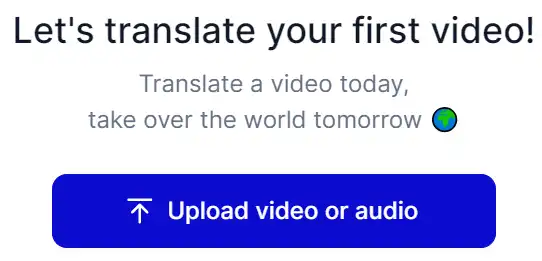
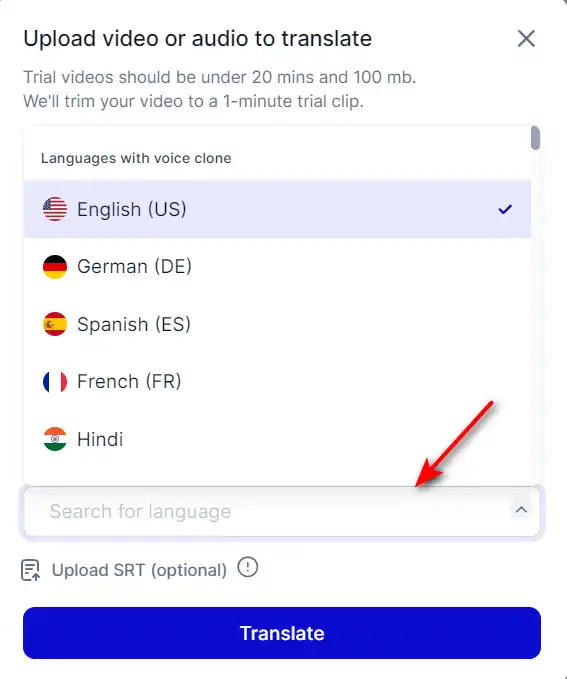
  1. Upload your video file to the Rask.ai platform.
    how to use Rask 3
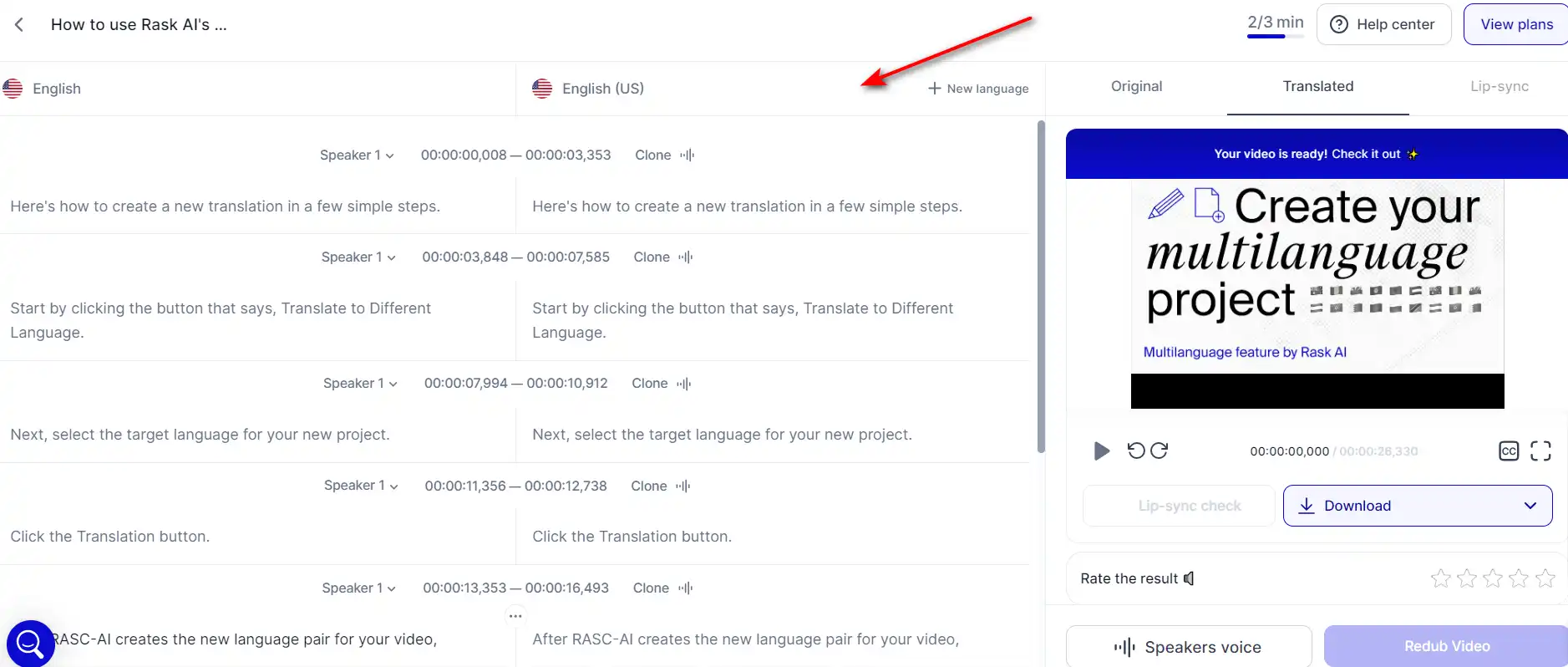
  2. Select the target language from the available options.
    how to use Rask 4
  3. Use the Voice Cloning feature to maintain the original speaker’s voice characteristics in the new language.
    how to use Rask 5
  4. Review and edit the translation and synchronization for accuracy.
    how to use Rask 6
  5. Export the dubbed video in your desired format.
    how to use Rask 7

Add Subtitles

Enhance accessibility and comprehension with subtitles.
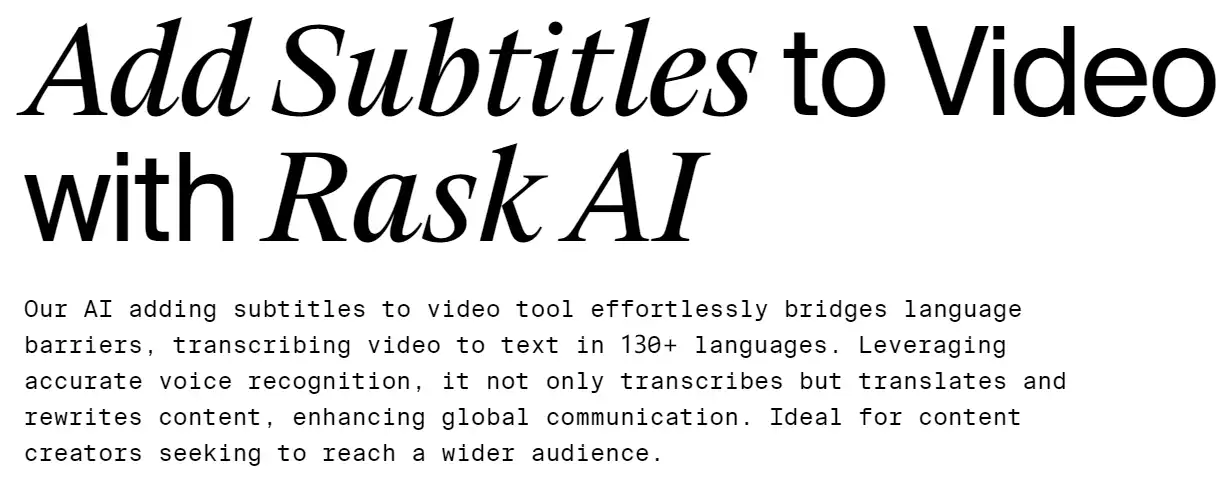
  1. Choose the ‘Subtitles’ feature within the tool.
    how to use Rask 8
  2. Upload your video and select the languages for subtitle translation.
    how to use Rask 4
  3. Review the automatically generated subtitles and make necessary adjustments.
    how to use Rask 6
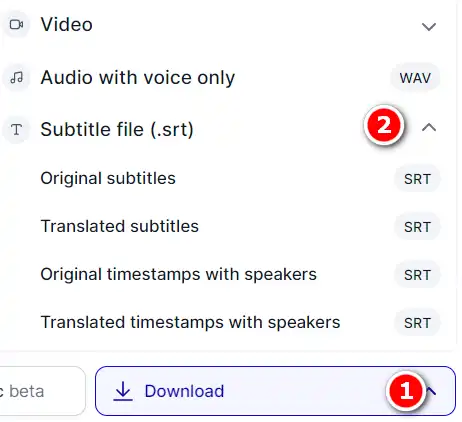
  4. Download the subtitled video or the SRT file separately.
    how to use Rask 7

Transcription

Convert spoken words into written text with high accuracy.

  1. Select the ‘Transcription’ service on Rask.ai.
    how to use Rask 9
  2. Upload the audio or video file you wish to transcribe.
    how to use Rask 3
  3. Choose the language of the transcription.
    how to use Rask 4
  4. Let the AI generate the transcript, then review and edit for precision.
    how to use Rask 10
  5. Export the transcript in your preferred format.
    how to use Rask 11

Lip-Sync

Ensure the translated audio matches the speaker’s lip movements.
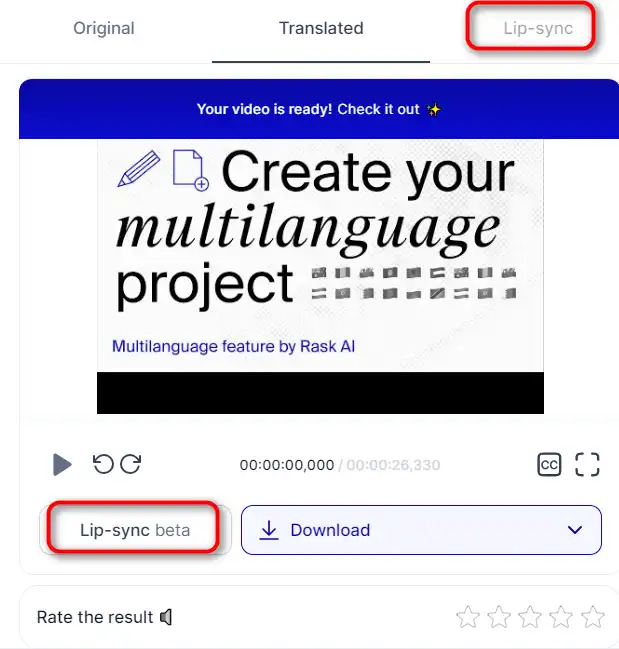
  1. After dubbing your video, opt for the Lip-Sync feature.
    how to use Rask 12
  2. The AI will analyze the video and adjust the timing of the dubbed audio to match the lip movements.
  3. Review the lip-synced video to confirm the accuracy of synchronization.
  4. Make any necessary manual adjustments for perfect alignment.
  5. Finalize and download your lip-synced video.

Multi-Speaker Synchronization

Assign distinct voices to different speakers in a video.
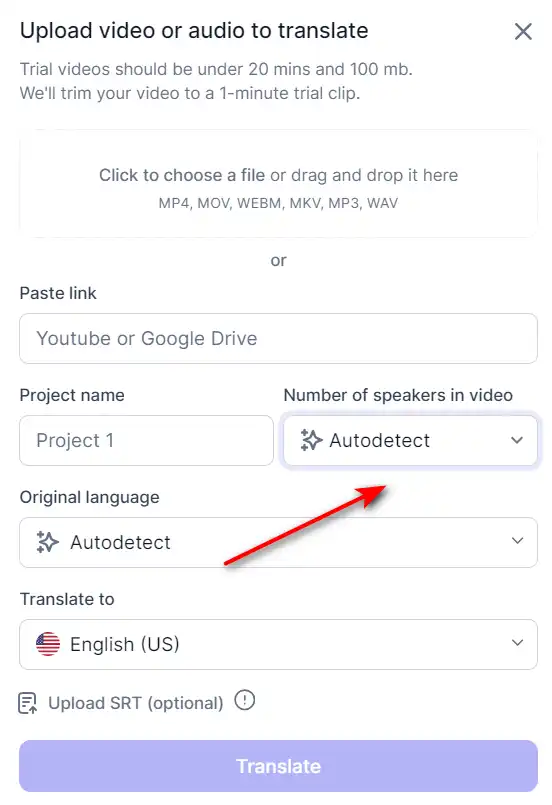
  1. When uploading a video, indicate the presence of multiple speakers.
    how to use Rask 13
  2. Assign different AI-generated voices or cloned voices to each speaker.
  3. Adjust the voice characteristics to match each speaker’s original tone and style.
  4. Review the audio to ensure each speaker is distinct and clear.
  5. Export your multi-speaker synchronized video.

Customer Support and Custom Plans

Get assistance and tailor your experience to your needs.

  1. For support, access the chat feature within the product or email the Rask.ai team.
    how to use Rask 14
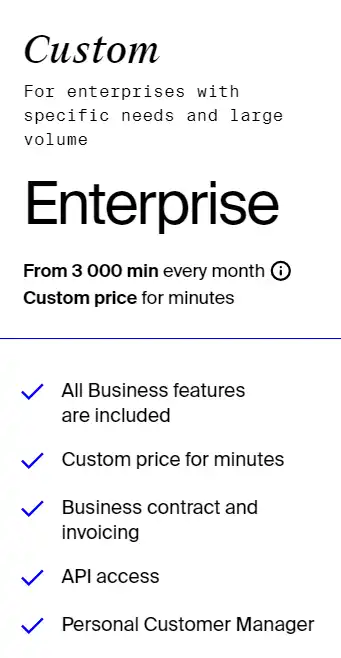
  2. If the standard plans don’t meet your needs, schedule a call with a sales specialist to discuss custom plans.
    how to use Rask 15
  3. Take advantage of the free trial to test the tool’s capabilities before purchasing.

Rask Top alternatives

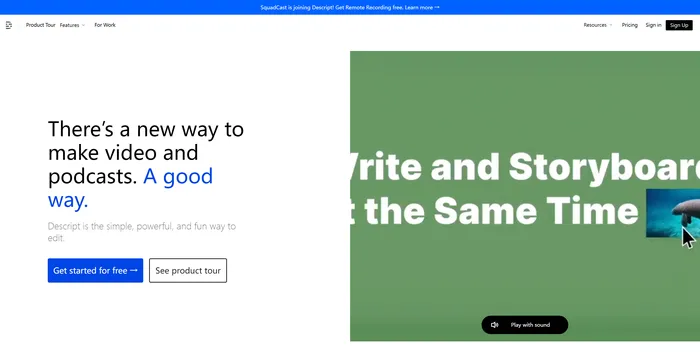
Descript Review

Descript is the ultimate AI software for editing audio and video files. It allows you to edit your media files as easily as editing a text document. You can transcribe, caption, overdub, and more with Descript.

$12/mo

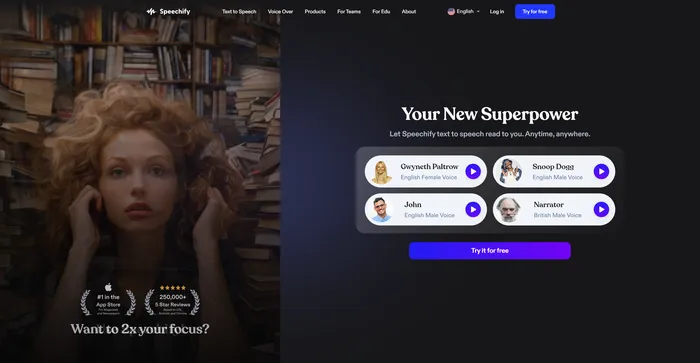
Speechify Review

Speechify is a versatile AI text-to-speech tool that caters to a wide range of users, including those with learning disabilities like dyslexia and ADHD, as well as busy professionals and students looking to boost productivity. With its ability to convert text into natural-sounding audio, Speechify offers a hands-free and eyes-free reading experience across various platforms and devices.

$9.99/mo

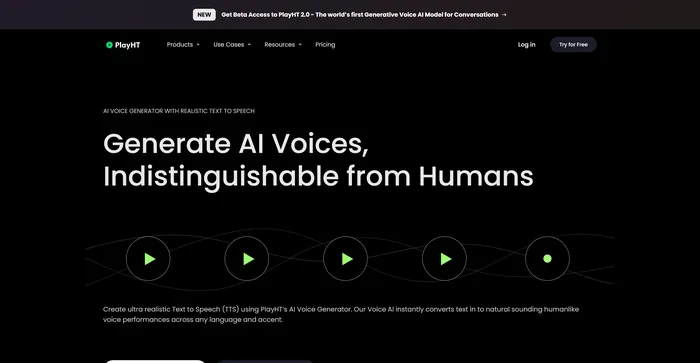
PlayHT Review

PlayHT is a leading AI-powered text-to-speech tool that effortlessly converts written content into natural-sounding voice performances. It caters to diverse needs such as voiceovers, podcasts, or any other form of spoken word. The tool leverages artificial intelligence and machine learning to generate natural-sounding voices, enhancing listener engagement. It supports multiple languages, not just English, which allows for diverse and global use cases. It provides a wide range of voice options, including both male and female voices, catering to different content needs.

$29.00/mo

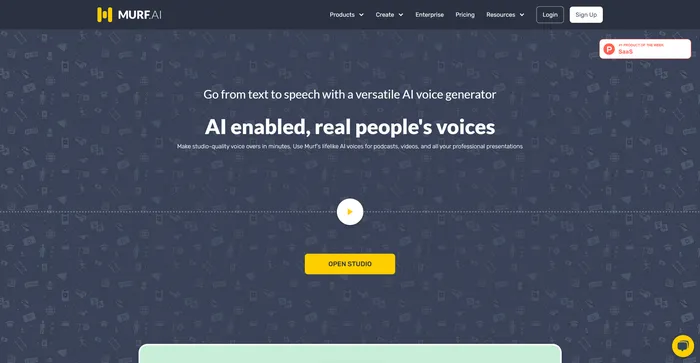
Murf AI Review

Murf AI stands out as a highly versatile text-to-speech software, designed to deliver AI voiceovers that closely mimic human intonation and emotion. Its advanced algorithms are adept at interpreting punctuation and exclamation marks, ensuring that the AI voices produced are impressively lifelike. This makes Murf AI an excellent choice for users looking to enhance their videos with engaging voiceovers without needing any video editing expertise.

$19/mo

Kits AI Review

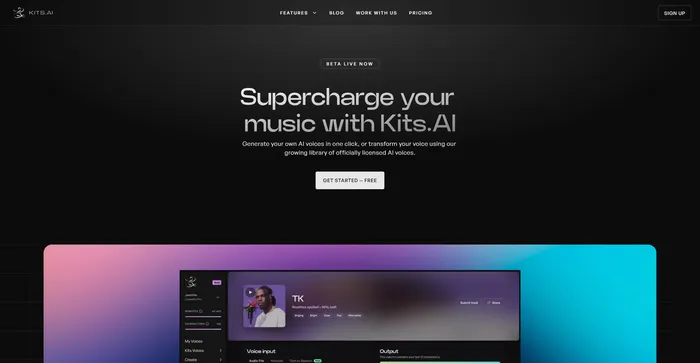
Kits AI is an AI software that lets you create and transform your voice into different characters and styles. You can use it to make your own voiceovers, podcasts, audiobooks, or music with a variety of voices and effects. Kits AI claims to be the first AI voice generator that can mimic any voice in the world, from celebrities to fictional characters.

However, Kits AI is not without its flaws. The software is still in beta and has some limitations and bugs. For example, voice quality is also not very consistent, and sometimes the voices sound robotic or unnatural. Moreover, some users have reported ethical and legal concerns about using the voices of real people without their consent.

$9.99/mo

ElevenLabs Review

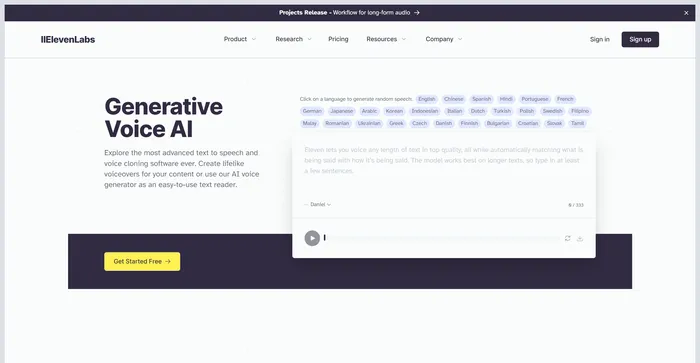
ElevenLabs is an AI firm that specializes in realistic, synthetic voice generation, capable of mimicking human speech in over 30 languages. If you are looking for a fast and powerful text-to-speech and voice API, ElevenLabs is a great option to consider. You can create lifelike voices for various purposes, such as video, gaming, audiobooks, and chatbots.

$1/mo

Rask FAQ

What is Rask AI? +

Rask AI is an AI-powered tool that specializes in video translation and dubbing. It provides a fast and easy way to translate and localize media content, making it a valuable tool for global marketers and content creators. The tool integrates easily with popular video platforms and social media platforms.

What are the main features of Rask AI? +

Rask AI’s main features include voice cloning, professional voiceovers, and the ability to translate content into over 130+ languages. It also integrates easily with popular video platforms such as YouTube and Vimeo, as well as other social platforms like Instagram, Twitter, and TikTok.

Who can benefit from using Rask AI? +

Rask AI is beneficial for global marketers and content creators who need to translate and localize their media content. It’s also useful for businesses of all sizes that want to create multi-lingual videos.

How does Rask AI work? +

Rask AI uses advanced AI technology to translate and dub videos. It utilizes features like “Text-to-Voice” and “Voice Cloning” technologies to add a human-like voiceover to videos without the need for a voice actor.

Is Rask AI easy to use? +

Yes, Rask AI is praised for its user-friendly interface and seamless user experience. It simplifies the localization process, making it easier and more efficient to translate videos into multiple languages.

How many languages does Rask AI support? +

Rask AI supports translation into over 130 languages, opening up numerous markets for spreading content and finding new customers.

What platforms can Rask AI integrate with? +

Rask AI integrates easily with popular video platforms such as YouTube and Vimeo, as well as other social platforms like Instagram, Twitter, and TikTok.

Is there a free trial for Rask AI? +

Yes, Rask AI is available with a free trial.

Rask Conclusion

Embrace Rask.ai to revolutionize your video content and connect with audiences worldwide. With its advanced AI technology and user-friendly interface, localizing your videos has never been easier or more efficient. Start your journey to global engagement today!

Featured AI Tools

Rask Related AI Tools

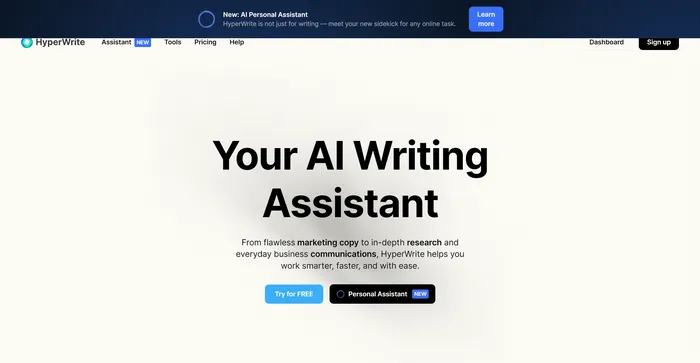
HyperWrite Review

AI Writing Assistant

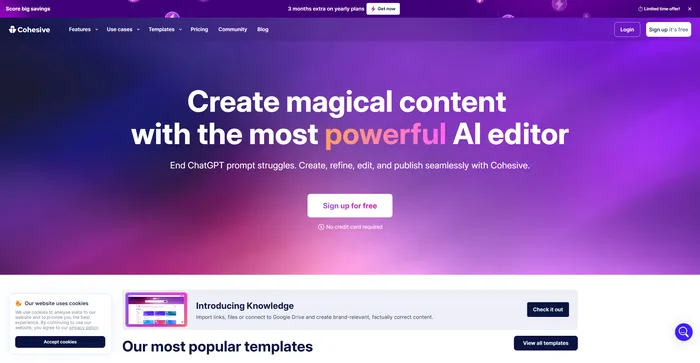
Cohesive Review

Create magical content with the most powerful AI editor

Copy.ai Review

The only AI platform purpose-built for outcomes

Jasper Review

AI copilot for enterprise marketing teams

Midjourney Review

Midjourney

Descript Review

All-in-one video & podcast editing, easy as a doc.