
Web Based, Mobile APP
Video editing is a skill that many people want to learn, but not everyone has the time, money, or patience to master it.
The good news is that there are online tools that can help you edit your videos without any hassle.
Veed is one of those tools. It’s an online video editor that lets you create stunning videos in minutes. Whether you want to add subtitles, trim, crop, rotate, resize, filter, or add music to your videos, Veed can do it all.
But is it worth it? How does it compare to other online video editors? And what are the pros and cons of using it?
In this Veed review, I’ll answer all these questions and more. I’ll also share some tips on how to use Veed effectively.
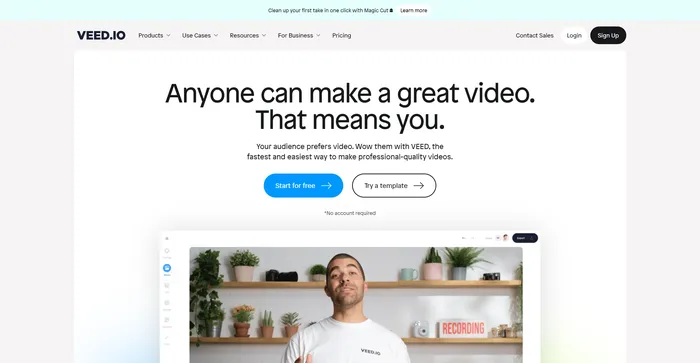
Veed is a simple and powerful online video editor that lets you create stunning videos in minutes. Whether you want to add subtitles, trim, crop, rotate, resize, filter, or animate your videos, Veed has got you covered. You can also record your screen, webcam, or audio and edit them right away.
| Pricing (monthly plan billed annually) | Plan | Best For |
|---|---|---|
| 0 | Free | Best for anyone who want to try Veed |
| $18 USD | Basic | Best for individual creators and beginners |
| $30 USD | Pro | Best for content creators, marketers, and small businesses |
| $59 USD | Business | Best for teams and businesses requiring collaboration and advanced features |


| Plan Name | Free | Basic | Pro | Business |
|---|---|---|---|---|
| Video Editor | ✓ | ✓ | ✓ | ✓ |
| Screen Recorder | ✓ | ✓ | ✓ | ✓ |
| Subtitles & Transcription | ✓ | ✓ | ✓ | ✓ |
| AI Tools | ✓ | ✓ | ✓ | ✓ |
| AI Avatars | 1 min/mo | 12 min/yr | 60 min/yr | 240 min/yr |
| Voice Translation | 1 min/mo | 60 min/yr | 180 min/yr | 360 min/yr |
| Auto Subtitles | 30 min/mo | 720 min/yr | 1,440 min/yr | 8,000 min/yr |
| Export Quality | 720p | 1080p | 1080p | 4k |
| Video Export Length | 10 minutes | 25 minutes | 120 minutes | 120 minutes |
| Storage | 2GB | 5GB | 20GB | 50GB |
Veed is a tool that can benefit anyone who needs to edit videos quickly and easily. Whether you’re a marketer, a teacher, a student, a podcaster, a vlogger, or a hobbyist, Veed can help you create professional-looking videos for any purpose. It’s especially useful for those who want to create engaging videos for social media platforms like Instagram, TikTok, YouTube, Facebook, and Twitter.
Veed has a lot of features that make it stand out from other online video editors. Here are some of them:


Here are some tips that can help you make the most of Veed:
Veed is a tool that can help you create amazing videos in minutes. With its easy and intuitive interface, powerful and versatile editing tools, and cloud storage and collaboration features, Veed is the ultimate online video editor. Try it out today and see for yourself!

I have crosschecked VEED reviews from the community on Product Hunt.
Veed.io is designed to be simple and intuitive for anyone to use. Here are some of the main features and how to use them:
1) To start editing a video, you can either upload a video file from your computer, paste a URL from YouTube, Dropbox, or Google Drive, or record a video using your webcam or screen.


2) Once your video is uploaded or recorded, you can choose a project name and an aspect ratio. You can also crop or rotate your video if needed.
3) You will then be taken to the editing interface, where you can see your video timeline, tools, and preview.
1) To trim or cut your video, you can use the scissors icon on the timeline. You can drag the handles to adjust the start and end points of your video, or click on the scissors icon to split your video into segments.
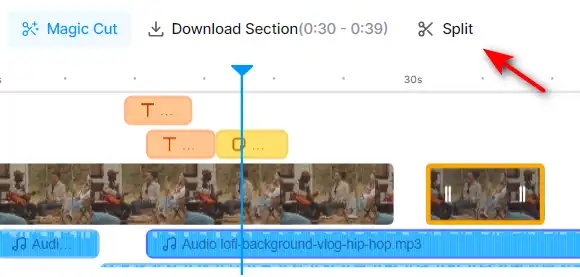
2) You can then delete, duplicate, or rearrange the segments by clicking on the trash, copy, or drag icons.
1) To add subtitles to your video, you can use the subtitles tool on the left panel. You can either upload an SRT file, type your subtitles manually, or use the auto-subtitles feature.

2) If you use the auto-subtitles feature, you can choose the language of your video and let Veed.io generate subtitles for you. You can then edit, delete, or add subtitles as you wish.
3) You can also customize the appearance of your subtitles, such as the font, size, color, background, and position.
1) To add filters and effects to your video, you can use the filters tool on the left panel. You can choose from various filters, such as bleu, golden, mist and more.

2) You can also add effects, such as glitch, box blur, pixelate, and more. You can adjust the intensity and duration of the effects using the sliders.
1) To add stickers and text to your video, you can use the elements tool on the left panel. You can choose from various stickers, such as emojis, shapes, icons, and more.

2) You can also add text, such as titles, captions, quotes, and more. You can customize the font, size, color, alignment, and animation of your text.

3) You can drag and drop the stickers and text on your video, and resize and rotate them as you wish.
1) To add audio and music to your video, you can use the audio tool on the left panel. You can either upload an audio file from your computer, choose from the Veed.io library of royalty-free music, use “Text To Speech”, “Voiceover” or “Voice Clone”.

2) You can then adjust the volume, speed, fade in, fade out, and trim your audio using the sliders and buttons.

3) You can also mute or detach the original audio of your video, or use the auto-transcription feature to convert your audio to text.

1) To use the AI Video feature, navigate to the AI Video tool on menu. This tool allows you to generate AI Avatar video.

2) Choose the AI Avatar you need for your video.
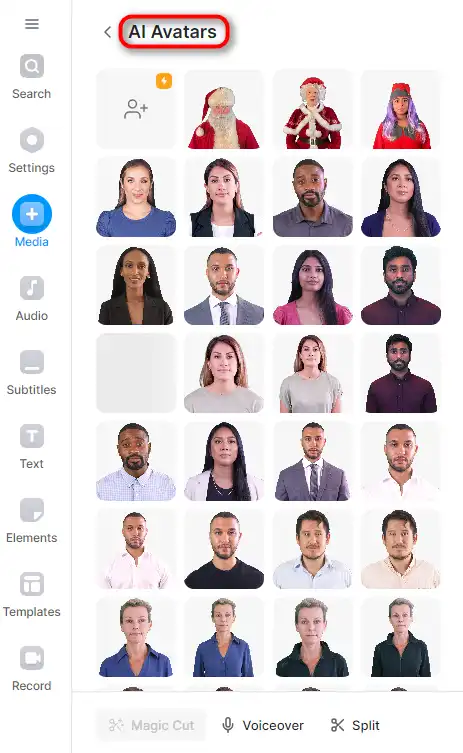
3) Once you’ve entered your script and selected your language, click on the ‘Add to Project’ button. Veed.io will then create a video from your text.

4) You can preview the generated video and make any necessary adjustments. If you’re satisfied with the result, you can save the video to your project.


1) To use the AI Voice Generator feature, go to the AI Voice Generator tool on the menu. This tool allows you to convert text into speech.

2) You can also choose ‘Voice Clone’ to clone your voice.
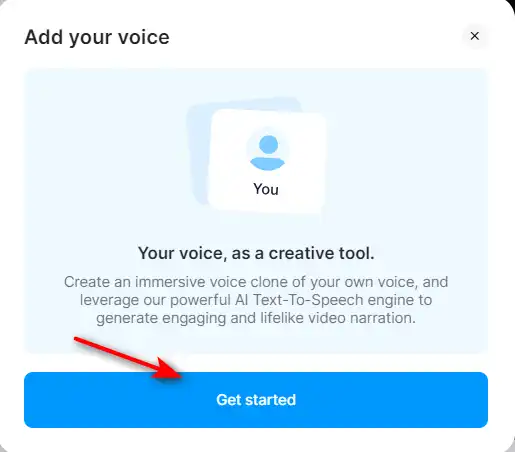
3) Click on the ‘Get Started’ button. Veed.io will provide some texts for you to record.

4) If you’re satisfied with the result, you can use your own clone voice for your project.
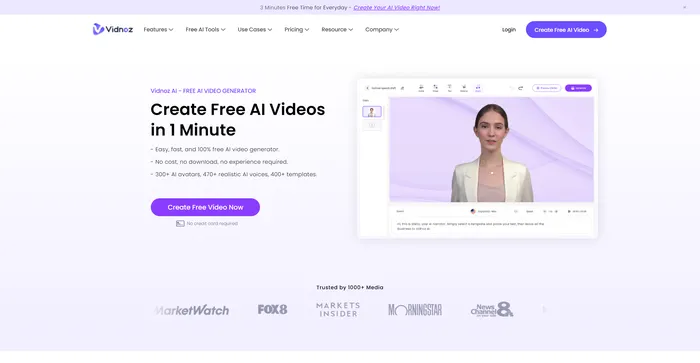
Vidnoz AI Tools is a powerful platform for creating engaging videos quickly and efficiently. It is particularly useful for those who want to convert text into video content, making it a great tool for bloggers, educators, and content creators. The user experience is smooth, even for those who may not have extensive skills in video creation. Vidnoz AI simplifies the process, making it accessible to all.
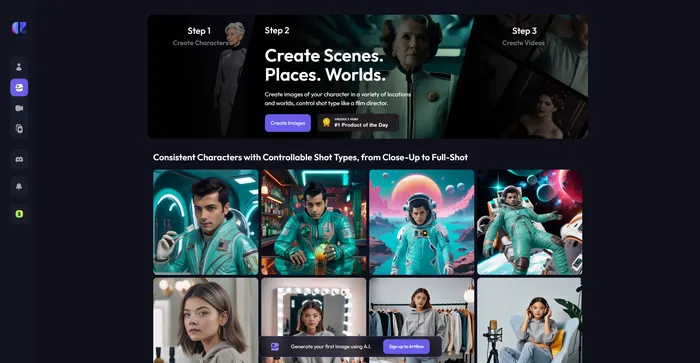
Artflow.ai stands out as an innovative AI tool that caters to creators looking to transform text into unique, hand-drawn illustrations and animated stories. It is particularly beneficial for designers seeking inspiration, bloggers desiring tailored illustrations, and storytellers aiming to bring their narratives to life visually. With its focus on converting text to images, Artflow.ai changes the game in AI illustration and storytelling.
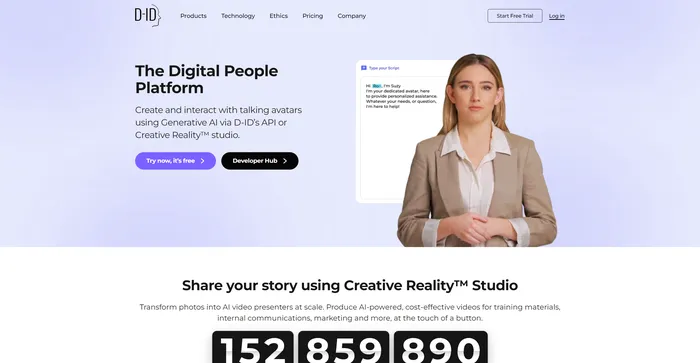
D-ID’s Creative Reality™️ offers a compelling approach to humanizing digital interactions through its Natural User Interface (NUI), which allows for face-to-face conversations without the need for typing or clicking. The integration of Large Language Models and emotion analysis in NUI positions D-ID as a potential frontrunner in customer service and other conversational AI applications. However, despite the innovative technology and ease of use, users have reported issues with video rendering quality, limited functions, and customer service concerns, which suggests room for improvement.
Tags: AI Avatar Generator | Marketers
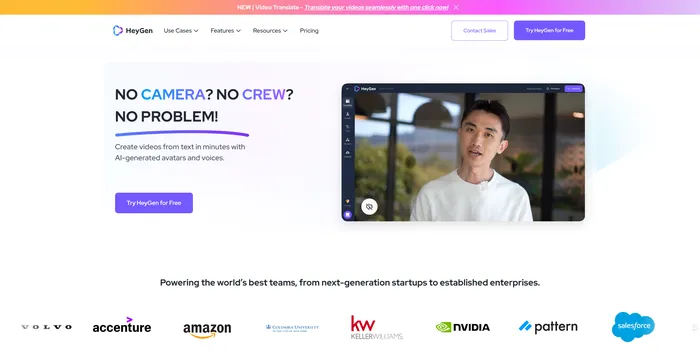
HeyGen stands out as a versatile AI video generator that caters to both professionals and beginners, enabling the creation of studio-quality videos with AI-generated avatars and voices. Its ability to engage, explain, and entertain through AI-powered video creation makes it a valuable tool for various content needs. With over 100+ AI avatars, customizable options, and a collection of high-quality voices, users can produce stunning videos in minutes, a significant time-saving compared to traditional methods.
Tags: AI Avatar Generator | AI Voice Cloning | Marketers
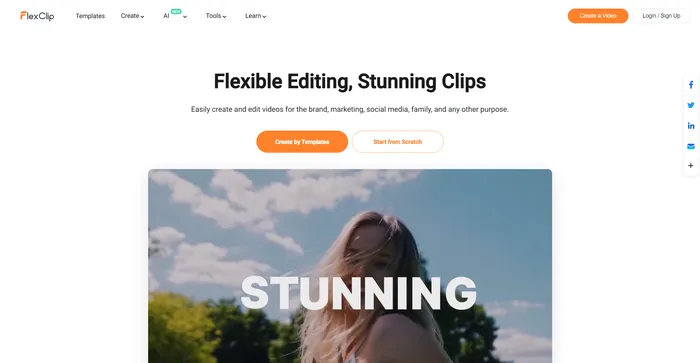
FlexClip is a simple yet powerful online video maker that helps you create engaging videos in minutes. Whether you want to make a promo video, a tutorial video, a slideshow, or a vlog, FlexClip has you covered. You can choose from hundreds of templates or start from scratch, and customize your video with stunning transitions, filters, texts, music, and more.
Tags: AI Video Editor | AI Video Generator | Business Owners | Influencers
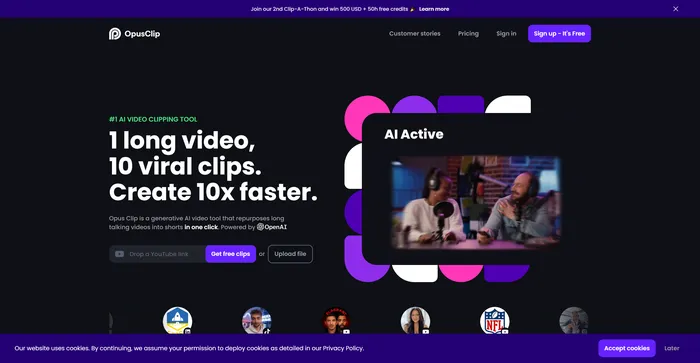
Opus Clip emerges as a highly efficient AI video clipping tool that caters to the needs of content creators and marketers aiming to produce viral shorts. With its AI-driven capabilities, it simplifies the process of transforming long-form videos into engaging short clips suitable for social media platforms.
Tags: AI Video Editor | Marketers
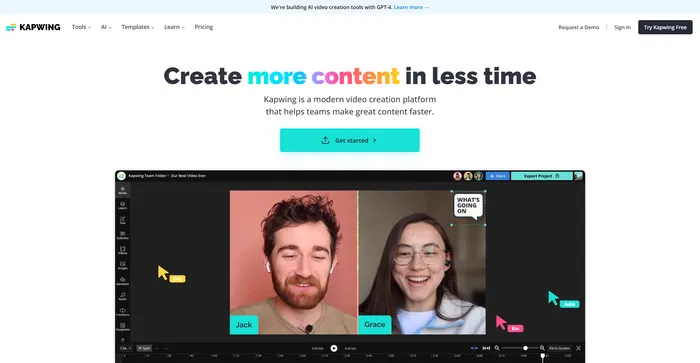
Kapwing is a versatile online video editor that lets you create, edit, and share videos, images, and GIFs. Whether you want to make a meme, a collage, a subtitle, a montage, or a slideshow, Kapwing has the tools you need to unleash your creativity.
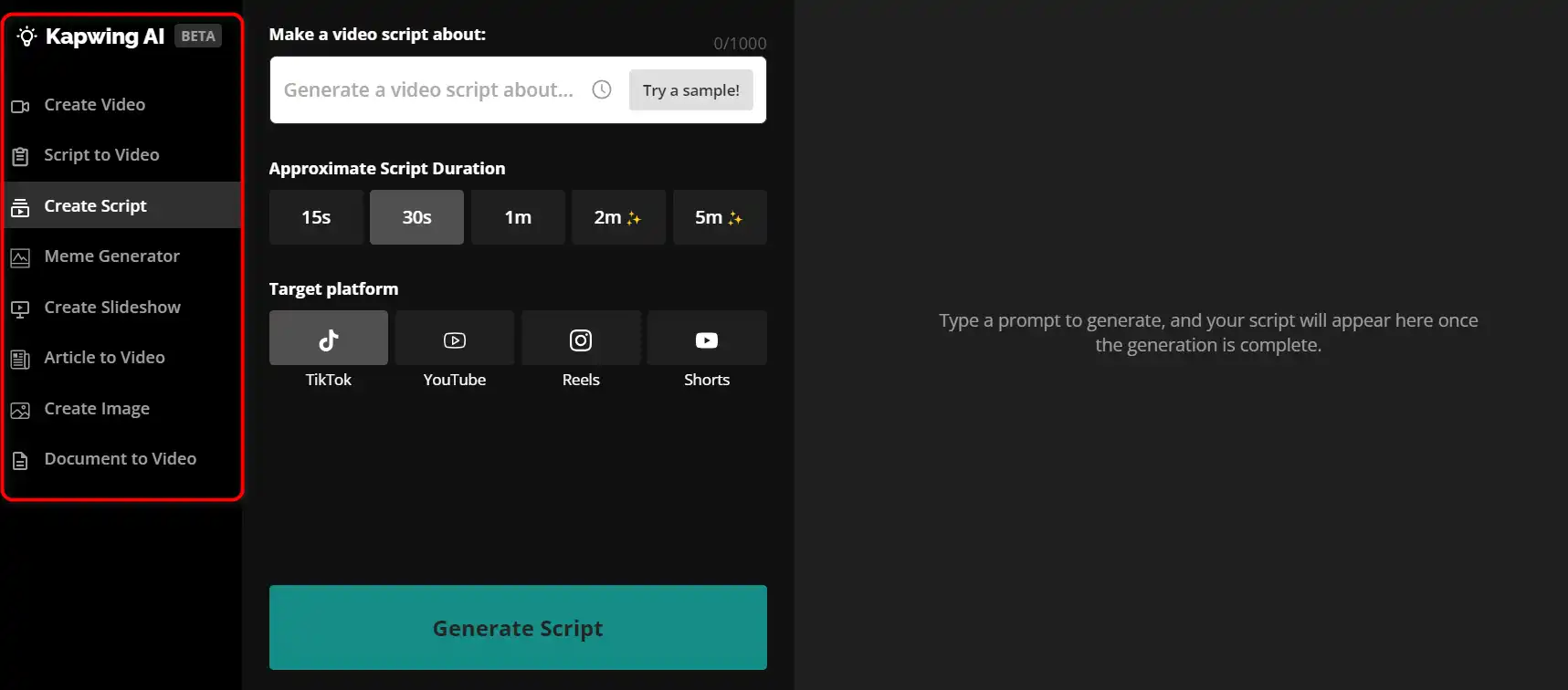
Tags: AI Video Editor | AI Video Generator | Marketers
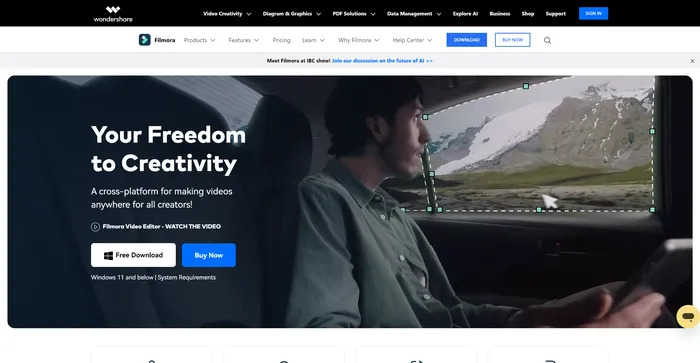
Filmora is a popular and easy-to-use video editing software for beginners and professionals alike. It offers a wide range of features, such as filters, transitions, titles, music, sound effects, and more. You can also use Filmora to record your screen, webcam, or voiceover. Filmora supports various formats and devices, and you can export your videos to YouTube, Vimeo, or DVD.
Tags: AI Video Editor | AI Video Generator | Influencers
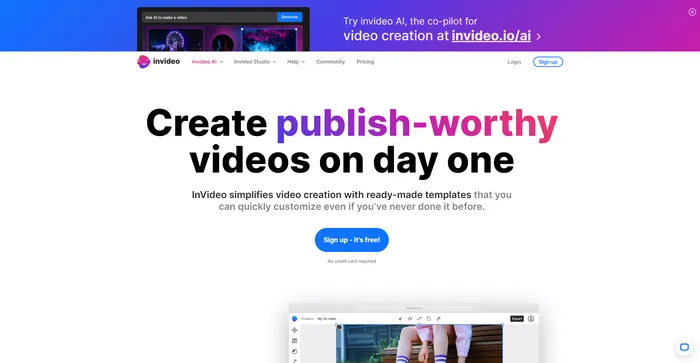
InVideo is a powerful online video editor that lets you create stunning videos in minutes. Whether you want to make a promo video, a tutorial, a testimonial, or a social media post, InVideo has you covered. You can choose from thousands of templates, customize them with your own media, text, and music, and export them in HD quality.
Tags: AI Video Editor | AI Video Generator | Influencers
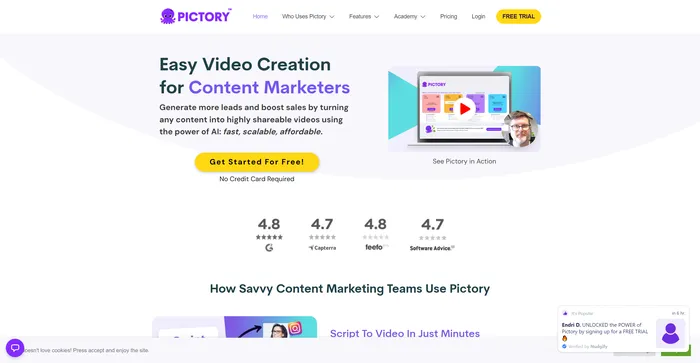
Pictory is the best AI software for creating brandable videos from your long-form content (scripts, sales letters, blog posts, webinars, podcasts, Zoom recordings, and more). If you are a content creator or marketer looking for an easy way to convert your written work into video form, Pictory is the best option I’ve found to get started quickly.
Pictory uses advanced AI to automatically generate a video from your written content, with a professional voiceover, stock video clips, captions, and branding. You can also edit your video by changing the text, voice, clips, and music. Pictory has a huge library of stock videos, images, and music to choose from, and you can also upload your own media. You can also customize your branding with your logo, color scheme, intro, and outro.
Tags: AI Video Editor | AI Video Generator | Influencers | Marketers
Veed.io is a powerful and versatile online video editor that can help you create stunning videos in minutes.
Whether you want to make a video for social media, YouTube, marketing, education, or personal use, Veed.io has everything you need to make it happen.
Try Veed.io today and unleash your creativity with video.
All-in-one video & podcast editing, easy as a doc.
Tags: AI Video Editor | AI Voice Cloning
Create FREE Engaging AI Videos 10X Faster
AI Photo Editing | Visual Content Generation Platform, best for image and video design
Tags: AI Image Enhancer | AI Image Generator | AI Video Editor | Designers
Craft consistent characters with ease
An Easy to Use All-In-One App For Modern Marketing Teams
The #1 Choice for AI Generated Video Creation Platform
Tags: AI Avatar Generator | Marketers