
Web Based, Mobile APP
Video content is one of the most powerful ways to connect with your audience, whether you’re a marketer, a blogger, or a creative enthusiast. But creating high-quality videos can be challenging, time-consuming, and expensive.
That’s where Kaiber comes in.
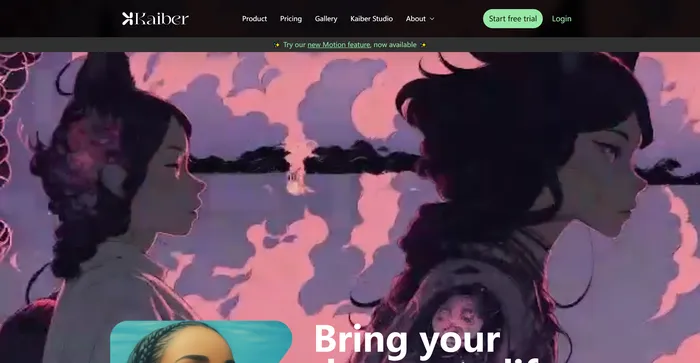
Kaiber is an AI-powered video generator that lets you create stunning animated videos from your text prompts. You can choose from a variety of styles, customize your video’s details, and add music and sound effects.
But is Kaiber really as good as it sounds? How does it compare to other AI video tools? And is it worth the investment?
In this Kaiber review, I’ll answer these questions and more. I’ll explore Kaiber’s features, pros and cons, pricing, and alternatives. By the end of this review, you’ll have a clear idea of whether Kaiber is the right tool for you.
Kaiber is an AI video generator that can create animated videos from your text prompts and stylistic preferences. It is a web-based platform that aims to simplify the video creation process and unleash your creativity. However, it also has some drawbacks that you should be aware of before using it.
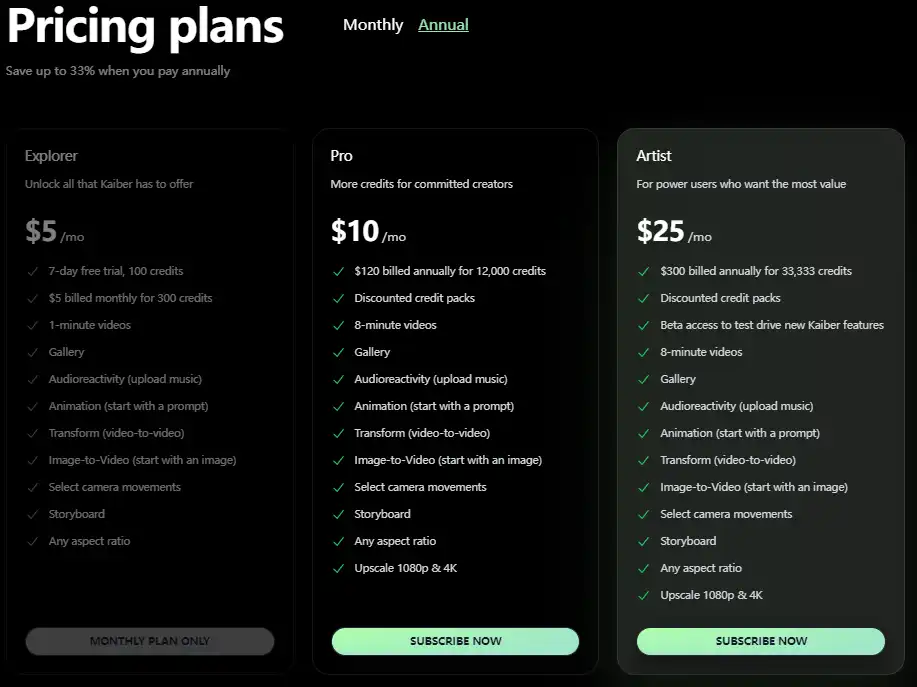
| Pricing (monthly plan) | Plan | Best For |
|---|---|---|
| 5 USD | Explorer | Best for those looking to unlock all that Kaiber has to offer |
| 10 USD | Pro | Best for committed creators who need more credits |
| 25 USD | Artist | Best for power users seeking the most value |

| Plan Name | Explorer | Pro | Artist |
|---|---|---|---|
| Credits | 300 | 12,000 | 33,333 |
| Video Duration | 1 min | 8 min | 8 min |
| Discounted Credit Packs | No | Yes | Yes |
| Beta Access to New Features | No | No | Yes |
| Upscale to 1080p & 4K | No | Yes | Yes |
Kaiber is for anyone who wants to create engaging video content with ease. Whether you’re a content marketer who wants to turn your blog posts into videos, a blogger who wants to reach a wider audience with video content, or a hobbyist who wants to express your creativity with animation, Kaiber is the tool for you.
Kaiber is especially useful for those who don’t have the skills, time, or budget to use traditional video editing software. With Kaiber, you can create videos in minutes, without any prior experience or technical knowledge.
Kaiber has a range of features that make it stand out from other AI video tools. Here are some of them:

Here are some tips to help you get the most out of Kaiber:
With these tips, you can create stunning videos with Kaiber in no time. Ready to give it a try? Sign up for a free trial today and see for yourself what Kaiber can do for you.
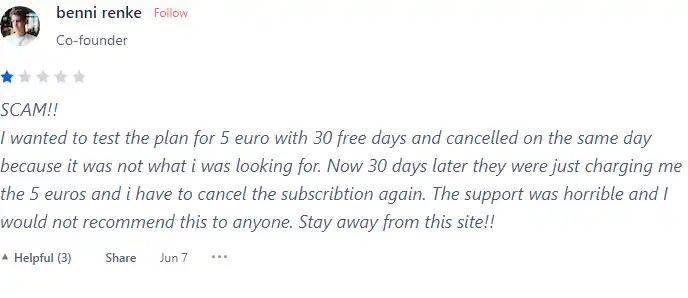
I have crosschecked user reviews of Kaiber on Product Hunt.
Here’s what users are saying:
Kaiber offers various features to help users create amazing videos and images with ease. Here are some of the features and how to use them:

Best for:
1) Enter a text prompt that describes the video you want to create. For example, “blue butterfly flying in the garden”.

2) Choose a video style that fits you.

3) Click “Generate previews” and choose the preview you want.
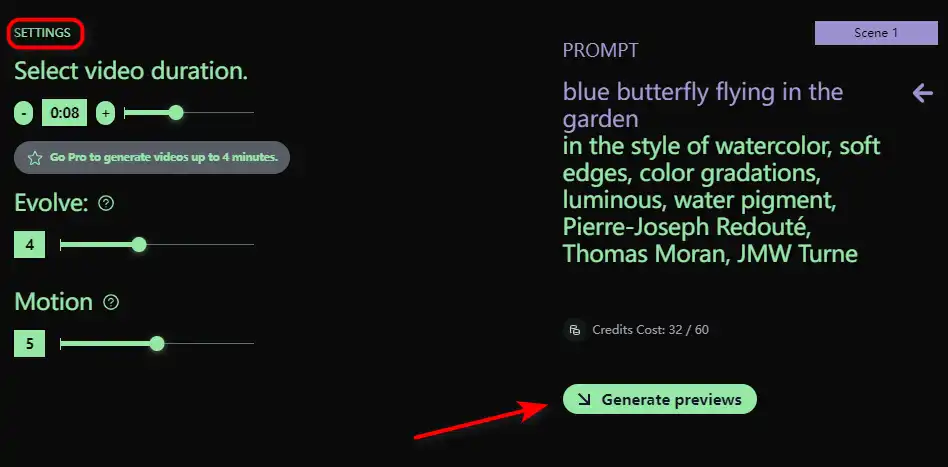
4) Click “Create Video” and wait for a few minutes while Kaiber creates your video.
5) Watch your video and edit it if you want.
6) Download or share your video with others.
Best for:
1) Upload an image from your computer or choose one from the Kaiber gallery.
2) Select a style and a genre for your video. For example, “cartoon” and “comedy”.
3) Choose a video length from 15 seconds to 4 minutes.
4) Click “Create Video” and wait for a few minutes while Kaiber transforms your image into a video.
5) Watch your video and edit it if you want.
6) Download or share your video with others.
Best for:
1) Upload a music file from your computer.
2) Select a style and a genre for your video. For example, “abstract” and “electronic”.
3) Choose a video length from 15 seconds to 4 minutes.
4) Click “Create Video” and wait for a few minutes while Kaiber creates a video that matches your music.
5) Watch your video and edit it if you want.
6) Download or share your video with others.
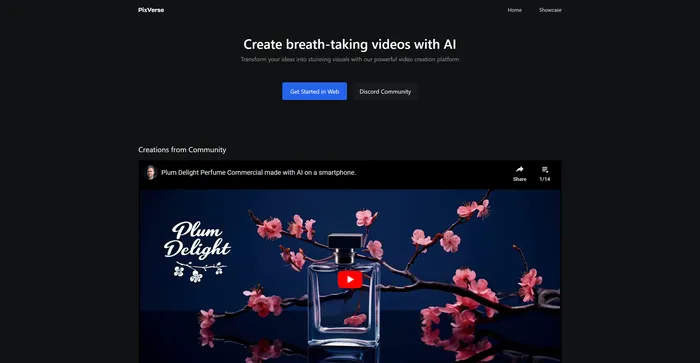
PixVerse is a powerful AI tool that transforms your ideas into stunning videos. It leverages advanced generative AI technology to create visually captivating outputs, making it an ideal tool for filmmakers, animators, content creators, and anyone in need of high-quality video content. PixVerse is flexible and capable of producing a wide variety of content, from animations to real-life sceneries, and stylized genre-specific settings.
Tags: AI Video Generator
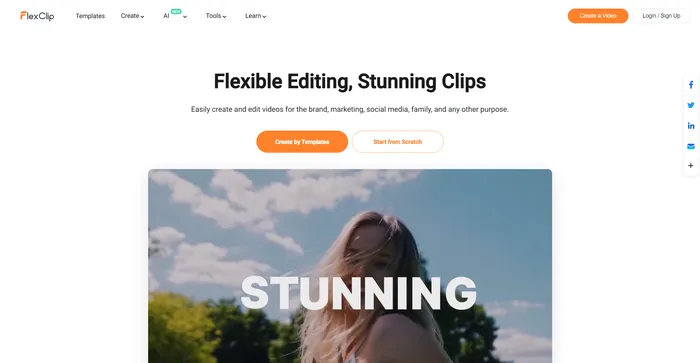
FlexClip is a simple yet powerful online video maker that helps you create engaging videos in minutes. Whether you want to make a promo video, a tutorial video, a slideshow, or a vlog, FlexClip has you covered. You can choose from hundreds of templates or start from scratch, and customize your video with stunning transitions, filters, texts, music, and more.
Tags: AI Video Editor | AI Video Generator | Business Owners | Influencers
Pika Labs is a cutting-edge AI software that lets you create stunning videos from text, image, or video inputs. Whether you want to make a cinematic trailer, an animated cartoon, or a realistic simulation, Pika Labs can help you turn your ideas into visual stories. Pika Labs uses generative AI models to produce high-quality videos in various styles and formats, giving you the freedom and flexibility to express your creativity.
Tags: AI Video Generator
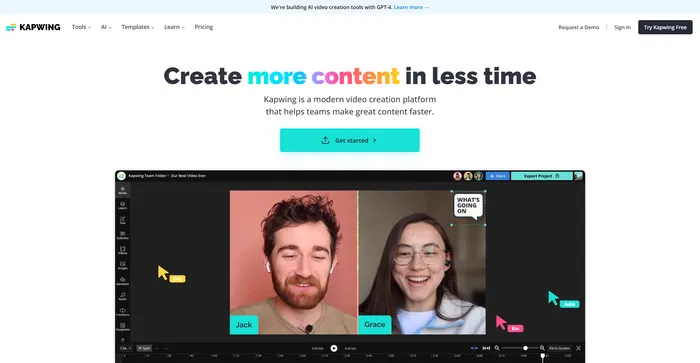
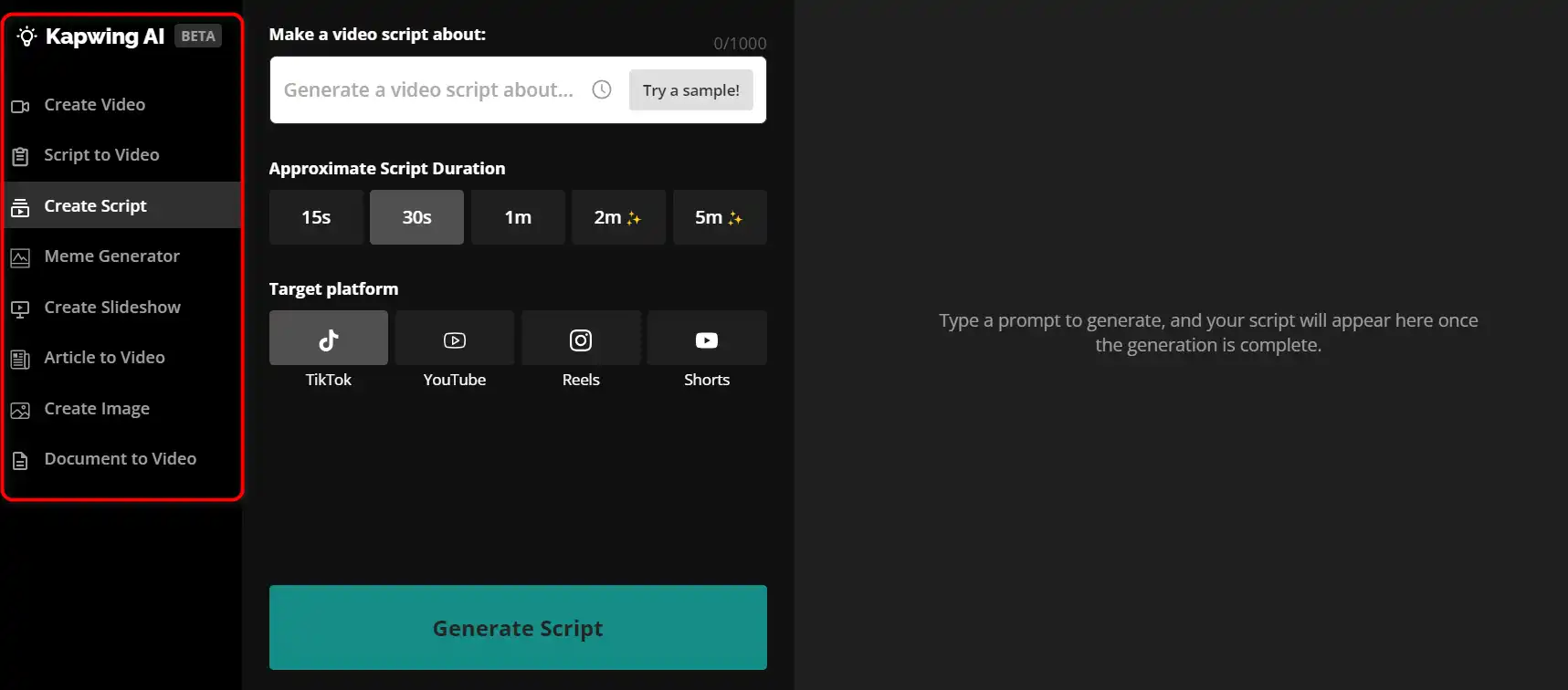
Kapwing is a versatile online video editor that lets you create, edit, and share videos, images, and GIFs. Whether you want to make a meme, a collage, a subtitle, a montage, or a slideshow, Kapwing has the tools you need to unleash your creativity.
Tags: AI Video Editor | AI Video Generator | Marketers
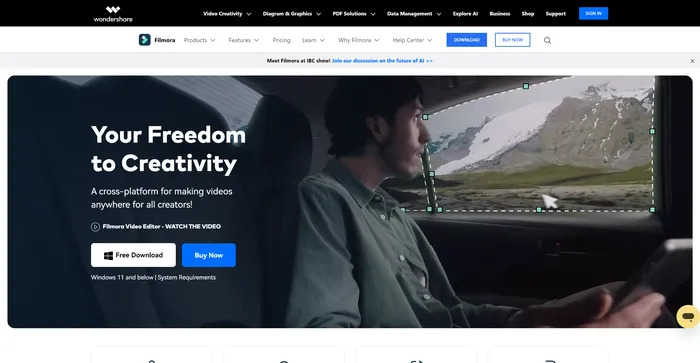
Filmora is a popular and easy-to-use video editing software for beginners and professionals alike. It offers a wide range of features, such as filters, transitions, titles, music, sound effects, and more. You can also use Filmora to record your screen, webcam, or voiceover. Filmora supports various formats and devices, and you can export your videos to YouTube, Vimeo, or DVD.
Tags: AI Video Editor | AI Video Generator | Influencers
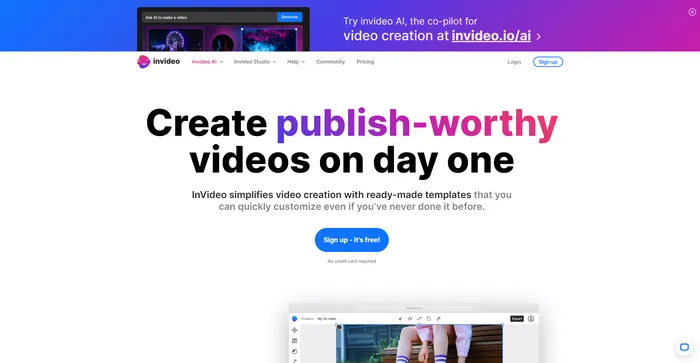
InVideo is a powerful online video editor that lets you create stunning videos in minutes. Whether you want to make a promo video, a tutorial, a testimonial, or a social media post, InVideo has you covered. You can choose from thousands of templates, customize them with your own media, text, and music, and export them in HD quality.
Tags: AI Video Editor | AI Video Generator | Influencers
Pictory is the best AI software for creating brandable videos from your long-form content (scripts, sales letters, blog posts, webinars, podcasts, Zoom recordings, and more). If you are a content creator or marketer looking for an easy way to convert your written work into video form, Pictory is the best option I’ve found to get started quickly.
Pictory uses advanced AI to automatically generate a video from your written content, with a professional voiceover, stock video clips, captions, and branding. You can also edit your video by changing the text, voice, clips, and music. Pictory has a huge library of stock videos, images, and music to choose from, and you can also upload your own media. You can also customize your branding with your logo, color scheme, intro, and outro.
Tags: AI Video Editor | AI Video Generator | Influencers | Marketers
Kaiber is the ultimate AI creative platform for anyone who loves to create and share videos and images.
It’s not only fun and easy to use, but also powerful and innovative, using the latest generative AI technology to produce stunning results.
With Kaiber, you don’t have to be a professional or have any technical skills to create amazing videos and images. You just need your imagination and a few clicks.
Create FREE Engaging AI Videos 10X Faster
Turn Any Reading Into Audio
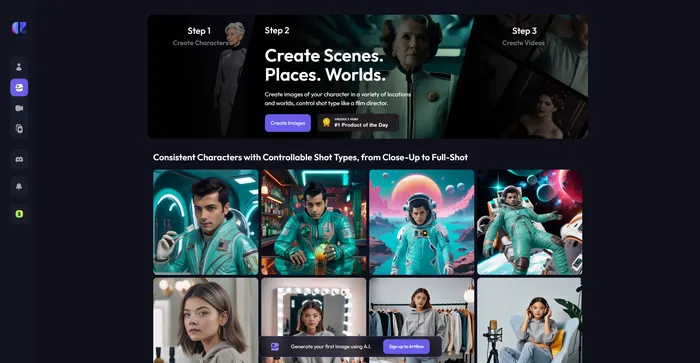
Craft consistent characters with ease
Easily Edit, Record, Multi-Stream & Host Videos
Tags: AI Video Generator | Marketers