Generic selectors
Exact matches only
Search in title
Search in content
Post Type Selectors

Is PixVerse the Ultimate AI Video Creation Tool? A Comprehensive Review

Pricing:

Top alternatives:

Platform:

Web Based

Intergrations:

Best use cases:

#

Social links:

Overview

Creating captivating videos can be a daunting task, especially for those without technical skills or a big budget.

Enter PixVerse, an AI-powered tool that promises to transform your ideas into stunning videos effortlessly.

But does PixVerse live up to its promise? Let’s delve into an in-depth review to find out.

Editor's review

Overall Score: 4.7

PixVerse is a powerful AI tool that transforms your ideas into stunning videos. It leverages advanced generative AI technology to create visually captivating outputs, making it an ideal tool for filmmakers, animators, content creators, and anyone in need of high-quality video content. PixVerse is flexible and capable of producing a wide variety of content, from animations to real-life sceneries, and stylized genre-specific settings.

PROS

  • Generates high-quality videos effortlessly
  • Supports a wide variety of content, from animations to real-life sceneries
  • Easy to use, with a simple process for creating videos
  • Highly rated for ease of use, performance, features, and support

CONS

  • Some styles, like the realistic style, may not achieve the same level of creative detail as others, like the anime style
  • Currently in beta version, so there may be potential bugs or issues

PixVerse Pricing

Free during beta testing.

What is PixVerse

• Who is PixVerse for?

PixVerse is a versatile tool designed for anyone looking to create engaging videos. Whether you’re a content creator, marketer, or just someone who wants to bring their ideas to life in video form, PixVerse is designed to make the process simple and accessible.

• PixVerse Top features

PixVerse boasts a range of impressive features. Here are a few:

  • Effortless Video Creation: Transform your ideas into stunning videos with the help of AI.
  • Multi-modal Inputs: PixVerse can work with various types of inputs to generate videos, providing flexibility in content creation.
  • Hyper-realistic Scenes: Create videos with hyper-realistic scenes, from lush vegetation to dystopian settings.

• Tips for using PixVerse

Here are some tips to get the most out of PixVerse:

  • 🌟 Be clear with your prompts: The clearer and more specific your prompts, the better the results you’ll get from PixVerse.
  • 🎯 Experiment with different styles: PixVerse allows you to select between realistic and anime styles. Try both to see which one suits your needs best.
  • 📺 Specify the aspect ratio: Depending on where you plan to share your video, you might need a specific aspect ratio. Make sure to specify this in PixVerse.
  • ⏱️ Use negative prompts if needed: If there’s something you don’t want in your video, use a negative prompt to prevent it.
  • 🗣️ Join the Discord server: PixVerse utilizes Discord as an interface. Join their server to generate your clips.
  • 📜 Explore and Experiment: Spend some time exploring all the features that PixVerse offers. Don’t be afraid to experiment with different settings and options to see what works best for you.

With these tips, you can make the most of what PixVerse has to offer. Happy video creating! 🎥

Product Hunt Review for PixVerse

What other users are saying about PixVerse

I have crosschecked my experience with the experience of other PixVerse users on Product Hunt.

Here’s what I found:

  • 🌟 PixVerse has a 4.8/5 rating on Product Hunt based on 5 reviews.
  • Most positive reviewers like PixVerse for its:
    • 💬 Effortless, realistic, and creative video generation
    • 😇 Great consistency and high resolution
    • 💰 Good products in AI trends
    • 🚀 Impressive text-to-video generation results, especially landscapes and humans
    • ⏰ Stunning videos, images, and memes creation with acceptable results in terms of video generation
  • ☁️ Some users reported acceptable but not perfect video generation results when using PixVerse.

How to use PixVerse

After exploring PixVerse’s capabilities, I’ve compiled a comprehensive guide to help you navigate and utilize its features effectively:

Overview of PixVerse

PixVerse is a generative AI model that allows users to create videos from text prompts or multi-modal inputs such as images. It’s designed to cater to a wide range of creative needs, from social media content to educational materials.
how to use PixVerse 1

Getting Started with PixVerse

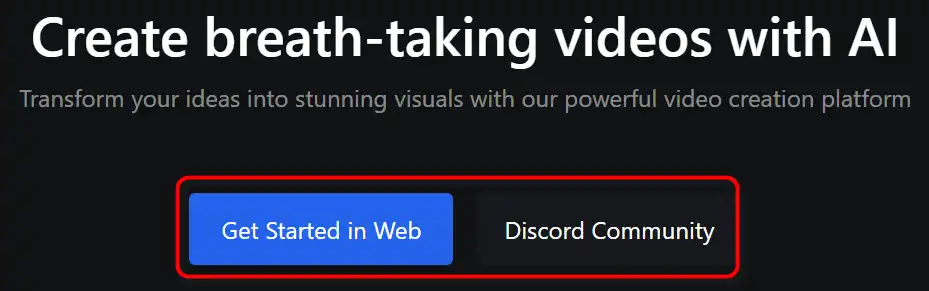
First, access PixVerse by visiting their website or joining their Discord server.
how to use PixVerse 2

Creating Your First Video

Here’s a step-by-step guide to creating videos with PixVerse:

  1. Choose your input method: text prompt, or image.
    how to use PixVerse 3
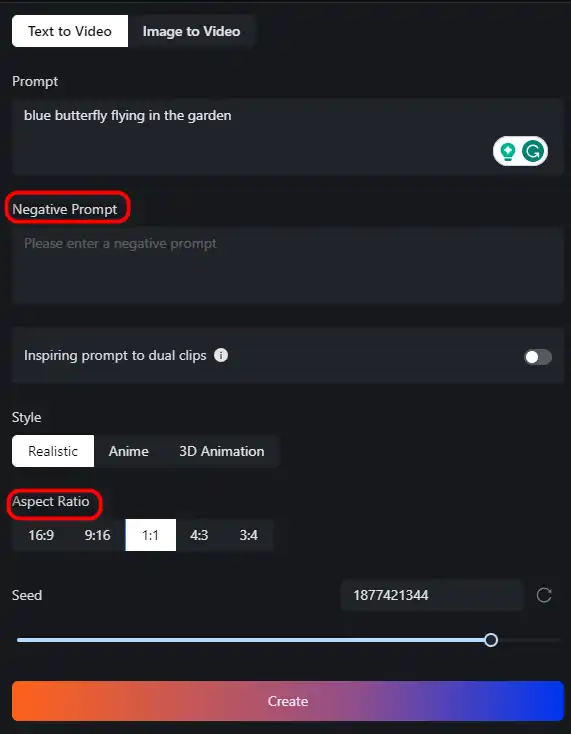
  2. Specify the style of your video, such as realistic or anime.
    how to use PixVerse 4
  3. Select additional settings like aspect ratio and negative prompts if necessary.
    how to use PixVerse 5
  4. Use the /create command in Discord’s ‘#generate-room’ or the appropriate feature on the website to generate your video.
    how to use PixVerse 6
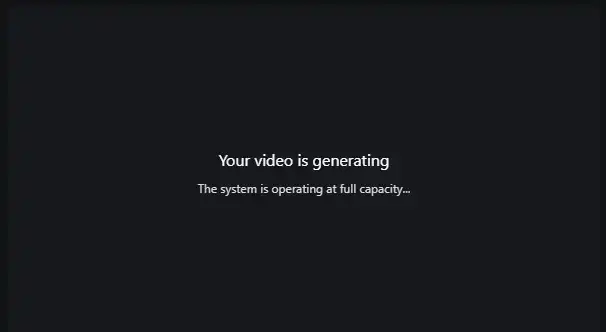
  5. Wait for the AI to process your inputs and create the video.
    how to use PixVerse 7
  6. Review the generated video and make any desired adjustments.
    how to use PixVerse 8

Joining the Community

Engage with other PixVerse users on Discord or through social media to share tips and get inspiration.
how to use PixVerse 9

Staying Updated

Keep an eye on updates and new features as PixVerse evolves during its beta phase and beyond.

PixVerse Top alternatives

Pika Labs Review

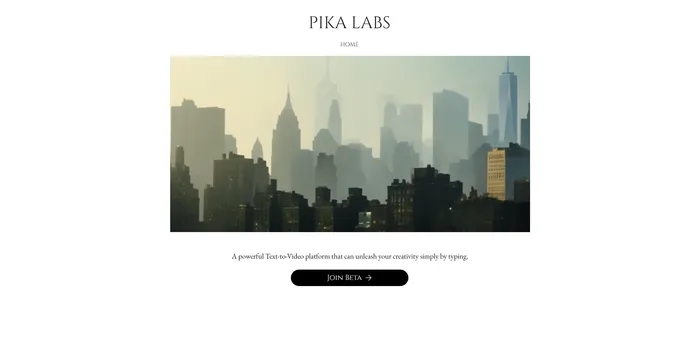
Pika Labs is a cutting-edge AI software that lets you create stunning videos from text, image, or video inputs. Whether you want to make a cinematic trailer, an animated cartoon, or a realistic simulation, Pika Labs can help you turn your ideas into visual stories. Pika Labs uses generative AI models to produce high-quality videos in various styles and formats, giving you the freedom and flexibility to express your creativity.

$8/mo

Kaiber Review

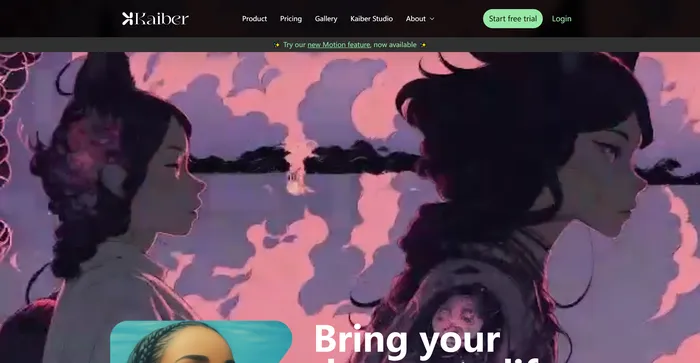
Kaiber is an AI video generator that can create animated videos from your text prompts and stylistic preferences. It is a web-based platform that aims to simplify the video creation process and unleash your creativity. However, it also has some drawbacks that you should be aware of before using it.

$5/mo

InVideo Review

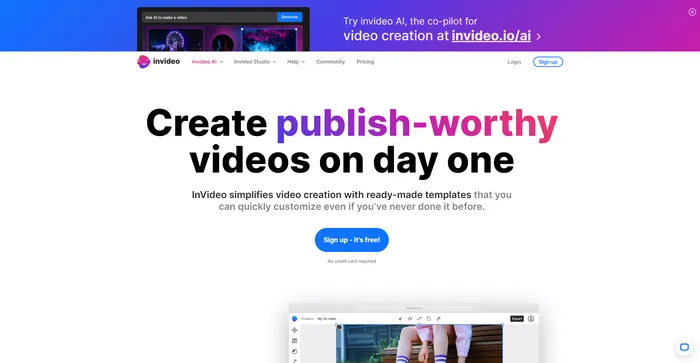
InVideo is a powerful online video editor that lets you create stunning videos in minutes. Whether you want to make a promo video, a tutorial, a testimonial, or a social media post, InVideo has you covered. You can choose from thousands of templates, customize them with your own media, text, and music, and export them in HD quality.

$20/mo

Pictory Review

Pictory is the best AI software for creating brandable videos from your long-form content (scripts, sales letters, blog posts, webinars, podcasts, Zoom recordings, and more). If you are a content creator or marketer looking for an easy way to convert your written work into video form, Pictory is the best option I’ve found to get started quickly.

Pictory uses advanced AI to automatically generate a video from your written content, with a professional voiceover, stock video clips, captions, and branding. You can also edit your video by changing the text, voice, clips, and music. Pictory has a huge library of stock videos, images, and music to choose from, and you can also upload your own media. You can also customize your branding with your logo, color scheme, intro, and outro.

$19/mo

PixVerse FAQ

What is PixVerse? +

PixVerse is a powerful generative AI model that allows users to transform multi-modal inputs into stunning videos within minutes. It breaks down the barriers between text and video, offering a seamless bridge for creators to bring their written ideas to life in a captivating visual format.

How does PixVerse work? +

Users simply input their text, and the AI takes care of the rest. The tool is flexible and capable of producing a wide variety of content, from an astronaut on a horse traversing the starry night sky, to a cyberpunk city during a vibrant sunset, to an anime-style scene of a girl walking by the sea.

What types of video content can I create with PixVerse? +

PixVerse is capable of producing a wide variety of content, from an astronaut on a horse traversing the starry night sky, to a cyberpunk city during a vibrant sunset, to an anime-style scene of a girl walking by the sea. It supports the creation of diverse genres of videos like animations, real-life sceneries, and stylized genre-specific settings.

How user-friendly is PixVerse for beginners in video creation? +

PixVerse is designed to be user-friendly for both beginners and professionals. Users simply input their text, and the AI takes care of the rest, generating high-quality videos without the need for extensive technical skills.

Can PixVerse AI be used for commercial projects? +

Yes, PixVerse can be used for commercial projects. Whether you seek to craft personal videos or require unique promotional content for commercial purposes, PixVerse stands as an ideal choice.

What customization options are available in PixVerse? +

PixVerse provides customization options, enabling personalized tailoring based on individual needs. Users can select the style of the video between realistic and anime, as well as other settings like the aspect ratio and negative prompt (if needed).

How can I generate a video with PixVerse? +

To generate a video with PixVerse, you need to share your video concept, desired style, and any specific requirements. Then, allow PixVerse to craft a video based on your inputs. You can then review the video and request any necessary modifications for the perfect final product.

Is PixVerse worth it? +

PixVerse is a powerful tool that allows users to create stunning videos with text prompts. It’s a revolutionary text-to-video generator that empowers creators to transform written content into engaging and dynamic visual content. Therefore, it can be considered worth it for those who need such services.

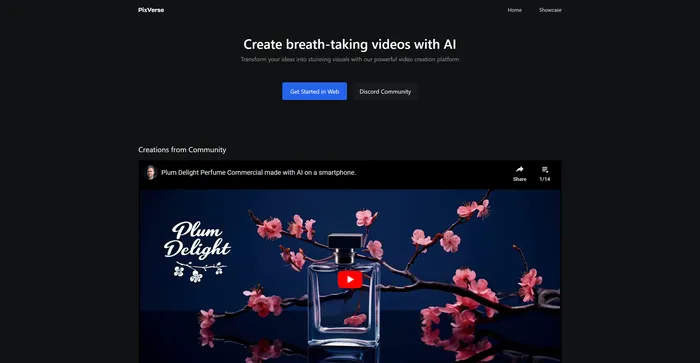
PixVerse Conclusion

Embrace the future of video creation with PixVerse and turn your creative concepts into visual narratives with ease. Whether you’re a professional or a hobbyist, PixVerse’s intuitive AI technology will elevate your storytelling. Start crafting your video masterpieces today!

Featured AI Tools

PixVerse Related AI Tools

Vidnoz AI Review

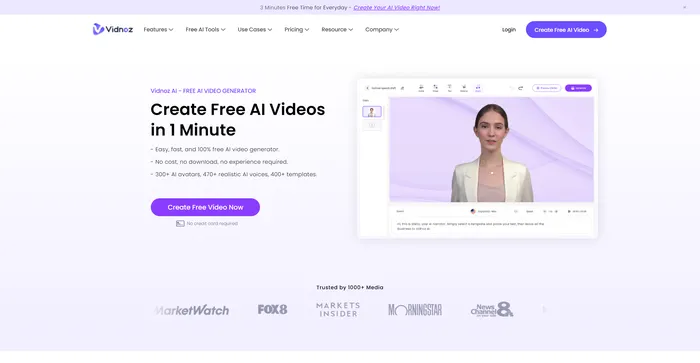
Create FREE Engaging AI Videos 10X Faster

Speechify Review

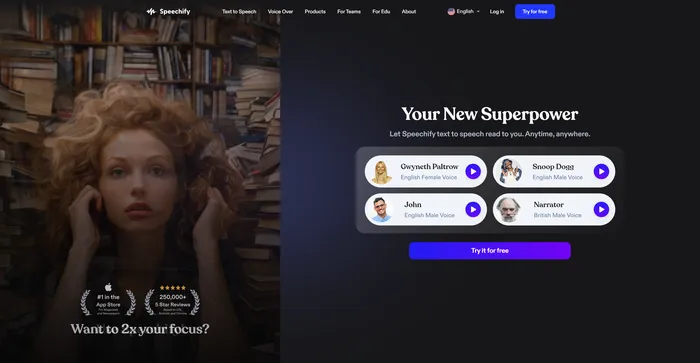
Turn Any Reading Into Audio

Artflow Review

Craft consistent characters with ease

Wave.video Review

Easily Edit, Record, Multi-Stream & Host Videos

Fliz Review

Your AI-Powered Video Creator for Engaging Videos

FlexClip Review

Online Video Editor - Make Videos for Free