Generic selectors
Exact matches only
Search in title
Search in content
Post Type Selectors

Vectorizer.AI Review: Is This the Best AI Tool for Image Vectorization?

Top alternatives:

Platform:

Web Based

Intergrations:

API

Best use cases:

# #

Social links:

Overview

Designers, marketers, and content creators often face the challenge of converting raster images into scalable vector graphics.

Vectorizer.AI promises to solve this problem by using artificial intelligence to transform images into vectors in a matter of seconds.

But does it live up to the hype? Let’s dive into an in-depth review of Vectorizer.AI to find out.

Editor's review

Overall Score: 4.2

Vectorizer.AI is a powerful AI software for converting raster images into vector graphics. If you are a graphic designer or artist looking for a way to enhance your images, Vectorizer.AI can help you achieve stunning results with minimal effort.

PROS

  • Easy to use interface with drag and drop functionality
  • Supports various input and output formats (PNG, JPG, SVG, PDF, etc.)
  • Offers advanced settings to customize the vectorization process
  • Provides a preview of the vectorized image before downloading

CONS

  • Requires an internet connection to work
  • Some images may lose quality or details during the vectorization

Vectorizer.AI Pricing

API Pricing (monthly plan) Plan Best For
9.99 USD 50 credits Best for occasional users with minimal image vectorization needs
18.99 USD 100 credits Best for individuals with regular image vectorization needs
34.99 USD 200 credits Best for frequent users or small businesses
74.99 USD 500 credits Best for larger businesses with high volume vectorization requirements
139.99 USD 1000 credits Best for enterprise-level usage with the highest vectorization demands

Vectorizer.AI API monthly pricing plans.
monthly pricing plan for Vectorizer.AI 1

Feature 50 credits 100 credits 200 credits 500 credits 1000 credits
Monthly Price 9.99 USD 18.99 USD 34.99 USD 74.99 USD 139.99 USD
Price per Credit 0.200 USD 0.190 USD 0.175 USD 0.150 USD 0.140 USD
Roll Over Credits Up to 250 Up to 500 Up to 1000 Up to 2500 Up to 5000
Subscription Flexibility Yes Yes Yes Yes Yes

What is Vectorizer.AI

• Who is Vectorizer.AI for?

Vectorizer.AI is a versatile tool that caters to a wide range of users. Whether you’re a graphic designer needing to convert images into scalable vectors, a marketer looking to create high-quality graphics for campaigns, or a content creator aiming to enhance your visuals, Vectorizer.AI is the tool for you. It’s particularly beneficial for those who require quick, efficient, and high-quality image vectorization.

• Vectorizer.AI Top features

Vectorizer.AI comes packed with impressive features. Here are a few:

  • Fast Image Vectorization: Convert your images into vectors in seconds using AI technology.
  • Supports Multiple Formats: It supports JPEG, PNG, WEBP, BMP, and GIF as input, and produces SVG, PDF, EPS, DXF, and PNG as output.
  • High-Quality Results: The AI analyses, processes, and converts images from pixels into geometric shapes, ensuring high-quality vectorized images.
  • Customizable Features: Vectorizer.AI is working on adding customizable features, including the ability to control the number of colors in the output.

• Tips for using Vectorizer.AI

Here are some tips for getting the most out of Vectorizer.AI:

  • 📁 Choose the right file format: Make sure to select the appropriate input and output formats for your needs.
  • 🖼️ Quality of the original image: The quality of the vectorized image largely depends on the quality of the original image. So, try to use high-resolution images for best results.
  • 💡 Experiment with settings: Don’t hesitate to experiment with different settings and options to see what works best for your specific needs.
  • 🔄 Try multiple times: If you’re not satisfied with the initial result, try vectorizing the image again. The AI might produce different results with each attempt.
  • 🌐 Use a compatible browser: For the best experience, use a compatible browser like Google Chrome when using Vectorizer.AI.
  • 💬 Provide feedback: If you have suggestions for improvements or new features, don’t hesitate to provide feedback. Vectorizer.AI is continuously working on enhancing its tool.

Remember, Vectorizer.AI is a powerful tool, and with these tips, you can harness its full potential. Happy vectorizing! 🎨

How to use Vectorizer.AI

Vectorizer.AI is designed to be user-friendly and efficient. Here’s a step-by-step guide on how to use its features:

Image to Vector Conversion

This feature allows you to convert bitmap images into scalable vector graphics.

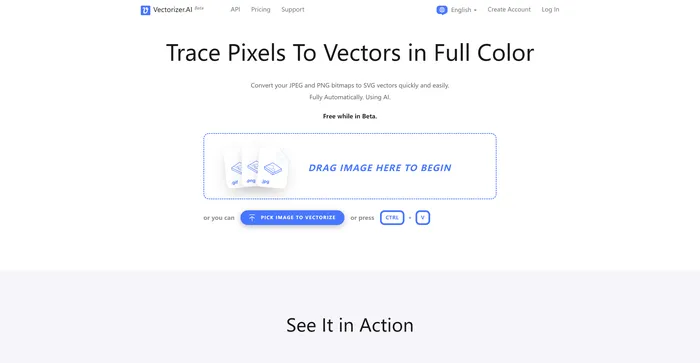
  1. Visit the website and locate the ‘Pick Image’ button.
    how to use Vectorizer.AI 2
  2. Select the image you want to convert. The tool supports JPEG, PNG, WEBP, BMP, and GIF formats.
    how to use Vectorizer.AI 3
  3. Wait for the tool to process your image. The AI analyses, processes, and converts images from pixels into geometric shapes.
    how to use Vectorizer.AI 4
  4. Once the image has been vectorized, you can download it in various formats such as SVG, PDF, EPS, DXF, and PNG.
    how to use Vectorizer.AI 5

Vectorizer.AI is currently working on adding customizable features, including the ability to control the number of colors in the output. It’s also worth noting that the tool is in beta, so there may be changes in the future.

Vectorizer.AI API

Vectorizer.AI also offers a full-fledged bitmap tracing API. This allows developers to integrate the tool’s functionality into their own applications or workflows.
how to use Vectorizer.AI 6

Vectorizer.AI Top alternatives

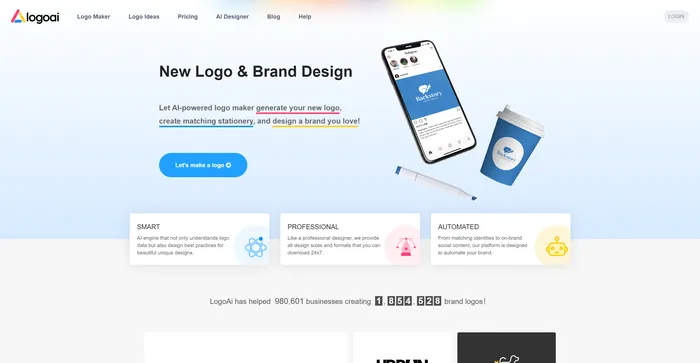
LogoAI Review

LogoAI is a versatile AI-powered logo design tool aimed at businesses seeking to create a professional brand identity efficiently. With its smart AI engine, LogoAI offers a user-friendly platform for generating unique and visually appealing logos. However, it’s important to note that while LogoAI simplifies the logo creation process, it may not fully replace the nuanced understanding and creativity of a professional designer.

Vectorizer.AI FAQ

What is Vectorizer.AI? +

Vectorizer.AI is an AI-powered tool that converts bitmap images into scalable vector graphics. It supports various input formats including JPEG, PNG, WEBP, BMP, and GIF, and produces output in formats like SVG, PDF, EPS, DXF, and PNG. The tool uses deep learning networks and classical algorithms to analyze, process, and convert images from pixels into geometric shapes.

How does Vectorizer.AI work? +

Vectorizer.AI uses powerful GPUs and multi-core CPUs to analyze, process, and convert images from pixels into geometric shapes. The AI models used by Vectorizer.AI have been developed in-house and are trained on a proprietary dataset. This tool offers features like fitting whole geometric shapes, cleaning up corners, tangent matching, and curve fairing, resulting in improved output quality compared to other vectorizers.

What are the input and output formats supported by Vectorizer.AI? +

Vectorizer.AI supports various input formats including JPEG, PNG, WEBP, BMP, and GIF. It produces output in formats like SVG, PDF, EPS, DXF, and PNG.

What are the applications of Vectorizer.AI? +

The resulting vector images from Vectorizer.AI can be scaled to any resolution without losing clarity, making them ideal for applications like printing, cutting, digital marketing, and more.

Is Vectorizer.AI free to use? +

Yes, Vectorizer.AI is currently in its beta phase and offers its functionality for free.

Who developed Vectorizer.AI? +

Vectorizer.AI was developed by Cedar Lake Ventures, a small company based in Minneapolis, MN that runs a portfolio of web applications, desktop software, interactive web-based tools, and APIs.

Are there any limitations to using Vectorizer.AI? +

Vectorizer.AI sets a maximum pixel count for an image at 2 megapixels and a maximum file size of 30MB.

How can I get help or support for Vectorizer.AI? +

For any inquiries or technical support, you can contact Vectorizer.AI on this page.

Vectorizer.AI Conclusion

Choose Vectorizer.AI for a seamless and efficient image vectorization experience. It’s a powerful tool that leverages AI to deliver high-quality results, and it’s currently free to use. Whether you’re a designer, artist, or business owner, Vectorizer.AI can simplify your workflow and unlock a world of creative possibilities.

Featured AI Tools

Vectorizer.AI Related AI Tools

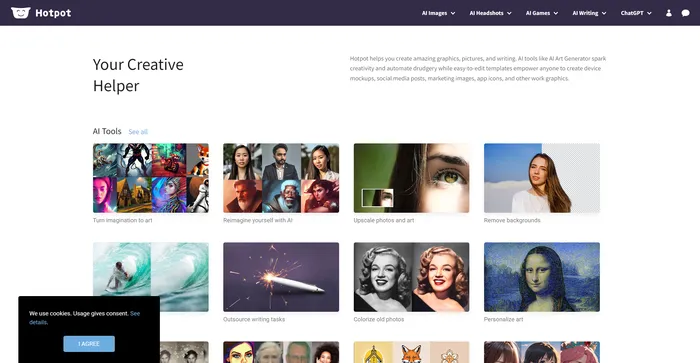
Hotpot.ai Review

Your Creative Helper

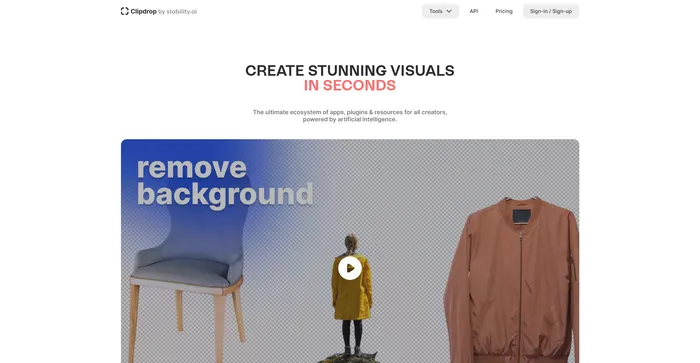
Clipdrop Review

Create stunning visuals in seconds with AI.

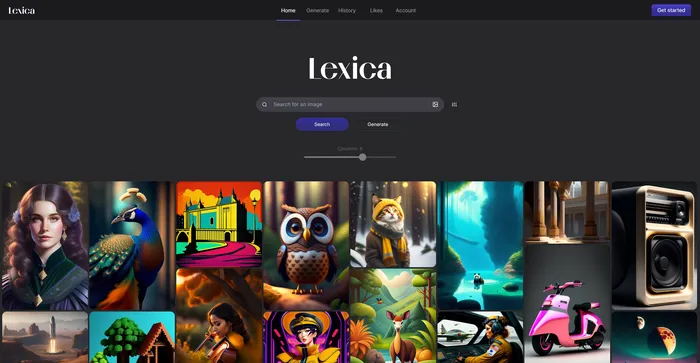
Lexica Review

AI generated art gallery - See prompts others have used