
Generic selectors
Exact matches only
Search in title
Search in content
Post Type Selectors

Vizard.ai Review: Is This the Ultimate AI-Powered Video Editing Tool?

Pricing:

Top alternatives:

Platform:

Web Based

Intergrations:

Social links:

Overview

Creating engaging, social-ready video clips from long videos can be a daunting task.

It’s time-consuming, requires technical skills, and can be quite expensive.

Vizard.ai promises to simplify this process with its AI-powered video editing tool. But does it live up to the hype? Let’s find out in this comprehensive review.

Editor's review

Overall Score: 4.5

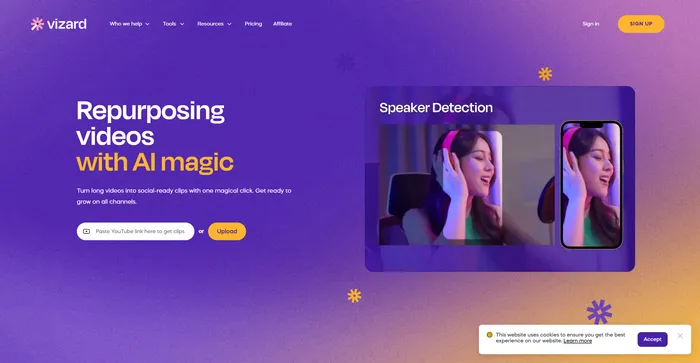
Vizard.ai is a cutting-edge AI-powered tool designed to transform long videos into engaging, social-ready clips. This platform is particularly beneficial for marketers, content creators, and social media professionals looking to repurpose video content efficiently. With its user-friendly interface and AI-driven features, Vizard.ai simplifies the video editing process, making it accessible even to those with no technical background in video editing.

PROS

  • User-friendly platform suitable for non-technical users
  • AI-driven features that save time and effort in video editing
  • Supports transcription and subtitles in multiple languages
  • Browser-based, requiring no heavy software downloads
  • Positive feedback from users for its time-saving capabilities

CONS

  • Limited free plan with restrictions such as video duration and watermarking
  • Learning curve for text-based editing features
  • Not suitable for complex video editing tasks
  • Dependent on AI’s understanding of content, which may not always align with user intent

Vizard.ai Pricing

Pricing(billed annually) Plan Best For
Free Free Ideal for individuals with basic needs
$16/mo Creator Ideal for creators with advanced features
$32/mo Pro Ideal for power users with more project minutes

Vizard monthly pricing plans.
monthly pricing plan for Vizard.ai 1

Vizard annual pricing plans.
yearly pricing plan for Vizard.ai 2

Plan Name Free Creator Pro
Video Upload Time 300 mins/month 1200 mins/month 6000 mins/month
Upload Video Length 120 mins 360 mins 360 mins
Upload Video Size 8GB 8GB 8GB
Watermark Removal No Yes Yes
Auto-Subtitling Yes Yes Yes
Subtitle Translation No Yes Yes
SRT Subtitles Download No Yes Yes
Export Quality 720p 1080p 1080p
Video Exports 50/month 200/month Unlimited
Video Storage 7 days As long as you are subscribing As long as you are subscribing
Social Posts Yes Yes Yes
Screen Recording Yes Yes Yes
Link Sharing Yes Yes Yes
Support Email, chat Email, chat Email, chat

What is Vizard.ai

• Who is Vizard.ai for?

Vizard.ai is designed for marketers, creators, podcasters, coaches, consultants, and agencies who need to create polished videos efficiently. If you’re looking to turn long videos into engaging, social-ready clips, Vizard.ai could be the tool for you.

• Vizard.ai Top features

Vizard.ai offers a range of features to streamline the video editing process:

  • AI Clipping: This feature automatically identifies the most engaging parts of a video and generates 10+ clips, saving hours of manual work.
  • Video Editing and Subtitling Tools: Vizard.ai is a full-featured video editor, offering a range of editing tools and subtitling options.
  • Large File Support: The platform supports large file uploads, making it suitable for creators working with high-resolution content.

• Tips for using Vizard.ai

Here are some tips to get the most out of Vizard.ai:

  • 🎬 Use AI Clipping: Leverage the AI Clipping feature to automatically generate multiple clips from a long video.
  • 📝 Take Advantage of Subtitling: Use the subtitling tools to make your videos more accessible and engaging.
  • 📂 Upload Large Files: Don’t be afraid to upload high-resolution content. Vizard.ai can handle large files.
  • 🔄 Repurpose Content: Use Vizard.ai to repurpose long videos into social-ready clips, maximizing your content’s reach and engagement.
  • 🔍 Explore All Features: Spend some time exploring all the features that Vizard.ai offers to fully understand its capabilities.

With these tips, you can make the most of what Vizard.ai has to offer. Happy video editing! 🎥

Product Hunt Review for Vizard.ai

What other users are saying about Vizard.ai

I have crosschecked the reviews of Vizard.ai on Product Hunt.

Here’s what I found:

  • 🌟 Vizard.ai has an overall rating of 4.7/5 based on 23 reviews.
  • The positive aspects highlighted by users include:
    • 👏 Frictionless onboarding with straightforward setup and demo projects
    • 🎥 Impressive AI capabilities in cutting videos into shorts
    • 📝 Accurate transcripts with minor accent issues
    • 🚀 Speedy and efficient video creation for social media
    • 🔄 Simplifying the entire video creation process for users
  • 🤔 Some users have reported issues with the pro version, experiencing slow downloads and editing problems.

How to use Vizard.ai

Vizard.ai offers a variety of features that can be utilized to create impactful social media content. Here’s how you can make the most of them:

AI Clipping

This feature automatically identifies the most engaging parts of your video and generates multiple clips from it.

  1. Upload your video to the platform.
    how to use Vizard.ai 3
  2. Click on the “Get AI clips” feature and let Vizard.ai work its magic.
    how to use Vizard.ai 4
  3. Once the clips are generated, you can download them, share them with unique links, or even post directly from the Vizard.ai platform.
    how to use Vizard.ai 5

Video Editing

Vizard.ai also offers a variety of editing tools beyond AI clipping.

  1. Upload your video or use a YouTube link to get started.
    how to use Vizard.ai 3
  2. The tool transcribes and adds subtitles to your video synchronously.
    how to use Vizard.ai 5
  3. Use the editing tools to trim, crop, add text, add images, and more.
    how to use Vizard.ai 6
  4. Once you’re satisfied with your edits, export and download your video in the best resolution.
    how to use Vizard.ai 7

Subtitle and Translation Features

These features allow you to reach a global audience with multilingual capabilities.

  1. Upload your video to the platform.
    how to use Vizard.ai 3
  2. In the “Editor”, select “Subtitles”, and choose the desired language for subtitles and translation.
    how to use Vizard.ai 9
  3. Vizard.ai will automatically add subtitles and translate your subtitle into the selected language.

Video-to-Text

This feature allows you to convert your video content into text, which can be useful for creating transcripts, blog posts, and more.

  1. Upload your video to the platform.
    how to use Vizard.ai 3
  2. Uncheck the “Get AI clips”.
    how to use Vizard.ai 10
  3. Vizard.ai will automatically transcribe your video into text.
    how to use Vizard.ai 11

Vizard.ai Top alternatives

Fliz Review

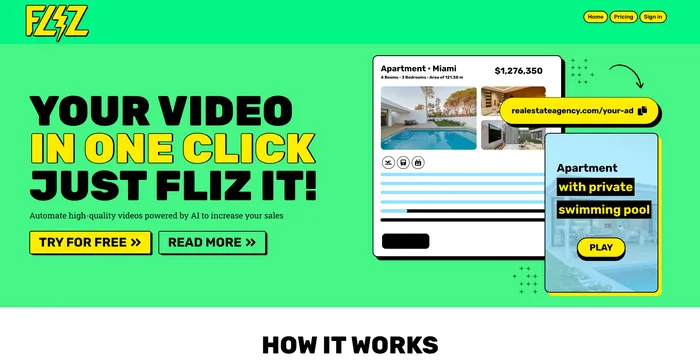
Fliz is an AI-powered tool that simplifies the process of creating engaging and high-quality videos. By simply inputting a URL, users can quickly turn articles, product listings, or ads into videos. The tool uses AI to generate a unique and high-quality video, retrieving essential information from your page. It offers three video styles to suit different needs and is compatible with all e-commerce solutions, making it accessible to a wide range of users.

$20/mo

Opus Clip Review

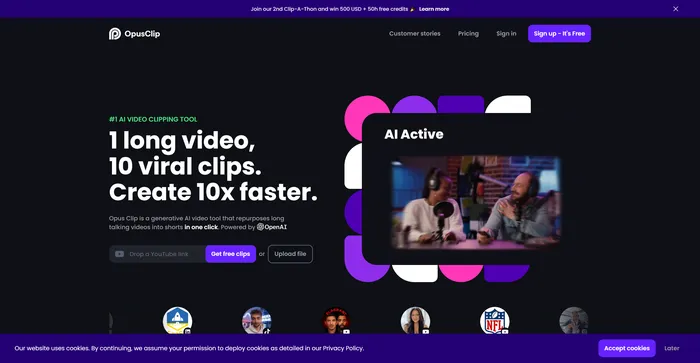
Opus Clip emerges as a highly efficient AI video clipping tool that caters to the needs of content creators and marketers aiming to produce viral shorts. With its AI-driven capabilities, it simplifies the process of transforming long-form videos into engaging short clips suitable for social media platforms.

$9/mo

InVideo Review

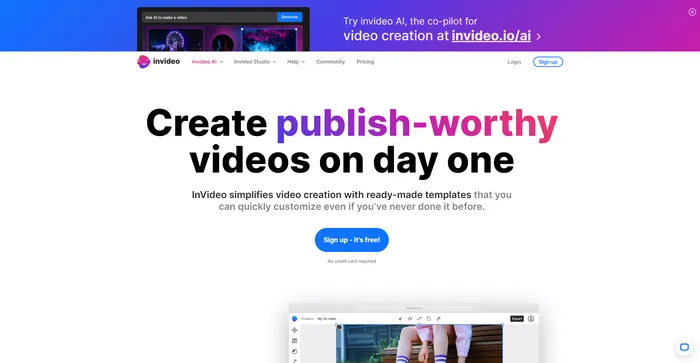
InVideo is a powerful online video editor that lets you create stunning videos in minutes. Whether you want to make a promo video, a tutorial, a testimonial, or a social media post, InVideo has you covered. You can choose from thousands of templates, customize them with your own media, text, and music, and export them in HD quality.

$20/mo

Pictory Review

Pictory is the best AI software for creating brandable videos from your long-form content (scripts, sales letters, blog posts, webinars, podcasts, Zoom recordings, and more). If you are a content creator or marketer looking for an easy way to convert your written work into video form, Pictory is the best option I’ve found to get started quickly.

Pictory uses advanced AI to automatically generate a video from your written content, with a professional voiceover, stock video clips, captions, and branding. You can also edit your video by changing the text, voice, clips, and music. Pictory has a huge library of stock videos, images, and music to choose from, and you can also upload your own media. You can also customize your branding with your logo, color scheme, intro, and outro.

$19/mo

Vizard.ai FAQ

What is Vizard.ai? +

Vizard.ai is an AI-powered platform that helps users repurpose long videos into short, engaging clips for social media. It uses artificial intelligence to identify the most engaging parts of a video and generate multiple clips. This tool is particularly useful for marketers and content creators who want to repurpose their content for different social media channels.

What are the key features of Vizard.ai? +

Key features of Vizard.ai include AI Smart Cut, Auto-Reframe, AI Transcription and Subtitling, and AI Social Caption. These features are designed to elevate the quality of your video content. The platform also supports a variety of file formats and offers easy-to-use editing tools.

How does Vizard.ai work? +

Vizard.ai processes your video with its proprietary AI technology. You just need to click on the “Get AI clips” feature and the tool will identify the highlights and create a series of fully-designed clips perfect for social media. You can then download your new clips, share them with unique links, or even post directly from the Vizard.ai platform.

Is Vizard.ai easy to use? +

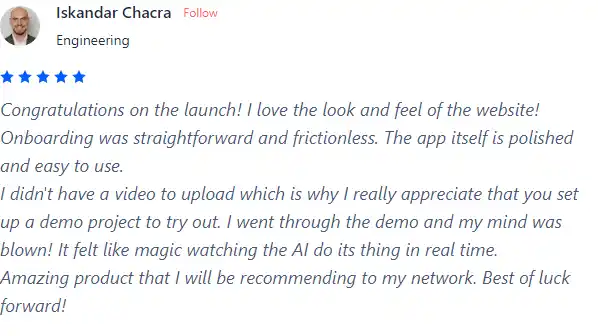
Yes, Vizard.ai is designed to be user-friendly. It’s a browser-based platform, which makes it accessible and easy to use. Users have praised its straightforward and frictionless onboarding process, as well as its polished and easy-to-use app.

How much does Vizard.ai cost? +

Vizard.ai offers a free plan with limited features. The pricing for Vizard starts at $16.00 per month. They also offer an Custom Plan for their product. The exact cost may vary, so it’s recommended to check their official website for the most accurate pricing information.

Is Vizard.ai worth it? +

Vizard.ai can be a valuable tool for those who frequently create video content for social media. It saves time and effort by automatically generating engaging clips from longer videos. Users have praised its ease of use and the quality of the clips it produces. However, whether it’s worth it or not may depend on your specific needs and budget.

Is Vizard.ai safe? +

While specific information about the safety of Vizard.ai is not readily available, it’s important to note that any reputable software should prioritize user safety and data protection. Always ensure to review the privacy policy and terms of service of any new software you use.

What kind of support is available with Vizard.ai? +

All plans of Vizard.ai come with basic support via email. The pro plan includes priority support, while the custom plan includes dedicated support with a dedicated account manager.

Vizard.ai Conclusion

Choose Vizard.ai to transform your long videos into engaging, social-ready clips. It’s user-friendly, efficient, and leverages AI to save you time and effort. With Vizard.ai, you can easily broaden your reach and engage your audience more effectively.

Featured AI Tools

Vizard.ai Related AI Tools

Capcut Review

Easy to use video editing software