
Generic selectors
Exact matches only
Search in title
Search in content
Post Type Selectors

Is Hostinger Website Builder the Ultimate Solution for Easy and Affordable Web Design?

Pricing:

Top alternatives:

Platform:

Web Based

Intergrations:

WordPress

Social links:

Overview

Struggling to create a professional website without breaking the bank or getting tangled in complex design tools?

Hostinger Website Builder promises an easy-to-use, drag-and-drop interface with AI-powered tools to streamline the web design process.

But does it deliver on its promise of simplicity and affordability? Let’s dive into an in-depth review to uncover the truth.

Editor's review

Overall Score: 3.5

Hostinger Website Builder is an AI-powered tool that helps you create a professional-looking website in minutes. You can choose from hundreds of templates, customize them with your own content, and publish your site with one click. Hostinger Website Builder is ideal for beginners who want to create a simple and attractive website without coding.

PROS

  • Easy to use and intuitive interface
  • Responsive design that adapts to any device
  • Free domain name and SSL certificate
  • 24/7 customer support and live chat

CONS

  • Limited customization options and features
  • Requires a Hostinger hosting plan to use
  • Some templates look outdated and generic

Hostinger Website Builder Pricing

Pricing (monthly plan) Plan Best For
2.49 USD Basic Best for individuals starting a single website
7.99 USD Renewal Best for continued service after initial term

Hostinger Website Builder & Web Hosting monthly pricing plans.
monthly pricing plan for Hostinger Website Builder 2

Hostinger Website Builder & Web Hosting annual pricing plans.
yearly pricing plan for Hostinger Website Builder 1

Feature Basic
Free Domain Yes ($9.99 value)
Free Email Yes
Customer Support 24/7
Bandwidth Unlimited
Free SSL Unlimited
Number of Websites Up to 100
eCommerce Features Yes
Transaction Fees 0%
Marketing Integrations Yes
AI Features Yes
Templates 150
Drag-and-Drop Editor Yes

What is Hostinger Website Builder

• What is Hostinger Website Builder?

Hostinger Website Builder, formerly known as Zyro, is a no-code platform designed to help users create websites quickly and efficiently. It’s an ideal choice for beginners, small business owners, and anyone looking to establish an online presence without the need for technical skills.

• Key Features of Hostinger Website Builder

Hostinger Website Builder boasts a variety of features that cater to the needs of modern website creators. Here are some highlights:

  • Intuitive Drag-and-Drop Editor: Build your website by simply dragging and dropping elements onto the canvas.
  • AI-Driven Content Creation: Generate SEO-friendly content with the help of AI, ensuring your site ranks well on search engines.
  • Professional Templates: Choose from a wide range of templates that can be customized to fit your brand’s style and needs.
  • E-commerce Capabilities: Easily set up an online store with support for up to 500 products and various payment options.
  • 24/7 Customer Support: Get help whenever you need it with Hostinger’s round-the-clock customer service.

• Tips for Using Hostinger Website Builder

Here are some tips to get the most out of Hostinger Website Builder:

  • 👁️ Preview as You Go: Regularly use the preview feature to see how your website looks on different devices.
  • 📝 Utilize AI Content Generation: Take advantage of the AI content tools to create unique and relevant text for your pages.
  • 🎨 Customize Templates: Don’t settle for the default settings; personalize templates to reflect your brand’s identity.
  • 🛒 Explore E-commerce Features: If you’re setting up a store, explore all the e-commerce tools to maximize your online sales.
  • 🔗 Integrate with Other Tools: Make use of integrations like Google Analytics to track and analyze your website’s performance.
  • 💬 Engage with Support: Don’t hesitate to contact customer support for any queries or issues you encounter.

With these tips, you can leverage Hostinger Website Builder to create a stunning and functional website with ease.

Trustpilot Review for Hostinger Website Builder

What other users are saying about Hostinger Website Builder

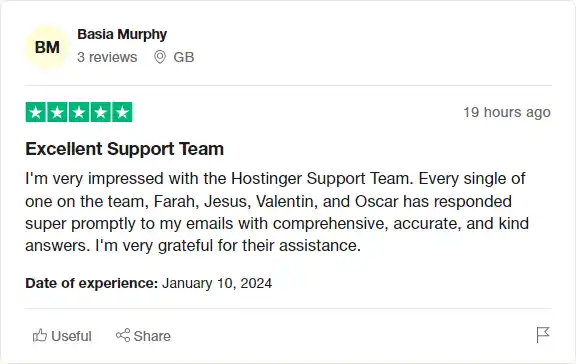
I have crosschecked my experience with the experience of other Hostinger customers on Trustpilot.

Here’s what I found:

  • ⭐ Hostinger has an excellent rating of 4.6 on Trustpilot with 23,057 total reviews (86% 5-star reviews).
  • Most positive reviewers appreciate Hostinger for:
    • 🌐 High-class web hosting services with a next-gen WordPress-optimized platform
    • 📞 24/7 experienced customer support in 11 languages
    • 🔧 A vast knowledge base of in-depth tutorials and videos
    • 🚀 LiteSpeed Web Server Technology for 4X faster websites
    • 🌐 One-click WordPress installation
  • 👎 Some users mentioned issues with slow server response times for website loading, but it usually resolves within 30-60 minutes.
  • 🛠️ Hostinger has faced criticism for delayed issue resolution, impacting users’ work and business.

How to use Hostinger Website Builder

Creating a website with Hostinger AI Website Builder is a straightforward process. Here’s a step-by-step guide on how to use its various features:

Enter Your Brand Name

Start by entering your brand or company name.
how to use Hostinger Website Builder 3

Select the Website Type

Choose a website type that suits your needs best. Choices include an online store, a portfolio, a blog, and more. If you choose the online store or blog, the AI builder will automatically add those specific pages to your website.
how to use Hostinger Website Builder 4

Describe Your Business

Provide a summary of your brand to get an AI-generated website made specifically for you. The more descriptive you are, the better results you’ll get! The description should not exceed 700 characters (including spaces).
how to use Hostinger Website Builder 5

Set Style and Colors

Click on Personalization settings and specify your website style and colors. You can specify the three main colors (light, dark, and accent) of your site. You’ll be able to change the color palette later, too!
how to use Hostinger Website Builder 6

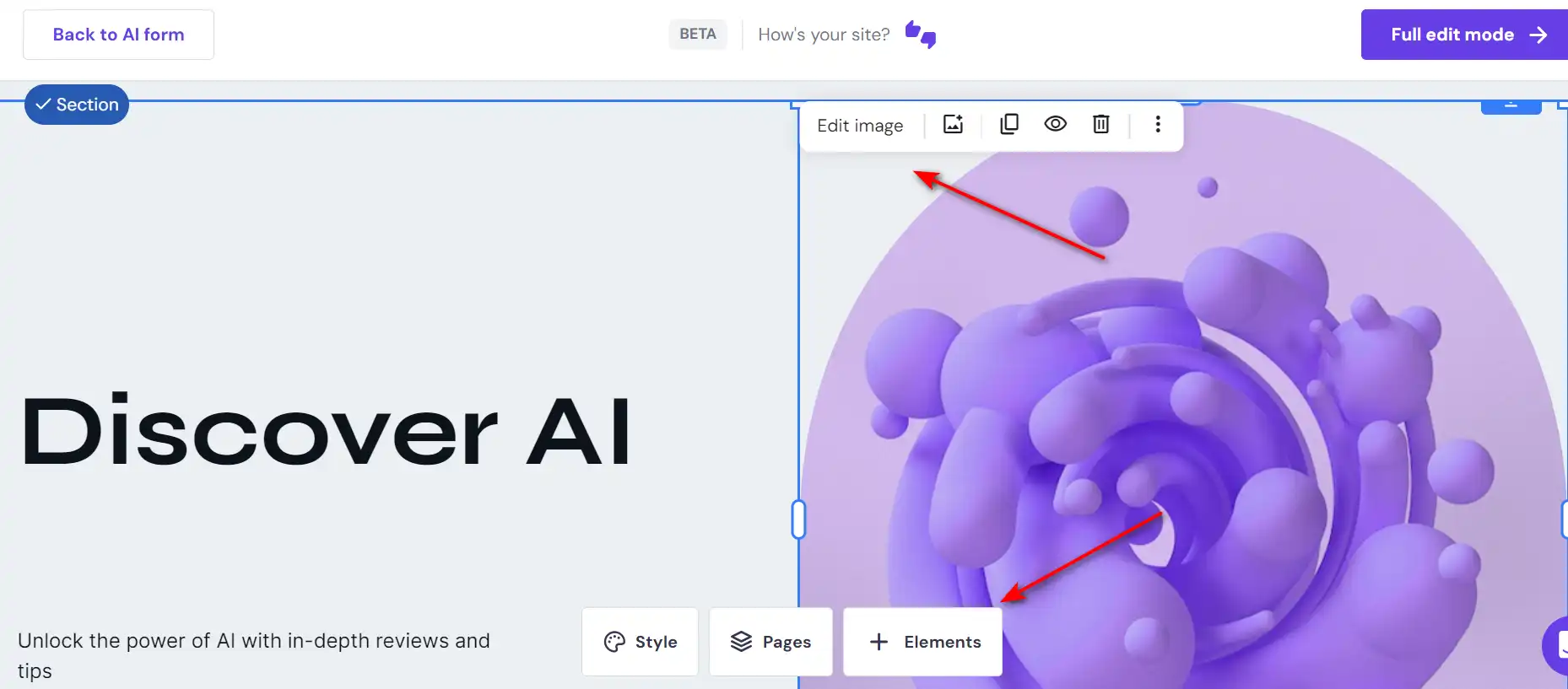
Customize Your Website

Your site is now ready! Click “Full edit mode”.
how to use Hostinger Website Builder 7

Use the drag-and-drop editor and AI tools to customize it further. Adjust your site layout and elements like fonts and colors to create a unique look. With various pre-built AI website elements, users won’t need to start from scratch to build a site.
how to use Hostinger Website Builder 8

Use AI Logo Maker

Enter your brand name and description, and the logo creator generates a captivating logo for your brand.
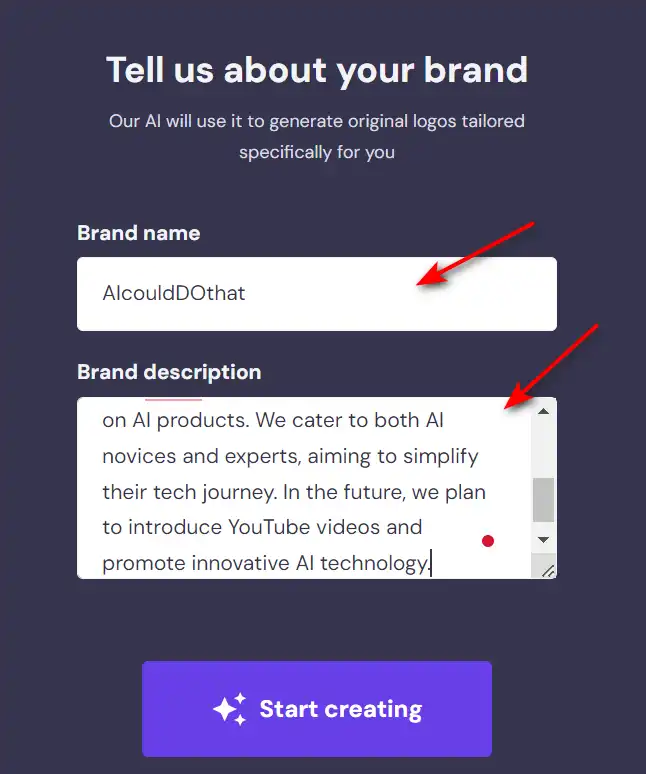
how to use Hostinger Website Builder 9

Use Built-in SEO Tools

Hostinger Website Builder also has built-in SEO tools, making it easy to improve your site’s rankings on search engines.
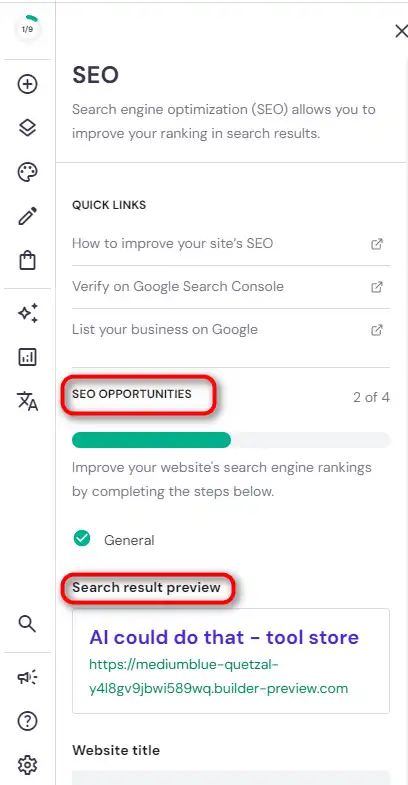
how to use Hostinger Website Builder 11

Hostinger Website Builder Top alternatives

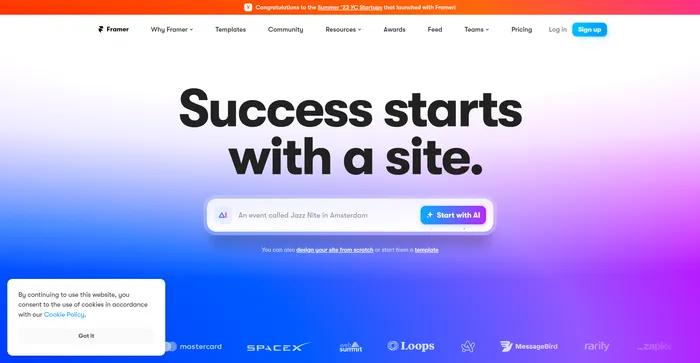
Framer Review

Framer is an innovative AI-powered tool that streamlines the process of web design and development. It is particularly notable for its ability to deploy websites rapidly, with built-in features that ensure sites are optimized for search engines and can scale efficiently through its content management system (CMS). Framer’s AI capabilities extend to localization, allowing for the generation of new pages with advanced localization features, and the dynamic rewriting of text to improve copy and resonate with different audiences.

$5/mo

Hostinger Website Builder FAQ

What is Hostinger AI Website Builder? +

Hostinger AI Website Builder is a tool that allows users to create websites instantly using artificial intelligence. It requires no coding skills and offers a drag-and-drop interface for easy customization. The AI assists in generating content, selecting images, and designing the site based on user input.

How does Hostinger AI Website Builder work? +

To use Hostinger AI Website Builder, you start by entering your brand name, choosing the type of website you want (e.g., online store, blog, portfolio), and providing a description of your business. The AI then generates a template with content and visual elements tailored to your needs. You can further customize the template using the drag-and-drop editor.

Do I need any design or coding skills to use Hostinger AI Website Builder? +

No, Hostinger AI Website Builder is designed for users without any coding or design skills. The platform’s intuitive interface and AI-generated content make it easy for anyone to create a professional website.

Can I customize the website created by Hostinger’s AI? +

Yes, after the AI generates the initial template, you can use the drag-and-drop editor to customize your website’s layout, fonts, colors, and other elements to create a unique look.

What types of websites can I create with Hostinger AI Website Builder? +

You can create various types of websites, including online stores, blogs, business showcases, portfolios, landing pages, and more.

Does Hostinger AI Website Builder offer eCommerce features? +

Yes, Hostinger AI Website Builder includes intuitive eCommerce features, such as a store setup checklist, product addition, payment options, shipping management, and order tracking.

Is Hostinger AI Website Builder optimized for search engines? +

Yes, the builder comes with built-in SEO tools to help improve your website’s rankings on search engines.

What kind of support does Hostinger offer for the AI Website Builder? +

Hostinger provides 24/7 global customer support for users of the AI Website Builder. You can reach out for assistance at any time if you encounter issues or have questions.

Hostinger Website Builder Conclusion

Choose Hostinger AI Website Builder for a seamless website creation experience. It’s user-friendly, efficient, and requires no coding skills. With its AI-powered tools, you can create a professional website tailored to your needs in no time.

Featured AI Tools

Hostinger Website Builder Related AI Tools

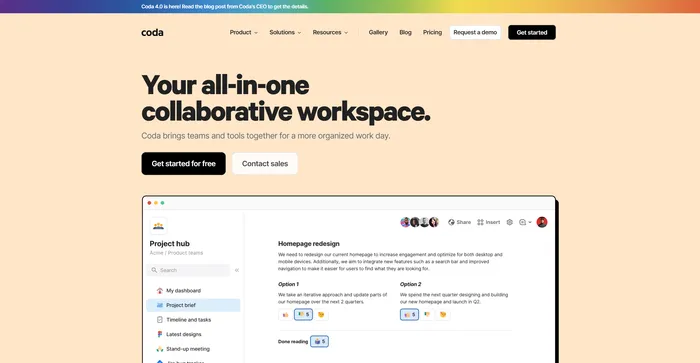
Coda Review

Your all-in-one collaborative workspace

Framer Review

The internet is your canvas

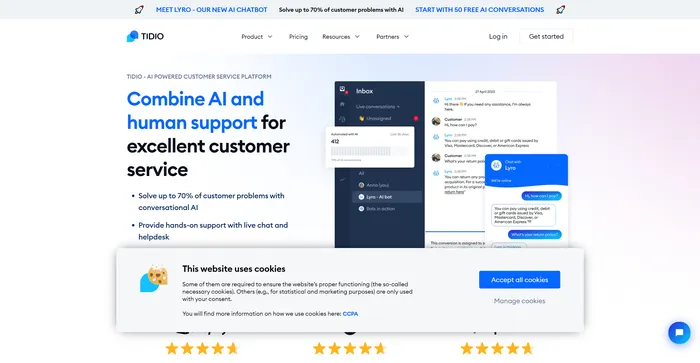
Tidio Review

Customer Service Software To Grow Your Business

FlexClip Review

Online Video Editor - Make Videos for Free

Taskade Review

AI-Powered Productivity. A Second Brain for Teams

AdCreative.ai Review

Generate ad creatives that help you sell more. Fast.