
Web Based
Designing a user interface (UI) can be a daunting task, especially for those without a background in design.
But what if there was a tool that could simplify the process, making UI design accessible to everyone?
Enter Uizard, an AI-powered tool that aims to revolutionize the way we design user interfaces. But does it live up to the hype? Let’s find out in this comprehensive Uizard review.
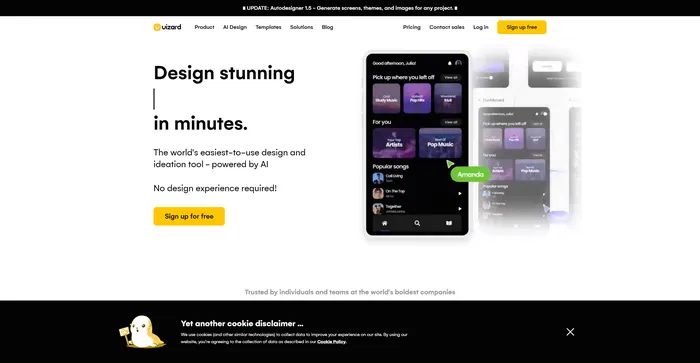
Uizard is a powerful AI-powered tool that makes UI design accessible to all. It allows users to generate mockups from text prompts, convert hand-drawn sketches into wireframes, and transform screenshots into editable designs. Uizard’s AI technology enables faster and more intuitive design, making the transition from idea to clickable prototype seamless. It also facilitates real-time collaboration, allowing teams to review and provide feedback on design ideas. Uizard is particularly beneficial for rapid prototyping and launching products faster.
| Pricing (monthly plan) | Plan | Best For |
|---|---|---|
| Free | Creator | Best for students and hobbyists |
| $12 | Pro | Best for startups and growing businesses |
| $49 | Business | Best for large organizations |

| Plan Name | Free | Pro | Business | Enterprise |
|---|---|---|---|---|
| Creators per Organization | Unlimited | Unlimited | Unlimited | Unlimited |
| Free Viewers | Unlimited | Unlimited | Unlimited | Unlimited |
| Projects | 2 | Up to 100 | Unlimited | Unlimited |
| Screens per Project | Up to 5 | Unlimited | Unlimited | Unlimited |
| Text Assistant | 5 suggestions/month | 500 suggestions/month | Unlimited | Unlimited |
| Multiplayer collaboration | Yes | Yes | Yes | Yes |
| Private projects | No | Yes | Yes | Yes |
Uizard is a versatile tool that caters to a wide range of users. Whether you’re a seasoned designer looking for a more efficient way to create UI designs, a developer wanting to quickly prototype an idea, or a startup founder with no design background, Uizard is the tool for you. It’s particularly useful for those who want to leverage AI technology to streamline the design process.
Uizard comes packed with innovative features. Here are a few:
Here are some tips for getting the most out of Uizard:
With these tips, you can make the most of what Uizard has to offer and create stunning UI designs with ease. Happy designing! 🎨

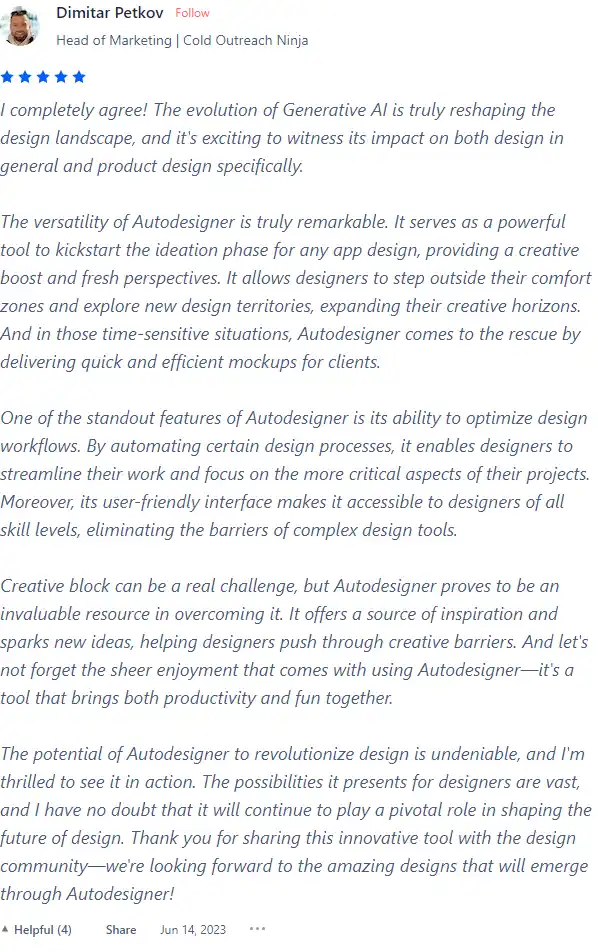
I have crosschecked reviews of Uizard on Product Hunt.
Uizard’s features are designed to be user-friendly and intuitive. Here’s a step-by-step guide on how to utilize them:
This feature allows you to create UI designs by simply typing in text prompts.


This feature transforms your hand-drawn sketches into digital wireframes.


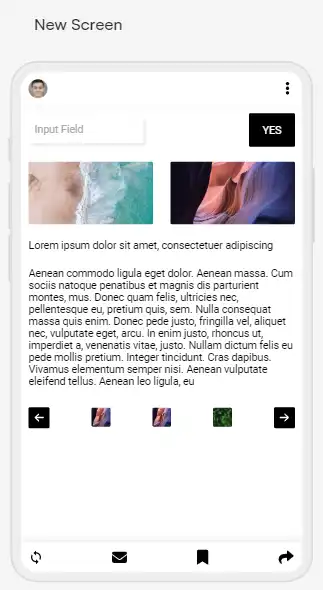

With this feature, you can turn screenshots of apps or websites into editable designs.


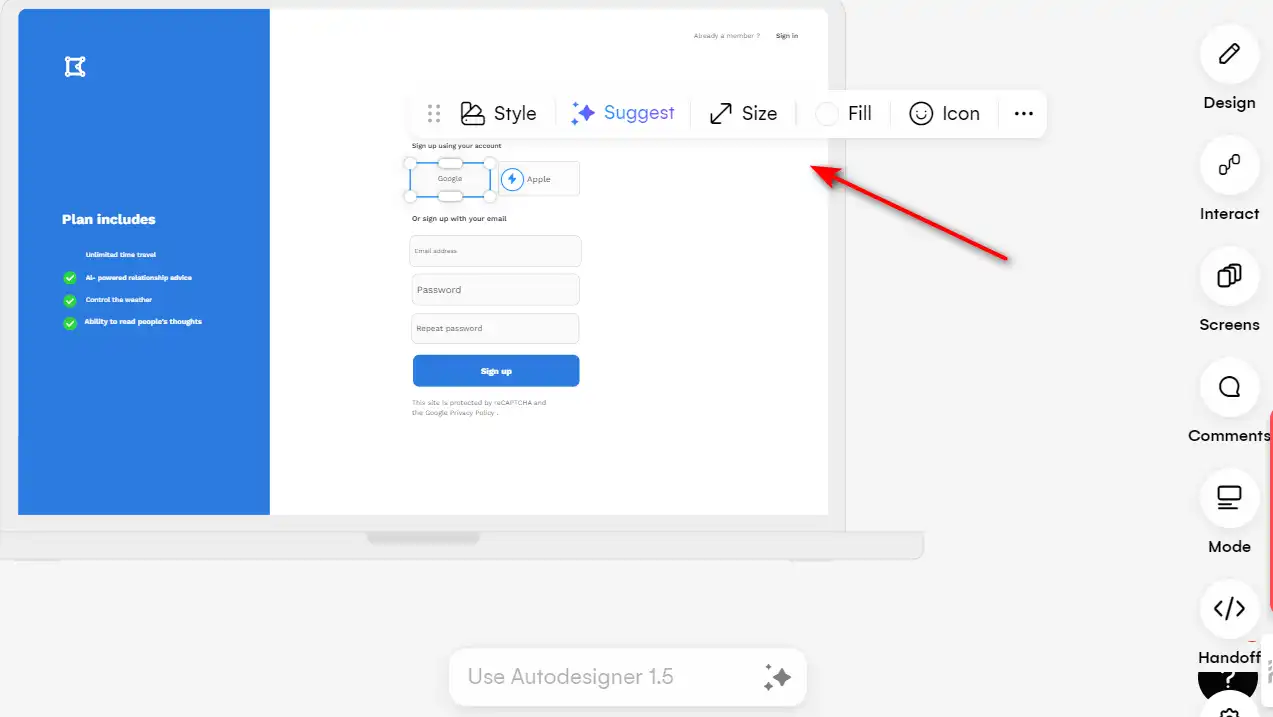
Uizard allows you to work in real-time with your team and invite stakeholders to review and provide feedback on your designs.


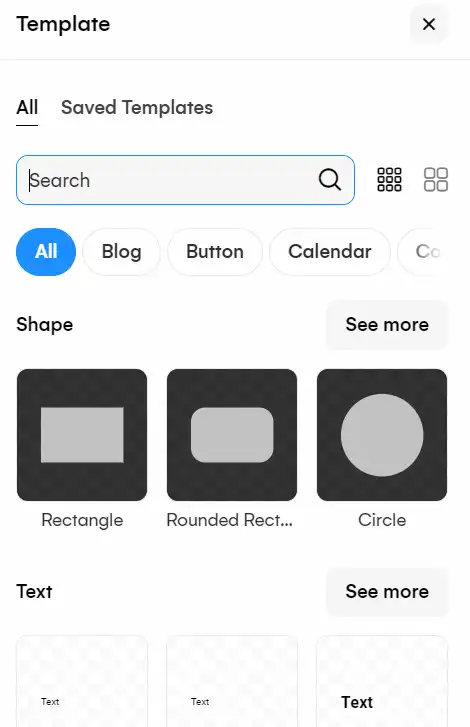
Uizard provides a library of pre-made components that you can drag and drop onto your design.

This feature allows you to create an interactive experience by connecting different pages and elements within the design.
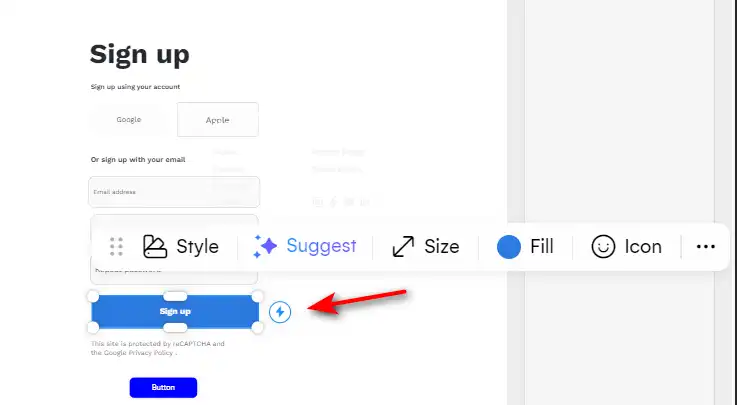

Once your design is complete, you can preview it to ensure all interactive elements, transitions, and functionalities work seamlessly.


Choose Uizard to transform your design process. It’s a powerful tool that leverages AI to make UI design accessible, efficient, and collaborative. Whether you’re a seasoned designer or a beginner, Uizard empowers you to bring your creative vision to life in minutes.
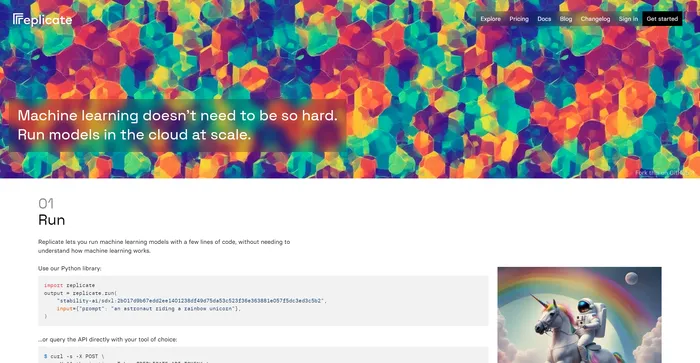
The AI community building the future.
Tags: AI Chatbot | Cloud Computing | Researchers | Software Developers
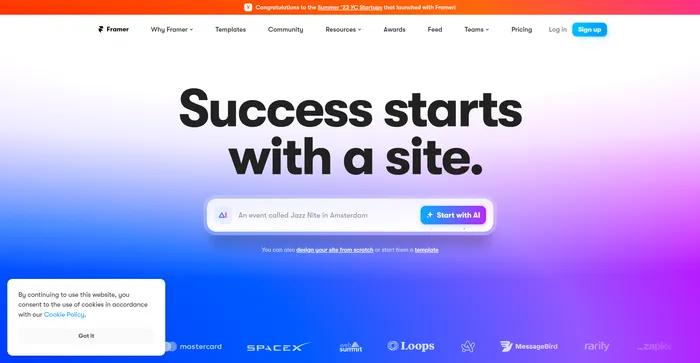
The internet is your canvas
ChatGPT
Tags: AI Assistant | AI Chatbot | AI Writer | Marketers | Researchers | Software Developers | Students
Rent Cloud GPUs from $0.2/hour
Tags: Cloud Computing | Researchers | Software Developers