Generic selectors
Exact matches only
Search in title
Search in content
Post Type Selectors

Is Artflow AI the Ultimate Tool for Animated Storytelling? A Comprehensive Review

Pricing:

Platform:

Web Based

Intergrations:

API

Social links:

Overview

Are you struggling to bring your stories to life with engaging visuals?

Artflow AI promises to transform your narrative into animated stories with ease, using AI-generated assets and characters.

Discover if Artflow AI can elevate your storytelling in this detailed review.

Editor's review

Overall Score: 4.5

Artflow.ai stands out as an innovative AI tool that caters to creators looking to transform text into unique, hand-drawn illustrations and animated stories. It is particularly beneficial for designers seeking inspiration, bloggers desiring tailored illustrations, and storytellers aiming to bring their narratives to life visually. With its focus on converting text to images, Artflow.ai changes the game in AI illustration and storytelling.

PROS

  • Enables creation of unique animated stories with original characters
  • Offers a vast library of user-generated assets for customization
  • Provides an easy-to-use interface for efficient storytelling
  • Free tier available, making it accessible for beginners
  • Community support for sharing and connecting with other creators

CONS

  • Limited creative control for users seeking advanced customization
  • Potential originality and quality concerns with AI-generated assets
  • May not support all languages or formats for voice and dialogues
  • Possible technical issues or bugs affecting user experience

Artflow Pricing

Pricing (monthly plan) Plan Best For
6.42 USD Starter Individuals needing more credits and features than the Basic plan
20 USD PRO Professional creators needing high credit limits and advanced features

Artflow monthly pricing plans.
monthly pricing plan for Artflow 1

Artflow annual pricing plans.
yearly pricing plan for Artflow 2

Feature Basic Starter PRO Enterprise
Credits/Month 100 300 1000 Customizable
Video from Story Studio 4 mins 12 mins 40 mins Customizable
Video from Video Studio 2 mins 6 mins 20 mins Customizable
Image Generation (v1) Unlimited Unlimited Unlimited Unlimited
Image Generation (v2) 1 credit Unlimited Unlimited Unlimited
Premium Voices Not available Yes Yes Yes
Priority Processing Not available Yes Yes Yes
Commercial Use Not available Attribution required Without attribution Customizable
Watermark Removal Not available Yes for image Yes Yes
AI Actor Trainings Not available Not available 2 free Customizable

What is Artflow

• Who is Artflow AI for?

Artflow AI is designed for a diverse audience, including writers, educators, marketers, and content creators who seek to enhance their storytelling with unique animated visuals.

• Artflow AI Top features

Artflow AI boasts a range of features that make it stand out:

  • AI-driven Art Generator: Create hand-drawn animations and characters from text inputs, bringing your stories to life.
  • Video Generator: Easily produce animated stories with AI-generated assets, offering a new dimension to your content.
  • User-Generated Asset Library: Access a vast collection of assets created by other users to enrich your animations.

• Tips for using Artflow AI

Here are some tips to get the most out of Artflow AI:

  • 🎨 Explore the Asset Library: Dive into the user-generated assets to find inspiration or the perfect addition to your story.
  • 📝 Be Descriptive with Text Inputs: Provide detailed descriptions to generate more accurate and fitting illustrations for your narrative.
  • 🎭 Experiment with Characters: Use the AI to experiment with different character designs and find the right look for your story.
  • 📊 Utilize Non-English Descriptions: Take advantage of the tool’s ability to support non-English descriptions to reach a broader audience.
  • 🔗 Integrate with APIs: If you’re tech-savvy, use Artflow AI’s API for more advanced content generation and integration into your projects.
  • 🌐 Join the Community: Connect with other creators on Discord for support, inspiration, and to share your work.

Whether you’re a professional or a hobbyist, Artflow AI can be a powerful ally in your creative process. Embrace the possibilities and start animating your stories today!

Product Hunt Review for Artflow

What other users are saying about Artflow

I have crosschecked my experience with the experience of other Artflow AI users on Product Hunt.

Here’s what I found:

  • 🌟 Artflow AI has an impressive 4.9/5 rating on Product Hunt based on 23 reviews.
  • Most positive reviewers highlight:
    • 💬 Can work as a stand-out in outbound campaigns or for top-of-the-funnel content game if used properly.
    • 😇 Incorporating creative writing and visual storytelling can present a remarkable opportunity to establish a new benchmark for creating lasting impressions.
    • 💰 Provides a consistent identity across many images with the potential to animate images with high-quality generated voices.
    • 🚀 Need to be patient for the perfect picture, but once mastered, the possibilities are enormous.
    • ⏰ Praised for being a game-changer in visual storytelling and bridging the gap between AI generators and movie making.
  • 🐾 Artflow AI received positive feedback for its amazing promotion video and great UI design.
  • ☁️ Some users mentioned the need for consistency in characters in AI-generated stories.

How to use Artflow

Artflow AI is a versatile tool that caters to a wide audience, from professional artists to casual storytellers. Here’s a comprehensive guide to using its features:

Getting Started with Artflow AI

Before diving into the creative process, familiarize yourself with the Artflow AI interface and its capabilities.

  1. Visit the Artflow AI website and sign up for an account.
    how to use Artflow 3
  2. Explore the dashboard to understand the layout and available features.
    how to use Artflow 4
  3. Access blog and FAQs to get a better grasp of the tool’s functionality.
    how to use Artflow 5

Creating Characters

Artflow AI excels in bringing your imaginative characters and scenes to life.

  1. Choose the ‘Character Builder’ from the main menu.
    how to use Artflow 6
  2. Input descriptive text to guide the AI in generating your desired visuals.
    how to use Artflow 7
  3. Finalize and save your character.
    how to use Artflow 8

Create Scenes, Places, and Worlds

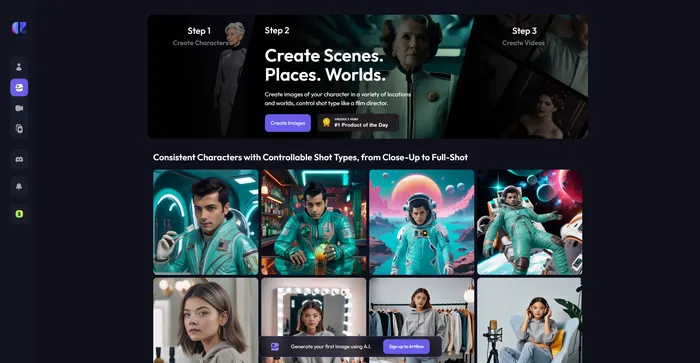
Artflow.ai is a versatile AI tool that allows you to create unique scenes, places, and worlds by simply typing in what image you want to generate.

  1. Choose the ‘Create Images’ option: This will lead you to the image creation interface.
    how to use Artflow 9
  2. Type in your desired scene, place, or world: In the text box provided, type in a detailed description of the scene, place, or world you want to create. The more specific you are, the better the AI can generate an image that matches your vision.
    how to use Artflow 10
  3. Generate the image: After typing in your description, click on the ‘Generate’ button. The AI will then process your request and create an image based on your description.
    how to use Artflow 11
  4. Make variant: If the generated image doesn’t quite match your vision, you can use this tool provided by Artflow.ai to make variant.
    how to use Artflow 12
  5. Save and export the image: Once you’re satisfied with the image, you can save it to your Artflow.ai account or download it to your device.
    how to use Artflow 13

Animating Your Story

Transform static images into dynamic animated stories with ease.

  1. Select the ‘Animate’ feature within Artflow AI.
    how to use Artflow 14
  2. Add dialogue, voiceovers to enhance your story.
    how to use Artflow 15
  3. Utilize the filters on your animation and apply motion effects.
    how to use Artflow 16

Exporting and Sharing

Once your animated story is complete, it’s time to share it with the world.

  1. Preview your animation within Artflow AI to ensure everything is as expected.
    how to use Artflow 17
  2. Download the final video file or share it directly from the platform.
    how to use Artflow 18

Engaging with the Community

Artflow AI’s community is a great resource for inspiration and support.

  1. Join the Artflow AI Discord community to connect with other creators.
    how to use Artflow 19
  2. Participate in discussions, share your work, and get feedback.
  3. Stay updated on new features and creative challenges hosted by Artflow AI.

Utilizing API Integration

For advanced users, Artflow AI offers API integration for custom solutions.

  1. Request API access through the Artflow AI website if needed.
    how to use Artflow 20
  2. Integrate Artflow AI’s capabilities into your own applications or workflows.
  3. Generate content programmatically and receive real-time feedback.

Continuous Learning and Improvement

Artflow AI is constantly evolving, and so should your mastery of it.
  1. Keep an eye on the Artflow AI blog for updates and new features.
    how to use Artflow 5
  2. Experiment with different styles and techniques to refine your skills.
  3. Provide feedback and suggestions to help shape the future of Artflow AI.

Artflow Top alternatives

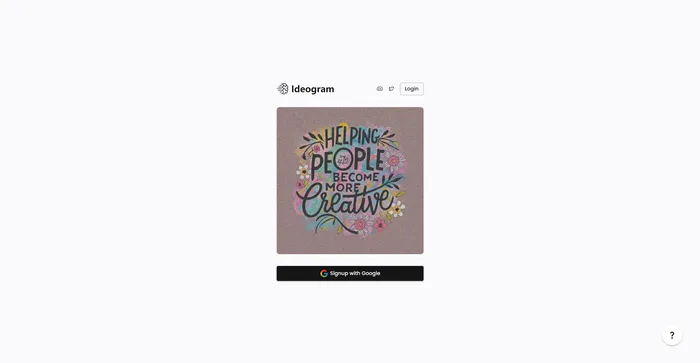
Ideogram Review

Ideogram AI emerges as a noteworthy player in the AI image generation field, particularly for its ability to integrate text within images effectively. This tool is especially useful for creators and businesses looking to generate images from text prompts, offering a variety of styles such as typography and graffiti. While it is a relatively new entrant compared to established tools like Mid-Journey or DALL-E, its unique features and free-to-use model make it an attractive option for users.

$7/mo

Playground Review

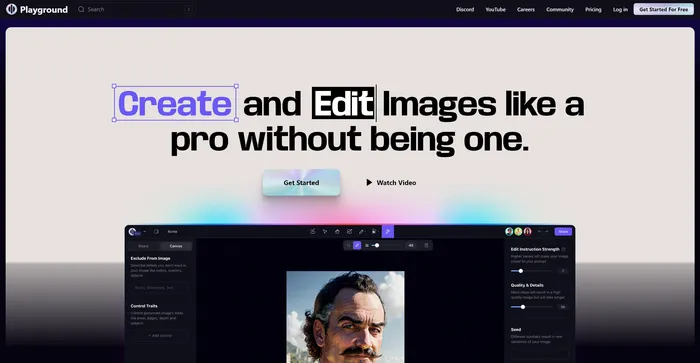
Playground AI is a versatile and user-friendly platform for generating high-quality images using artificial intelligence. It offers a comprehensive and enjoyable experience for artists, designers, and enthusiasts alike. With Playground AI, users can transform their text descriptions into realistic and captivating images, making it an excellent tool for a wide range of creative projects.

$12/mo

Craiyon Review

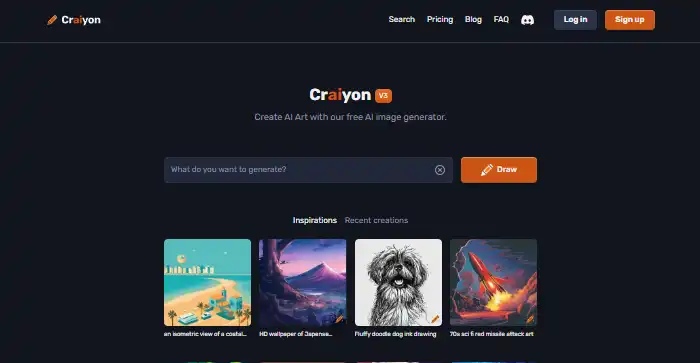
Craiyon is a free AI-powered tool that generates images based on text prompts. It’s a simple and user-friendly tool that allows users to create a variety of images by simply typing in a description. Despite its simplicity, Craiyon is capable of generating a set of nine images for each prompt, offering users a range of options to choose from. However, it’s worth noting that the images generated are often more whimsical and abstract than professional or photorealistic.

$5/mo

Midjourney Review

Midjourney stands out as an innovative AI tool for generating images from text prompts, captivating users with its ability to create stunning visuals that cater to a wide range of artistic needs. Whether you’re a content creator, marketer, or simply someone with a flair for the creative, Midjourney offers an accessible platform to bring your ideas to life without the need for advanced artistic skills.

$8/mo

Vidnoz AI Review

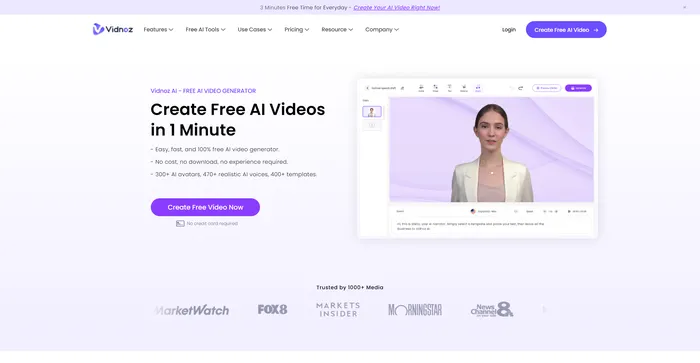
Vidnoz AI Tools is a powerful platform for creating engaging videos quickly and efficiently. It is particularly useful for those who want to convert text into video content, making it a great tool for bloggers, educators, and content creators. The user experience is smooth, even for those who may not have extensive skills in video creation. Vidnoz AI simplifies the process, making it accessible to all.

$22.49/mo

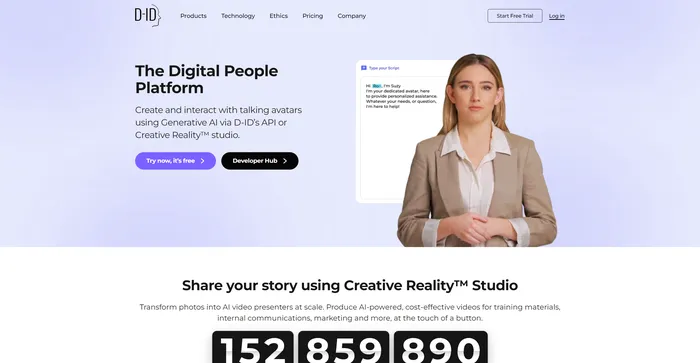
D-ID Review

D-ID’s Creative Reality™️ offers a compelling approach to humanizing digital interactions through its Natural User Interface (NUI), which allows for face-to-face conversations without the need for typing or clicking. The integration of Large Language Models and emotion analysis in NUI positions D-ID as a potential frontrunner in customer service and other conversational AI applications. However, despite the innovative technology and ease of use, users have reported issues with video rendering quality, limited functions, and customer service concerns, which suggests room for improvement.

$4.7/mo

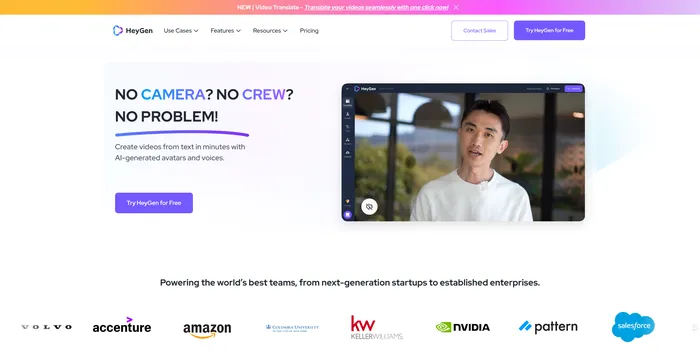
HeyGen Review

HeyGen stands out as a versatile AI video generator that caters to both professionals and beginners, enabling the creation of studio-quality videos with AI-generated avatars and voices. Its ability to engage, explain, and entertain through AI-powered video creation makes it a valuable tool for various content needs. With over 100+ AI avatars, customizable options, and a collection of high-quality voices, users can produce stunning videos in minutes, a significant time-saving compared to traditional methods.

$24/mo

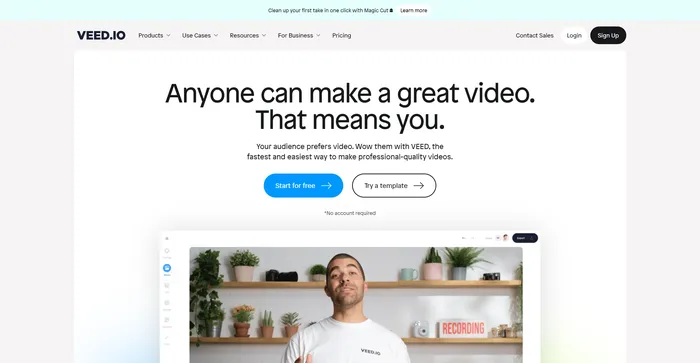
Veed Review

Veed is a simple and powerful online video editor that lets you create stunning videos in minutes. Whether you want to add subtitles, trim, crop, rotate, resize, filter, or animate your videos, Veed has got you covered. You can also record your screen, webcam, or audio and edit them right away.

$18/mo

Artflow FAQ

What is Artflow.ai? +

Artflow.ai is an AI-powered tool that helps users create personalized avatars, animated stories, and visual content from text inputs. It simplifies the storytelling process by providing tools to create characters, scenes, and dialogues, and offers a wide range of user-generated assets for customization.

Who can use Artflow.ai? +

Artflow.ai is suitable for content creators, marketers, educators, and anyone interested in creating animated stories or characters. It is user-friendly and does not require advanced artistic skills, making it accessible to beginners as well as professionals.

Is Artflow.ai free to use? +

Artflow.ai offers a freemium pricing model, with a basic plan that is free forever. There are also paid subscription options that provide additional features and capabilities for users who require more advanced tools.

Does Artflow.ai offer tutorials for new users? +

Yes, Artflow.ai provides tutorials to help new users navigate and utilize the various features of the platform, ensuring a smooth onboarding process.

Can I create custom avatars with Artflow.ai? +

Yes, Artflow.ai allows users to generate personalized avatars and characters from text descriptions, offering a high degree of customization for storytelling and content creation.

Does Artflow.ai support non-English descriptions? +

Artflow.ai primarily works with English prompts to create images and content. However, it does support non-English descriptions to some extent, allowing for a broader range of creative expression.

Is there a community for Artflow.ai users? +

Yes, Artflow.ai has a Discord community where users can connect, share their creations, and exchange ideas with other storytellers and creators.

Can I use the content generated on Artflow.ai for commercial purposes? +

Users are allowed to use the visual content generated on Artflow.ai in their own work. However, it is recommended to review the platform’s terms of service for specific details regarding commercial use and copyright.

Artflow Conclusion

Embrace the future of storytelling with Artflow AI. Whether you’re a seasoned creator or just starting out, Artflow AI offers the tools to bring your stories to life. Don’t miss out on the opportunity to unleash your creativity—start animating today!

Featured AI Tools

Artflow Related AI Tools

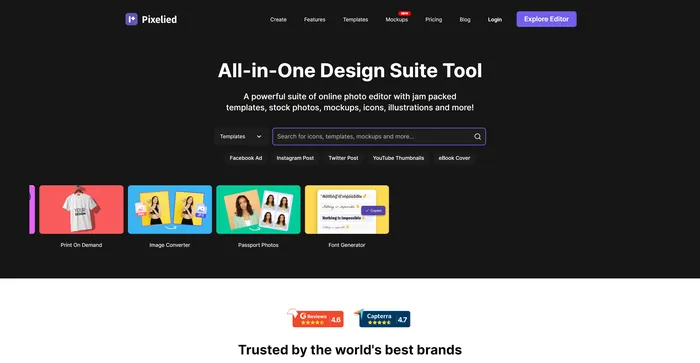
Pixelied Review

Photo Editor: Free Online Graphic Design Suite

Easy-Peasy.AI Review

Best AI Writer, Content Generator & Copywriting Assistant

Leonardo AI Review

Unleash your Creativity

FlexClip Review

Online Video Editor - Make Videos for Free

VanceAI Review

World's No.1 AI Photo Enhancement & Editing Tools Provider

PromeAI Review

Bring Creativity into Life