
Generic selectors
Exact matches only
Search in title
Search in content
Post Type Selectors

Is Pika Labs the Future of AI Video Generation? A Comprehensive Review and User Guide

Platform:

Web Based

Intergrations:

Best use cases:

#

Social links:

Overview

Creating engaging video content is a crucial part of modern digital marketing, but it can be a time-consuming and complex process.

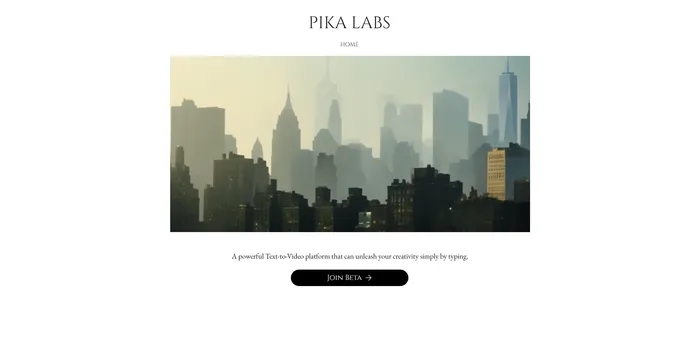
Pika Labs aims to revolutionize this process by offering an AI-powered platform that transforms simple text or images into dynamic videos.

But does it live up to the hype? In this comprehensive review, we delve into the features, usability, and performance of Pika Labs.

Editor's review

Overall Score: 4.5

Pika Labs is a cutting-edge AI software that lets you create stunning videos from text, image, or video inputs. Whether you want to make a cinematic trailer, an animated cartoon, or a realistic simulation, Pika Labs can help you turn your ideas into visual stories. Pika Labs uses generative AI models to produce high-quality videos in various styles and formats, giving you the freedom and flexibility to express your creativity.

PROS

  • Easy to use interface with intuitive controls
  • Wide range of customization options
  • Fast and reliable video generation and editing
  • Fun and engaging community of creators

CONS

  • Some video styles may not match the input or the expectation
  • Requires internet connection and browser compatibility

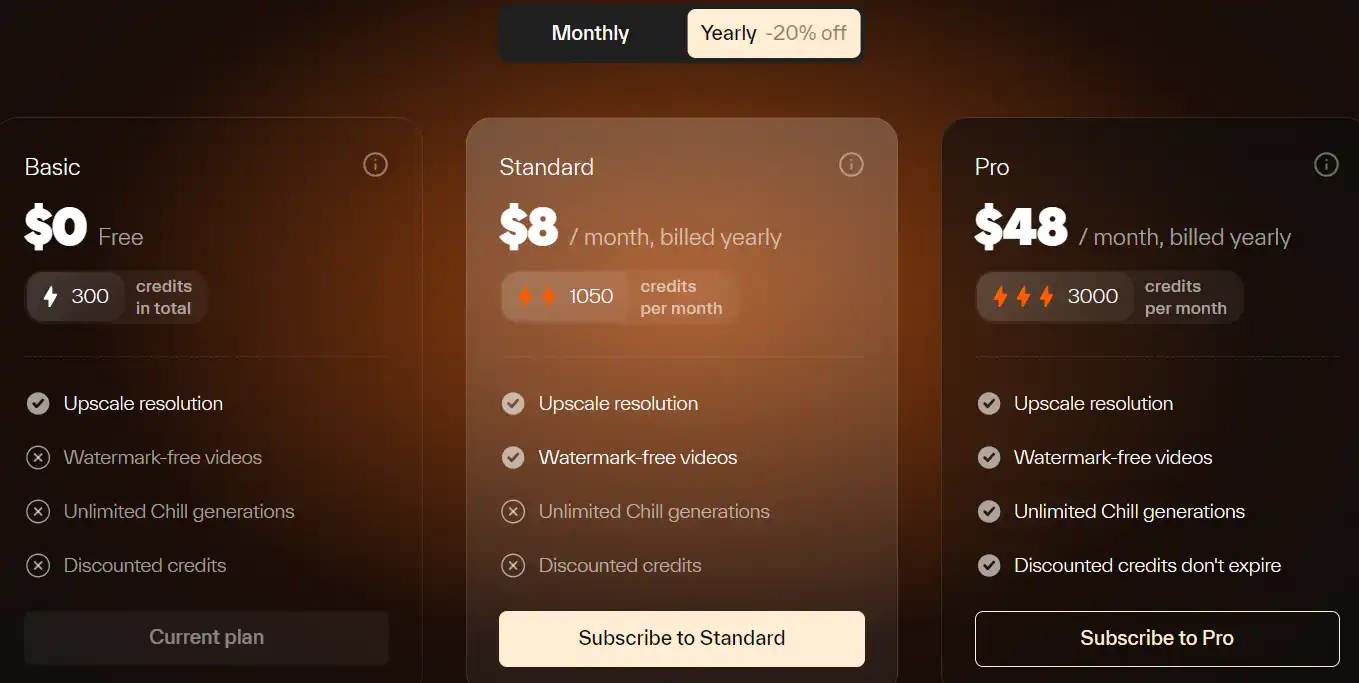
Pika Labs Pricing

Pricing (monthly plan) Plan Best For
8 USD Standard Best for regular users needing more credits
48 USD Pro Best for heavy users requiring maximum credits

Pika Labs monthly pricing plans.
monthly pricing plan for Pika Labs 1

Pika Labs annual pricing plans.
yearly pricing plan for Pika Labs 2

Feature Basic Standard Pro
Price (billed yearly) 0 USD 96 USD 576 USD
Credits 300 total 1050 per month 3000 per month
Upscale resolution Yes Yes Yes
Watermark-free videos No Yes Yes
Unlimited Chill generations No No Yes
Discounted credits No No Yes

What is Pika Labs

• Who is Pika Labs for?

Pika Labs is an ideal tool for content creators, marketers, and hobbyists who want to experiment with AI-driven video creation. Whether you’re looking to transform text into engaging videos or animate still images, Pika Labs offers a simple and efficient solution.

• Pika Labs Top features

Pika Labs comes with a range of impressive features. Here are a few:

  • Text-to-Video and Image-to-Video: Transform simple text or images into dynamic videos.
  • Video Upscaling: Enhance the quality of your videos, making them appear clearer.
  • Web and Discord Compatibility: Use Pika Labs on your preferred platform, be it the web interface or Discord.

• Tips for using Pika Labs

Here are some tips to help you make the most out of Pika Labs:

  • 🌟 Experiment with Different Inputs: Pika Labs accepts texts, images, and videos as inputs. Don’t hesitate to experiment with different types of inputs to generate unique AI-powered videos.
  • 🎯 Use High-Quality Images: The quality of the output video is often better when you use a high-quality image as the input.
  • 📺 Try Different Video Formats: Pika Labs supports various video formats. Experiment with different formats to see which one works best for your needs.
  • ⏱️ Be Patient: AI video generation can take some time. Be patient and allow the tool to fully process your input for the best results.
  • 🗣️ Provide Clear Prompts: Be clear and concise in your prompts to get the best results from Pika Labs.
  • 📚 Experiment with Different Prompts: Don’t be afraid to experiment with different prompts. The AI responds to prompts prominently and can produce more detailed results with varied inputs.
  • 🌐 Use a Compatible Browser: For the best experience, use a compatible browser like Google Chrome when using Pika Labs.
  • 💡 Explore and Experiment: Spend some time exploring all the features that Pika Labs offers. Don’t be afraid to experiment with different settings and options to see what works best for you.
  • 🔄 Automate Tasks: Identify tasks that are repetitive and time-consuming, and automate them using Pika Labs. This can free up your time for more important tasks.

Remember, Pika Labs is a powerful tool, and with these tips, you can harness its full potential. Happy video creating! 🎥

Product Hunt Review for Pika Labs

What other users are saying about Pika Labs

I have crosschecked user experiences on Product Hunt.

Here’s what I found:

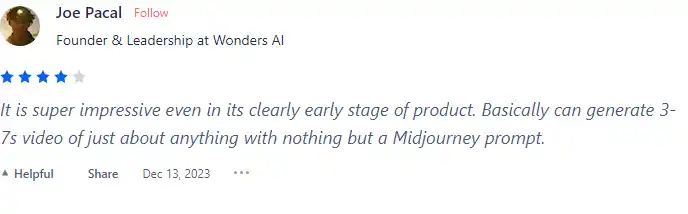
  • 🌟 Pika has a remarkable 4.8/5 rating based on 11 reviews.
  • Most positive reviews highlight:
    • 💬 Impressive performance even in its early stage
    • 😍 Excellent text2video function and fantastic photo animations
    • 🚀 Game-changer in digital media with vast applications
    • 🎨 User-friendly interface and remarkable accuracy
    • 🌐 Democratization of video creation without specialized skills
  • ☁️ Pika is praised for enhancing digital marketing and making video creation accessible to a broader audience.
  • 👶 Pika is recognized as one of the best video generators recently out of its early stages.
  • 🔍 Users appreciate Pika for its continuous improvement in txt2vid and img2vid operations.

How to use Pika Labs

Pika Labs offers a user-friendly interface and a variety of features that can elevate your content. Here’s how you can utilize them:

Text-to-Video Generation

This feature allows you to create videos from text prompts, offering a seamless experience for users.


  1. Navigate to the Pika Labs official website and sign in.
    how to use Pika Labs 3
  2. Type your text prompt into the provided field.
    how to use Pika Labs 4
  3. Customize your video using various parameters like frames per second (FPS), strength of motion, aspect ratio (AR), and camera control.
    how to use Pika Labs 5
  4. Initiate video generation. Pika Labs will render your text prompt into a video with impressive fidelity.
    how to use Pika Labs 6

Image-to-Video Generation

This feature enables you to generate videos from image prompts.
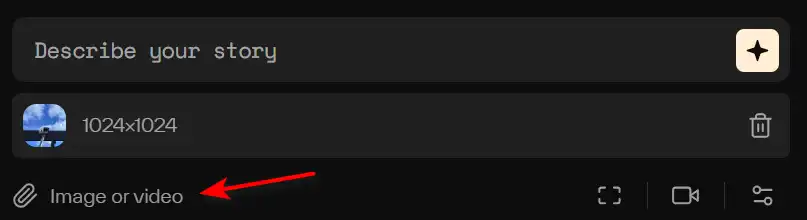
  1. Upload your image.
    how to use Pika Labs 7
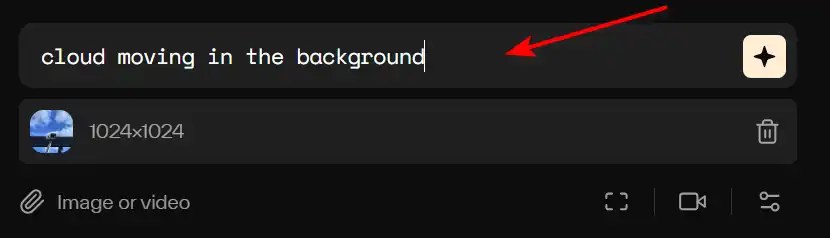
  2. Enter a text prompt that describes the desired motion in the video.
    how to use Pika Labs 8
  3. Initiate video generation. Pika Labs will create a video that closely aligns with your vision.
    how to use Pika Labs 9

Retry or Reprompt

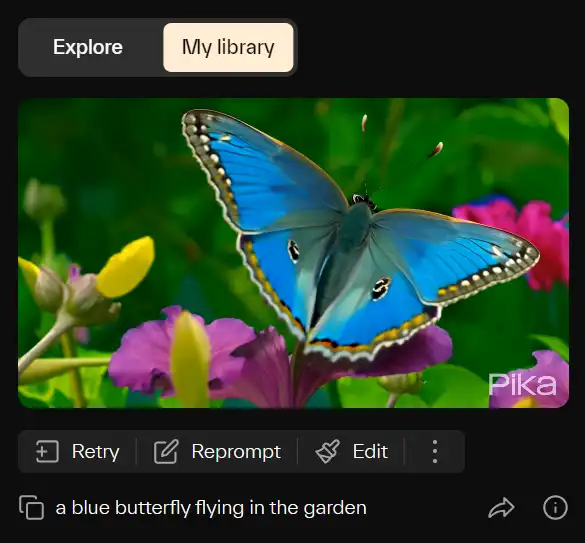
If you’re not satisfied with the generated video, you can use the ‘retry’, ‘reprompt’ or ‘edit’ features.
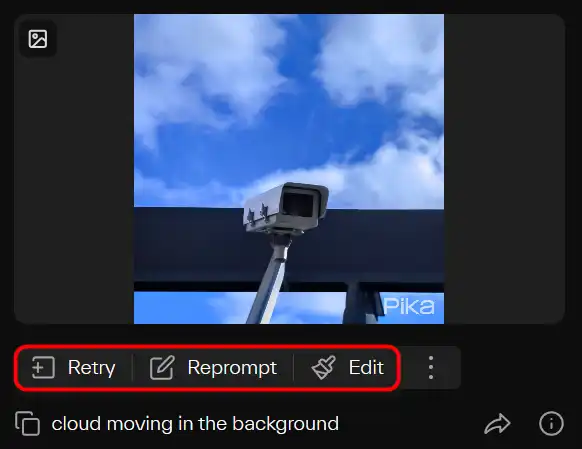
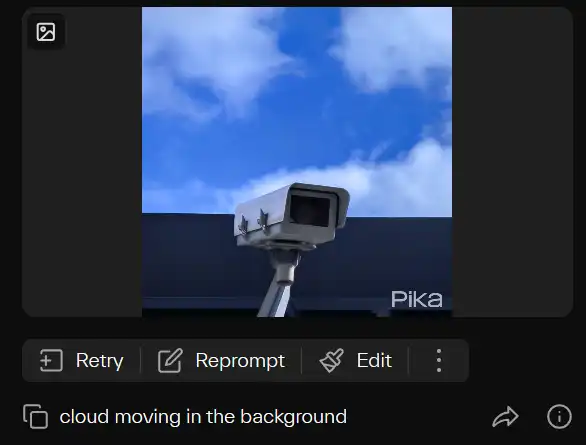
  1. Click the ‘retry’, ‘reprompt’ or ‘edit’ button. Pika Labs will then generate a new video based on your feedback.
    how to use Pika Labs 10

Camera Control

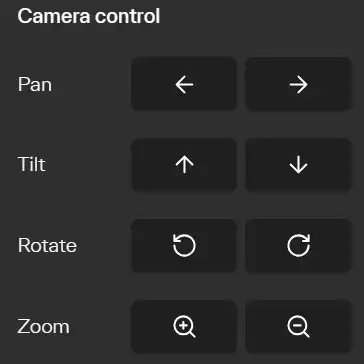
One of Pika Labs’ standout features is its camera capabilities. You can pan the camera in different directions, zoom in/out, and even rotate the viewpoint, adding dynamism and depth to your videos.
how to use Pika Labs 11

Pika Labs Top alternatives

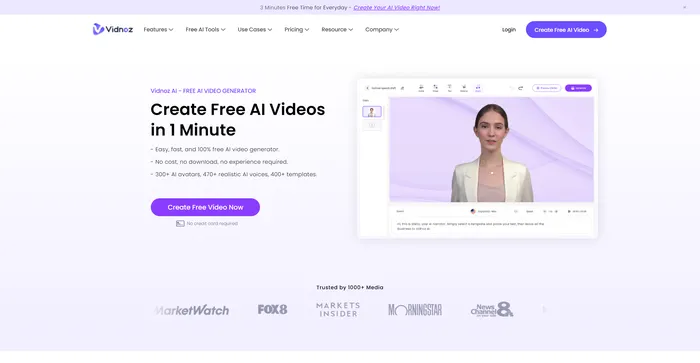
Vidnoz AI Review

Vidnoz AI Tools is a powerful platform for creating engaging videos quickly and efficiently. It is particularly useful for those who want to convert text into video content, making it a great tool for bloggers, educators, and content creators. The user experience is smooth, even for those who may not have extensive skills in video creation. Vidnoz AI simplifies the process, making it accessible to all.

$22.49/mo

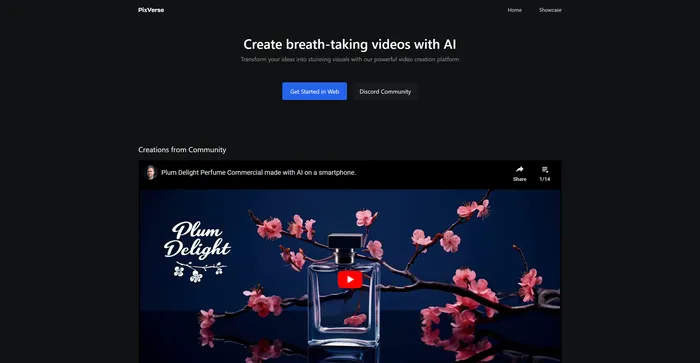
PixVerse Review

PixVerse is a powerful AI tool that transforms your ideas into stunning videos. It leverages advanced generative AI technology to create visually captivating outputs, making it an ideal tool for filmmakers, animators, content creators, and anyone in need of high-quality video content. PixVerse is flexible and capable of producing a wide variety of content, from animations to real-life sceneries, and stylized genre-specific settings.

Free for now

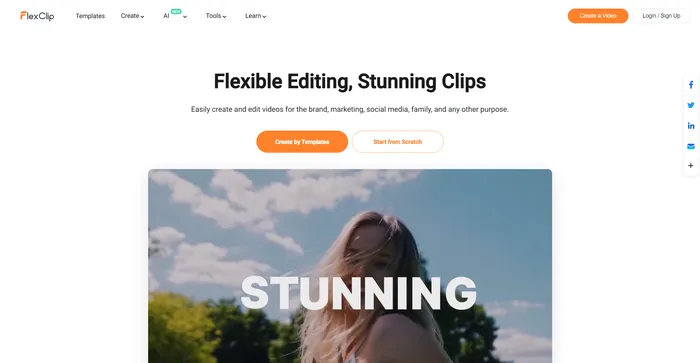
FlexClip Review

FlexClip is a simple yet powerful online video maker that helps you create engaging videos in minutes. Whether you want to make a promo video, a tutorial video, a slideshow, or a vlog, FlexClip has you covered. You can choose from hundreds of templates or start from scratch, and customize your video with stunning transitions, filters, texts, music, and more.

$9.99/mo

Kapwing Review

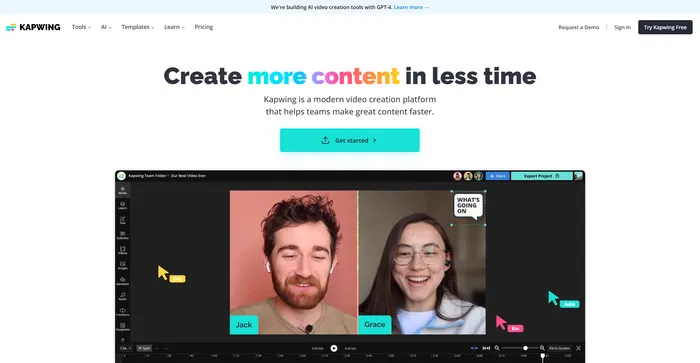
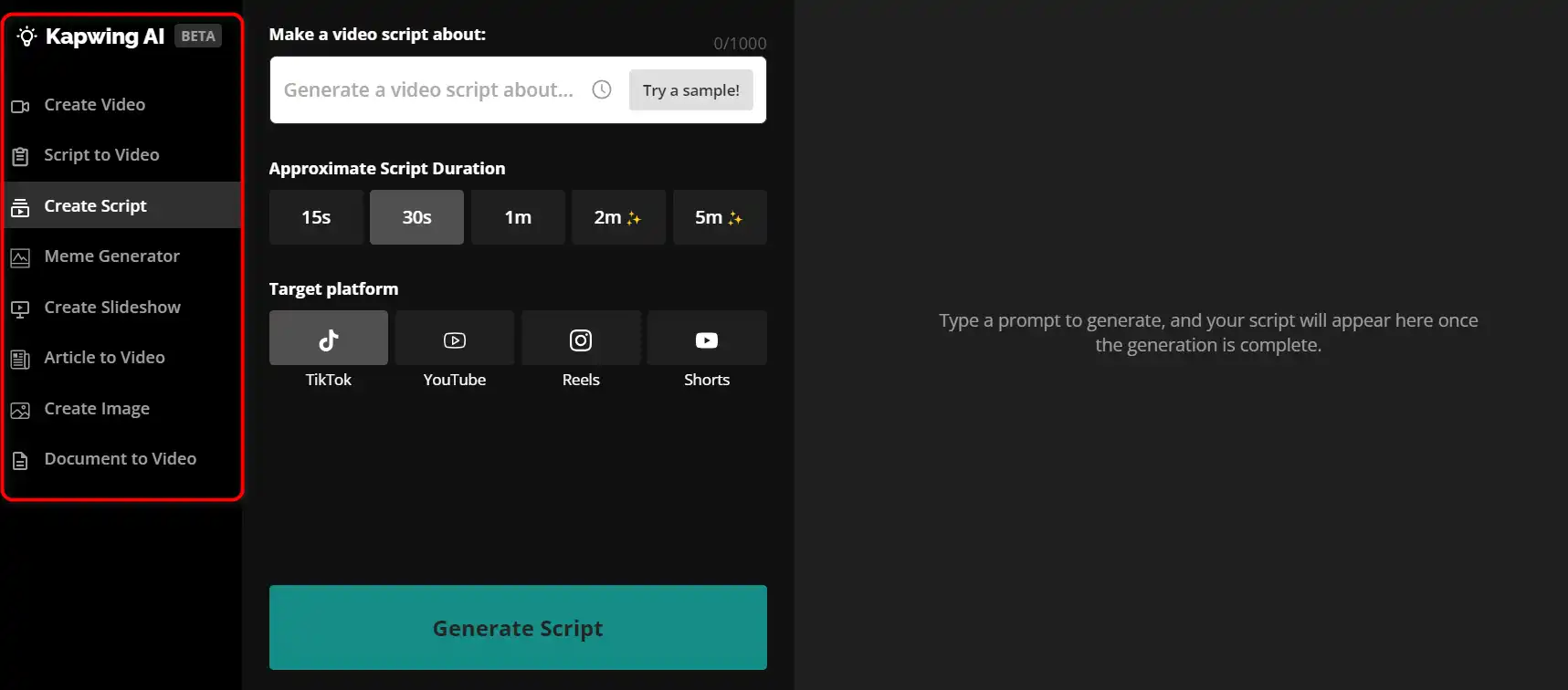
Kapwing is a versatile online video editor that lets you create, edit, and share videos, images, and GIFs. Whether you want to make a meme, a collage, a subtitle, a montage, or a slideshow, Kapwing has the tools you need to unleash your creativity.how to use Kapwing 29
 

$16/mo

Filmora Review

Filmora is a popular and easy-to-use video editing software for beginners and professionals alike. It offers a wide range of features, such as filters, transitions, titles, music, sound effects, and more. You can also use Filmora to record your screen, webcam, or voiceover. Filmora supports various formats and devices, and you can export your videos to YouTube, Vimeo, or DVD.

$29.99/qtr

Kaiber Review

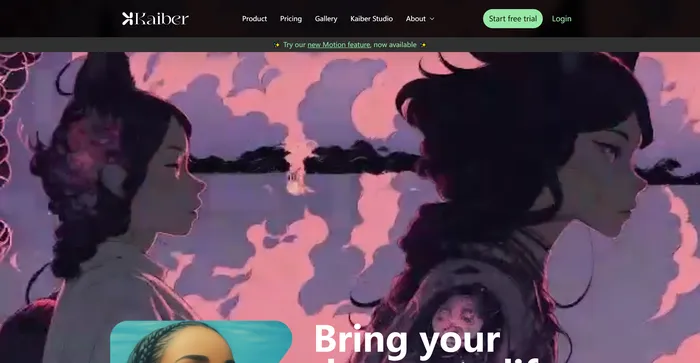
Kaiber is an AI video generator that can create animated videos from your text prompts and stylistic preferences. It is a web-based platform that aims to simplify the video creation process and unleash your creativity. However, it also has some drawbacks that you should be aware of before using it.

$5/mo

InVideo Review

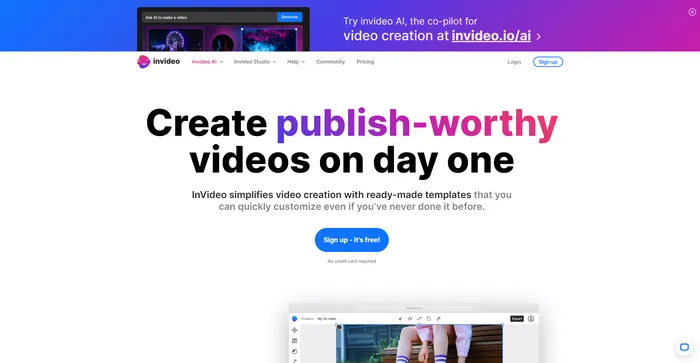
InVideo is a powerful online video editor that lets you create stunning videos in minutes. Whether you want to make a promo video, a tutorial, a testimonial, or a social media post, InVideo has you covered. You can choose from thousands of templates, customize them with your own media, text, and music, and export them in HD quality.

$20/mo

Pictory Review

Pictory is the best AI software for creating brandable videos from your long-form content (scripts, sales letters, blog posts, webinars, podcasts, Zoom recordings, and more). If you are a content creator or marketer looking for an easy way to convert your written work into video form, Pictory is the best option I’ve found to get started quickly.

Pictory uses advanced AI to automatically generate a video from your written content, with a professional voiceover, stock video clips, captions, and branding. You can also edit your video by changing the text, voice, clips, and music. Pictory has a huge library of stock videos, images, and music to choose from, and you can also upload your own media. You can also customize your branding with your logo, color scheme, intro, and outro.

$19/mo

Capcut Review

CapCut is a mobile video editing app that offers a range of features for creating and sharing short-form videos. It is owned by ByteDance, the same company behind TikTok, and integrates well with the popular social media platform. CapCut is free to use, but some advanced features require a subscription.

$7.99/mo

Pika Labs FAQ

What is Pika 1.0? +

Pika 1.0 is an advanced AI video generator developed by Pika Labs. It can convert text, images, and videos into high-quality videos with various editing and control options. The tool is designed to democratize creativity and unlock new formats for regular people, making video creation accessible to all.

What features does Pika 1.0 offer? +

Pika 1.0 offers innovative features such as Img2Vid and Text 2 Video, which streamline the video creation process. It also provides various editing and control options, allowing users to customize their videos.

How does Pika 1.0 compare to other AI video generation platforms? +

Pika 1.0 has been compared to other general-purpose AI video generation platforms like Runway. However, Pika 1.0 has been praised for its richer movement and impressive output quality, especially when using high-quality image prompts to start the process. It also offers several differentiating features, such as the ability to extend the length of existing videos.

Who can use Pika 1.0? +

Pika 1.0 is aimed at regular people, with the goal of democratizing creativity. It is designed to be user-friendly, making it easy for anyone to create high-quality videos without the need for any prior video editing experience.

How do I use Pika 1.0? +

Using Pika 1.0 is straightforward. You simply type your prompt into the text box at the bottom of the main screen, or select the Image or video button and attach an image or video to provide additional context. The prompt and the options you select can have a big impact on what the tool ends up outputting back.

What are the concerns about Pika 1.0? +

While Pika 1.0 is a powerful tool, it raises concerns about potential misuse and misinformation. It can often miss specific details or context of the prompts and produce unsettling results in some cases. Therefore, it’s important to use the tool responsibly and ethically.

Is Pika 1.0 free to use? +

Pika 1.0 is available for free with certain limitations on its features.

How can I get help with Pika 1.0? +

For assistance with Pika 1.0, it’s recommended to visit the official Pika Labs website or contact their customer service. They also have a discord community where you can find additional resources and support.

Pika Labs Conclusion

Choose Pika Labs to bring your creativity to motion. It’s a powerful, user-friendly platform that democratizes video creation, making it accessible and intuitive. With its AI-powered features, Pika Labs transforms the way we perceive video creation.

Featured AI Tools

Pika Labs Related AI Tools

FlexClip Review

Online Video Editor - Make Videos for Free

PromeAI Review

Bring Creativity into Life

Kapwing Review

Create more content in less time

Filmora Review

Easy-to-Use Video Editing Software

Kaiber Review

AI generative audio and video tools

InVideo Review

Online Video Editor | Video Creator